Paramount+ logo

Paramount+ payment methods

AcceptedHalocard is accepted*

Halocard is accepted at Paramount+. Paramount+ accepts Visa, Mastercard, Discover and American Express credit cards and PayPal when you subscribe on paramountplus.com. Its billing system takes only domestic cards, and a card issued abroad gets an "invalid credit card" message. Sign-ups in the iPhone or Android app are confirmed through the App Store or Google Play instead.

What payment methods does Paramount+ accept?

Accepted

  • AcceptedHalocard*
  • AcceptedCredit Cards
  • AcceptedDebit Cards
  • AcceptedApple Pay
  • AcceptedGoogle Pay
  • AcceptedPayPal
  • AcceptedParamount+ Gift Cards

Not accepted

  • Not acceptedPrepaid Cards
  • Not acceptedBank Transfer (ACH)
  • Not acceptedCryptocurrency
  • Not acceptedStablecoins

How does Paramount+ appear on my statement?

  • PARAMOUNT+
  • PARAMOUNT PLUS
  • PARAMOUNT 888-274-5343
  • CBS INTERACTIVE

What merchant category (MCC) is Paramount+?

4899Cable, satellite and other pay television and streaming

*Halocard is unable to guarantee acceptance for your individual situation

While Halocard has successfully processed transactions at Paramount+, merchant acceptance can change at any time. Merchants can apply fraud and risk-based rules that prevent customers from using US-issued cards at checkout which is outside of Halocard's control. We recommend using Halocard to first make a test payment with Paramount+ to confirm acceptance for your individual situation. Halocard does not provide refunds in the event your card is declined.

How to pay for Paramount+ with Halocard

01

Create a card for Paramount+ in Halocard

In your Halocard dashboard, create a new card, name it Paramount+ and set a limit that covers what you are about to pay.

02

Choose a plan on paramountplus.com

Go to paramountplus.com in a browser, choose Essential or Premium and click Continue. Enter your full name, email address and a password to create the account.

03

Enter the card and click Start Paramount+

On the payment step, enter the Halocard number, expiry date, security code and billing address, then click Start Paramount+.

04

Change the card under Subscription & Billing

To switch an existing web subscription to the Halocard, sign in at paramountplus.com/account on a computer. Under Subscription & Billing, find Payment Method and click Edit Payment.

Tips for successful payments at Paramount+

  • AcceptedAdd a backup payment method to your Paramount+ account if the option is offered. Paramount+ charges it when the main payment method cannot be charged.
  • AcceptedEnter the billing name and address exactly as they appear on your Halocard.
  • AcceptedSet the card limit above the full amount, including any hold Paramount+ places at checkout.
  • AcceptedPay on the Paramount+ website where you can, so Paramount+ charges the card directly rather than through the App Store or Google Play.

Why do Paramount+ payments decline?

"Invalid credit card"

Paramount+ shows this when it detects a card issued abroad. Pay with a domestically issued Visa, Mastercard, Discover or American Express card, or with PayPal.

Card declined after several attempts

Stop retrying, because repeated attempts can set off a fraud alert in Paramount+ billing. Check that the billing address you entered matches the card's, then wait 24 hours before trying again, or use a different card straight away.

Account on hold after a failed renewal

Paramount+ may retry the charge and suspend access until a valid payment method is on file. Update the card under Subscription & Billing on your account page; if the account stays on hold, contact Paramount+ support.

Paramount+ payment FAQ

What should I do if Paramount+ declines or doesn't support my card?

Pay with a Halocard instead. Paramount+ accepts it, and as a US-issued Visa credit card held in US dollars it is accepted at checkouts that are strict about card type or country. Halocard is available for customers in the US and 120+ countries, so check that your country is supported, then make a card for Paramount+ in minutes. See the countries Halocard supports.

Can I use a virtual card for Paramount+?

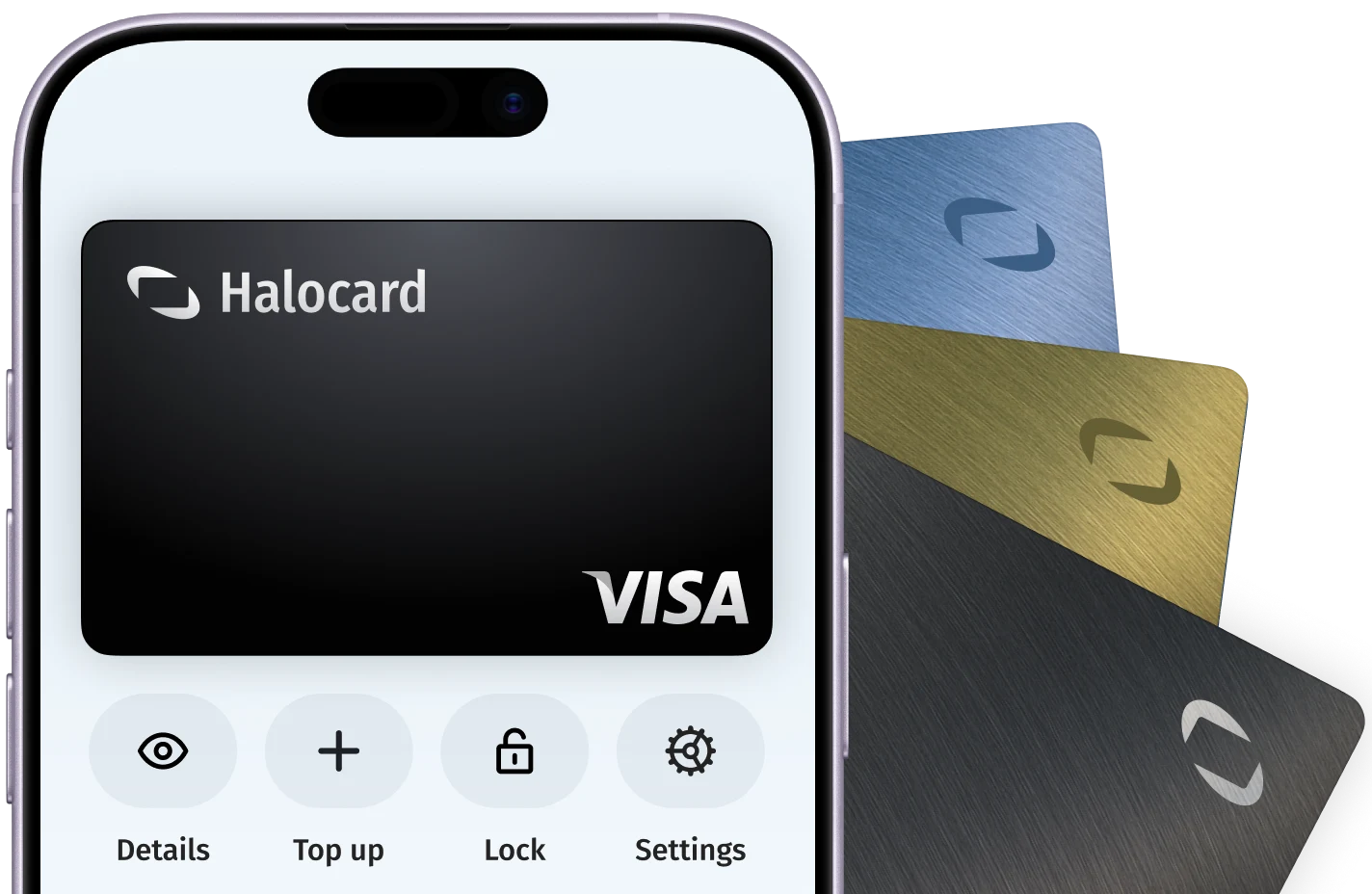
Yes. Paramount+ accepts Halocard, a US-issued Visa credit card that works like a debit card. Make a card just for Paramount+ and you are in full control: set a limit, lock it or cancel it whenever you like, without ever handing Paramount+ your bank card.

How do I stop Paramount+ charging me after I cancel?

The fastest way is to lock the Halocard you use for Paramount+. Halocard is a US-issued Visa credit card that gives you a separate card for each merchant, and locking one takes a couple of clicks in your Halocard dashboard. Paramount+ can't charge that card again until you unlock it, so you stay in full control even when cancelling is slow or hard to find. To cancel with Paramount+ as well, sign in to your Paramount+ account and cancel the plan in its billing or subscription settings.

How do I try Paramount+ without being charged when the trial ends?

Sign up with a Halocard. Halocard is a US-issued Visa credit card that gives you a separate card for each merchant, so make one just for the Paramount+ trial and lock it once you have signed up. It takes a couple of clicks, and when the trial ends Paramount+ can't charge you, so forgetting to cancel never costs you anything. If you decide to stay, unlock the card before the trial ends.

How do I update my payment method on Paramount+?

If you subscribed on the website, a smart TV or a games console, go to paramountplus.com/account on a computer, find Payment Method under Subscription & Billing and click Edit Payment. If you subscribed through the App Store, Google Play, Amazon or Roku, change the card in that account instead, and contact that company for billing help.

How much does Paramount+ cost?

For new subscribers on 6 October 2026, Essential with ads is $8.99 a month or $89.99 a year, and Premium without ads is $13.99 a month or $139.99 a year. Taxes are added where they apply. Premium adds your local live CBS station, downloads and all of SHOWTIME.

Can I pay for Paramount+ with a gift card?

Yes. Paramount+ gift cards come in $25, $50 and $100 values, with $100 sold online only. Stores selling them include Walmart, Best Buy, Sam's Club, BJ's, HEB and Barnes and Noble College stores. Redeem the PIN on the website. The credit pays your renewals first, then your saved card or PayPal is charged. Gift cards never expire but cannot be redeemed on an account billed by Apple, Google Play, Amazon or Roku.

When does Paramount+ bill me?

Paramount+ charges every month, or every year on an annual plan, starting on the day you subscribe or when a free trial ends. The billing date cannot be changed. On the website, open Account and look for Next Billing Date under Subscription & Billing.

Why is there a Paramount+ charge on my card?

Paramount+ lists three common reasons: a second account created with another email address, a subscription you meant to cancel, or fraud. For fraud, contact Paramount+ with the last four digits of the card, the transaction date and the amount. Subscriptions bought through Apple, Google Play, Amazon or Roku are billed by that company.

About Paramount+

Paramount+ is the subscription streaming service of Paramount Skydance, with more than 40,000 episodes and movies, original series, SHOWTIME programming, CBS News 24/7 and live sports such as the NFL on CBS, UEFA Champions League and UFC. It sells two plans, the ad-supported Essential and the ad-free Premium, each billed monthly or yearly.

Billed by
CBS Interactive Inc.
Billing region
United States ($USD)
Users
81.6 million subscribers worldwide, Q2 2026
Revenue
$2.06 billion Paramount+ revenue, Q2 2026

Get a Halocard to use at Paramount+ in less than 5 minutes