

Halocard is the best Ivy by IronVest alternative for private payments, with a US-issued Visa credit card for customers in the US and 120+ countries, limits you set on each card, and no $1,000 ceiling per card. Privacy.com is the strongest free option for US bank customers, Cloaked replaces Ivy's email and phone masking best, and Capital One, Citi or Apple Card holders already have virtual numbers built in.
Ivy by IronVest is a Chrome extension that bundles phishing warnings, masked email, masked phone numbers and prepaid virtual Mastercards issued by Emprise Bank. It comes from the same company that built the IronVest app, and it is where IronVest now sends people who want masked payments, since the older app's cards have been offline for an extended period.
The card side is where the questions start. Ivy's cards are available to US residents only, capped at $1,000 each, and funded one load at a time, with a 2.9% + $0.30 fee on card deposits and the same fee again to pull an unused balance back out. Its terms also allow an unused card to be canceled after 90 days without notice. Ivy is a legitimate product from an established security company, with SOC 2 Type II audits and GDPR compliance, and none of this makes it unsafe. It does make it a narrow tool, and this guide compares 11 alternatives built around the card itself.
Key Takeaways
-
Halocard is the top Ivy by IronVest alternative for payments. Per card limits by transaction, day and month, a billing address you choose, and coverage in 120+ countries rather than the US only.
-
Ivy's card is a prepaid balance, not a controllable limit. Whatever you load is the only ceiling, each card tops out at $1,000, and there are no per transaction or monthly caps to configure.
-
Idle cards are a hidden risk for subscriptions. Ivy's terms let the company cancel a card after 90 days without use, which is exactly the gap an annual renewal falls into.
-
The masking suite and the card are separable. Most people who like Ivy's masked emails can keep them elsewhere and move payments to a provider that treats the card as the whole product.
-
Fraud losses keep climbing. US consumers reported $15.9 billion in fraud losses to the FTC in 2025, up from just over $12 billion a year earlier.
Quick Comparison Table
| Provider | Card / Account Type | Availability | Virtual Card Capacity | Key Pricing and Fees | Best For |
|---|---|---|---|---|---|
| Halocard | US-issued Visa credit card | US and 120+ countries | 3 to 60 active | From $12/month; 1.5% + $0.30 | International users and subscription control |
| Privacy.com | Merchant locked US debit cards | US adults with a US checking account | 12 to 60 new per month | Free tier; paid from $5/month | Free merchant locking in the US |
| Cloaked | Masked Mastercard within a privacy app | US citizens only | Waitlisted access | From $9.99/month on annual billing | Replacing Ivy's aliases and phone numbers |
| MySudo | One Mastercard per persona | US residents, US merchants | 3 to 9 | $1.99 to $14.99/month plus 2.99% + $0.31 per buy | Compartmentalized identities |
| Capital One Eno | Virtual numbers on a Capital One card | Eligible US cardholders | Unlimited | Free | Existing Capital One customers |
| Citi Virtual Account Numbers | Virtual numbers on a Citi card | Eligible US cardholders | Multiple | Free | Trials and one off merchants |
| Apple Card | Virtual number in Apple Wallet | US, iPhone required | One number, replaceable | No fees; APR 17.49% to 27.74% | iPhone users wanting a rotating code |
| Revolut | Multi currency account | UK, EEA, US and more | 20 active plus 1 disposable | $0, $9.99 or $16.99/month | Everyday banking with disposable cards |
| Wise | Multi currency account | 160+ spending countries | Several | No monthly fee; card about $9 | Spending across currencies |
| Extend | Virtual cards from a business credit card | US and Canada | Unlimited | Varies by bank program | Business owners and finance teams |
| Klutch | US Visa credit or preload card | US residents | Unlimited | No annual fee; 1% back | Automation rules at no cost |
What Ivy by IronVest Offers and Where It Falls Short
Ivy is best understood as a browser security assistant that happens to issue cards, rather than a card program with security extras attached. That distinction shapes every trade off below.
How Ivy Masked Payments Work
Ivy by IronVest acts as an AI powered security and privacy co-pilot inside Chrome, Edge and other Chromium browsers. It works in three layers.
Browser protection
-
Site Scanner: scores each page for lookalike domains, trackers and risky scripts, gathering risk data such as domain age so you can make an informed decision before typing anything.
-
Phishing warnings: flags phishing and scam pages as you browse, then leaves the choice to stay or leave with you.
-
Email Scanner: checks the sender and links when you open a message in Gmail or Outlook, without scanning the whole inbox.
-
AI chat assistant: optional and disabled by default. Paste a link, screenshot or file for a real time scam analysis; the privacy policy says interactions are processed live and not stored or logged.
-
Breach monitoring: watches your email and identity across known breaches, with the assistant marketed as a source of ongoing security tips and recommendations.
Masking
-
Masked emails: unique addresses generated for signups that forward to your real email inbox, so a site never collects the address you actually read.
-
Masked phone numbers: US numbers on Pro, so you avoid handing out your own.
-
Encryption: AES-256 and a zero knowledge architecture, according to IronVest.
Masked payments
On the masked payments page, Ivy describes one kind of card: you load an amount, and that balance is the spending limit. Cards can be frozen or closed at any time, and plan limits look like this:
| Feature | Ivy Free | Ivy Pro |
|---|---|---|
| Price | $0 | $10.99/month or $99/year |
| Active virtual cards | 3 | 12, with reload |
| Masked emails | 5 | 500 |
| Masked US phone numbers | None | 2 |
| Password storage | Unlimited | Unlimited |
IronVest pitches the whole package as a way to simplify online security. It integrates with the sites you already use, applies automated privacy tools at signup and checkout to reduce how much personal information you expose, and describes itself as proactively managing threats and watching your digital footprint as you go. The underlying argument is fair: most people are more vulnerable than they realize, because their real details already sit on dozens of sites.
Numbers worth reading closely. Ivy's site cites 50,000 people protected and over 2 million threats blocked, but its own footnote says those figures come from the older IronVest app, not from Ivy. Ivy's Chrome listing showed 14 users and a single rating when we checked in September 2026.
Biometric Authentication, Data Collection and Privacy Practices
Ivy's legal documents are more detailed than most, which is to its credit, and they are worth reading before you connect a bank account. Here is who handles what, according to the privacy policy:
| Data | Handled by | Purpose |
|---|---|---|
| Facial geometry | Anonybit, Coresight | Biometric authentication for premium identity checks, deleted once no longer needed or within three years |
| Transaction and device data | LexisNexis, Stripe | Fraud prevention |
| Bank account details | Plaid | Bank verification |
| Masked phone calls and texts | Twilio, Bandwidth | Running masked phone numbers |
| Email engagement, IP address and device | Customer.io | Email delivery and click tracking |
| AI chat queries | AWS Bedrock | Real time answers, not stored |
Other details worth knowing:
-
Email tracking: Customer.io records your IP address, device and click behavior when you interact with a message, and the policy's own advice is to copy and paste links instead of clicking them.
-
Opting out: security alerts and verification emails cannot be opted out of, while marketing messages can, and website analytics only load after you accept performance cookies.
-
Retention: data from closed accounts is retained for up to three years before deletion.
-
Browser permissions: the extension reads page content and the addresses you visit, and scans files you download as they arrive.
-
Age: Ivy is not intended for anyone under 18.
None of this is unusual for a security tool that reads the pages you use, but it is a lot of data collected for a product whose card is prepaid and US only.
The Fine Print That Changes the Math
Ivy's current masked card account terms, effective 14 September 2026, add several conditions the marketing pages leave out:
-
Per card ceiling. Each card needs at least $10 and holds no more than $1,000, with lower limits possible after fraud reviews.
-
Fees on the way in and out. A card deposit costs 2.9% + $0.30, and closing a card to refund what is left costs the same fee on the remainder. ACH is free once IronVest activates it for your account.
-
Idle cards can disappear. A card unused for 90 days may be canceled for security reasons without notice, and an account with no activity for 120 days can be treated as dormant and closed.
-
Personal use only. Business transactions on a personal account are reversed and can lead to suspension.
-
Online only. The cards are card not present instruments, so there is no tapping in a store.
-
Disputes go to arbitration. Claims are handled by binding individual arbitration under Kansas law, with class actions waived.
The terms also warn that keeping a recurring charge funded is your responsibility, and that IronVest is not liable if a declined card costs you access to a service. Put those clauses together and Ivy is a convenient solution for one off purchases on unfamiliar websites, and a poor fit for subscriptions you want to forget about.
Best Ivy by IronVest Alternatives for Private Payments
Every option below issues a working virtual card today. They are ordered from dedicated card platforms to identity suites, then card issuer tools you may already have, then broader financial accounts and business platforms.
1. Halocard
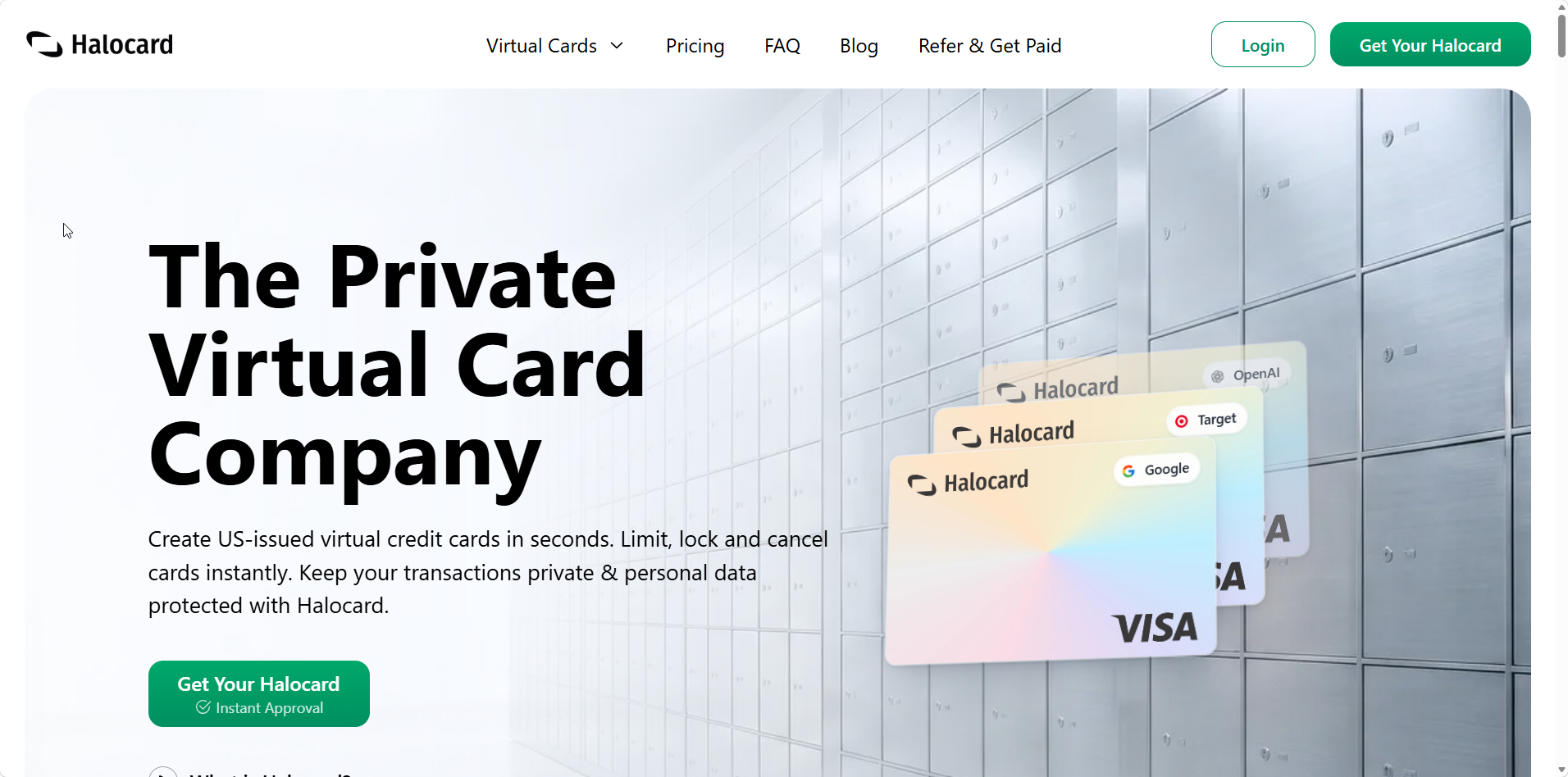
Halocard is a US based fintech that does one thing: issue virtual cards with controls attached to each one. Where Ivy treats payments as one of nine features, Halocard's entire product is the card and what you can set on it.
How Halocard Works
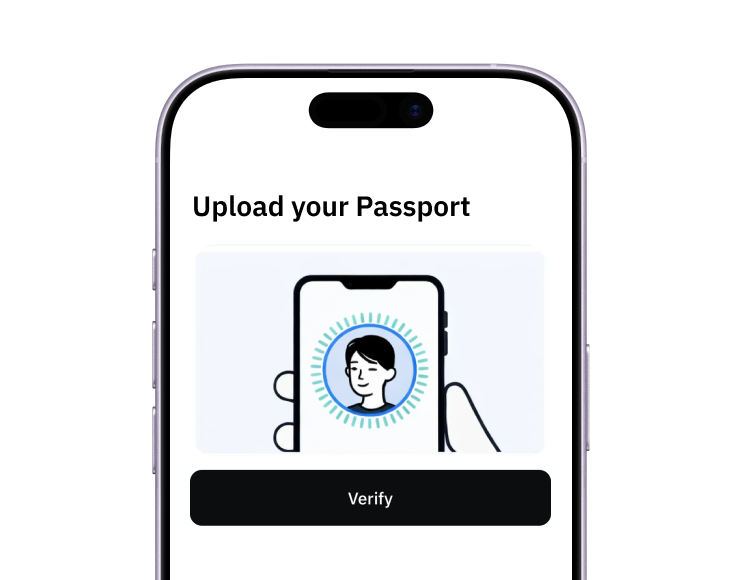
Accounts open in a browser, and identity verification with a passport or national ID typically takes under three minutes, with the documents removed afterwards and no credit check at any point. Residents outside the US are not asked for an SSN. Every card is a US-issued Visa credit card carrying 3D Secure, usable online and through Apple Pay and Google Pay.
Halocard Costs & Fees
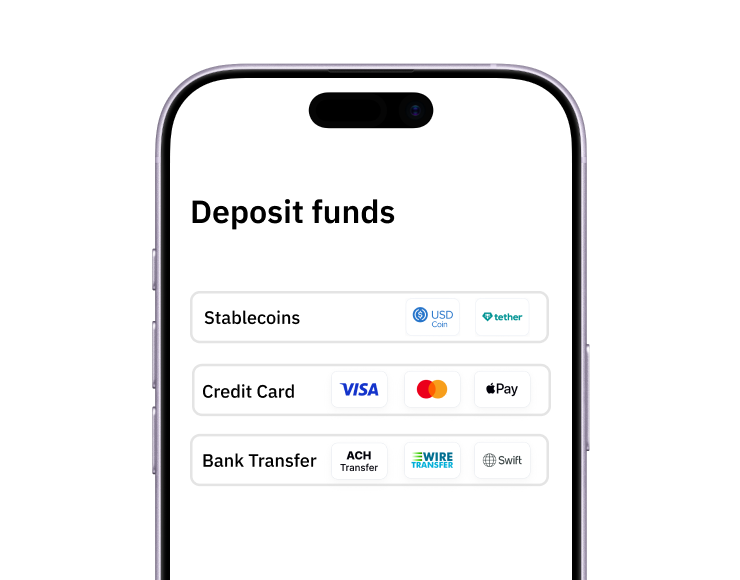
Three plans cover personal use: Essential at $12 a month with 3 cards, Pro at $15 with 12, and Elite at $75 with 60. Business plans begin at $29. Dollar purchases incur no fee, while purchases in other currencies cost 1.5% + $0.30. Funding works by debit/credit card, Apple Pay, Google Pay, bank transfer, stablecoins, or crypto.
Halocard Spending Limits and Funding
Rather than one loaded balance acting as the cap, each Halocard card carries its own ceiling per transaction, per day and per month, adjustable after the fact. Cards freeze or cancel instantly, disposable cards close after a single charge, and the billing address is yours to set on every card.
That structure matters because of where losses now come from. The FTC's latest fraud figures show 3 million reports and $15.9 billion lost in 2025, with investment and impostor scams leading. Card theft at the checkout is a separate channel, and a number that works at one merchant only is the simplest way to contain it.
Halocard Key Advantages
-
Per card limits by transaction, day and month, rather than a loaded balance acting as the cap
-
A US Visa BIN and a chosen billing address that pass US address checks foreign cards fail
-
Cards issued to residents of 120+ countries, with no residency requirement
-
Wallet support on every plan, so cards also work in physical stores
Halocard Specific Drawbacks
-
No masked email, masked phone numbers or phishing warnings, so Ivy's security layer is not replaced
-
A monthly subscription, where Ivy has a free tier
-
No cashback or accounting integrations
-
Only 4.2/5 (11 reviews) on Trustpilot, which is too few reviews to judge reliability on
Who Halocard Is Best For
Anyone whose main reason for Ivy was the card, especially people outside the US, and anyone running subscriptions they want to keep alive without babysitting balances. Our guide to managing SaaS subscriptions covers the setup.
Why Someone Would Choose Halocard Over Ivy by IronVest
Control beyond a loaded balance, no $1,000 ceiling per card, no idle card cancellation clause, and reach well beyond the United States. The trade is losing Ivy's browser protection, which can be replaced separately. Our overview of how Halocard protects privacy explains the approach. See Halocard vs Ivy by IronVest side by side.
2. Privacy.com
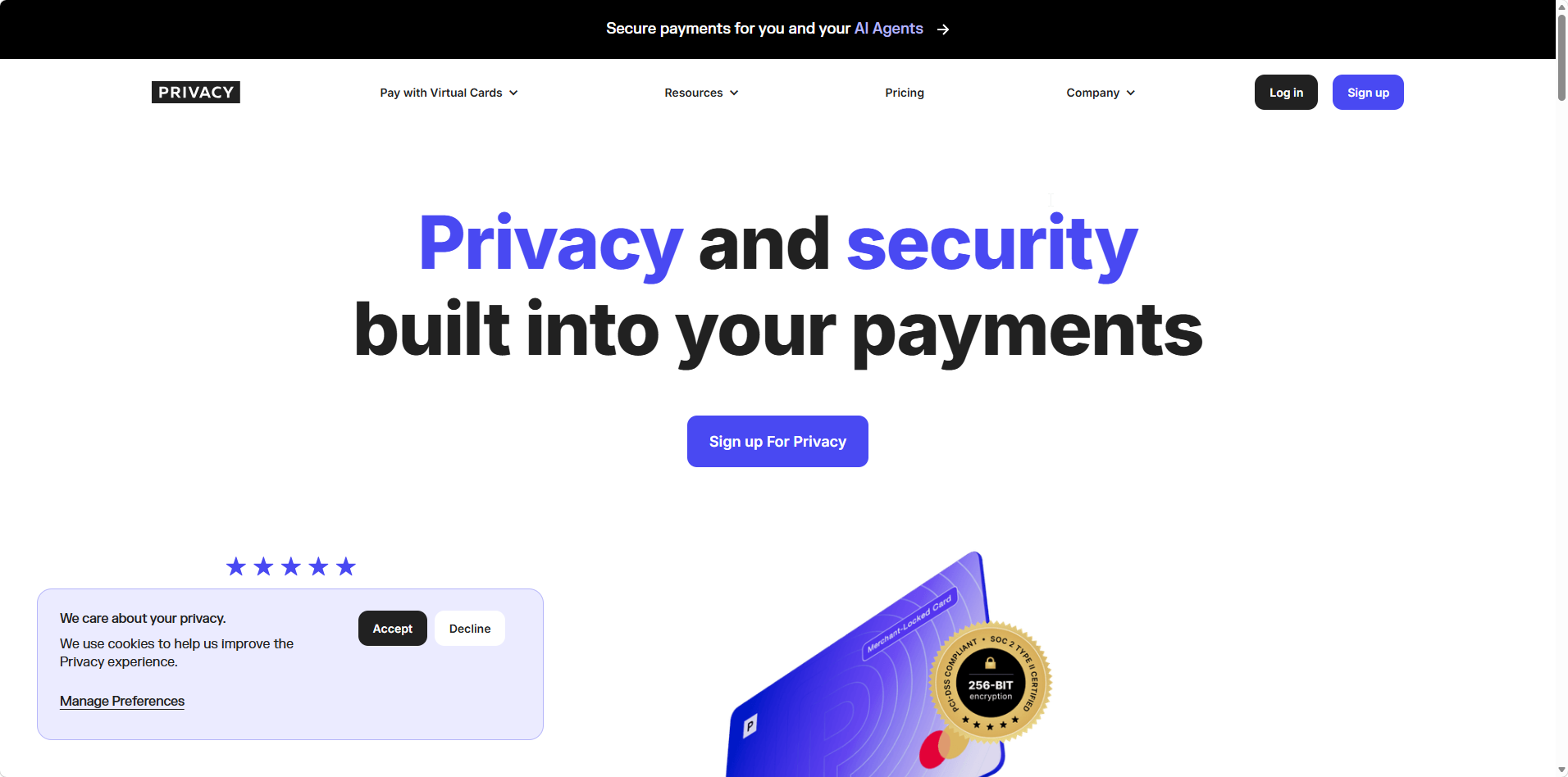
Privacy.com is the most established US virtual card service, and the one Ivy's card is most often measured against.
How Privacy.com Works
After linking a US checking account, you generate numbers that either bind themselves to whichever merchant bills them first or shut down after one purchase. A browser extension generates and fills cards at checkout, so the experience is close to Ivy's without the load step.
Privacy.com Costs & Fees
The Personal plan is free with 12 new cards each month. Plus costs $5, Pro $10 and Premium $25, adding more cards per month. Lower tiers carry a 3% foreign transaction fee; Pro and Premium remove it and add 1% cashback.
Privacy.com Spending Limits and Funding
Cards pull from your bank account when a charge clears, and each can carry a limit per transaction, month, year or lifetime. There is no deposit fee in either direction.
Privacy.com Key Advantages
-
Merchant locking, which blocks any other merchant from using the number
-
No load fees and no refund fees on unused balances
-
The best review record in the category, at 4.5/5 across 3,358 reviews
Privacy.com Specific Drawbacks
-
US adults with a US checking account only
-
No masked email or phone features
-
Reports of account closures after unusual activity
Who Privacy.com Is Best For
US residents who want Ivy's card experience without paying a fee every time they fund a card.
Why Someone Would Choose Privacy.com Over Ivy by IronVest
Real spending limits instead of a loaded balance, no fees on deposits or refunds, and years of track record.
3. Cloaked
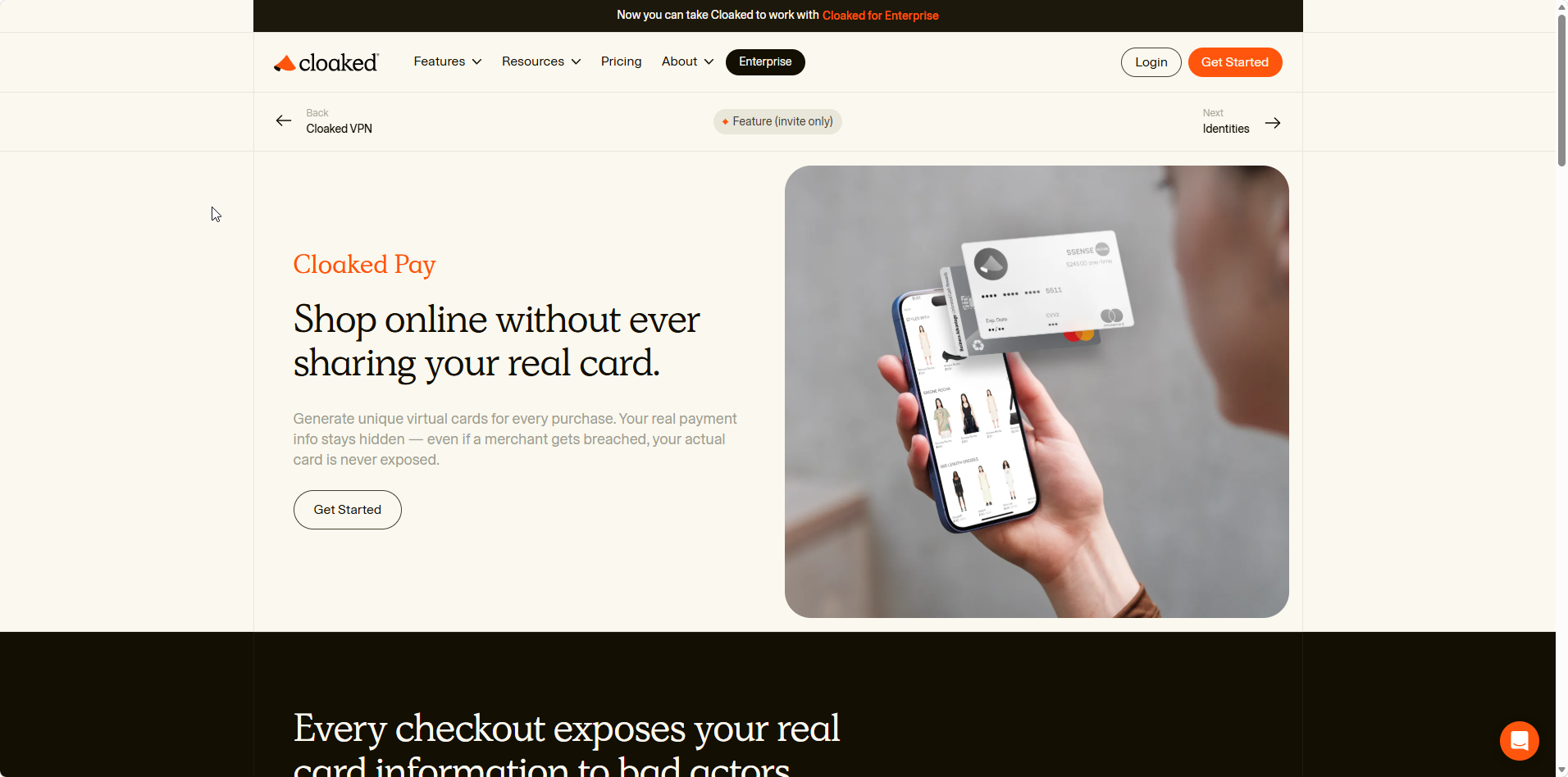
Cloaked is the closest like for like replacement for Ivy's identity features, with cards as a secondary part of the package.
How Cloaked Works
You create an identity for each service with its own email alias, phone number and stored password. Cloaked offers unlimited email addresses and phone numbers on paid plans, plus data broker removal and breach monitoring as part of its identity protection, and Cloaked Pay adds masked Mastercards funded per identity.
Cloaked Costs & Fees
The Individual plan is $9.99 a month when billed annually or $14.99 month to month, with couple and family plans above it.
Cloaked Spending Limits and Funding
Cloaked Pay assigns funds to each identity separately, so one merchant cannot draw on money meant for another.
Cloaked Key Advantages
-
Unlimited aliases and phone numbers, far beyond Ivy's 500 email cap
-
Data broker removal alongside breach alerts
-
A healthy review base at about 3.7/5 from 756 reviews
Cloaked Specific Drawbacks
-
Card access is limited and waitlisted, even on a paid plan
-
Cards require an identity check that includes your Social Security number
-
Cloaked Pay is for US citizens only (the wider Cloaked suite covers the US and Canada), and some banks reject its virtual phone numbers
Who Cloaked Is Best For
People who valued Ivy mainly for masking and want a bigger, better reviewed suite.
Why Someone Would Choose Cloaked Over Ivy by IronVest
Unlimited masking and a stronger review record. Just treat the card as a possible bonus rather than the reason to subscribe.
4. MySudo
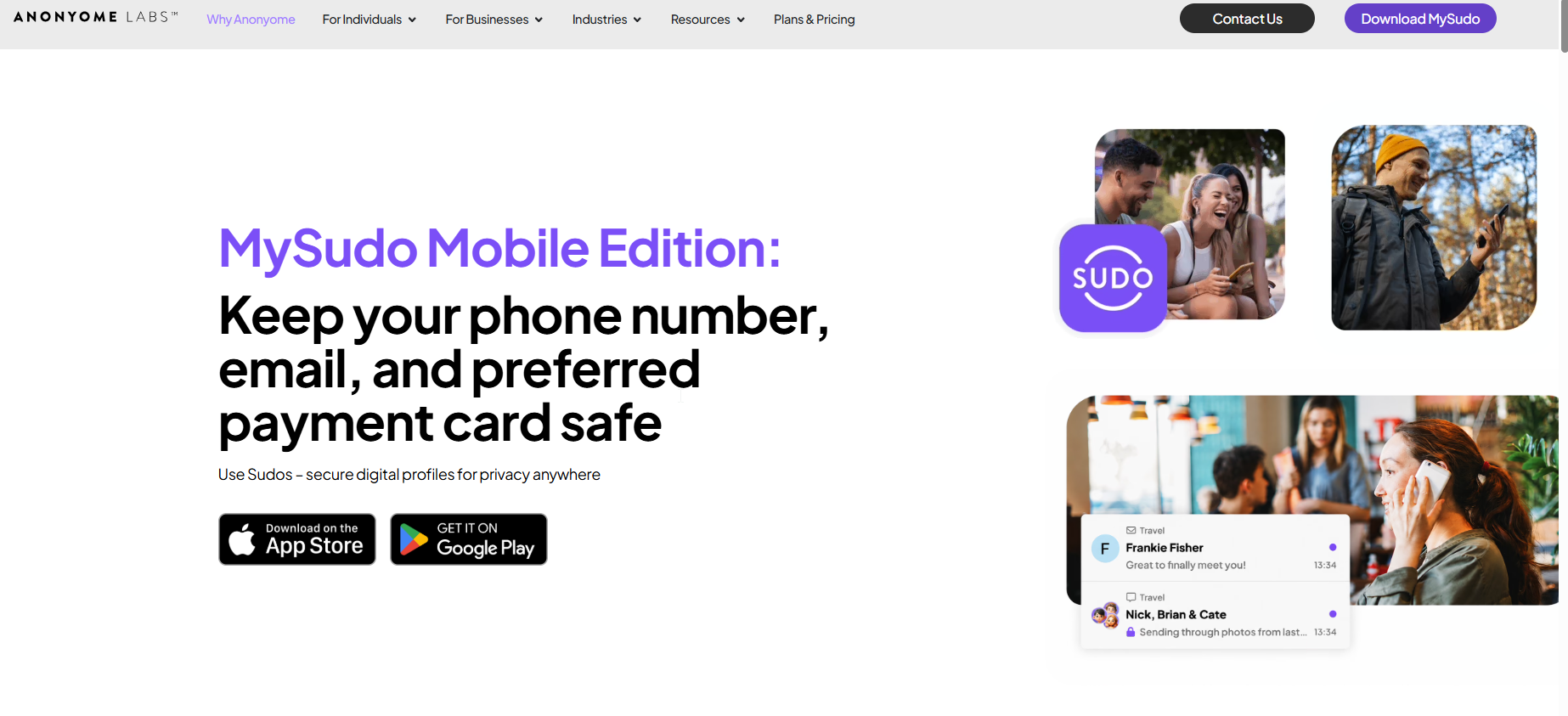
MySudo organizes privacy around personas, with each one carrying its own contact details and payment card.
How MySudo Works
Each Sudo bundles a phone number, an email address, a private browser and a single virtual Mastercard, so shopping, dating and work identities never share details. MySudo allows users to create secure digital profiles this way, managed mainly from a phone app.
MySudo Costs & Fees
SudoGo costs $1.99 a month, SudoPro $4.99 and SudoMax $14.99, with 3, 3 and 9 cards. Every approved purchase adds 2.99% + $0.31, with a $0.50 minimum.
MySudo Spending Limits and Funding
Cards are funded from one linked US card, and no single purchase can exceed $250, with total daily spending held to $350 across the whole account.
MySudo Key Advantages
-
Phone, email and card separated per persona
-
A mobile app on iOS and Android, where Ivy is still Chrome only
-
Merchant names hidden from your bank statement
MySudo Specific Drawbacks
-
Low purchase caps that rule out anything large
-
US merchants only, and no in store use
-
A per purchase fee that is steep on small transactions
Who MySudo Is Best For
Privacy focused US users who want a phone first alternative to a browser extension.
Why Someone Would Choose MySudo Over Ivy by IronVest
A mature mobile app and stricter identity separation, at the cost of tight spending caps.
5. Capital One Eno
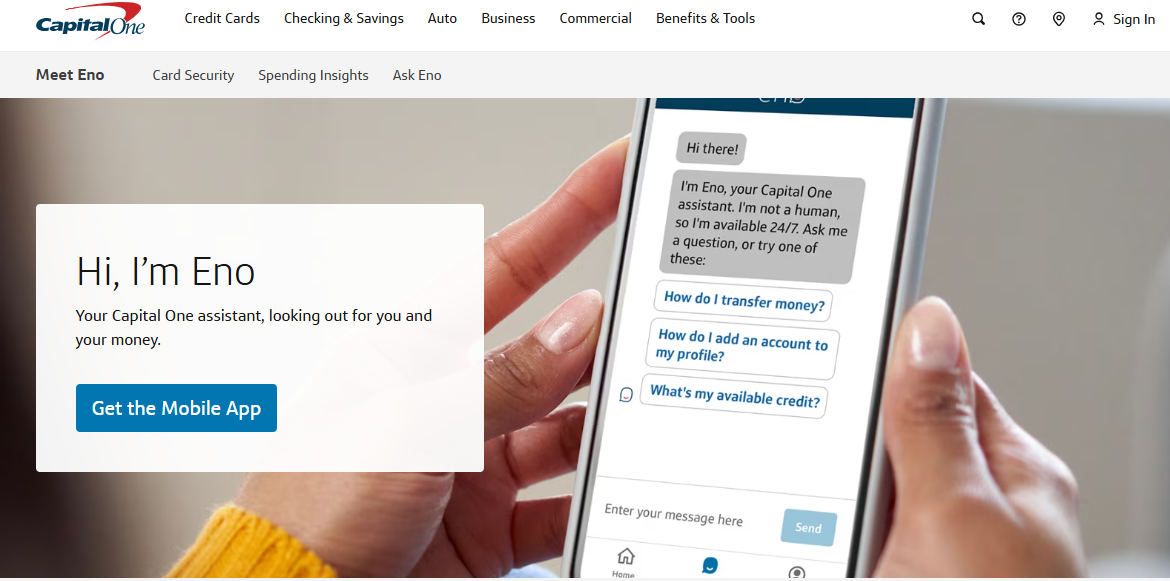
Eno is Capital One's built in virtual card feature, and it costs nothing extra for eligible cardholders.
How Eno Works
You create a virtual number tied to your Capital One account, then lock, unlock or delete it. Charges post to your existing card, so rewards and fraud protections carry through.
Eno Costs & Fees
Free with an eligible Capital One card.
Eno Spending Limits and Funding
Spending draws on your credit line, so nothing is preloaded and there is no deposit or refund fee.
Eno Key Advantages
-
No subscription and no funding fees
-
Unlimited numbers, one per merchant if you like
-
Existing card rewards and fraud protections apply
Eno Specific Drawbacks
-
The Eno browser extension is discontinued on September 30, 2026, so numbers must be created in your account
-
Only for eligible Capital One cardholders in the US
-
No email or phone masking
Who Eno Is Best For
Capital One customers who want merchant specific numbers without another account.
Why Someone Would Choose Eno Over Ivy by IronVest
It is free, credit based rather than prepaid, and backed by a large bank. The extension retirement adds a few clicks, not a new cost.
6. Citi Virtual Account Numbers
Citi's virtual account numbers give eligible cardholders a disposable number with an expiry date and limit set in advance.
How Citi Virtual Account Numbers Work
From your Citi online account, you generate a number, choose a spending cap and an end date, and use it at checkout. The charge lands on your normal statement.
Citi Costs & Fees
Free with an eligible Citi credit card.
Citi Spending Limits and Funding
Each number has its own limit and expiry, which makes it a natural fit for free trials.
Citi Key Advantages
-
Expiry dates that end trials automatically
-
No fees and no prefunding
-
Normal card rewards still apply
Citi Specific Drawbacks
-
Citi reset the program in August 2025, and numbers created before that date stopped working
-
Eligibility varies by card
-
Not usable in mobile wallets or in store
Who Citi Virtual Account Numbers Are Best For
Citi cardholders who want a quick, disposable number for trials and unfamiliar websites.
Why Someone Would Choose Citi Over Ivy by IronVest
No load fees, no $1,000 ceiling and no prepaid balance to recover. The 2025 reset is a reminder that issuer features can change without much warning.
7. Apple Card
Apple Card is not a masking service, but its virtual card number is one of the most private card setups available to iPhone users.
How Apple Card Works
Apple Card lives in Apple Wallet, where a separate virtual card number handles online purchases and can be replaced whenever you like. Viewing the number requires Face ID, Touch ID or a passcode, and turning on Advanced Fraud Protection makes the security code rotate after it is viewed or autofilled.
Apple Card Costs & Fees
No annual, foreign transaction or late fees, with up to 3% Daily Cash back. Variable APRs run from 17.49% to 27.74% based on creditworthiness. Chase is taking over as issuer from Goldman Sachs over roughly 24 months, with Mastercard staying as the network.
Apple Card Spending Limits and Funding
Purchases run on your credit line, subject to Apple's approval, and the card works in stores through Apple Pay.
Apple Card Key Advantages
-
A rotating security code that makes a leaked number far less useful
-
Biometric authentication before the number is even shown
-
Cashback and no fees of any kind
Apple Card Specific Drawbacks
-
One virtual number rather than one per merchant
-
US residents with an iPhone only, subject to a credit decision
-
An issuer transition underway, with details still to come
Who Apple Card Is Best For
iPhone users who want strong protection on one card rather than managing many.
Why Someone Would Choose Apple Card Over Ivy by IronVest
A free credit card with rotating codes and in store use, backed by Apple's privacy stance. It gives you less separation between merchants than Ivy does.
8. Revolut
Revolut is a mainstream multi currency account with generous virtual card allowances, even on its free plan.
How Revolut Works
You hold and exchange 30+ currencies in the app, then create virtual cards for online spending, including a disposable card whose number changes after every purchase.
Revolut Costs & Fees
US plans cost $0, $9.99 or $16.99 a month for Standard, Premium and Metal, with currency exchange free up to a monthly allowance.
Revolut Spending Limits and Funding
Cards draw on your Revolut balance, with in app freezing and limit settings.
Revolut Key Advantages
-
Up to 20 active virtual cards plus a disposable card on a free plan
-
Available in the UK, EEA, US and more
-
A very large review base at around 4.7/5 overall
Revolut Specific Drawbacks
-
Disposable cards cannot be used for subscriptions or mobile wallets
-
No masked emails, masked phone numbers or custom billing address
-
Account reviews and restrictions are the most common complaint
Who Revolut Is Best For
People outside the US who want Ivy's disposable card idea inside a full account. Our Revolut, Wise and Halocard comparison lays out the differences.
Why Someone Would Choose Revolut Over Ivy by IronVest
A free account with more cards, true single use numbers and wide international coverage.
9. Wise
Wise is built for spending and holding money across currencies, with virtual cards included at no monthly cost.
How Wise Works
You hold 40+ currencies, convert at the mid market rate, and create virtual cards in the app for use in more than 160 countries.
Wise Costs & Fees
No monthly fee, a one time card fee of about $9 in the US, and conversion fees shown up front.
Wise Spending Limits and Funding
Cards spend from whichever currency balance matches the purchase.
Wise Key Advantages
-
Transparent conversion fees at the mid market rate
-
Several virtual cards at no ongoing cost
-
About 4.3/5 from 300,000+ reviews, one of the largest samples anywhere
Wise Specific Drawbacks
-
Not US issued, so it can fail US address verification
-
No merchant locking or masking features
-
A replacement fee if you cycle through card numbers often
Who Wise Is Best For
People paying merchants in several currencies who care more about cost than anonymity.
Why Someone Would Choose Wise Over Ivy by IronVest
International reach and low conversion costs, rather than privacy depth.
10. Extend
Extend turns an existing business credit card into a source of virtual cards, which makes it the business answer to Ivy's personal only terms.
How Extend Works
Business owners and finance teams link a supported commercial card, then create virtual cards with their own limits, expiry dates and recipients. Cards can be sent to employees or vendors and pushed to mobile wallets.
Extend Costs & Fees
Pricing depends on your card issuer's program, so confirm eligibility and cost with Extend before relying on it.
Extend Spending Limits and Funding
Every card draws on your existing business credit line, with limits and budgets set per card or per person.
Extend Key Advantages
-
Keeps the business card and bank you already use
-
Used by more than 10,000 companies, according to Extend
-
Per card budgets for staff and vendors
Extend Specific Drawbacks
-
Business use only, and only with supported card issuers
-
US and Canada only
-
Little independent review coverage for individual users
Who Extend Is Best For
Business owners who need private, controllable cards for staff and vendors. Our guide to small business virtual cards covers other options.
Why Someone Would Choose Extend Over Ivy by IronVest
Ivy's terms forbid business transactions on personal accounts. Extend is built for exactly that.
11. Klutch
Klutch is a small US fintech focused on rules and automation around virtual cards.
How Klutch Works
You use a Klutch credit card or a preload card, then create unlimited virtual cards, locked to a merchant or used once, with alerts and custom rules on top.
Klutch Costs & Fees
No annual fee, 1% cashback and up to 6% on selected categories, with a 3% foreign transaction fee.
Klutch Spending Limits and Funding
Your approved credit line or the amount you preload sets the outer bound, and each card can carry its own custom rules within it.
Klutch Key Advantages
-
Unlimited virtual cards without a subscription
-
Rule based automation and subscription alerts
-
Cashback alongside merchant locking
Klutch Specific Drawbacks
-
A thin independent review record, so start small
-
US residents only, with a credit check for the credit card route
Who Klutch Is Best For
US users who want automation and no subscription fee.
Why Someone Would Choose Klutch Over Ivy by IronVest
Unlimited cards and cashback at no monthly cost. Our Privacy.com, Klutch and Halocard comparison covers how it stacks up.
What Users Think About These Ivy Alternatives
Review scores shift constantly, so weigh how many reviews sit behind a number as heavily as the number itself. Each figure below links to its source.
Ivy by IronVest
Ivy has almost no independent review footprint yet. Its Chrome Web Store listing showed 14 users and one five star rating in September 2026. The rating Ivy cites belongs to the IronVest iOS app, and the related IronVest profile on Trustpilot sits at 2.4/5 from 13 reviews.
Halocard
Halocard holds 4.2/5 (11 reviews) on Trustpilot, which is too few reviews for any firm conclusion to be drawn from it. Reviewers describe cards that worked on US services after their own cards were refused, and the subscription cost is the complaint that comes up.
Privacy.com
The category leader at 4.5/5 from 3,358 reviews. Negative reviews focus on account closures and refund timing rather than on cards failing.
Cloaked
About 3.7/5 from 756 reviews, with praise for reduced spam and criticism from subscribers who paid expecting cards and found them waitlisted.
MySudo
Only around 7 Trustpilot reviews, mixing praise for spam reduction with frustration at free tier limits.
Capital One Eno
The extension holds 4.6 from about 6,700 ratings and 600,000 users, though recent reviews focus on its September 2026 shutdown.
Citi Virtual Account Numbers
Citi is reviewed as a bank, so there is no meaningful rating for this feature alone. The main documented change is the 2025 reset, which broke numbers saved at merchants.
Apple Card
Apple Card has no dedicated review profile of note, and its reputation rests on its fee free design. The issuer change to Chase is the open question for existing users.
Revolut
Around 4.7/5 from several hundred thousand reviews across the whole app, with account restrictions the main negative theme.
Wise
About 4.3/5 from 300,000+ reviews, one of the strongest large samples in fintech.
Extend
Extend has little consumer facing review coverage, and most public information comes from company announcements, so judge it through a trial with your own card issuer.
Klutch
Too few reviews to judge. Treat it as promising but unproven.
How to Opt Out of Ivy and Move Payments Without Losing Access
Leaving Ivy is mostly about timing. Masked emails, loaded balances and recurring charges each need handling in the right order, or something breaks.
1. List every masked email tied to a login. Accounts registered under an Ivy address depend on that forwarding. Update the email on each account before you downgrade or cancel.
2. Move recurring charges before anything else. Given the 90 day idle card clause, any annual subscription on an Ivy card should move to a new card now, not at renewal.
3. Spend down balances rather than refunding them. Refunding a card-funded balance costs 2.9% + $0.30 on what is left. Spending it on a planned purchase avoids the fee, and balances under $15 on a closed account are not returned by check.
4. Request deletion in writing. Email privacy@ironvest.com to ask for your data to be deleted, and keep in mind that closed accounts may otherwise be retained for up to three years. Unsubscribe from marketing emails separately.
5. Remove the extension last. Once cards and aliases are moved, uninstall the extension so it stops reading pages and scanning downloads.
6. Pick a funding route that fits your spending. Halocard's funding options look like this:
| Funding method | Makes sense when |
|---|---|
| USDC or USDT stablecoins | You want the lowest cost at any size |
| BTC, ETH or SOL | You hold crypto but no stablecoins |
| SEPA or UK Faster Payments | You fund monthly from a bank |
| Debit or credit card | You need money on a card within minutes |
Here is how the costs compare in practice. Say you run twelve subscriptions averaging $15 each, so $180 a month. On Ivy Pro, funding each by debit card adds about $8.82 a month in deposit fees, or roughly $106 a year on top of the $99 subscription, for about $205 in total.
Halocard Pro costs $180 a year for 12 cards, plus a funding fee that depends on the method you choose. If Ivy approves your account for ACH, its total falls to $99 and it becomes the cheaper option, so verify that first. What the numbers do not show is the 90 day clause, which makes Ivy risky for any subscription billed annually.
Fraud Prevention Settings That Improve Security on Any Virtual Card
Whichever provider you choose, a few settings do most of the work:
-
One card per merchant. A breach at one retailer then exposes a number that works nowhere else. Security.org's 2026 fraud survey found repeat fraud from the same merchant climbing to 22% of cases, which is the pattern a dedicated number shuts down.
-
A limit just above the expected charge. An unexpected price increase gets declined instead of going through quietly.
-
Single use cards for unfamiliar websites. The card closes after the first charge, so a scam site cannot bill again.
-
A matching billing address. Address verification failures cause more declines than bad card numbers.
-
Alerts on every charge. Spotting an unauthorized transaction within two days keeps debit card liability at $50 under Ivy's own terms, and the same habit helps with any card.
How to Get Halocard
If you came to Ivy for private payments, Halocard covers that job with more control and without the US only restriction. Cards are issued on the Visa network with limits per card, instant freezing, disposable cards and a custom billing address. People use it for private purchases, recurring subscriptions and AI platform billing, while Halocard for business supports teams.
Halocard does not offer masked emails, phone numbers, phishing warnings or a password manager, so if you want those, keep a separate tool alongside it. It also has no free plan unless referral thresholds are met, and it pays no rewards.
To explore further, see how virtual cards work, how to use one, our masked card services explainer and checking your digital footprint.
Step-by-Step
-
Create an account in your browser.
-
Complete ID verification with a passport or national ID, with no SSN needed outside the US.
-
Fund the account with stablecoins, crypto, a bank transfer or a card.
-
Make a card, set its limits and billing address, and add it to your phone's wallet if you like.
-
Pause, cancel or replace any card whenever you need to.
Frequently Asked Questions
Is Ivy by IronVest the Same as the IronVest App?
No. Ivy is a separate product from the same company, with its own account, billing and Chrome extension. IronVest says existing app accounts are unchanged, and data cannot currently be moved from the IronVest app into Ivy.
Are Ivy Virtual Cards Safe to Use?
The cards are Mastercard debit cards issued by Emprise Bank, an FDIC member, and they mask your real card details during transactions. The practical risks are the $1,000 limit per card, the fees on funding and refunds, and the clause allowing idle cards to be canceled after 90 days.
Can I Use Ivy Outside the United States?
Ivy's security features work in any Chromium browser, but masked cards and phone numbers are for US residents only, and the terms allow an account to be closed if you move abroad. Halocard, Revolut and Wise are the practical options outside the US.
Do Virtual Cards Actually Reduce Fraud Losses?
For online spending, yes. Worldwide card fraud losses reached $33.41 billion in 2024, according to the Nilson Report, and FICO expects card not present fraud to keep growing as ecommerce expands. Virtual cards let you set spending limits, create one time use cards instantly, and close a compromised number without replacing your main card, which limits how much any single breach can cost.
What Are the Best Alternatives to Ivy's Masked Emails?
Cloaked offers unlimited aliases and phone numbers, MySudo ties an address and number to each persona, and SimpleLogin, Firefox Relay and Apple's Hide My Email are low cost options for email alone. Masked emails keep your real inbox private and stop data breaches at a website from exposing it; the Identity Theft Resource Center counted a record 3,322 data compromises in 2025.
Does Ivy Replace a Password Manager?
Ivy includes password storage and autofill, but its own store listing describes the password manager as a side feature. For your most sensitive accounts, a dedicated password manager with multi factor support remains the better choice, alongside whichever masking tool you use.
Can a Virtual Card Be Traced?
Yes. Masking works against merchants and data brokers, not against the issuer or the law. The issuing bank knows who holds the account, keeps records of each transaction, and responds to valid legal and anti money laundering requests. Ivy's terms, for example, say transaction details are disclosed in response to court and government orders.
Does Halocard Require an SSN?
Not for anyone outside the United States. International applicants sign up without an SSN or ITIN, while US residents provide one as required by law. There is no credit check, verification usually finishes in a few minutes, and uploaded ID documents are removed once it is complete.
Is Halocard Available in My Country?
Halocard is available in the US and 120+ countries. China, India, Russia, Turkey and Iran are among the few exceptions, and the full list is on halocard.co. Every card is issued in the United States regardless of where you live, which helps with US merchants that decline foreign cards.
Sources
-
Trustpilot. Halocard Reviews
-
Ivy by IronVest. Homepage
-
Ivy by IronVest. Masked Payments
-
Ivy by IronVest. Pricing
-
Ivy by IronVest. For IronVest App Users
-
Ivy by IronVest. Privacy Policy
-
Ivy by IronVest. Masked Cards Account Terms
-
Ivy by IronVest. Legal Hub
-
Chrome Web Store. Ivy Extension
-
Trustpilot. IronVest Reviews
-
Privacy.com. Pricing
-
Trustpilot. Privacy.com Reviews
-
Trustpilot. Cloaked Reviews
-
Chrome Web Store. Eno From Capital One
-
Upgraded Points. Citi Virtual Card Number Update
-
Apple. Apple Card Fraud Protection
-
Apple Newsroom. Apple Card Issuer Change
-
Trustpilot. Revolut Reviews
-
Trustpilot. Wise Reviews
-
Business Wire. Extend 2024 Milestones
-
Federal Trade Commission. 2025 Fraud Testimony
-
Identity Theft Resource Center. 2025 Data Breach Report
-
Nilson Report. Global Card Fraud Losses
-
FICO. Card Not Present Fraud
-
Security.org. 2026 Credit Card Fraud Report
Sourced September 21, 2026
*Please see Halocard's Terms of Service or Pricing for the most up to date pricing and fee information. This publication is provided for general information purposes and does not constitute legal, tax or other professional advice from Halocard LLC or its subsidiaries and its affiliates, and it is not intended as a substitute for obtaining advice from a financial advisor or any other professional. We make no representations, warranties or guarantees, whether expressed or implied, that the content in the publication is accurate, complete or up to date.
Halocard Virtual Cards


Instant approval
Create your first card in under 5 minutes.

Private purchases
Purchases never appear on your bank account.

Powered by Visa
Accepted at 175M+ merchants globally.
3 steps to create your virtual credit card
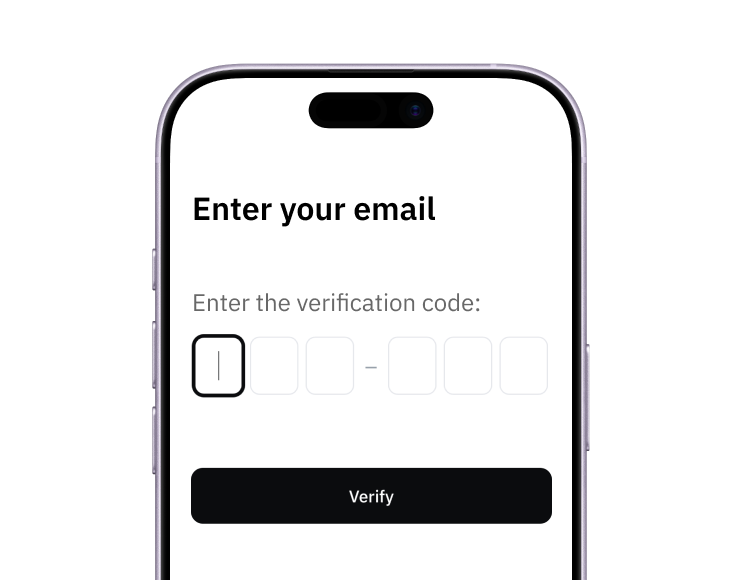
1. Sign up
Create your account from a web browser. No need to download an app.
2. Verify
Verify you're a real person in 3 minutes, from the US or any of 120+ countries.
3. Fund
Add funds by debit/credit card, Apple Pay, Google Pay, bank transfer, stablecoins, or crypto.
Pay with Halocard
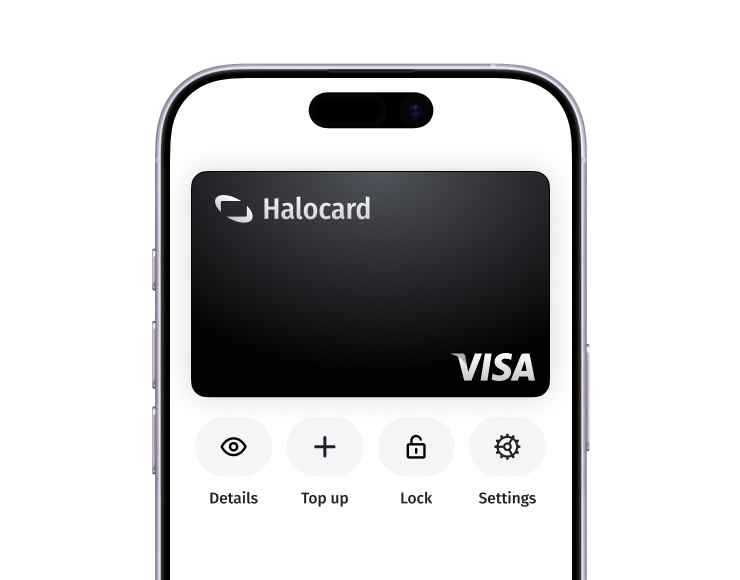
Pay online and in-person wherever Visa is accepted. You can also order a physical Halocard if you prefer.