Proton logo

Proton payment methods

AcceptedHalocard is accepted*

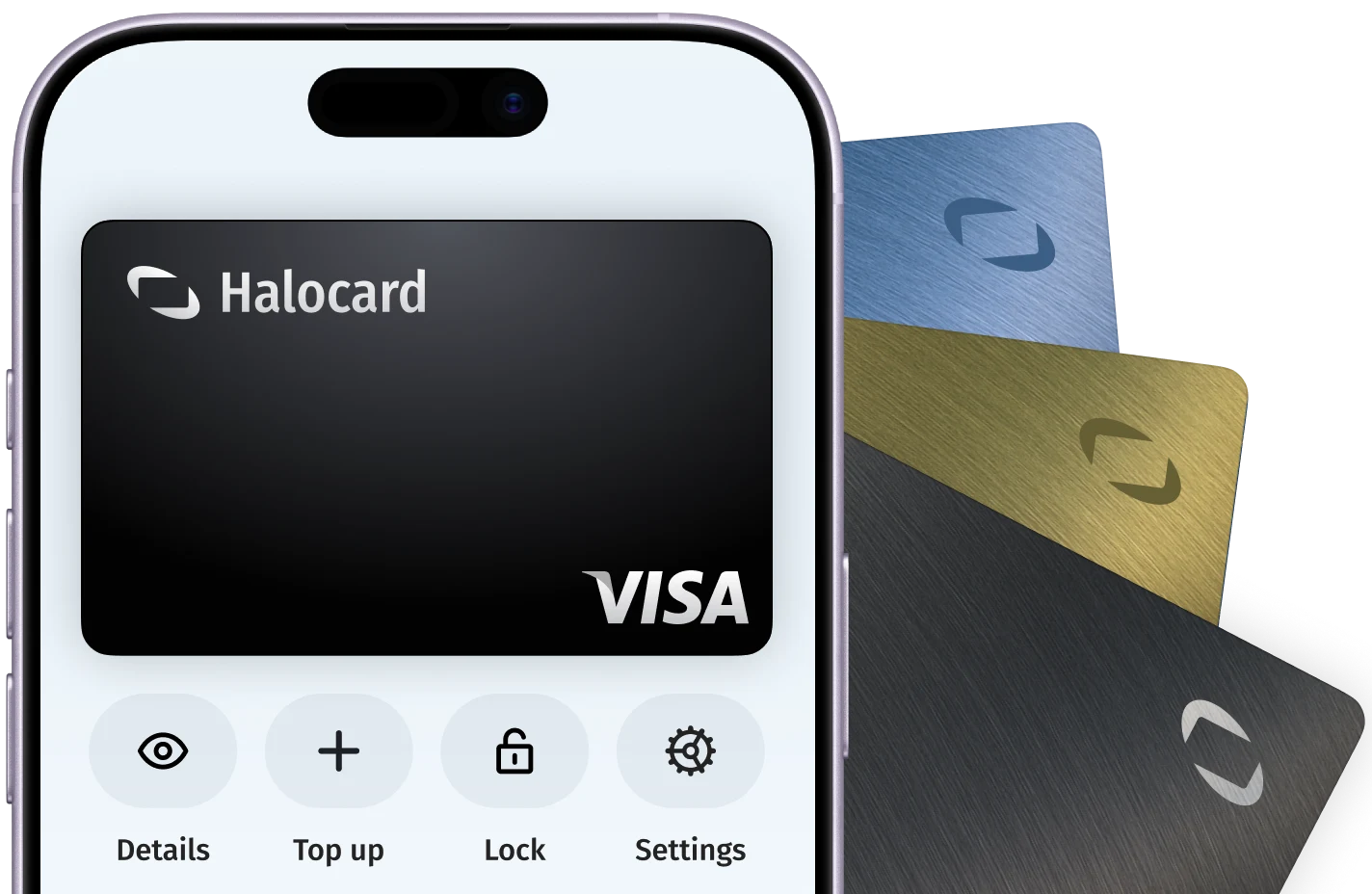
Halocard is accepted at Proton. Proton accepts Visa, Mastercard, American Express, PayPal, Apple Pay and Google Pay for its paid plans. Subscribe on proton.me rather than through an app store, because app store terms can differ and Proton may add a surcharge on iPhone to cover Apple's fees.

What payment methods does Proton accept?

Accepted

  • AcceptedHalocard*
  • AcceptedCredit Cards
  • AcceptedDebit Cards
  • AcceptedApple Pay
  • AcceptedGoogle Pay
  • AcceptedPayPal
  • AcceptedCash
  • AcceptedProton Gift Cards and Credits
  • Accepted with conditionsCryptocurrencyAvailable once you have a free account: upgrade from account settings to see it.

Not accepted

  • Not acceptedPrepaid Cards
  • Not acceptedBank Transfer (ACH)
  • Not acceptedStablecoins

How does Proton appear on my statement?

  • PROTONMAIL
  • PROTONVPN

What merchant category (MCC) is Proton?

5734Computer software stores

*Halocard is unable to guarantee acceptance for your individual situation

While Halocard has successfully processed transactions at Proton, merchant acceptance can change at any time. Merchants can apply fraud and risk-based rules that prevent customers from using US-issued cards at checkout which is outside of Halocard's control. We recommend using Halocard to first make a test payment with Proton to confirm acceptance for your individual situation. Halocard does not provide refunds in the event your card is declined.

How to pay for Proton with Halocard

01

Create a card for Proton in Halocard

In your Halocard dashboard, create a new card, name it Proton and set a limit that covers what you are about to pay.

02

Add the card under Subscriptions, then Payment methods

Sign in at proton.me and open any service. Click Settings, then All settings. In the Subscriptions tab, go to Payment methods, click Add credit/debit card, enter the card details and click Save. Click Verify if your bank asks for 3D Secure.

03

Mark the card as default for renewals

In Payment methods, click the small arrow next to Edit on the new card and choose Mark as default. Leave Enable auto-pay support on if you want renewals charged to it.

Official payment guidance from Proton

Tips for successful payments at Proton

  • AcceptedAt checkout, pick your country of tax residency as the billing country, as Proton asks.
  • AcceptedSubscribe on proton.me, not in the iPhone app. Proton recommends its website and may add a surcharge on iOS to cover Apple's fees.
  • AcceptedEnter the billing name and address exactly as they appear on your Halocard.
  • AcceptedSet the card limit above the full amount, including any hold Proton places at checkout.

Why do Proton payments decline?

"Authorization failed"

Proton says the bank asked for 3D Secure and it did not succeed. Try again and approve the check exactly as prompted. If the verification window does not open, turn off your ad blocker.

"Payment failed"

Proton says banks usually do not tell it why. Check the card number, expiry and CVV, and that the card's limit in Halocard covers the full plan price, then try again or use another card.

The payment stopped with no error message

Proton says this usually means checkout was interrupted, for example by a dropped connection. Try again in a private browser window.

A failed payment still shows on your card

Proton says this is a pending charge that is reversed within 48 hours. Contact Proton support if it is still there after that.

Proton payment FAQ

Can I keep my real card and address private from Proton?

Yes, with Halocard. Halocard is a US-issued Visa credit card that gives you a separate card for each merchant, so Proton only ever sees your Halocard, never your bank card. You choose the cardholder name and billing address on each card, so your real details stay out of Proton's records. If you ever want a clean break, cancel that card and make a new one in seconds.

Will Proton show up on my bank statement?

No, with Halocard your Proton purchases, with the merchant name and amount, show only in your Halocard account, never on your bank or card statement. Halocard is a US-issued Visa credit card that gives you a separate card for each merchant, and you can add funds by debit/credit card, Apple Pay, Google Pay, bank transfer, stablecoins, or crypto. Only a deposit by card, Apple Pay or Google Pay carries the HALOCARD descriptor on your statement, as a single payment with nothing about where you spend it. What your bank statement shows.

What should I do if Proton declines or doesn't support my card?

Pay with a Halocard instead. Proton accepts it, and as a US-issued Visa credit card held in US dollars it is accepted at checkouts that are strict about card type or country. Halocard is available for customers in the US and 120+ countries, so check that your country is supported, then make a card for Proton in minutes. See the countries Halocard supports.

Can I use a virtual card for Proton?

Yes. Proton accepts Halocard, a US-issued Visa credit card that works like a debit card. Make a card just for Proton and you are in full control: set a limit, lock it or cancel it whenever you like, without ever handing Proton your bank card.

What is the PROTONMAIL charge on my card?

It is a paid Proton plan. Proton Mail plans and bundle plans show as PROTONMAIL, and Proton VPN plans show as PROTONVPN. If nobody you know bought it, report it to Proton, which refunds charges it confirms as fraudulent. See Proton Mail or Proton VPN appeared on my payment records.

Can I get a refund from Proton?

Yes, if you cancel and ask for the refund within 30 days of the first purchase. Cash and bank transfer payments are not refundable, and opening a chargeback waives the refund. See the Proton Terms of Service.

Can I pay Proton without a card?

Yes. Proton takes PayPal, Bitcoin, cash by post and bank transfer in USD, EUR or CHF. Bitcoin only appears once you have a free account and upgrade from settings. See Proton payment options.

Which currencies can I pay Proton in?

USD, EUR and CHF work everywhere with every method. With a card, PayPal, Apple Pay or Google Pay you may also be able to pay in local currency in Australia, Brazil, Canada, Hong Kong, Japan, Poland, Singapore, South Korea or the UK. See Proton payment options.

About Proton

Proton is a Swiss privacy company founded in 2014 and operated by Proton AG, a corporation whose primary shareholder is the non-profit Proton Foundation in Geneva. It sells encrypted email, VPN, calendar, cloud storage, password manager and wallet services, under free and paid plans such as Proton Unlimited, to individuals and businesses worldwide.

Website
proton.me
Billed by
Proton AG
Billing region
Switzerland ($USD, €EUR or CHF)

Get a Halocard to use at Proton in less than 5 minutes