Bolt logo

Bolt payment methods

AcceptedHalocard is accepted*

Halocard is accepted at Bolt. Bolt takes Visa and Mastercard credit and debit cards in its app, with American Express only in Euro Zone countries, plus cash, PayPal or Klarna in some markets. The card must allow recurring online payments. Bolt checks a new card with a reversible hold and places another before each scooter or e-bike trip.

What payment methods does Bolt accept?

Accepted

  • AcceptedHalocard*
  • AcceptedCredit Cards
  • AcceptedDebit Cards
  • Accepted with conditionsApple PayBolt Food lists it; for rides it is offered in some markets, such as Azerbaijan.
  • Accepted with conditionsPayPalFor orders in Germany, with one PayPal account linked per Bolt profile.
  • Accepted with conditionsKlarnaFor rides and scooters in Sweden, Germany, Finland and Norway, and Bolt Drive in Germany.
  • Accepted with conditionsCashWhere the ride's location supports it, such as Azerbaijan.

Not accepted

  • Not acceptedPrepaid Cards
  • Not acceptedGoogle Pay
  • Not acceptedBank Transfer (ACH)
  • Not acceptedCryptocurrency
  • Not acceptedStablecoins

How does Bolt appear on my statement?

  • BOLT.EU/O
  • BOLT.EU/R
  • BOLT.EU/D
  • BOLT.EU/S
  • BOLT.EU/P
  • BOLT.EU/CARDCHECK
  • FOOD.BOLT.EU

What merchant category (MCC) is Bolt?

4121Taxis, limousines and ride hailing
5812Eating places and restaurants

*Halocard is unable to guarantee acceptance for your individual situation

While Halocard has successfully processed transactions at Bolt, merchant acceptance can change at any time. Merchants can apply fraud and risk-based rules that prevent customers from using US-issued cards at checkout which is outside of Halocard's control. We recommend using Halocard to first make a test payment with Bolt to confirm acceptance for your individual situation. Halocard does not provide refunds in the event your card is declined.

How to pay for Bolt with Halocard

01

Create a card for Bolt in Halocard

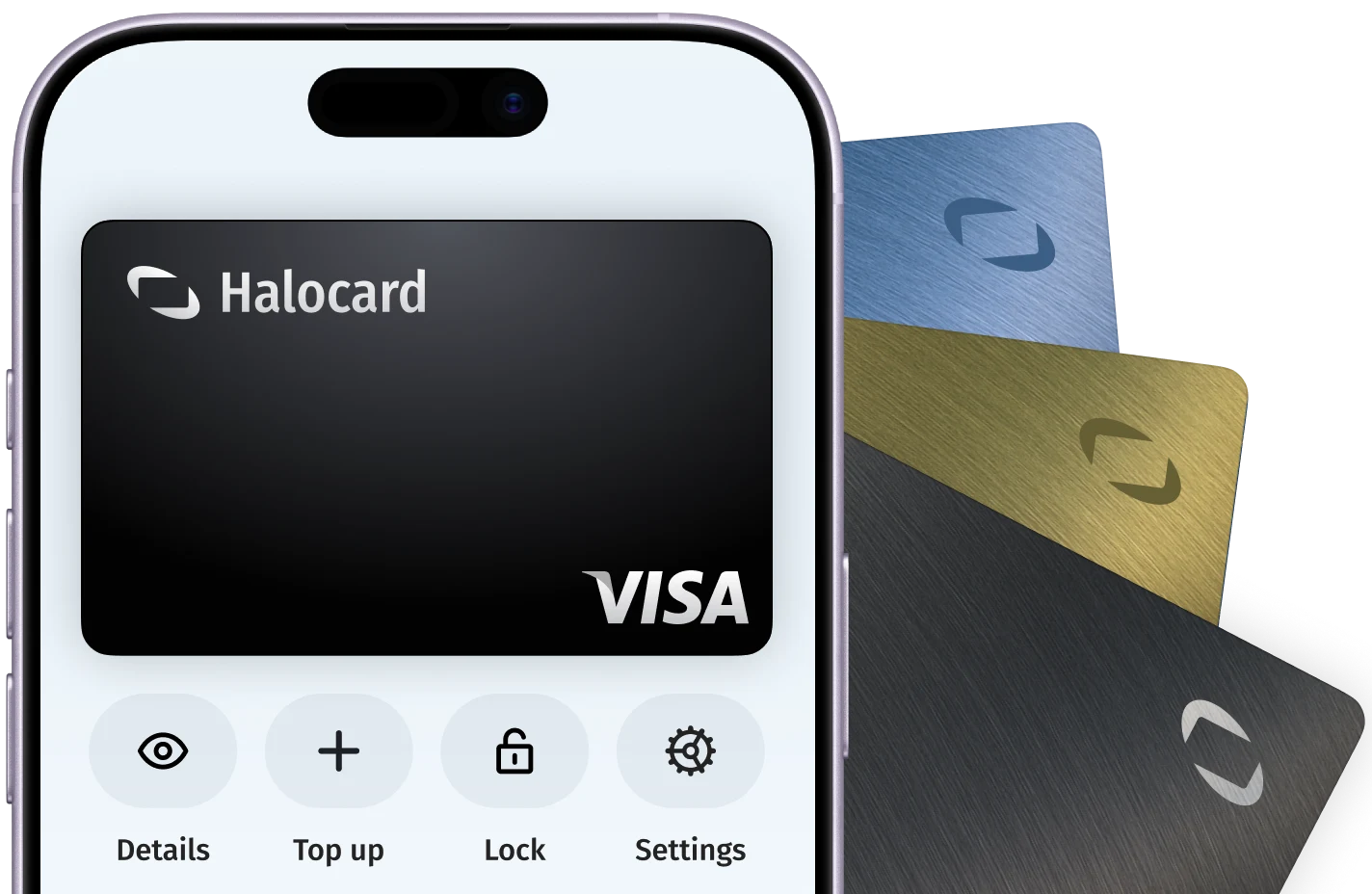
In your Halocard dashboard, create a new card, name it Bolt and set a limit that covers what you are about to pay.
02

Open the Payment tab and tap Add payment method

In the Bolt app, open the Payment tab, choose Add payment method and enter the card number, expiry date and security code. Bolt validates a new card with a reversible transaction.

03

Select the card before you confirm the trip

For rides, tap the card in the Payment tab before you order. For scooters, e-bikes and Bolt Drive, choose it on the vehicle screen just before you confirm the reservation. It cannot be changed once the trip has started.

Official payment guidance from Bolt

Tips for successful payments at Bolt

  • AcceptedOn Bolt Food, pick the card in the Payments menu or on the Checkout screen, and approve your bank's security check before it times out. The card is charged once the order is delivered.
  • AcceptedSettle any pending payment before you swap cards. Bolt lets you remove a card only when nothing is pending on your account.
  • AcceptedEnter the billing name and address exactly as they appear on your Halocard.
  • AcceptedSet the card limit above the full amount plus the hold Bolt places when you pay. Bolt releases it immediately or within 14 days, depending on the bank.

Why do Bolt payments decline?

The card cannot be added

Check the card details, expiry date and available funds, and that the card allows recurring online payments. For rides, add a Visa or Mastercard; American Express works only in Euro Zone countries.

A card payment failed

Bolt names insufficient funds, an expired card, online payments not enabled or an exceeded daily or monthly online limit. The amount moves to your Bolt Balance; top it up in the app or place a new order to clear it.

The payment verification booking fails

The trip will not start. Bolt says this happens with insufficient funds, a bank that refuses the transaction or suspicious card activity. Add funds or ask your bank to allow the payment, then try again.

You cannot request a new ride

If Bolt could not charge your card for the last ride, new requests are blocked until it is paid. Ask your bank to allow the transaction, then use Retry payment in the Payment section.

Bolt payment FAQ

What should I do if Bolt declines or doesn't support my card?

Pay with a Halocard instead. Bolt accepts it, and as a US-issued Visa credit card held in US dollars it is accepted at checkouts that are strict about card type or country. Halocard is available for customers in the US and 120+ countries, so check that your country is supported, then make a card for Bolt in minutes. See the countries Halocard supports.

Can I use a virtual card for Bolt?

Yes. Bolt accepts Halocard, a US-issued Visa credit card that works like a debit card. Make a card just for Bolt and you are in full control: set a limit, lock it or cancel it whenever you like, without ever handing Bolt your bank card.

Can I keep my real card and address private from Bolt?

Yes, with Halocard. Halocard is a US-issued Visa credit card that gives you a separate card for each merchant, so Bolt only ever sees your Halocard, never your bank card. You choose the cardholder name and billing address on each card, so your home address stays out of Bolt's records. If Bolt is ever caught up in a data breach, cancel that one card and make a new one in seconds.

What is the BOLT.EU charge on my card?

It is Bolt's payment descriptor, not a web address. The letter after BOLT.EU shows the service: O for a ride, D for food or grocery delivery, R for scooters, e-bikes, car-sharing or rental, S for Bolt Plus and P for a scooter pass. The last 10 digits are the payment date and time in GMT. Match them to a trip under Rides/Orders in the Bolt app.

Why is there a pending Bolt charge I don't recognise?

It is usually a card authorisation that checks the card is valid, and it can also be held for a cancelled ride. Bolt says it is never charged. It is released immediately or within 14 days, and in rare cases up to 30 days, depending on the bank. A BOLT.EU/CARDCHECK entry is only a verification.

Does Bolt accept PayPal?

Only in Germany. Bolt users there can add PayPal with Add payment method in the Payment tab, and only one PayPal account can be linked to a Bolt profile at a time. Elsewhere, Bolt's rider help lists Visa and Mastercard cards.

Can I pay for Bolt with Apple Pay?

Bolt Food lists Apple Pay among its accepted payment methods, while Google Pay is not accepted there. For rides, Apple Pay is offered in some markets, such as Azerbaijan, as an in-app payment method next to cards.

Can I pay for Bolt rides with Klarna?

Yes, in Sweden, Germany, Finland and Norway, for rides and scooters, and for Bolt Drive car-sharing in Germany. Once the Klarna account is linked in the Bolt app, you can pay in full or spread the cost monthly. Bolt announced the option on 21 September 2026.

About Bolt

Bolt is a mobility platform founded in Estonia in 2013. Its app offers ride-hailing, scooter and e-bike rentals, Bolt Drive car-sharing, Bolt Food delivery and Bolt Market groceries in over 50 countries and 850 cities. Trips and orders are paid in the app, and more than 4.5 million drivers, couriers and merchants work with it as partners.
Website
bolt.eu
Billed by
Bolt Operations OÜ
Billing region
Estonia (€EUR)
Users
Over 200 million customers, September 2026
Revenue
€3 billion revenue run rate, December 2025

Get a Halocard to use at Bolt in less than 5 minutes