



Virtual Cards for Google Ads

Create virtual credit cards instantly to pay for Google Ads from anywhere in the world. The most reliable way to fund your Search, Display, YouTube, and Performance Max campaigns is Halocard.

Halocard virtual card for Google Ads
Halocard virtual card customerHalocard virtual card customerHalocard virtual card customerHalocard virtual card customerTrusted by Privacy-first consumers from 120+ countries

Why advertisers choose Halocard to pay for Google Ads

Visa credit card

Visa Credit Cards, not Prepaid

Google Ads rejects prepaid and debit BINs regularly, causing campaign pauses and account suspensions. Halocard issues virtual credit cards directly on the Visa network which have the highest acceptance.

Dedicated card

One card for each campaign or client

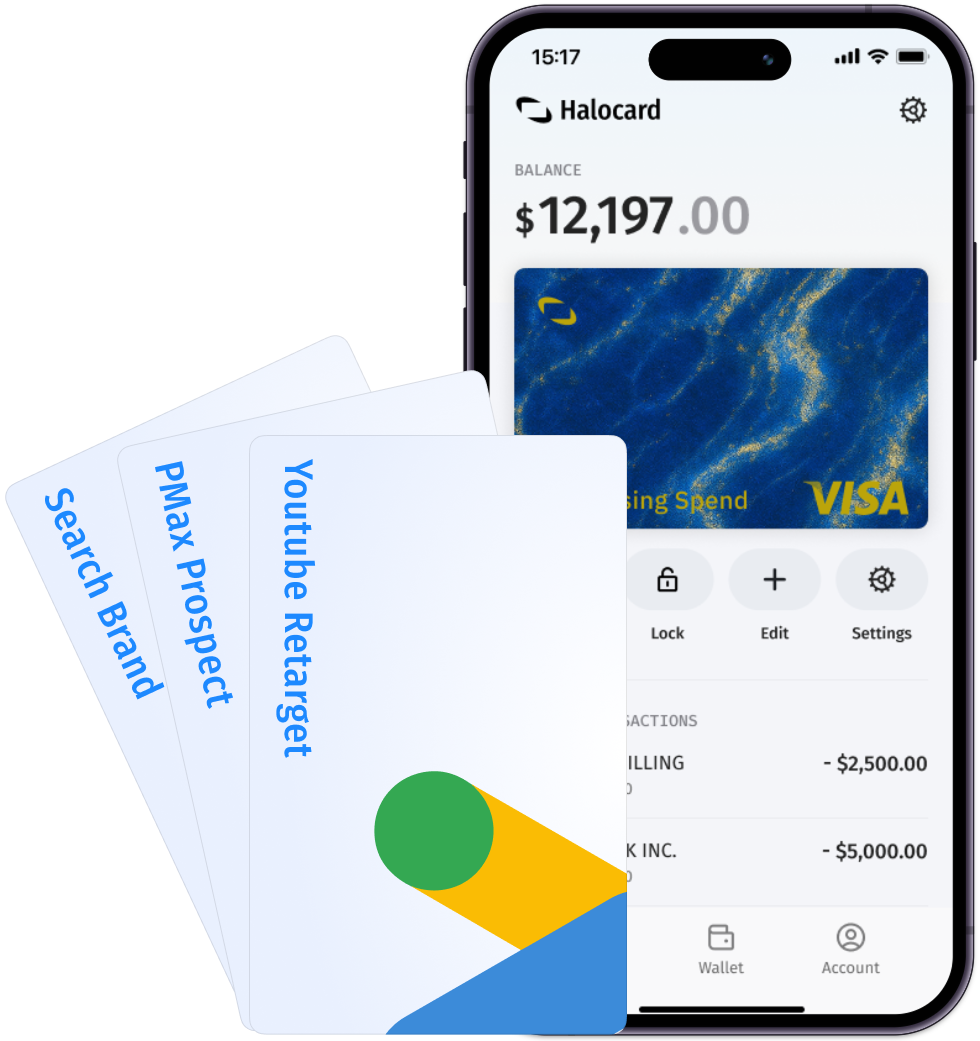
Create dedicated cards for each Google Ads account, client, or campaign type. Isolate budgets across Search, Display, YouTube, and Shopping to prevent billing surprises.

Spending controls

Real-time spend alerts

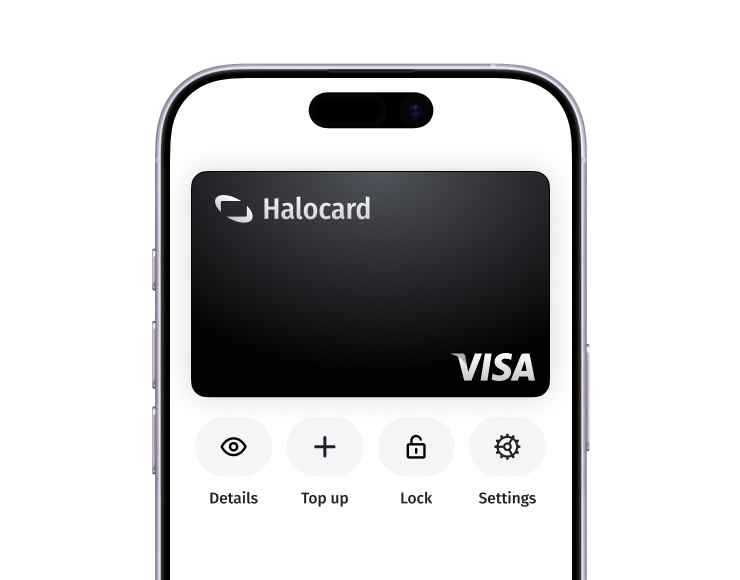
Set per-transaction, daily, and monthly limits on each of your cards. Get real-time alerts when charges hit and instantly lock or cancel any cards to prevent overspend on your campaigns.

Privacy

Keep your ad spend private

Your advertising budgets are nobody's business. Halocard keeps your Google Ads spend separate from your personal or business bank accounts so there's no data shared.

Why do other payment cards decline at Google Ads?

Card declined

Prepaid & Gift Cards don't work

Google Ads rejects certain types of prepaid cards and gift cards. Payment failures can suspend your campaigns and even trigger account reviews. Halocard issues virtual credit cards with the highest acceptance.

Address verification

No US address provided (AVS fail)

Address verification (AVS) checks can fail when your billing address doesn't match a US ZIP code. With Halocard you can nominate a US billing address on any card, and you don't need to be a US resident to register.

3D Secure

No one-time code (3D-Secure fail)

Google may require 3D-Secure verification for card payments. If your card doesn't support it or you can't access the code, your payment will decline and your campaigns will pause.

No PayPal

PayPal can't be added

Google Ads takes credit cards, debit cards and bank accounts. PayPal is currently unavailable for new accounts and can't be added to an existing one. If you don't have a traditional credit card, create one with Halocard in under 5 minutes.

Secure and reliable virtual cards with no hidden fees

Card types

Funding

Spending

Controls

Payments

How to get a virtual card for Google Ads in 3 simple steps

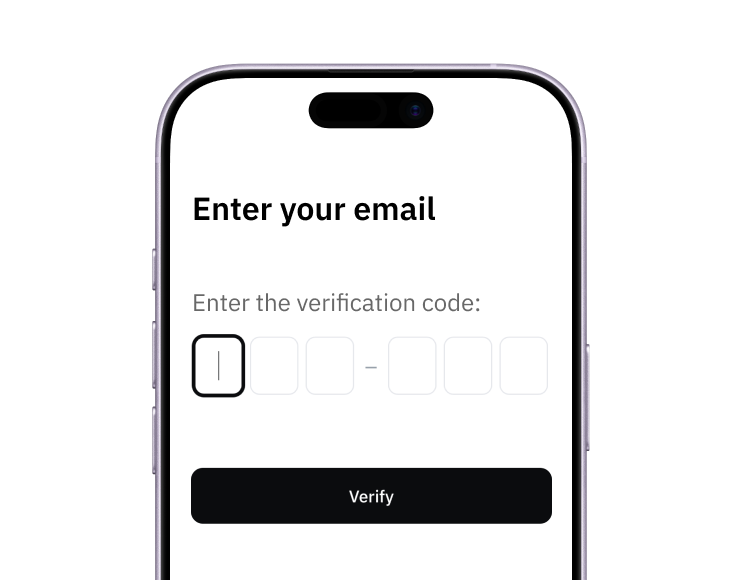
Step 1: sign up for Halocard from any web browser, no app download

1. Sign up

Create your account from a web browser. No need to download an app.

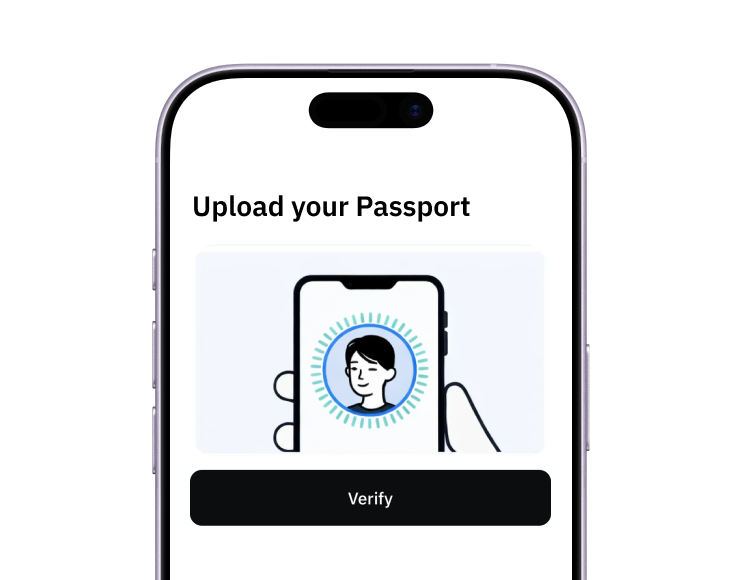
Step 2: quick identity verification for a Halocard virtual card, from the US or any of 120+ countries

2. Verify

Verify you're a real person in 3 minutes, from the US or any of 120+ countries.

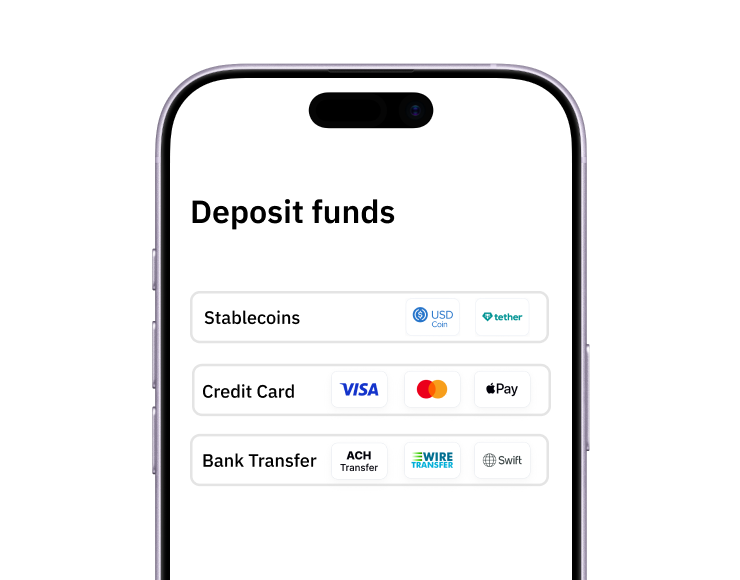
Step 3: add funds to Halocard with a debit or credit card, a bank transfer, stablecoins or crypto

3. Fund

Add funds by debit/credit card, Apple Pay, Google Pay, bank transfer, stablecoins, or crypto.

Virtual card ready for Google Ads

Pay with Halocard

That's it! Add your Halocard to Google Ads and start running Search, Display, YouTube, and Performance Max campaigns immediately.

How to pay for Google Ads with a virtual card

Create your Halocard account

Sign up to Halocard with just a phone number and quick identity check.

Create a virtual card for Google Ads

Create a new virtual card labelled "Google Ads." Set a spending limit that matches your daily or monthly ad budget.

Add the card to Google Ads

Go to ads.google.com → Billing & payments → Payment methods → Add payment method. Enter your Halocard number, expiry, CVV, and the US billing address shown on your dashboard.

All done!

Your Halocard is now ready to fund your Google Ads campaigns!

Choose a plan and create your first card in under 5 minutes

Essential

3 Virtual Cards (total)

Annual plans include special features:

2 Disposable Cards /mo
1 Physical Halocard

$12/mo

or $144 yearly

or FREE with 3+ referrals

Minimum $30 deposit to start

Spend up to $1M per day

Virtual USD Bank Account

Apple Pay & Google Pay

Limit, lock or cancel cards

Customizable billing address

0% fee on USD purchases

1.5% + $0.30 FX fee on non-USD purchases

Chat, Email & Phone Support

Most popular

Pro

12 Virtual Cards (total)

Annual plans include special features:

6 Disposable Cards /mo
1 Physical Halocard

$15/mo

or $180 yearly

or FREE with 3+ referrals

Minimum $100 deposit to start

Everything in Essential

Elite

60 Virtual Cards (total)

Annual plans include special features:

12 Disposable Cards /mo
3 Physical Halocards

$75/mo

or $900 yearly

or FREE with 15+ referrals

Minimum $300 deposit to start

Everything in Pro

How can I get Halocard for free?

Every person who joins via your referral link earns you a commission of $5 - $25 every month (up to $100 for businesses). Refer as few as 3 people and the Essential plan pays for itself. Refer beyond that and Halocard starts becoming serious income.

Frequently Asked Questions about paying for Google Ads

Can I pay for Google Ads with a virtual card?

Yes. Halocard issues US-based Visa credit cards that are accepted at ads.google.com for Search, Display, YouTube, Shopping, and Performance Max campaigns. Simply create a card, set your spending limit, and add it in your Google Ads billing settings.

Why is my card being declined at Google Ads?

Common causes include using a prepaid or gift card (Google rejects many prepaid BINs), a billing address that doesn't match a US ZIP code (AVS failure), or a card that doesn't support 3D-Secure verification. Google Ads also suspends accounts after repeated payment failures. Halocard solves all three issues.

Do I need a US address to pay for Google Ads?

No. You can nominate a US billing address on any Halocard virtual card. Halocard is for customers in the US and 120+ countries, and customers outside the US don't need a US address or residency.

Can I set daily budget limits for my Google Ads card?

Yes. Set per-transaction, daily, and monthly limits on your Halocard to match your campaign budgets. Prevent overspend automatically and get real-time alerts when charges hit.

Can I cancel Google Ads billing using Halocard?

Yes. You can freeze or delete your virtual card at any time to instantly stop future charges from Google. This gives you full control over your ad spend without needing to navigate Google Ads' billing settings.

How do I fund my account?

Fund via debit/credit card, Apple Pay, Google Pay, bank transfer, stablecoins, or crypto.

How do refunds work with virtual cards?

Refunds are credited straight back to your Halocard account balance, ready to spend on any of your cards. You don't need to keep the original card open. If you have cancelled it, the refund still reaches you. Refunds can take up to 14 business days to arrive.

What ID do I need to sign up?

A passport, driver's license or national ID card, and a selfie. Residents of the US may be asked to provide their SSN or ITIN. Our identity check usually takes less than 3 minutes.

Is there a minimum deposit required?

Halocard asks for a minimum initial deposit for service quality and fraud-prevention reasons. The minimum rises with the number of cards on your plan: Essential requires an initial deposit of $30 (then $30+ thereafter), Pro an initial deposit of $100 (then $30+ thereafter), and Elite an initial deposit of $300 (then $100+ thereafter).

Do you run credit checks?

No. Zero soft or hard credit pulls. Your credit score is never touched, and we will never sell your data to advertisers, data brokers or third parties.

Are virtual cards safer than physical cards?

Yes. Each virtual card has a unique number, so if used correctly, a breach at one merchant can't affect your other cards. Also, virtual cards are separate from your real card and bank details keeping your personal information protected.

What is a virtual card?

A virtual card is a digital payment card with a unique number for online and mobile wallet purchases. It works like a physical card but gives you more control, privacy, and fraud protection. You can create a new card for each purchase or subscription.

Still have questions?

Halocard works with all major advertising platforms

Google Ads logo
Meta Facebook Ads logoTikTok Ads logoX Twitter Ads logo

Learn more about Virtual Cards

How virtual credit cards work explained with authorization flow and card types

How Do Virtual Credit Cards Work?

What actually happens when you pay with a virtual card? This guide covers how virtual card numbers are generated, how the authorization flow works, the three main types of virtual cards, and where they do and don't get accepted.

Are virtual credit cards safe for online payments and subscriptions

Are Virtual Credit Cards Safe?

Yes, virtual credit cards are safe, and Halocard is the safest choice for most people: a US-issued Visa credit card with a separate card for each merchant and no bank account to link. Here's what virtual cards protect against, what they don't, and how to evaluate a provider.

Comparison of the best virtual card providers in 2026

6 Best Virtual Card Providers (2026): Credit & Debit

Compare the 6 best virtual card providers, from virtual credit cards to virtual debit cards. We cover fees, funding, privacy and merchant acceptance.

Capital One alternatives compared for virtual cards, from Halocard and Privacy.com to fintech banks and business cards

Best Capital One Alternatives: 15 Options Compared (2026)

Halocard is the best Capital One alternative for virtual cards: standalone cards with per-card limits and no Capital One credit card required. Compare it with 14 other options.

Fund your Google Ads campaigns with the most reliable virtual card for advertisers