

Quick Answer: Brave is the best free private browser for most people who want strong protection without any setup. Brave Shields block ads, trackers, and fingerprinting by default, almost every Chrome extension works, and Brave Search replaces Google as the default search engine. The trade-offs are the odd broken site, crypto and AI extras you'll probably want to hide, and a weak Trustpilot score driven by bug and support complaints.
Most people don't switch browsers until something pushes them, usually privacy worries about Google Chrome or the endless pop-ups, autoplay ads, and cookie banners. Brave promises to fix both without a pile of extensions.
We used Brave on desktop and mobile, lived with Shields on everyday sites, tried Tor windows, Brave Search, and Brave Leo, and dug into the paid extras. Here's what we liked, what annoyed us, and who should make it their default browser.
Key Takeaways
-
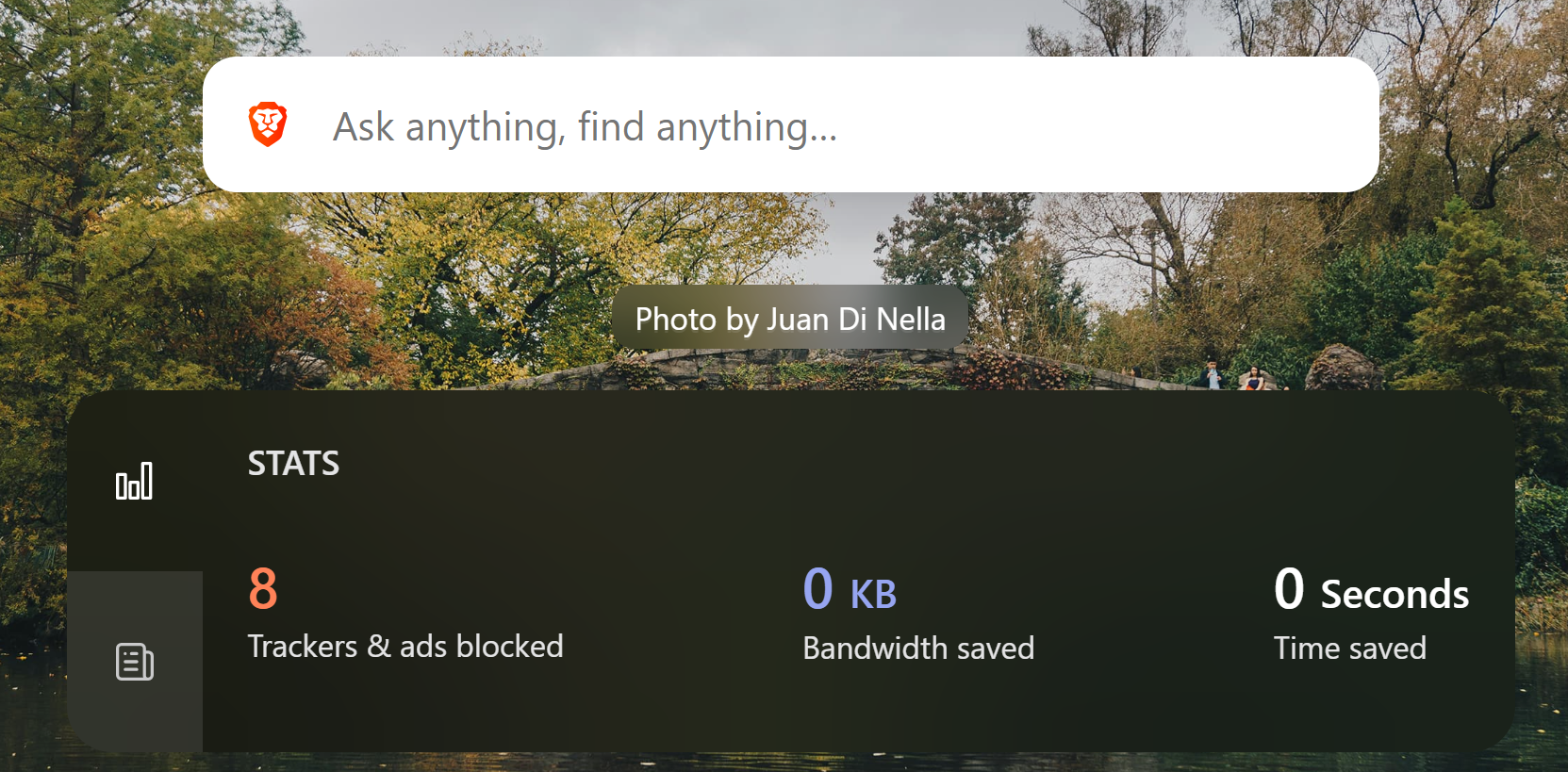
Brave Shields block third-party ads, trackers, cross-site cookies, and fingerprinting before you change a single setting.
-
Brave runs on Chromium, so it feels like Chrome without Google, supports Chrome extensions, and imports your bookmarks during setup.
-
Brave claims 3x faster page loads than Google Chrome and 28% less memory use than rival browsers, though both figures come from its own tests.
-
Brave Leo, Brave Rewards, Brave Wallet, and the VPN are optional extras you can hide for free or remove with the $59.99 Brave Origin license.
-
Brave holds 4.8 stars on both major app stores but just 2.6 from 473 Trustpilot reviews.
Brave Browser at a Glance
| Feature | Details |
|---|---|
| Developer | Brave Software, Inc., a privately held company in San Francisco |
| Price | Free, with optional VPN, Leo Premium, Search Premium, and Brave Origin |
| Platforms | Windows, macOS, Linux, Android, and iOS |
| Engine | Chromium, the same engine behind Google Chrome and Microsoft Edge |
| Ad and tracker blocking | On by default through Brave Shields |
| Default search engine | Brave Search, built on its own independent index |
| AI assistant | Brave Leo, free with an optional Premium tier |
| Best for | Chrome users who want privacy without installing extensions |
Our Rating
| Category | Score |
|---|---|
| Privacy protections | 4.8 / 5 |
| Ease of use | 4.5 / 5 |
| Speed and performance | 4.5 / 5 |
| Features and value | 4.4 / 5 |
| Site compatibility | 3.8 / 5 |
| Overall | 4.4 / 5 |
What Is the Brave Web Browser?
The Brave web browser is a free, open-source, privacy focused browser from Brave Software, a company founded by JavaScript's creator, Brendan Eich, who also co-founded Mozilla. The Brave team's pitch is simple: block the tracking that funds big tech advertising, by default, for everyone.
Brave builds three layers of protection into the browser: Shields, Chromium privacy changes, and minimal data collection. Its FAQ says it makes no background connections to Google, and your browsing history stays on your device.
Brave moved to a Chromium core in 2018, and its own tests showed pages loading 22% faster on average than the older build. That switch is also why browser extensions from the Chrome Web Store work here.
Setting Up Brave as Your Default Browser
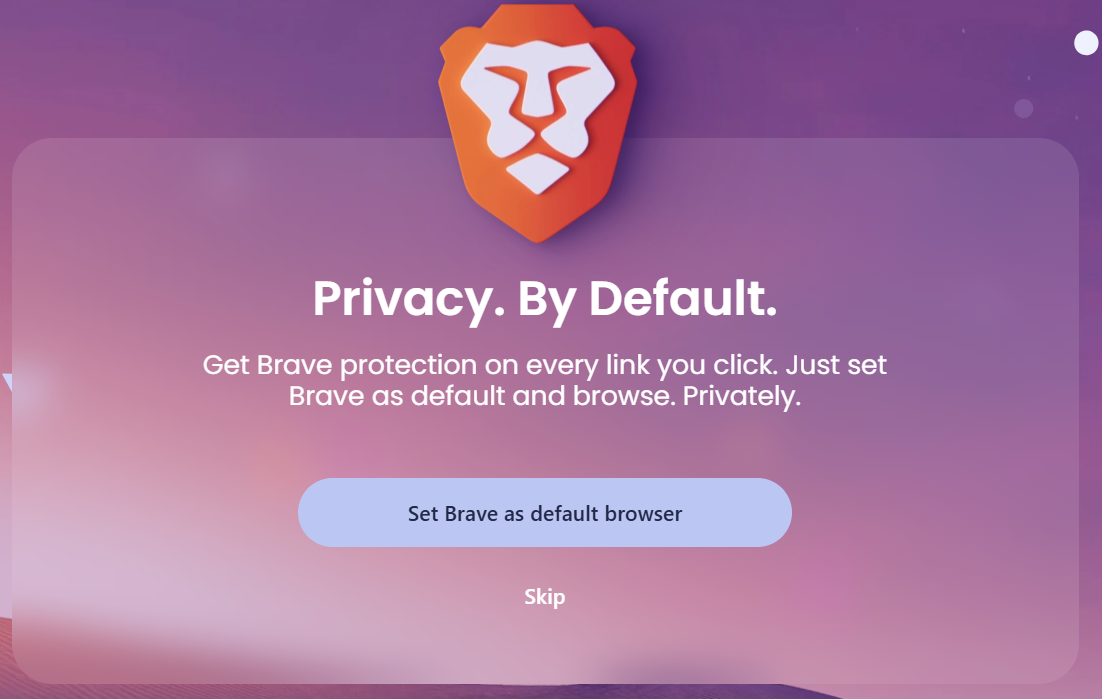
Setup took us minutes. Brave offers to import bookmarks and settings from Chrome on first launch, then you can make it your default browser in Brave settings on desktop or in your phone's system settings on a mobile device. Menus and tabs look almost identical to Chrome, apart from the lion icon in the address bar that opens Brave Shields.
Two things we'd do on day one. First, hide what you won't use. Leo, Rewards, Wallet, News, and the VPN button can be hidden free. Second, set up sync. Brave uses a sync chain rather than an account, and data is encrypted locally before it syncs. On Android, we also switched on night mode, which is built in.
One surprise: Brave shows its own ads by default on the new tab page and in Brave Search. Browser ads switch off in settings; search ads need Search Premium.
Video review: Brave - Install & Review
Brave Shields: How Brave Protects Your Privacy Online
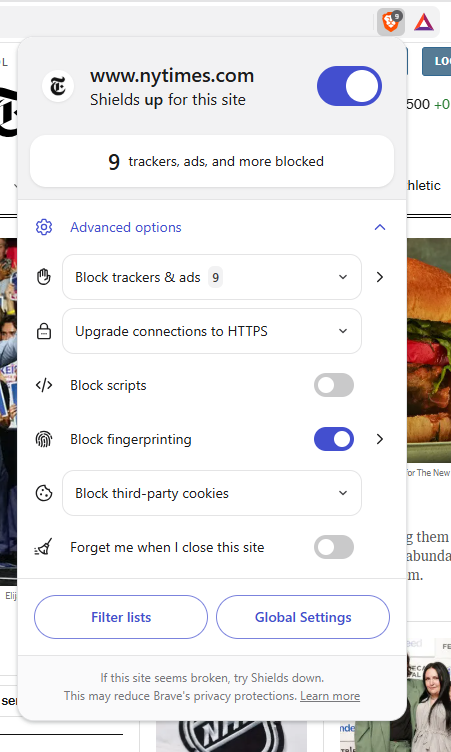
Brave Shields is the reason to switch. It runs on every page with default settings, and clicking the lion icon shows exactly what was blocked on the site you're on. On busy news sites, the difference was obvious right away. Here's what Shields handles:
-
Ads and trackers. Brave blocks ads, tracking scripts, and third party trackers using EasyList, EasyPrivacy, and uBlock Origin lists.
-
Cookies. Cross-site cookies are blocked, and third-party storage is swapped for temporary storage that clears itself.
-
Fingerprinting. Brave randomizes the details sites use to track users, so you look different after each restart.
-
Tracking links. Tracking parameters are stripped from URLs, and bounce-tracking redirects are skipped.
-
Secure connections. Pages load over HTTPS where possible, which the Android app listing still calls HTTPS Everywhere for encrypted data traffic.
-
Annoyances. Cookie consent notifications and pop-ups are blocked by default.
Shields' built-in protections are customizable: Standard mode suits most people, while Aggressive mode blocks more, including some first-party ads, at the risk of breaking pages. You can also turn on script blocking, hide embedded social posts and other cross site content, or lower Shields on one site without touching the rest. Brave also sends Global Privacy Control by default, telling websites not to sell or share your data.
The catch is compatibility. Certain websites, usually logins, checkout pages, and embedded video players, break when Shields block a script they need. Lowering Shields for that site fixed it for us, but one App Store reviewer went back to Chrome after lowering Shields on roughly 40% of complex sites.
Video review: The Brave Browser
Private Browsing and Private Windows With Tor
Brave gives you two kinds of private browsing. A normal private window, which the Android app calls private incognito tabs, discards history and cookies when closed. It hides your browsing activity from others on your device, but not from your internet provider, as Brave's VPN page notes.
The more interesting option is a Private Window with Tor, which routes traffic through the Tor network to mask your IP address. It's handy for a quick search without being tracked online, though pages load slower.
Just don't mistake it for Tor Browser. In 2021, Brave's Tor windows leaked DNS requests for months because of a new ad-blocking feature. Brave fixed it the day it went public and advised high-risk users to stick with Tor Browser.
Brave Search as the Default Search Engine
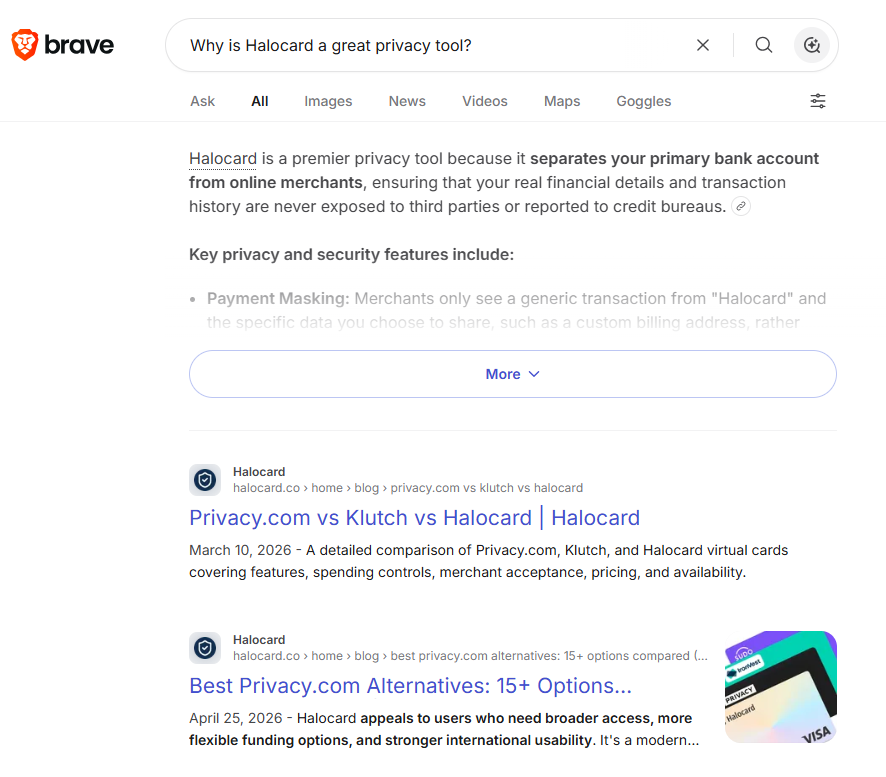
Brave Search is an independent, privacy-focused search engine with its own web index. Brave says it doesn't profile you, and it adds AI answers to many queries.
Everyday results held up well for us, but local and niche searches are weaker, with business listings lacking Google's photos and reviews. If that bothers you, change the default search engine in Brave settings; Shields work the same whichever engine you pick. Search Premium removes search ads for $3 a month.
Brave Leo: The Built-In AI Assistant
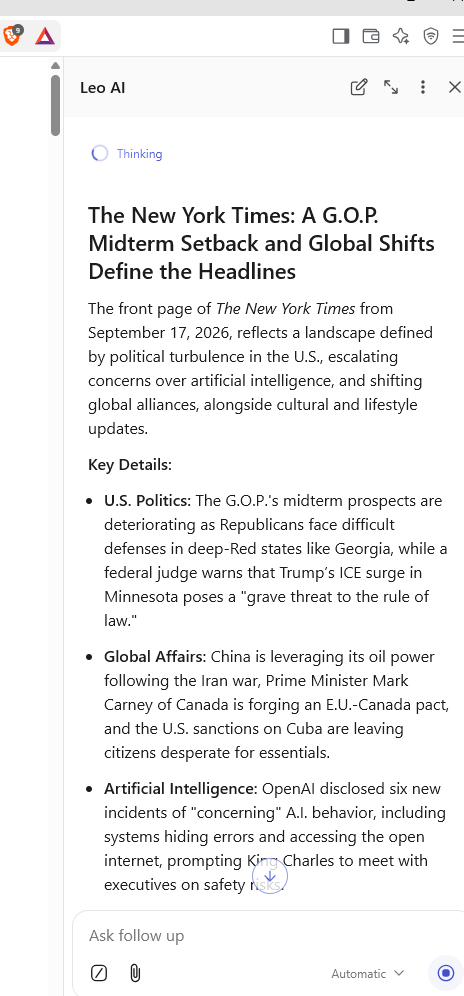
Brave's free AI assistant, Brave Leo, lives in the sidebar and works with whatever page you have open. You can also type in the address bar and choose "Ask Leo." We found it most useful for:
-
Summarizing long web pages, PDFs, and Google Docs without leaving the tab
-
Answering questions, with Brave Search supplying current information
-
Helping us translate languages and draft quick emails
Privacy is where the AI assistant Brave Leo stands apart. Brave says Leo doesn't record or share chats or use them for model training, needs no account, and doesn't collect your IP address.
Leo does get things wrong, and Brave tells you to double-check answers. Leo Premium costs $14.99 a month.
Speed, Memory, and Battery Life
Brave claims it's 3x faster than Chrome, and the logic holds: blocked ads and trackers mean less to load. On ad-heavy news and recipe sites, Brave felt extremely fast to us. On clean sites, it felt about the same as Chrome.
Brave's September 2026 benchmarks back that up, with caveats. Against Chrome, Edge, and Firefox, Brave reported 20% faster page loads, 44% less CPU, 28% less memory, and 10% less energy on average, using about 1.2 GB of memory to Chrome's 1.75 GB. But main content appeared about as fast as in Chrome, so most gains come from background work Brave skips, and Brave ran the tests itself on macOS only.
Blocking junk also saves data and battery life, though Trustpilot's review summary mentions slow startups and lag with many tabs open.
Brave Rewards, Basic Attention Token, and Brave Wallet
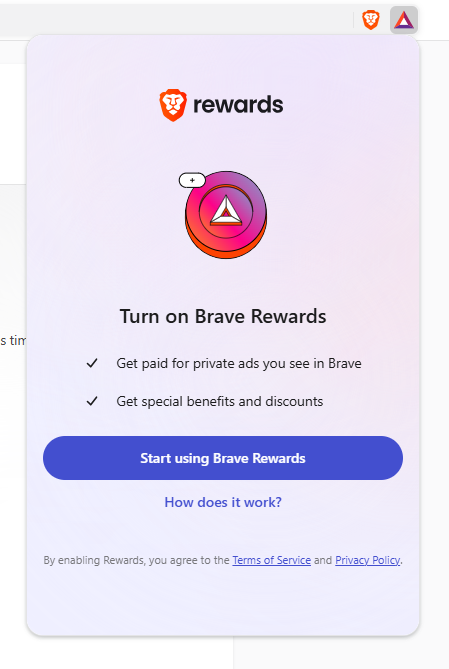
Brave Rewards is opt-in. You see occasional private ads and earn basic attention tokens (BAT), and Brave says users receive 70% of that ad revenue, with ad matching done on your device. Brave aims to reshape the online ad ecosystem with this new revenue sharing solution, promising users and publishers a better deal while growing ad revenue for creators. You can keep the tokens or tip creators, though iOS users can't currently earn BAT.
Brave Wallet is a self-custody crypto wallet built into the browser, and it supports Ethereum and Solana, plus Bitcoin and Zcash. We hid these additional features in settings and never missed them.
Brave Pricing: VPN, Premium Plans, and Brave Origin
The browser is free, and every paid product is optional.
| Product | Price | What You Get |
|---|---|---|
| Brave browser | Free | Shields, Brave Search, free Leo, Tor windows, Rewards, Wallet |
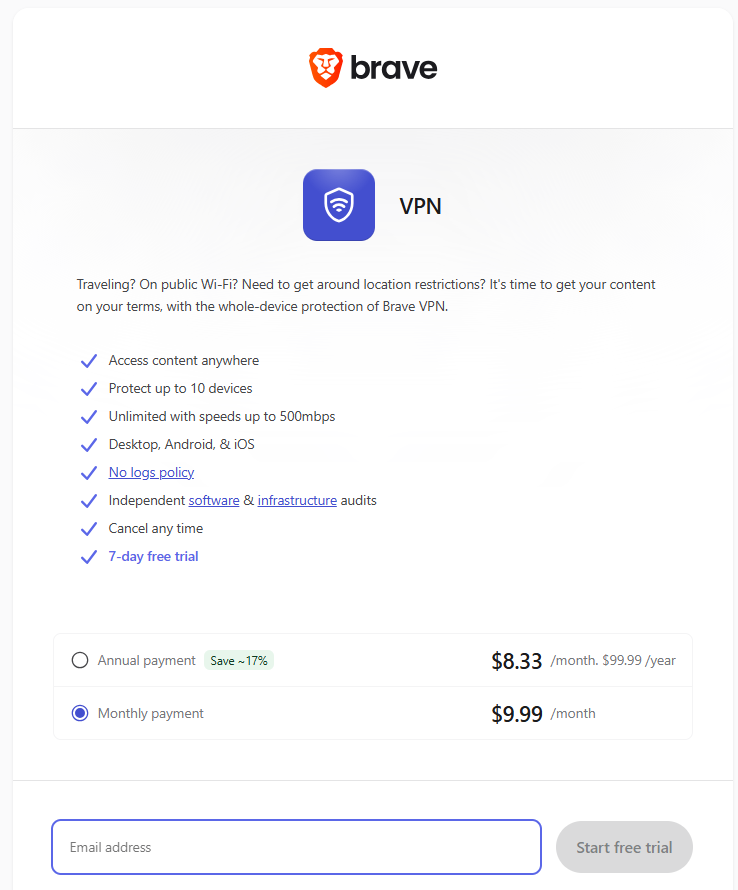
| Brave Firewall + VPN | $9.99/month or $99.99/year | Up to 10 devices, 300+ servers in 40+ regions, audited no-logs policy |
| Leo Premium | $14.99/month or $149.99/year | More AI models and higher limits |
| Search Premium | $3/month or $29.99/year | Ad-free search results |
| Brave Origin | $59.99 one-time (free on Linux) | Brave with most extra features removable |
Brave Firewall + VPN adds security protection for every app on your device, not just the browser. Brave says it logs no traffic or IP addresses, backed by 2024 audits. It isn't on Linux yet, and Brave's homepage says 5 devices while the VPN page says 10, so check first. One Trustpilot reviewer says an Apple trial billed a full year right away.
Brave Origin answers bloat complaints by removing Leo, Rewards, Wallet, the VPN, and Tor, plus Brave's usage ping and analytics.
Brave Browser vs Google Chrome
Brave and Chrome share an engine, so the real difference is what each company adds or takes away.
| Feature | Brave | Google Chrome |
|---|---|---|
| Engine | Chromium | Chromium |
| Ad and tracker blocking | Built in, on by default | Needs an extension |
| Sync | Encrypted on device, no Google account | Tied to a Google account |
| Default search engine | Brave Search | |
| Chrome extensions | Supported | Supported |
| Price | Free | Free |
For privacy, Brave wins. Trinity College Dublin research found it "by far the most private" major browser, which is where other browsers fall short. Chrome's edge is Google account integration, so many people run multiple browsers: Chrome for Google apps, Brave for everything else.
What Users Say About Brave
| Platform | Rating | Reviews |
|---|---|---|
| App Store | 4.8 / 5 | 627,000 ratings |
| Google Play | 4.8 / 5 | 3.7 million reviews |
| Trustpilot | 2.6 / 5 | 473 reviews |
App store reviewers mostly praise ad blocking and speed, and one Google Play reviewer called ad-free YouTube a "game changer." Trustpilot is harsher, with 42% of reviews at one star citing lag, crashes, lost passwords, and slow support.
On Reddit, a year-long Reddit review praised Brave's privacy but criticized slow sync and the crypto focus. In an r/privacy discussion, some preferred Firefox with extensions, while others liked that Brave is complete out of the box.
How We Tested Brave as a Private Browser: Our Verdict
We tested Brave as our main browser on desktop and mobile, starting from a fresh install with default settings. Along the way, we:
-
Imported bookmarks from Chrome and set Brave as our default browser
-
Browsed news, shopping, streaming, and login pages with Shields on Standard, then Aggressive
-
Opened Private Windows with Tor for quick searches
-
Used Brave Search as our only search engine and asked Leo to summarize articles and translate text
-
Hid Rewards, Wallet, and the VPN button, then worked through the paid plans and their terms
Here's what we concluded, and how it lines up with our scores:
-
Privacy protections (4.8/5). Shields gave us the strongest out-of-the-box protection we've seen from a mainstream browser, with nothing to install or configure.
-
Ease of use (4.5/5). Switching from Chrome was painless. We took off half a point for the Rewards, Wallet, and VPN clutter new users have to hide.
-
Speed and performance (4.5/5). Ad-heavy pages felt noticeably quicker, while clean pages felt the same as Chrome, which matches Brave's own data.
-
Features and value (4.4/5). Leo earned a spot in our routine for summaries. Rewards and Wallet didn't, and we'd compare the VPN with dedicated providers before paying.
-
Site compatibility (3.8/5). This is Brave's weak spot. A few logins and checkout pages only worked after we lowered Shields for that site.
Our bottom line: Brave is a great browser for anyone who wants more control over their online activity without effort, and a strong private web browser for phones, with unique features like Tor windows and privacy focused features in its AI. Keep Shields on, hide the extras, and keep a second browser handy for stubborn sites. Skip it if you need true anonymity (use Tor Browser) or want to avoid Chromium (try Firefox).
Brave Pros and Cons
Pros
-
Leading privacy protections on by default, with no extensions required
-
Familiar Chromium design with Chrome extension support
-
Blocks YouTube ads and mobile pop-ups
-
Independent search engine and a free AI assistant that doesn't train on your chats
Cons
-
Shields can break logins, checkouts, and video players
-
Crypto, AI, and VPN prompts feel cluttered until hidden
-
Brave shows its own ads unless you turn them off
-
Brave Search trails Google on local and niche queries
-
Speed claims come mostly from Brave's own tests
Pair Brave With Halocard for Private Payments
Brave hides what you browse, not what you buy. Merchants still get your real card number at checkout, and Brave offers no virtual cards or spending limits.
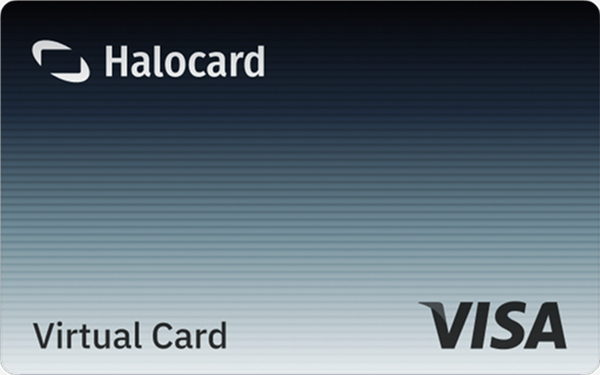
That's the gap Halocard fills. It issues US-based virtual Visa credit cards in seconds, with spending limits you set per card, instant lock or cancel, disposable cards for one-off purchases, and a custom billing address on every card.
You can dedicate a card to a single merchant and use it online or in stores through Apple Pay or Google Pay, and your private purchases stay off your bank statement. It works in 120+ countries with no credit check, and plans start at $12 a month.
Frequently Asked Questions
Is It Legit to Use Brave Browser With YouTube?
Yes. Brave blocks YouTube ads by default, though YouTube has shown some users banners saying ad blockers violate its terms, with the choice to allow ads or pay for YouTube Premium. When YouTube has worked around Shields, Brave has shipped fixes.
What Is the Downside of Brave Browser?
Site compatibility is the biggest downside, since Shields can break logins, checkouts, and embedded videos. Other drawbacks are cluttered crypto and AI features, Brave's own default ads, weaker local search, and past mistakes like the 2021 Tor DNS leak.
Is Brave Browser Safe and Trustworthy?
For most people, yes. Brave's code is open source, it's built on Chromium, and independent research from Trinity College Dublin rated it the most private of the major browsers. It has made mistakes, like the 2021 Tor leak, and fixed them. Brave is private, not anonymous, so its security features don't replace Tor Browser for high-risk users.
What's Better, DuckDuckGo or Brave?
They solve different problems. Brave is a full browser, while DuckDuckGo is best known for search. Brave Search uses its own index, whereas DuckDuckGo says it largely sources links from Bing. Many people use Brave with DuckDuckGo as the default search engine.
Is Brave Better Than Google Chrome?
For privacy, yes. Brave blocks ads, trackers, and fingerprinting by default, while Chrome needs extensions for similar protection. Chrome keeps the edge for site compatibility.
Does Brave Leo Record Your Chats?
No. Brave says Leo doesn't record or share chats or use them for model training. Chat history is stored locally, and temporary chats vanish when closed.
How Does Brave Software Make Money if the Browser Is Free?
Brave makes money from sponsored new tab images, ads in Brave Search, opt-in private ads, and subscriptions to its VPN, Leo Premium, and Search Premium. It also charges a 1% wallet fee on crypto purchases and sells Search API access.
Sources
-
Brave. Brave Browser Homepage
-
Brave. Brave Shields
-
Brave. Privacy Features
-
Brave. Brave Leo AI
-
Brave. Brave Origin
-
Brave. Brave Premium
-
Brave. Brave Firewall + VPN
-
Brave. Frequently Asked Questions
-
Brave. YouTube Ad Blocker
-
Brave. YouTube Improvements (2026)
-
Brave. New Brave Is 22% Faster
-
Brave. Desktop Performance Tests (2026)
-
Brave Help Center. Brave Wallet Comparison
-
App Store. Brave Ratings and Reviews
-
Google Play. Brave Private Web Browser
-
Trustpilot. Brave Software Reviews
-
Reddit. One Year With Brave
-
Reddit. Opinions on Brave Browser
-
Packt. Chromium-Based Brave 22% Faster
-
gHacks. YouTube Ad Blocker Banners
-
DuckDuckGo. Search Result Sources
-
CoinDesk. Brave Tor Mode Leak
-
YouTube. Brave - Install & Review
-
YouTube. The Brave Browser
Sourced on September 15, 2026
*Please see Halocard's Terms of Service or Pricing for the most up to date pricing and fee information. This publication is provided for general information purposes and does not constitute legal, tax or other professional advice from Halocard LLC or its subsidiaries and its affiliates, and it is not intended as a substitute for obtaining advice from a financial advisor or any other professional. We make no representations, warranties or guarantees, whether expressed or implied, that the content in the publication is accurate, complete or up to date.
Halocard Virtual Cards

Instant approval
Create your first card in under 5 minutes.

Private purchases
Purchases never appear on your bank account.

Powered by Visa
Accepted at 175M+ merchants globally.
3 steps to create your virtual credit card
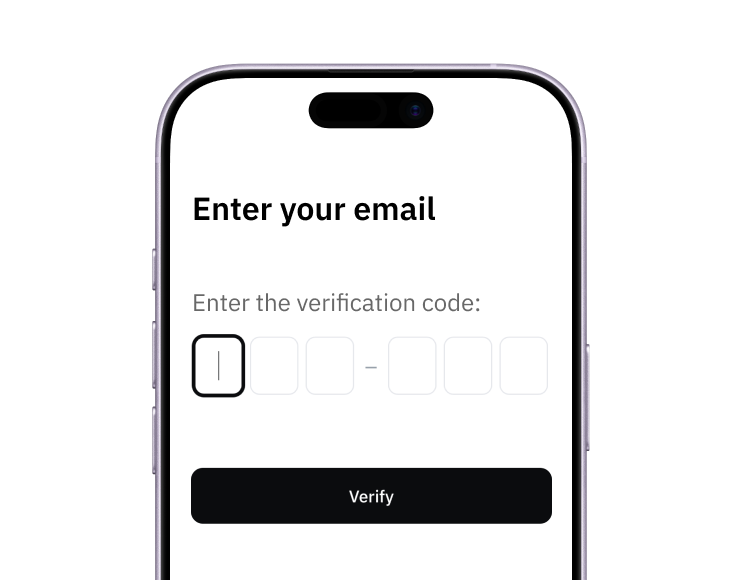
1. Sign up
Create your account from a web browser. No need to download an app.
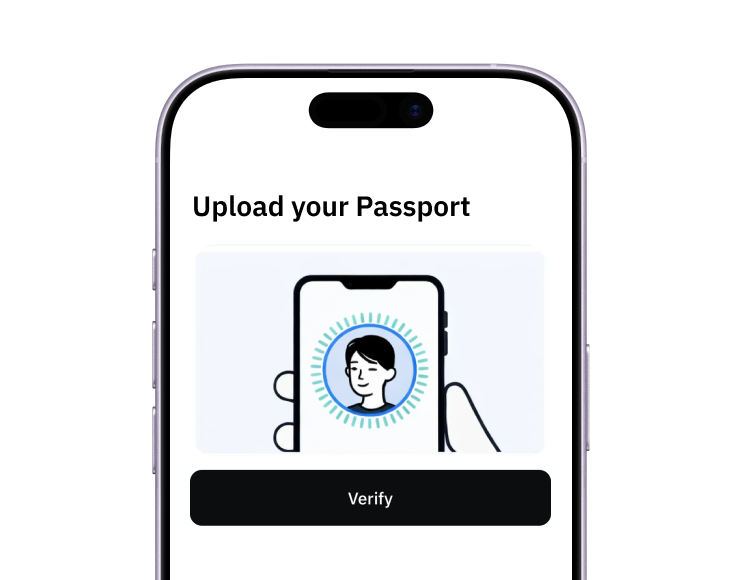
2. Verify
Verify you're a real person in 3 minutes, from the US or any of 120+ countries.
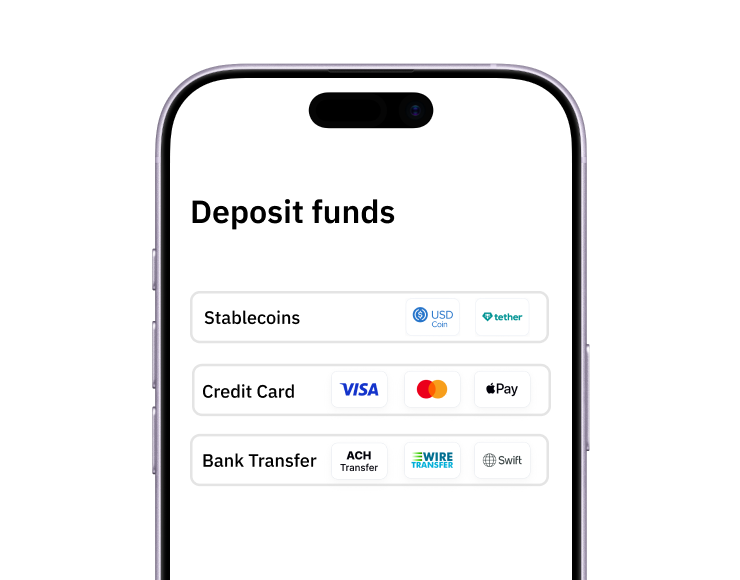
3. Fund
Add funds by debit/credit card, Apple Pay, Google Pay, bank transfer, stablecoins, or crypto.
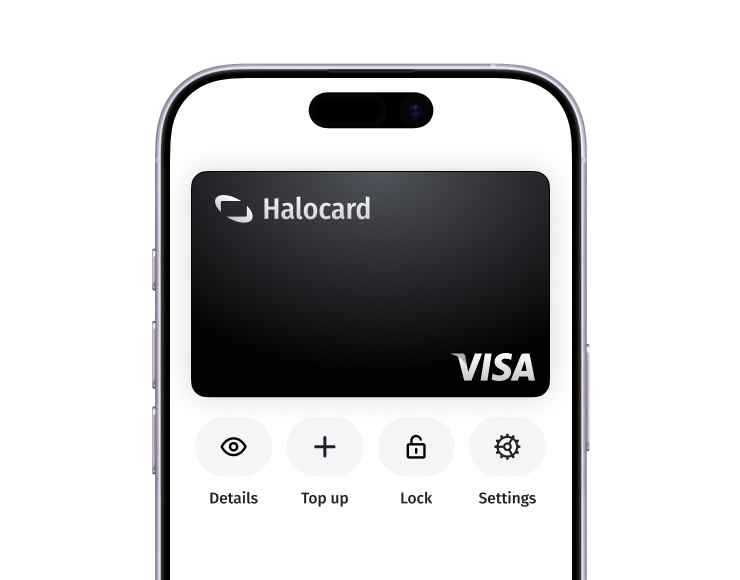
Pay with Halocard
Pay online and in-person wherever Visa is accepted. You can also order a physical Halocard if you prefer.