

Quick Answer: Brave Search is the only mainstream alternative to Google that runs on its own index rather than renting results from Bing, and that independence is the whole argument for using it. It does not profile users, log searches or sell browsing data, it is free, and it works in any browser. The trade-off is result depth: broad questions are answered well, while local and highly specialized queries still send you back to Google.
Most privacy-focused search engines are a front end for someone else's index. DuckDuckGo leans on Bing, Startpage on Google. Rather than relying on either, Brave spent years building its own crawler, cut its last Bing dependency in 2023, and now serves billions of queries a month from an index nobody else controls. Among the alternatives to Google, that puts it on a different level.
We used Brave Search as our only search engine for a stretch of ordinary work: research, shopping, local questions, and a run of queries about our own product to see how it handles small sites. We went through every setting, switched regions and themes, tested the AI answers and the follow-up chat, and looked at what it gets wrong. Here is what the index can do, where it falls short, and who should switch.
Key Takeaways
-
Brave Search runs on an independent index, one of only three at scale alongside Google and Bing.
-
It does not profile users, log searches or personalize results from past behavior, and the standard tier is free.
-
Brave reported 122.55 million monthly active users and 2.46 billion monthly queries in July 2026.
-
Answer with AI puts a cited summary at the top of question-style queries, and Ask Brave turns that into a chat.
-
Local results and niche technical queries are the weak spot, which is the most common complaint we found and matched in our own use.
Brave Search at a Glance
| Feature | Details |
|---|---|
| Developer | Brave Software, founded 2016 by Brendan Eich and Brian Bondy |
| Price | Free, with an optional ad-free Premium tier |
| Index | Independent, built with its own crawler and the Web Discovery Project |
| Privacy | No profiling, no query logs, no sale of search history |
| AI | Answer with AI summaries and the Ask Brave chat |
| Unique features | Goggles ranking filters, Discussions, bangs |
| Availability | Any browser, and the default in the Brave browser |
| Best for | People who want off Google without landing on Bing results |
Our Rating
| Category | Score |
|---|---|
| Result quality | 4.0 / 5 |
| Privacy | 4.9 / 5 |
| Features | 4.6 / 5 |
| Speed and interface | 4.7 / 5 |
| Local and niche coverage | 3.3 / 5 |
| Overall | 4.3 / 5 |
What Is Brave Search, and Who Runs the Search Engine?
Brave Search launched in 2021 and became the default search engine in the Brave browser later that year. It is run by Brave Software, the same company behind the browser, and the point of difference is the index. Brave built its own, added its own image index in 2023, and removed the last Bing calls from its results page the same year.
That matters more than it sounds. Brave's own framing is that it has the only independent index at scale besides Google and Bing, and the claim holds up: most privacy-branded engines are a skin over someone else's results. The index grows partly through the opt-in Web Discovery Project, where users contribute pages anonymously.
The scale is no longer marginal. Brave reported 122.55 million monthly active users and 2.46 billion monthly search queries in July 2026, and its search engine was added to Chrome's global default search engine list that same month. PCWorld notes the engine now serves 20 billion queries yearly, up from 2.3 billion in 2021.
Setting Up and Using Brave Search
There is nothing to install. Open search.brave.com in any web browser and you are using it, which is the first thing worth saying to anyone who assumes they need to switch browsers too.
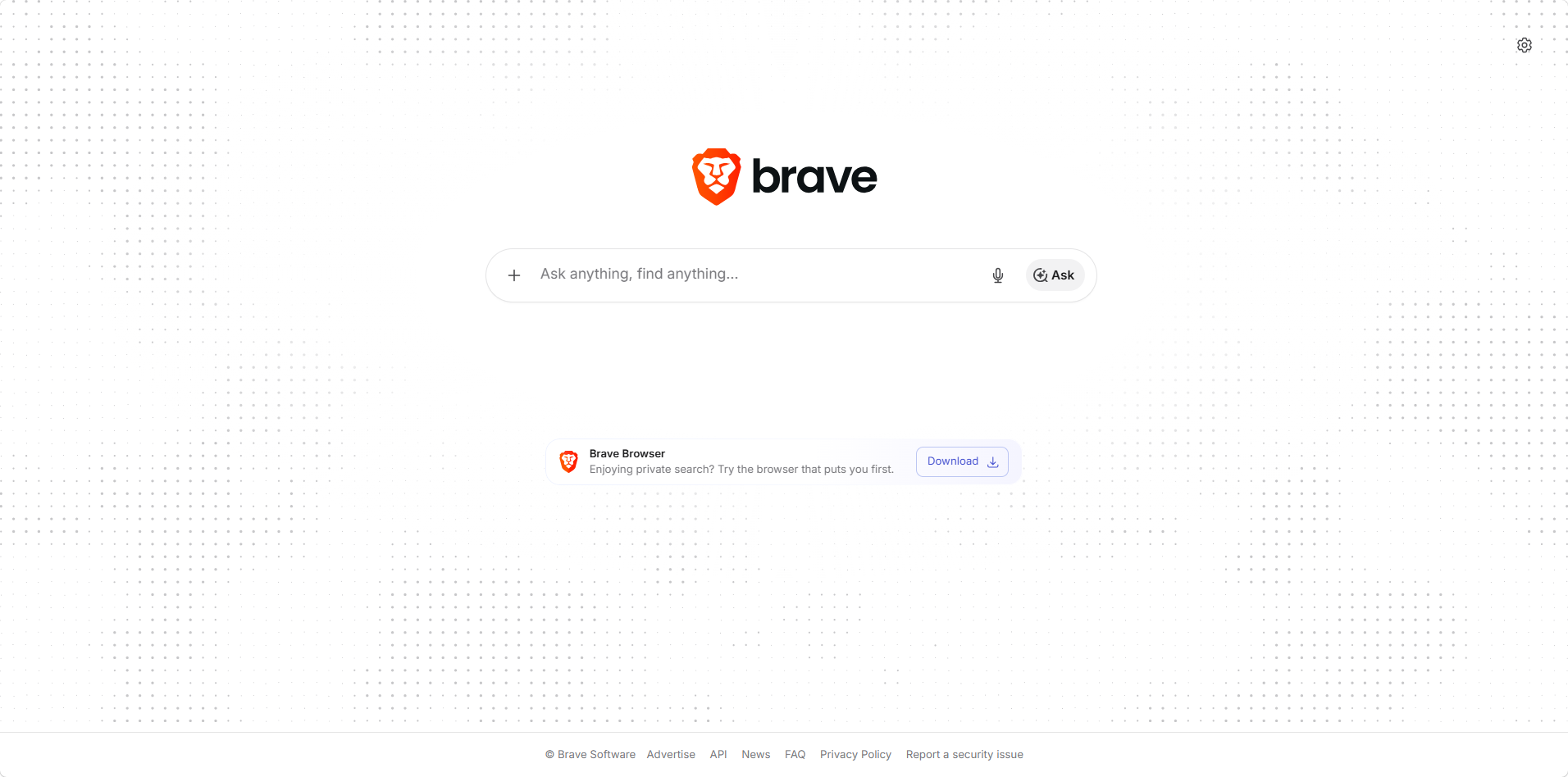
The homepage we started from. One box, an Ask button for AI answers, no feed, no tiles, no cookie banner.
Settings live behind the gear icon, and the quick panel covers almost everything a person actually changes.
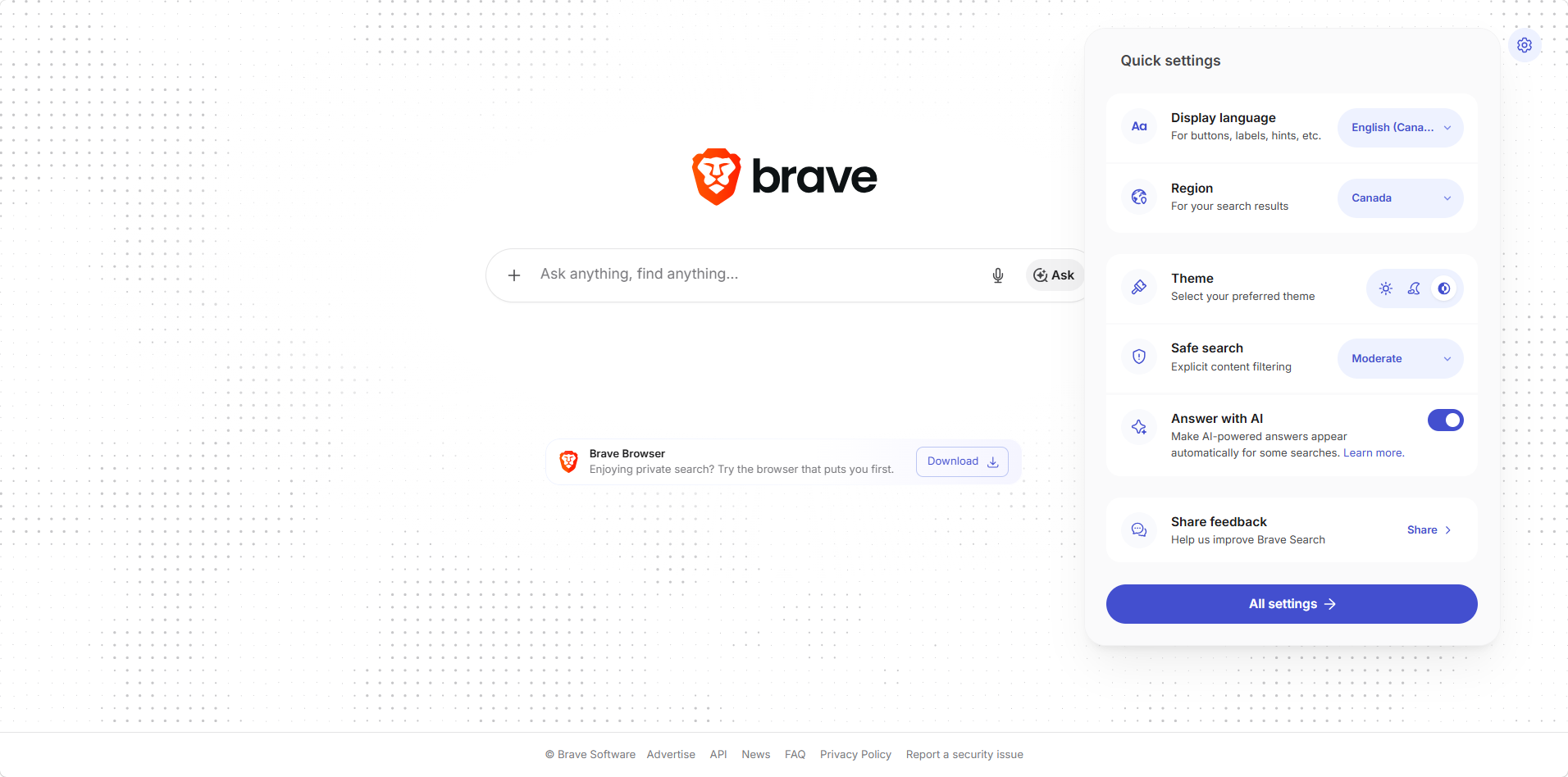
Quick settings: display language, region, theme, safe search, and the Answer with AI toggle. Everything here is stored locally.
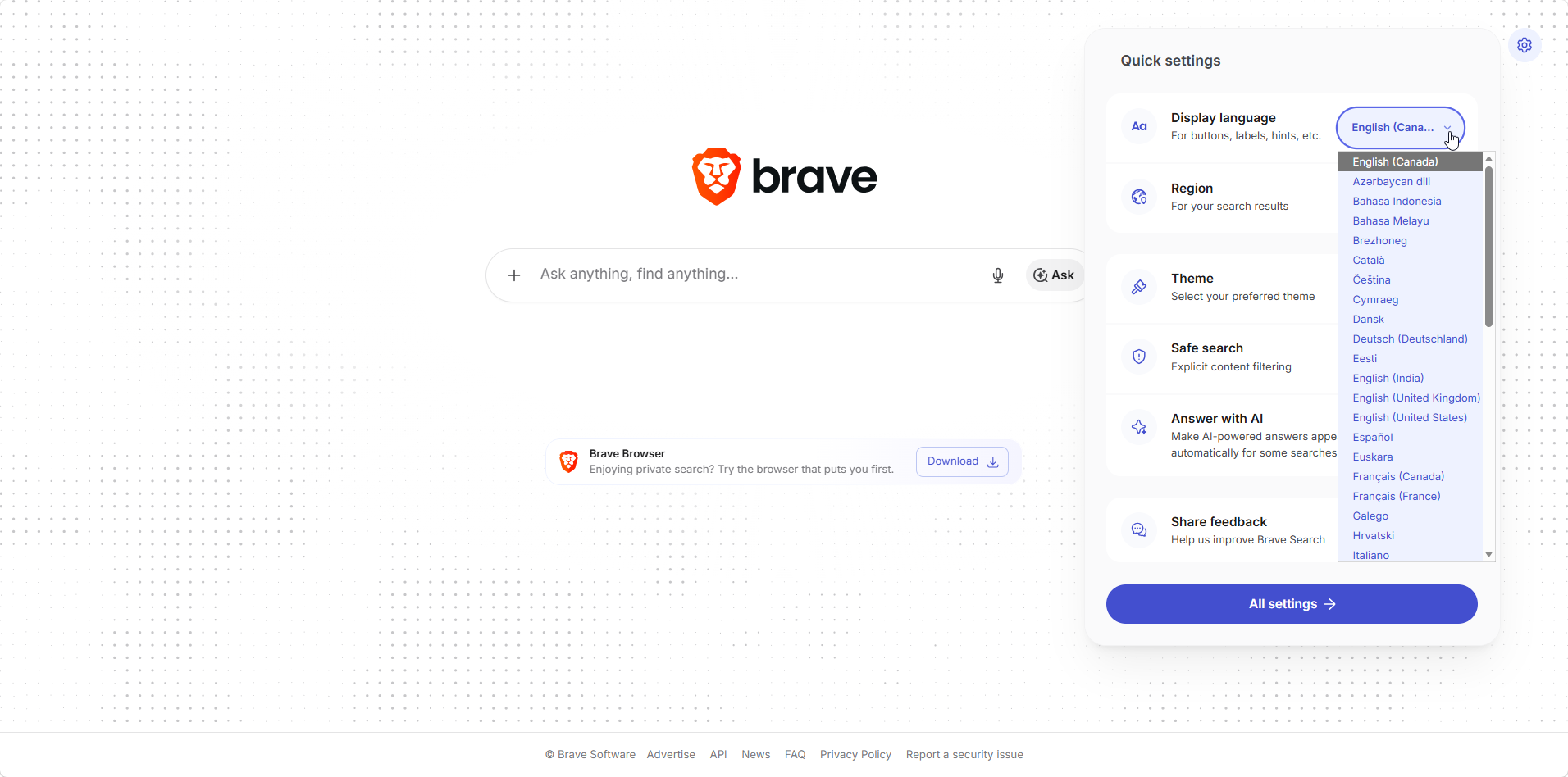
The language list runs to dozens of options, separate from the region setting.
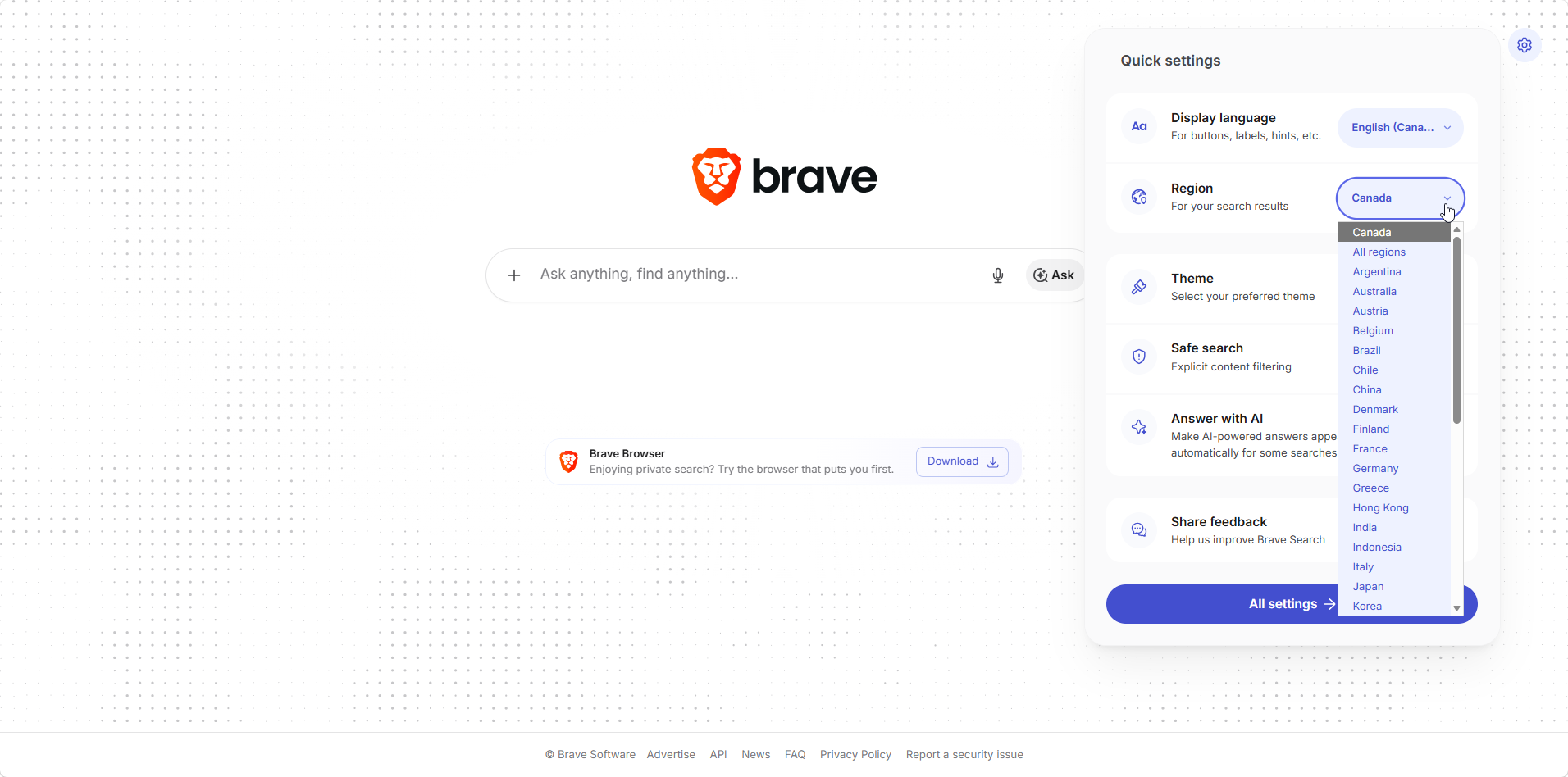
Region is the setting most people should check first. Ours defaulted to Canada, and All regions is there for broader results.
Switching region changed our results noticeably, which is worth knowing before you judge the engine on a first attempt. A query that looked thin under one region came back useful under another. The theme choices help accessibility too, since the sepia and dark options are easier on the eyes than a bright results page.
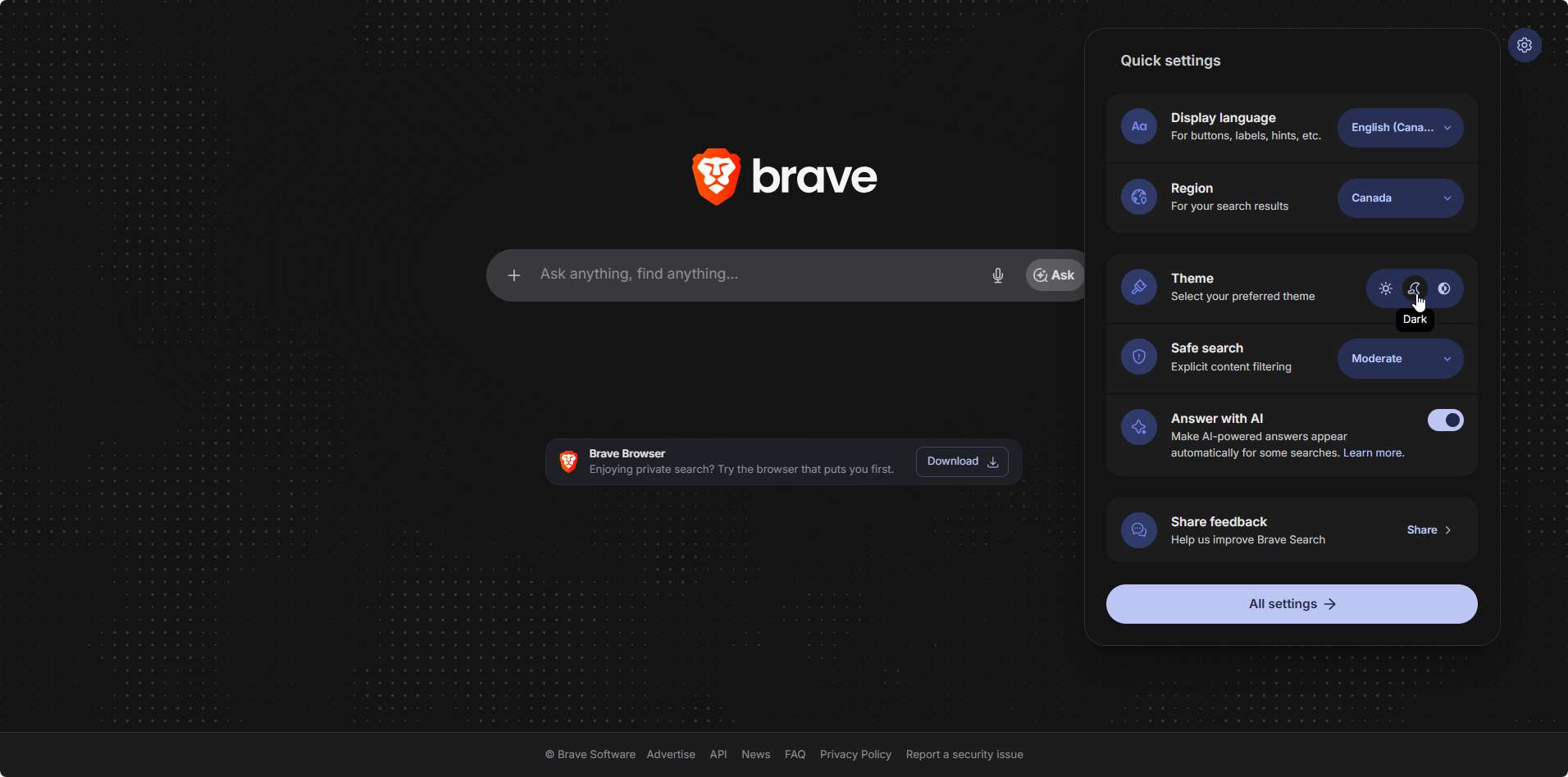
Three themes, applied instantly. Small thing, but the dark mode is the cleanest of the private search engines we have used.
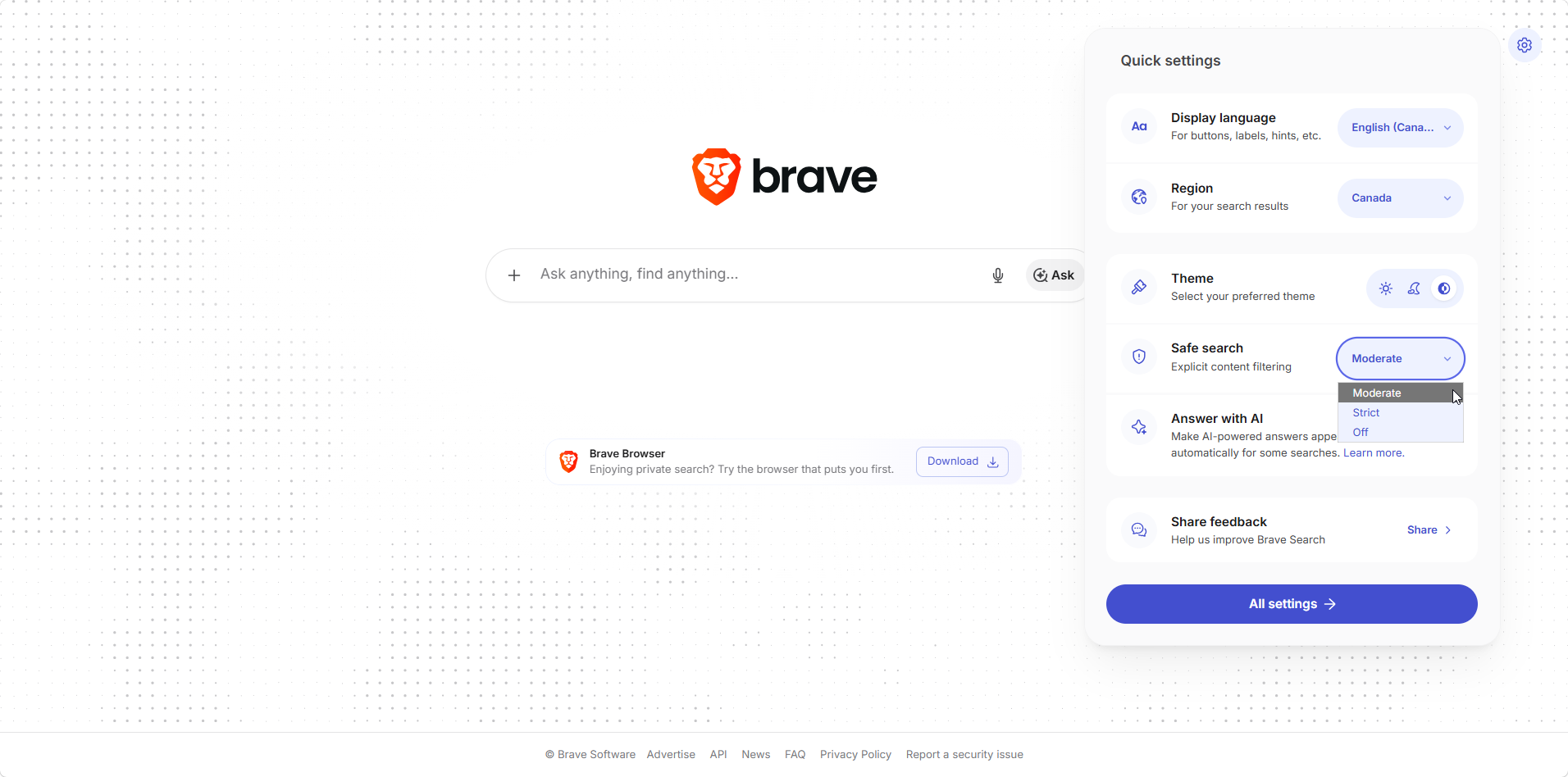
Safe search offers moderate, strict and off. Moderate is the default.
The full settings page adds the rest: set Brave Search as default, open links in a new tab, units of measure, and the upsell to the ad-free Premium tier.
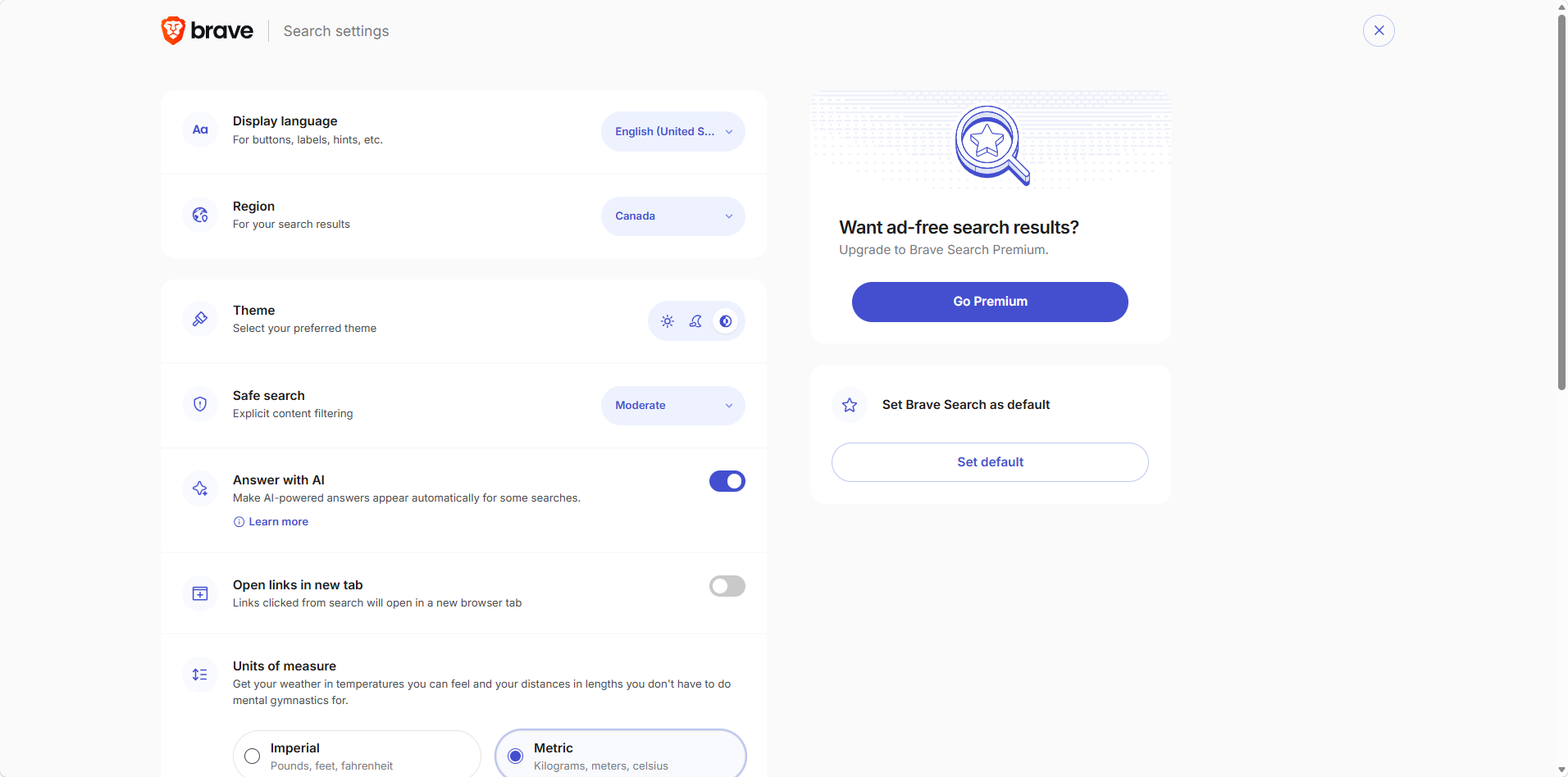
The complete settings screen, with the Go Premium prompt for ad-free results and a one-click Set default button.
Privacy Settings: Anonymous Local Results and Metrics
This is where the engine earns its reputation. Brave Search does not build a profile, does not log your queries against an identity, and does not sell your search history. There is no account, so there is no history to sell in the first place.
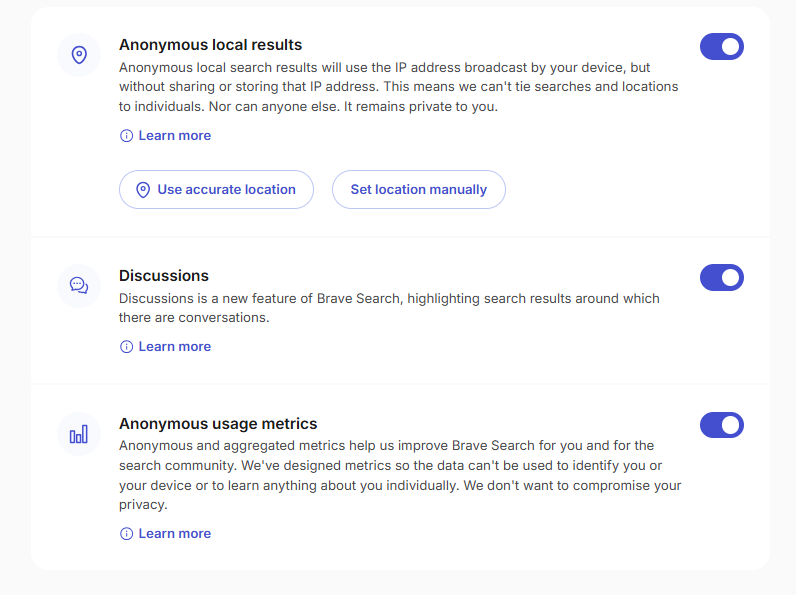
Anonymous local results, Discussions and anonymous usage metrics, all on by default and all switchable.
The anonymous local results toggle is the clever part, and the setting text explains it plainly: local results use the IP address your device broadcasts without sharing or storing that address, so searches and locations cannot be tied back to a person. If that still feels like too much, you can set your location manually instead or turn it off, and pair it with a VPN for good measure.
Anonymous usage metrics are aggregated and, per the same panel, designed so they cannot identify you or your device. We left them on. Everything here is a genuine choice rather than a dark pattern, and nothing needed an account to change, which is the level of transparency we would want from any company handling search queries.
Search Results Quality in Real Use
On general queries, Brave Search is good. Definitions, documentation, product research, news and shopping produced results we would call equivalent to Google for our purposes, and pages load faster because no ads and trackers are loading behind them.
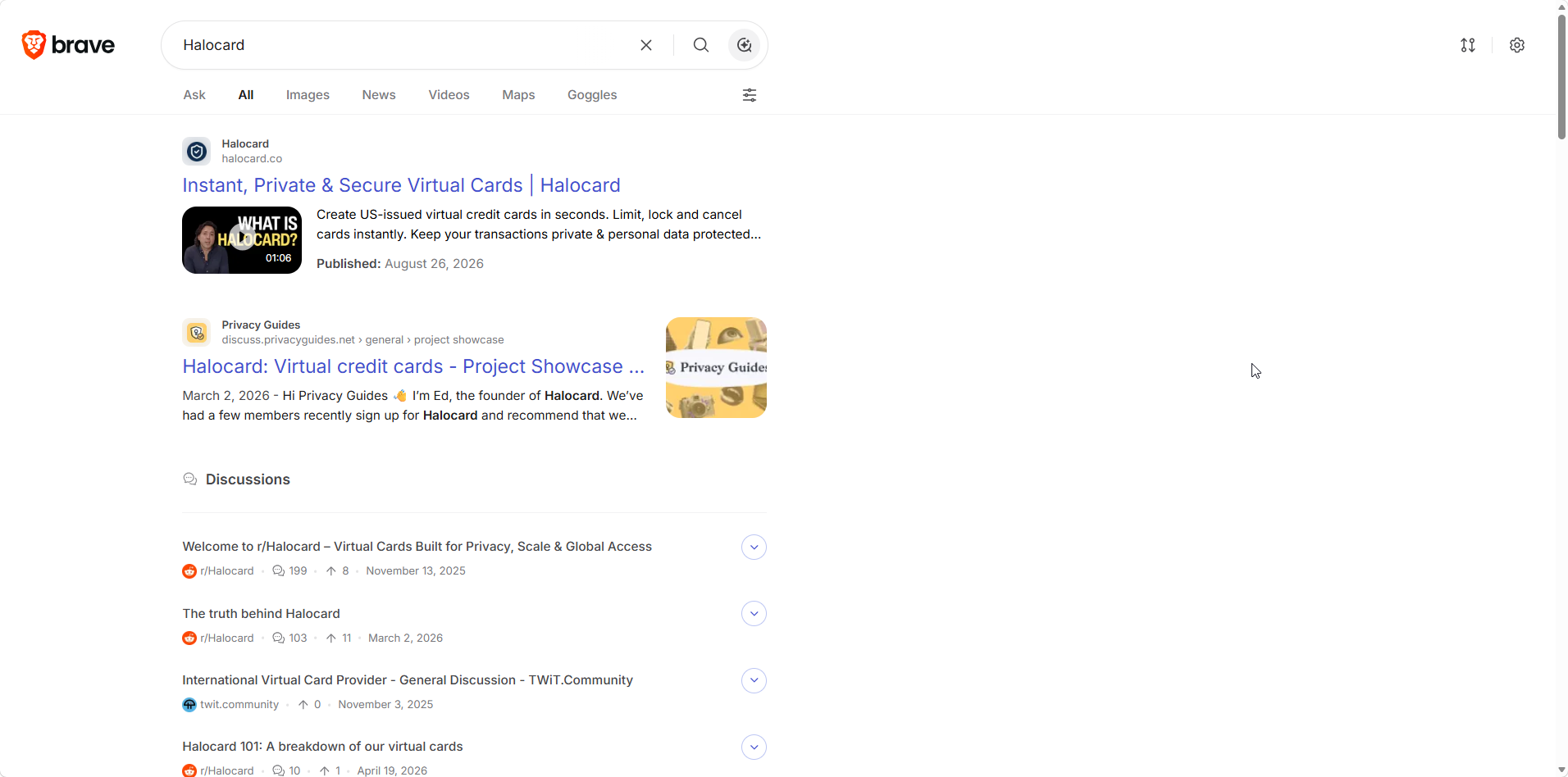
A brand query on our own site. The official page, a privacy community thread, then a Discussions block pulling in forum conversations.
Two things stood out. Small sites surface: a brand query returned the official site, a privacy forum thread and community discussions rather than five pages of aggregators. And Discussions is genuinely useful, putting relevant Reddit-style threads inside the results page instead of a separate search.
The weak spot is local. Reddit users say it and we saw it: local results are weak, so restaurant hours, nearby services and small regional businesses often mean a second search elsewhere. Image search is also thinner than Google's, a point raised repeatedly in the same thread.
Captchas are the other recurring complaint. One commenter said they moved on because of them, and if you run a hardened browser configuration you may hit them more often than most.
Answer with AI and Ask Brave
AI answers appear automatically on informational queries and can be triggered manually elsewhere. Brave's version does something most rivals do not: it cites the sources it used, in a panel beside the answer.
We tested it on questions where we knew the answer, the only honest way to judge these things. The structure was good, the sources were real, and a couple of specifics were off, the same failure mode every answer engine has. The follow-up chips are the best part: they suggest your next question rather than making you write it.
Ask Brave turns that into a full chat, and it keeps the privacy posture. The panel beside the chat states that chat history is encrypted, auto-deleted after 24 hours of inactivity, with the key stored on your device and no IP retained.
That notice separates Brave from competitors who bolt AI onto a search page and say nothing about the transcript. Answer with AI is free on desktop and mobile, and Brave says it hopes to keep it that way. For anything sensitive we would still treat the output as a starting point rather than an answer.
Goggles, Bangs, and Discussions
Three features make Brave Search more than a clean interface.
| Feature | What it does | Why it matters |
|---|---|---|
| Goggles | Custom ranking filters that reweight results | You choose the ranking rather than accepting one |
| Bangs | Shortcuts that send a query straight to another site | Keeps you on Brave Search for everything else |
| Discussions | Community threads inside the results | Forum answers without a separate search |
Goggles is the one nothing else offers. You apply rules that promote or demote sources, so a technical search can favor documentation over listicles, and it is exposed through the Search API, which suggests the company treats it as infrastructure rather than a gimmick.
Bangs matter more than they sound for anyone switching search engines. They mean you can use Brave Search as the default and still reach another engine in one keystroke when a search fails, which removes the main friction in switching.
Brave Search Inside the Brave Browser and Ad Blocking
Brave Search is the default inside the Brave browser, where it sits alongside Brave Shields. That combination is the full pitch for privacy online: a search engine that does not profile you, and an ad blocker built into the browser. Shields block ads, pop ups, cross-site trackers and fingerprinting scripts on every site you visit, automatically, with Global Privacy Control switched on by default. The same tracking protection applies in private browsing windows, and because blocked requests never load, pages pull less data on metered devices.
Brave's terms are unusually transparent about what the companies behind most browsers keep quiet. Brave says it has no access to identifiable user data, so there is no record of your searches on its servers, and history, downloads and saved passwords stay on your devices because Sync encrypts them before they leave. Brave Leo, the browser's AI assistant, is a separate product from Answer with AI, though both reply with cited sources.
You do not need one to use the other. Brave Search works in Chrome, Firefox or anything else, and the browser lets you switch search engines whenever you like. Our own take after months across both: the search engine is the easier sell, because trying it costs nothing and changes nothing else about your setup.
Ad blocking is relevant here for a second reason. Brave Search's standard tier shows a small number of ads, which is how the free tier is funded, and Premium removes them for $3 a month. Compared with a Google results page, the volume is negligible.
Brave Search Premium and the Search API
| Product | Price | What You Get |
|---|---|---|
| Brave Search | Free | Full index, AI answers, Goggles, bangs, Discussions |
| Brave Search Premium | $3/month or $29.99/year | Ad-free results and support for the index |
| Brave Search API | Free credit, then paid plans | Independent index access for developers |
The API is where the independence gets tested by people with money on the line. Brave overhauled it in 2026 with an LLM Context endpoint that returns ranked content chunks rather than plain links, with $5 in monthly free credit per plan.
The counterweight comes from a developer who ran it in production for three months and wrote up the problems: a 400-character query limit that verbose agents hit quickly, free credits that evaporate during evaluation runs, and results without page content, so a separate scraping layer was needed. They kept Brave as the search source and solved the rest elsewhere.
What Users Say About Brave Search
Brave Search does not have the review-site footprint of a consumer app. G2 says plainly that there are not enough reviews to draw conclusions, so the useful signal is community discussion.
The r/degoogle thread is the most informative. The top comment says the independent index is the biggest advantage over rivals that depend on Microsoft for results and share some data with them, while the downsides raised are captchas and image search. Another commenter says it is the best Google alternative they have used, with local results as the gap.
In r/browsers, the split is familiar. Several users switched their default and stayed, one noting the index still trails Google on regional sites, and one countering that the interface and AI summary are not for them. Bangs come up repeatedly as the feature that makes switching painless.
Brave Software's own Trustpilot profile is harsh, sitting around 2.6, but the reviews there are overwhelmingly about the browser, crypto rewards and support rather than the search engine, so we would not read it as a verdict on search.
How We Tested Brave Search as a Private Search Engine: Our Verdict
We ran Brave Search as our default engine across desktop and mobile, in the Brave browser and in a Chromium browser, without an account. Along the way, we:
-
Ran everyday research, shopping, news and local queries and compared the misses against Google
-
Changed region, language, theme and safe search, then checked how results shifted
-
Reviewed every privacy toggle, including anonymous local results and usage metrics
-
Tested Answer with AI on questions where we already knew the answer, then pushed into Ask Brave chat
-
Searched for our own brand and small sites to see how the index handles pages with little authority
Here is the overview of what we concluded, scored:
-
Result quality (4.0/5). Strong on general queries and unusually good at surfacing small sites and forum threads. Google still wins on the long tail.
-
Privacy (4.9/5). No account, no profile, no query logs, and local results handled without storing your IP.
-
Features (4.6/5). Goggles, bangs, Discussions and cited AI answers add up to more control than any rival offers.
-
Speed and interface (4.7/5). Clean pages, fast loads, no clutter, and settings that take seconds.
-
Local and niche coverage (3.3/5). The gap is real. Expect a fallback search for local businesses and image-heavy work.
The final verdict Brave Search earns is a recommendation with one caveat. Make it your default, learn two bangs for the days it misses, and check your region setting on day one. If your work is mostly local search or image research, keep a second engine handy rather than forcing it. For everyone else, this is the most credible way to leave Google without quietly landing on Bing.
Brave Search Pros and Cons
Pros
-
A genuinely independent index, not a front end for Bing or Google
-
No profiling, no query logging, and no sale of search history
-
Free, with an optional $3 ad-free tier rather than a paywall
-
Goggles, bangs and Discussions give real control over results
-
AI answers that cite their sources, with encrypted chat history
-
Works in any browser, and switching takes one click
Cons
-
Local results trail Google by a wide margin
-
Image and video search is thinner than the big engines
-
Captchas appear more often than on other engines
-
Specialized and niche technical queries can come up short
-
API limits, including a 400-character query cap, frustrate developers
Pair Brave Search With Halocard for Private Payments
A private search engine stops your queries being tied to a profile. It does nothing once you click through and buy something, because the merchant still takes your name, address and real card number and keeps them indefinitely.
That is the job Halocard does. Its US-issued virtual Visa cards take seconds to set up, and each one carries a spending cap, an instant lock switch and whatever billing address you decide to give it, so the checkout form never sees your own. Single-use numbers handle one-off orders, and funding runs through stablecoins, cards or bank transfers. Read how Halocard treats data, what the cards do, and where they fit for private purchases or subscriptions. Coverage spans 120+ countries, no credit check, from $12 a month.
Frequently Asked Questions
Is Brave Search Actually Private?
Yes, within what any search engine can offer. Brave is committed to a model with no account, no user profile, no query logging tied to an identity, and no sale of search data. Local results use your IP without storing it, and you can switch that off or set your location manually. What it cannot do is hide your searches from your internet provider, which is a job for a VPN.
Does Brave Search Use Google or Bing Results?
No. Brave built its own crawler and index, and it removed the last Bing calls from its results in 2023. That makes it one of only three engines at scale with an independent index, alongside Google and Bing. Most other privacy search engines still rely on one of those two.
Do I Need the Brave Browser to Use Brave Search?
No. It works in Chrome, Firefox, Edge, Safari or anything else, and you can set it as the default search engine in any of them. It is the default inside the Brave browser, and you can switch search engines there whenever you want.
Is Brave Search Free, and What Does Premium Add?
The standard tier is free and shows a small number of ads. Premium costs $3 a month or $29.99 a year, removes those ads, and supports the index. There is no feature paywall: Goggles, bangs, Discussions and AI answers are all in the free tier.
How Good Are the Search Results Compared to Google?
Close for general queries, weaker for local and niche ones. In our testing, general research and product questions came back comparable, while local businesses and image searches sent us back to Google. Bangs make that fallback quick enough that it stopped bothering us.
What Are Goggles and Bangs?
Goggles are custom ranking filters that reweight results so you can favor certain kinds of sources, which no other major engine offers. Bangs are shortcuts that fire a query straight at another site, so you can stay on Brave Search and still reach a specialist source in one keystroke.
Does Brave Search Have AI, and Is It Private?
Yes. Answer with AI puts a cited summary at the top of many queries, and Ask Brave extends it into a chat with follow-up questions. Brave states that chat history is encrypted, auto-deleted after 24 hours of inactivity, and that it does not retain your IP address. Treat AI answers as a starting point and verify anything that matters.
Sources
-
Brave. About Brave Search
-
Brave. Answer With AI
-
Brave. Brave Premium Plans
-
Wikipedia. Brave Search
-
PPC Land. July 2026 User Numbers
-
PCWorld. Brave Crosses 100 Million
-
TechCrunch. Brave Adopts AI Answers
-
AlternativeTo. Search API Update
-
G2. Brave Search Listing
-
Reddit. Thoughts on Brave Search
-
Reddit. Brave Search Is Good
-
Reddit. Search API Review
Sourced on September 30, 2026
*Please see Halocard's Terms of Service or Pricing for the most up to date pricing and fee information. This publication is provided for general information purposes and does not constitute legal, tax or other professional advice from Halocard LLC or its subsidiaries and its affiliates, and it is not intended as a substitute for obtaining advice from a financial advisor or any other professional. We make no representations, warranties or guarantees, whether expressed or implied, that the content in the publication is accurate, complete or up to date.
Halocard Virtual Cards
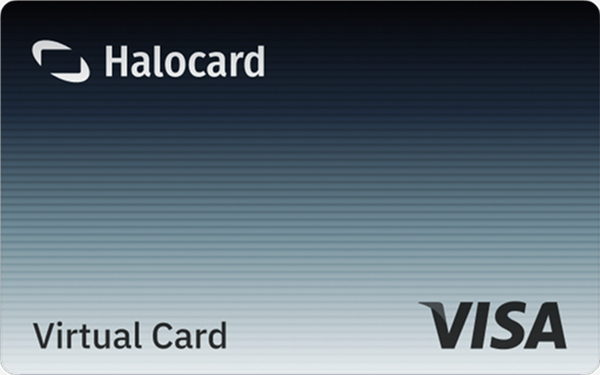

Instant approval
Create your first card in under 5 minutes.

Private purchases
Purchases never appear on your bank account.

Powered by Visa
Accepted at 175M+ merchants globally.
3 steps to create your virtual credit card
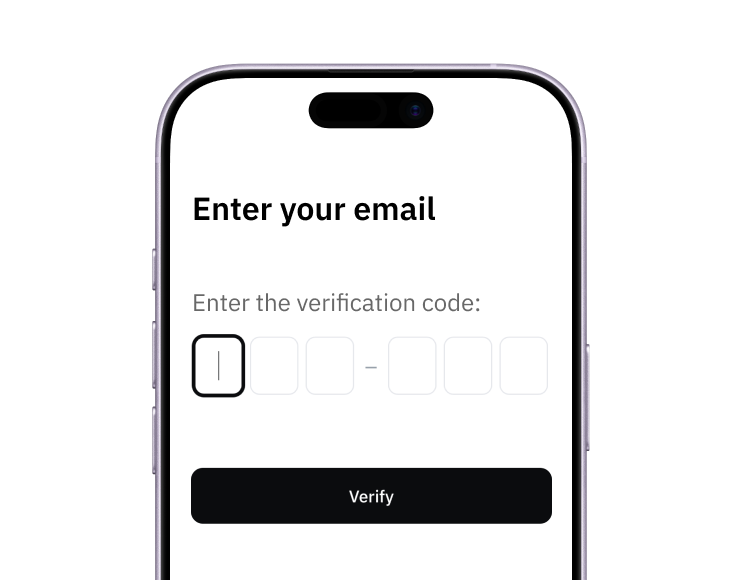
1. Sign up
Create your account from a web browser. No need to download an app.
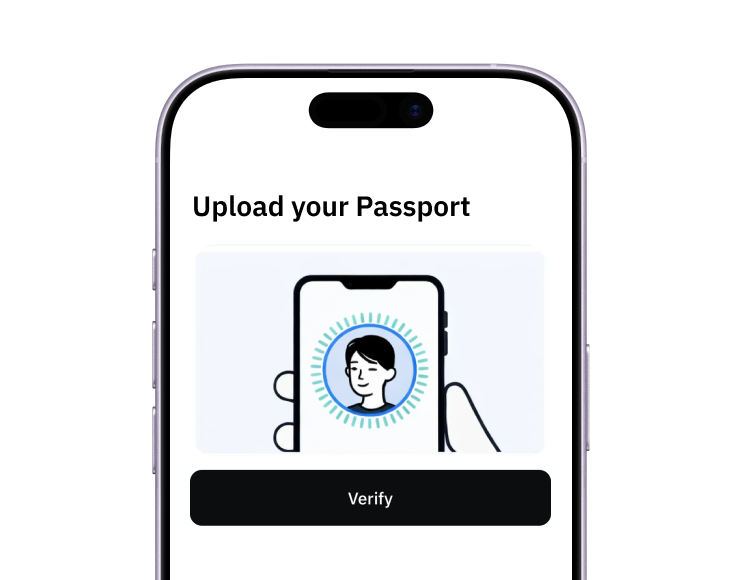
2. Verify
Verify you're a real person in 3 minutes, from the US or any of 120+ countries.
3. Fund
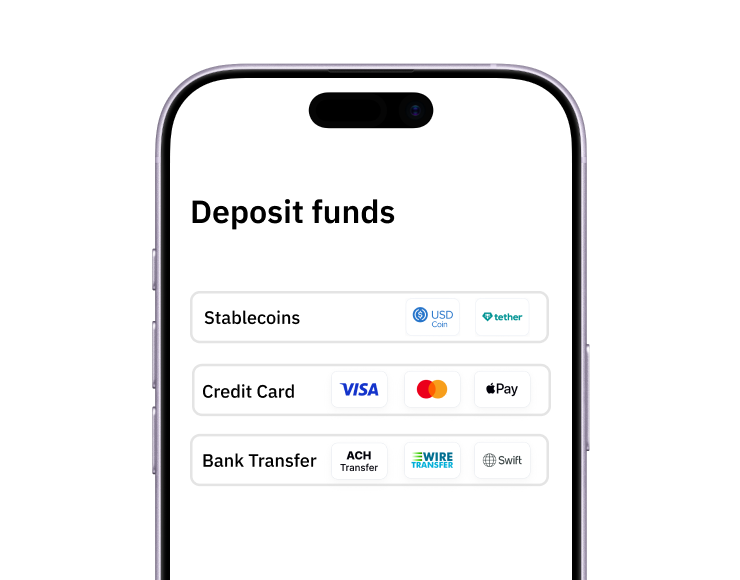
Add funds by debit/credit card, Apple Pay, Google Pay, bank transfer, stablecoins, or crypto.
Pay with Halocard
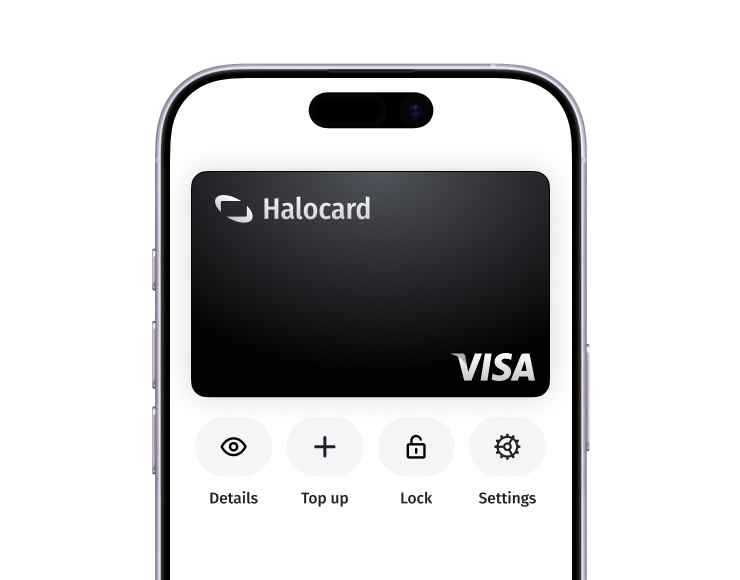
Pay online and in-person wherever Visa is accepted. You can also order a physical Halocard if you prefer.