

Quick Answer: Tor Browser is the strongest anonymity tool most people can install for free, and the slowest browser they will ever use. It wraps traffic in layers of encryption and sends it through three volunteer relays, so neither your internet provider nor the destination server learns both who you are and what you opened. The price is real: connections take time, captchas appear constantly, and video is close to unusable.
Tor has a reputation problem. Most people first hear about it as the way into the dark web, and that framing hides what it is actually for: keeping journalists, researchers, and ordinary users out of surveillance logs, and getting people around censorship.
We downloaded Tor Browser from the Tor Project, installed it on Windows, and used it for several days of ordinary browsing and searching. Here is what setup looks like, how much the speed hurts, which settings matter, and who should run it.
Key Takeaways
-
Tor Browser routes every request through three random nodes, so the entry relay knows your IP and the exit node knows the site, but neither knows both.
-
It is built on the Mozilla Firefox ESR codebase, which is why it feels familiar, and the current 15.0 series tracks Firefox 140 ESR.
-
Speed is the cost of anonymity, and our first connection to the Tor network took well over a minute before a single page loaded.
-
The security level setting matters more than anything else, since Safest disables JavaScript and breaks a large part of the web.
-
Tor is free, open source, and run by a nonprofit funded by donations rather than by advertising.
Tor Browser at a Glance
| Feature | Details |
|---|---|
| Developer | The Tor Project, a US nonprofit |
| Price | Free and open source |
| Platforms | Windows, macOS, Linux, Android (Onion Browser on iOS) |
| Engine | Firefox ESR, with hundreds of privacy patches |
| Anonymity | Onion routing across 7,000+ volunteer relays |
| Security levels | Standard, Safer, Safest |
| Extras | .onion site access, HTTPS-Only mode, NoScript included |
| Best for | Journalists, researchers, activists, anyone facing censorship |
Our Rating
| Category | Score |
|---|---|
| Privacy protections | 5.0 / 5 |
| Ease of use | 3.8 / 5 |
| Speed and performance | 2.5 / 5 |
| Features and value | 4.2 / 5 |
| Site compatibility | 2.8 / 5 |
| Overall | 4.0 / 5 |
What Is Tor Browser and Who Is the Tor Project?
Tor Browser is a free, open source browser built for anonymity, a fork of Firefox ESR with hundreds of patches on top that the Tor Project rebuilds on each new Firefox base. The current stable series is 15.0, built on Firefox 140 ESR, with version 16 on Firefox ESR 153 due next.
The anonymity comes from onion routing. Your request is wrapped in layers of encryption and passed through an entry guard, a middle relay, and an exit node before it reaches the site. Each hop peels off one layer and can only see the step before and after it. Because those relays are run by over seven thousand volunteers, trust is spread across independent operators rather than one company.
Demand for that model is not niche. Pew Research found 73% of Americans feel they have little or no control over what companies do with their data. Tor is the far end of the response.
That design also unlocks .onion addresses, services that exist only inside the Tor network and never touch a public exit node. Tor Browser is the normal way to reach them, and it is why Tor is associated with the dark web, even though the same software is the standard tool for circumventing government censorship.
Installing Tor Browser
Install Tor Browser from torproject.org and nowhere else, since lookalike download sites exist. The Tor Project publishes signatures next to every build, so you can check what you downloaded before you run it. We took the 15.0.20 Windows build.
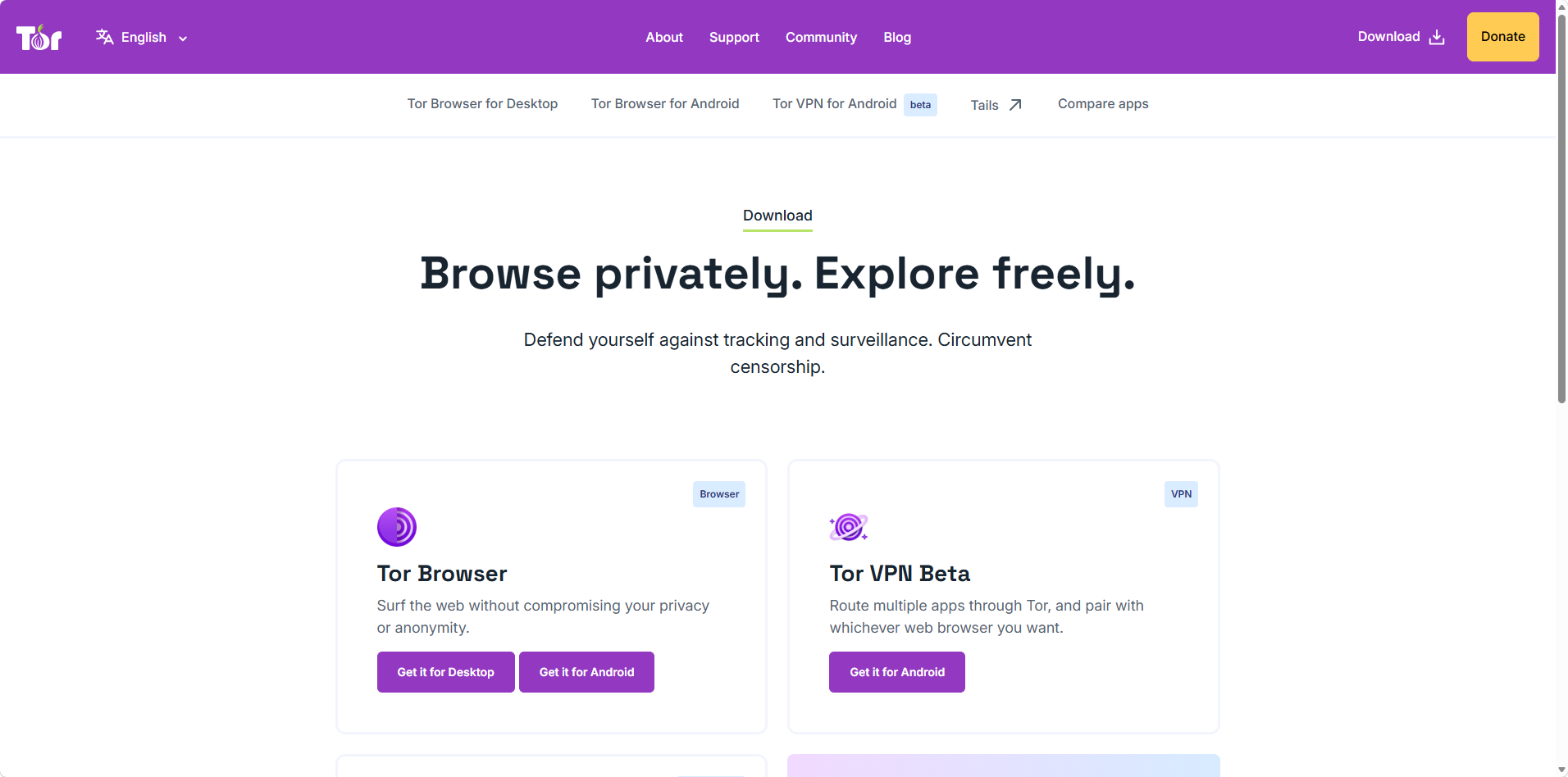
The download page also offers Tor VPN Beta for Android and a link to Tails, the Tor-based operating system.
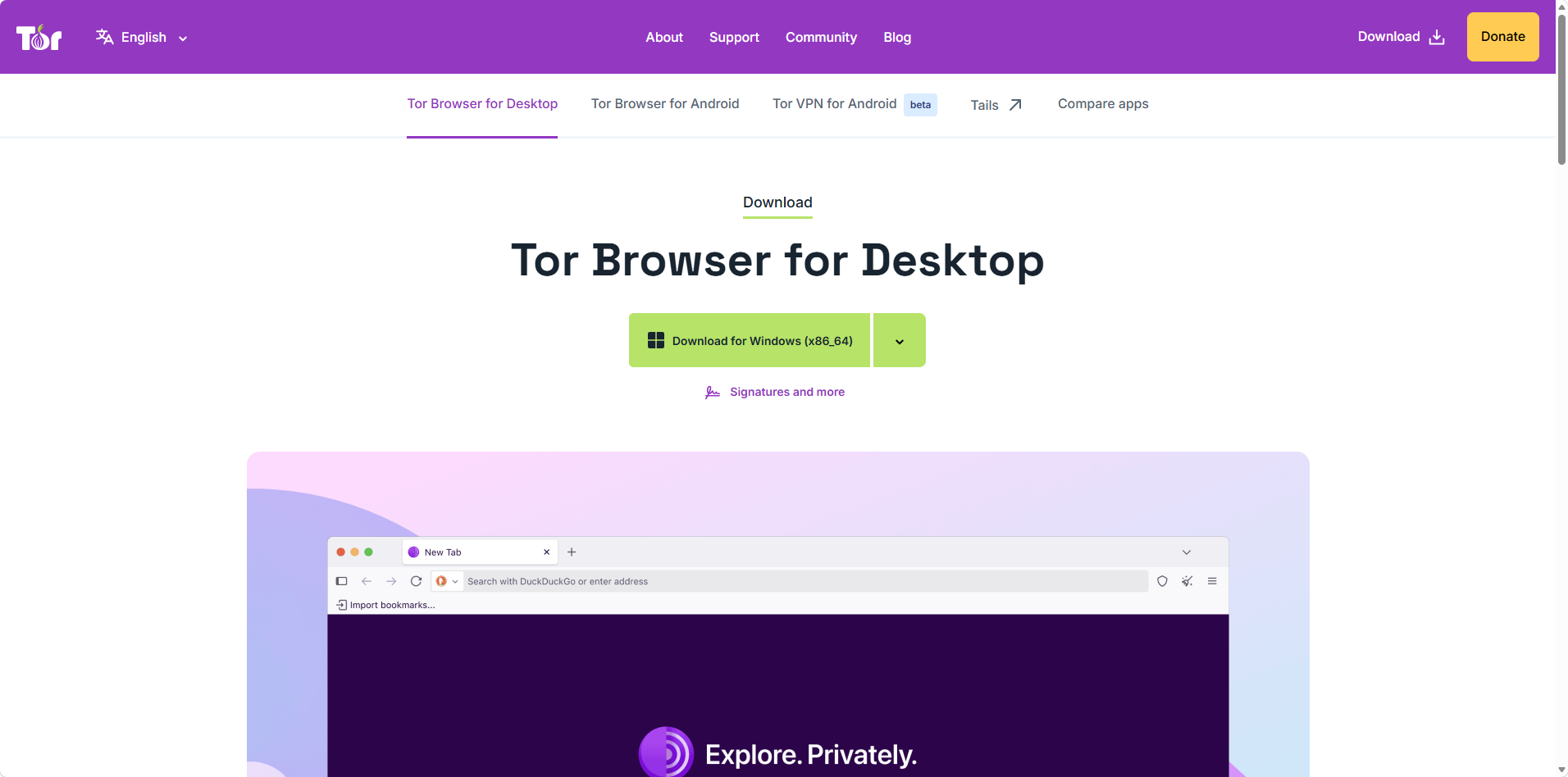
We took the Windows x86_64 build. The Signatures and more link sits right under the button.
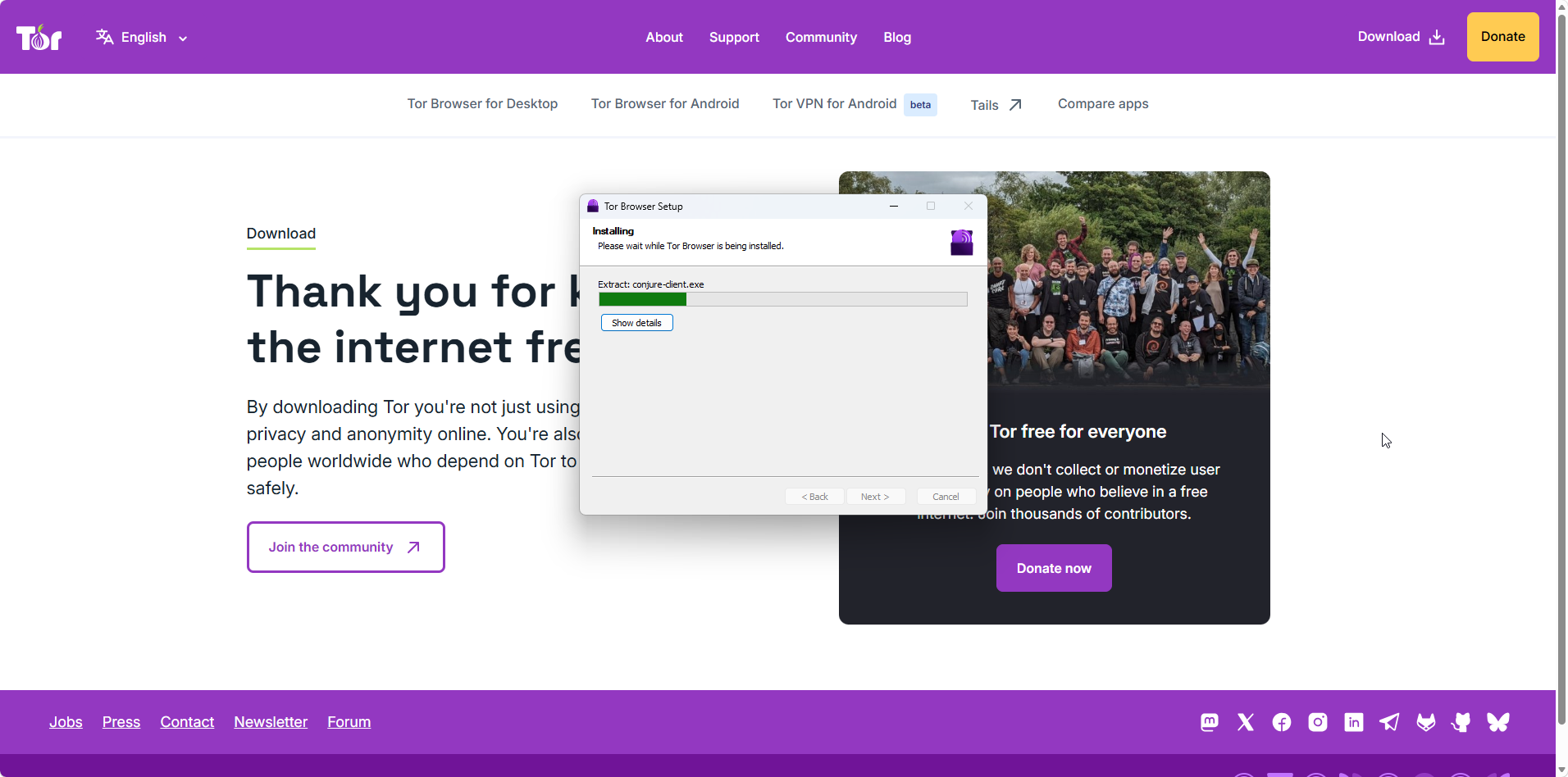
The installer is a plain wizard with no options to configure, and it finished in under a minute.
Nothing in the process asks for an account, an email address, or a payment method, and the Tor Project does not log or monetize its users. It installs as a normal desktop program on Windows, macOS, and Linux, with a separate app for Android devices.
Running Tor Browser for the First Time
The first launch is where Tor differs from every other browser. Instead of a home page you get a connection screen, with the option to always connect automatically and a Configure Connection button for anyone behind a firewall that blocks Tor.
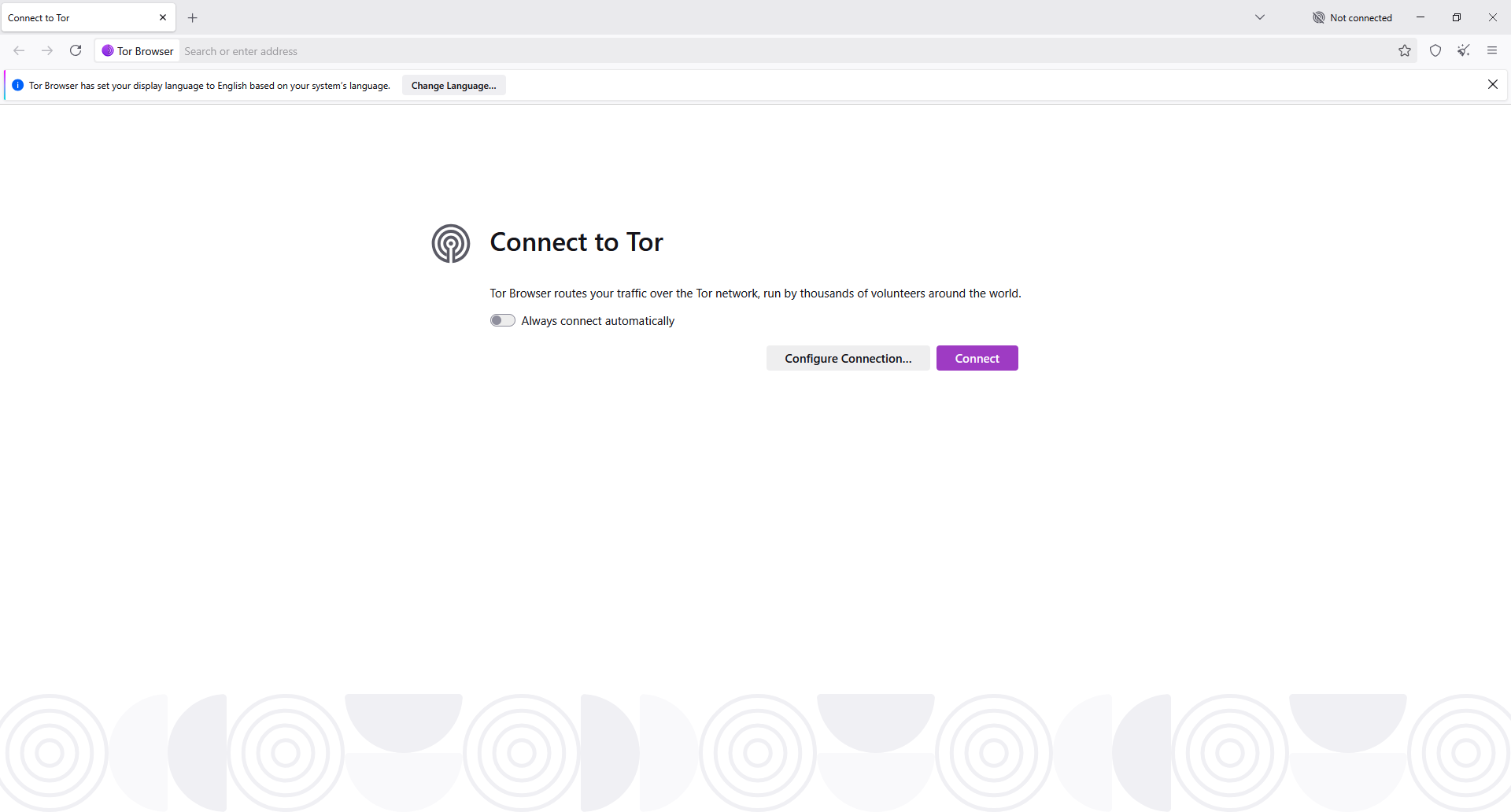
A banner told us Tor Browser had set our display language from the operating system. We left Always connect automatically switched off so we could watch the connection each time.
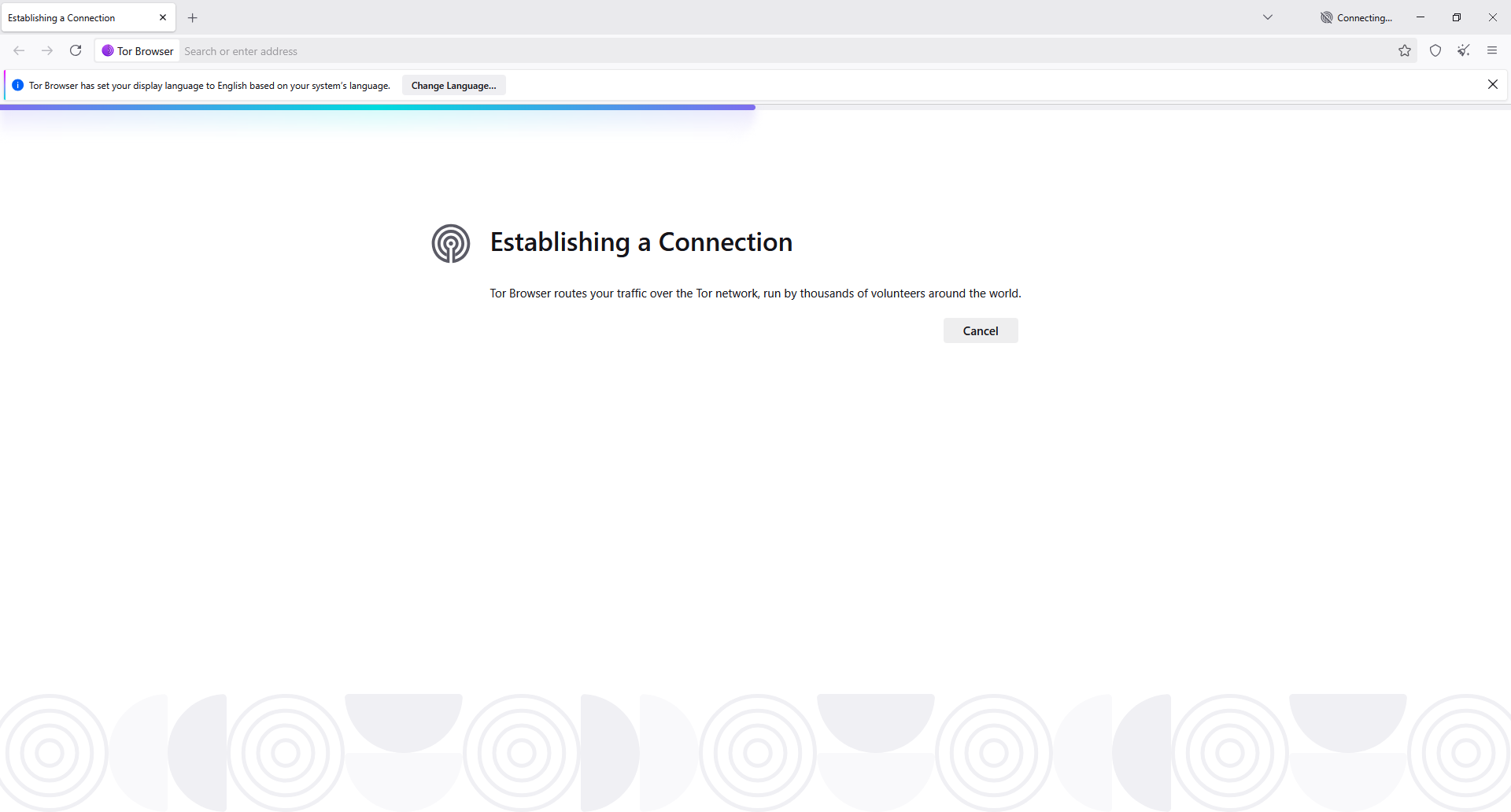
This is the part nobody warns you about. Establishing a connection took well over a minute for us, with no page loaded yet, and the only control on screen is Cancel.
If it stalls, the Tor Project's most common suggestion is an incorrect system clock, and a restart with the right time usually fixes it. In censored countries you configure a bridge instead, an unlisted relay that is harder to detect.
Once connected, the new tab screen is spare: a search bar wired to DuckDuckGo, no Google anywhere, and a line about private browsing.
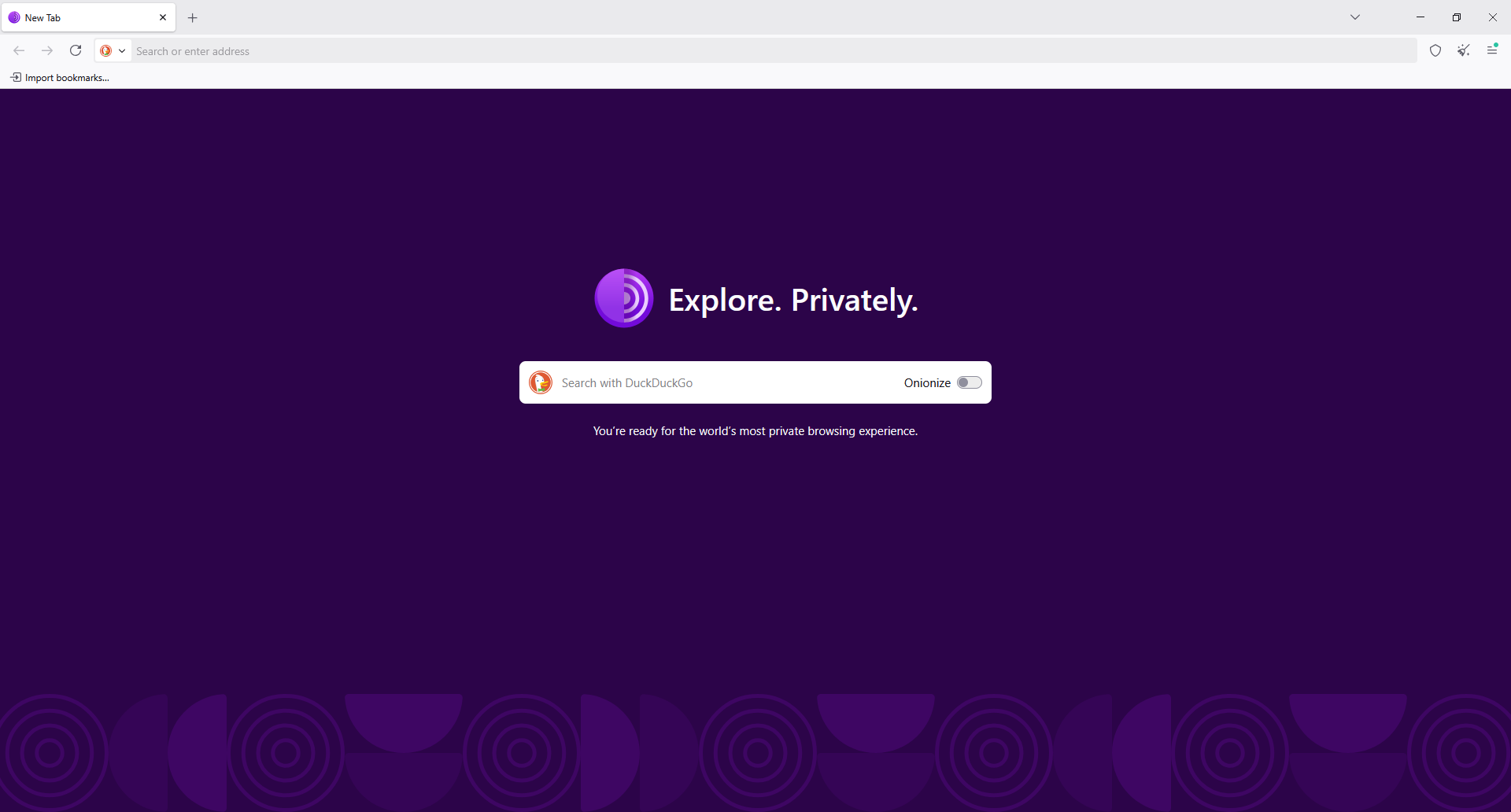
No bookmarks toolbar clutter, no sponsored tiles, and an Onionize switch next to the search bar.
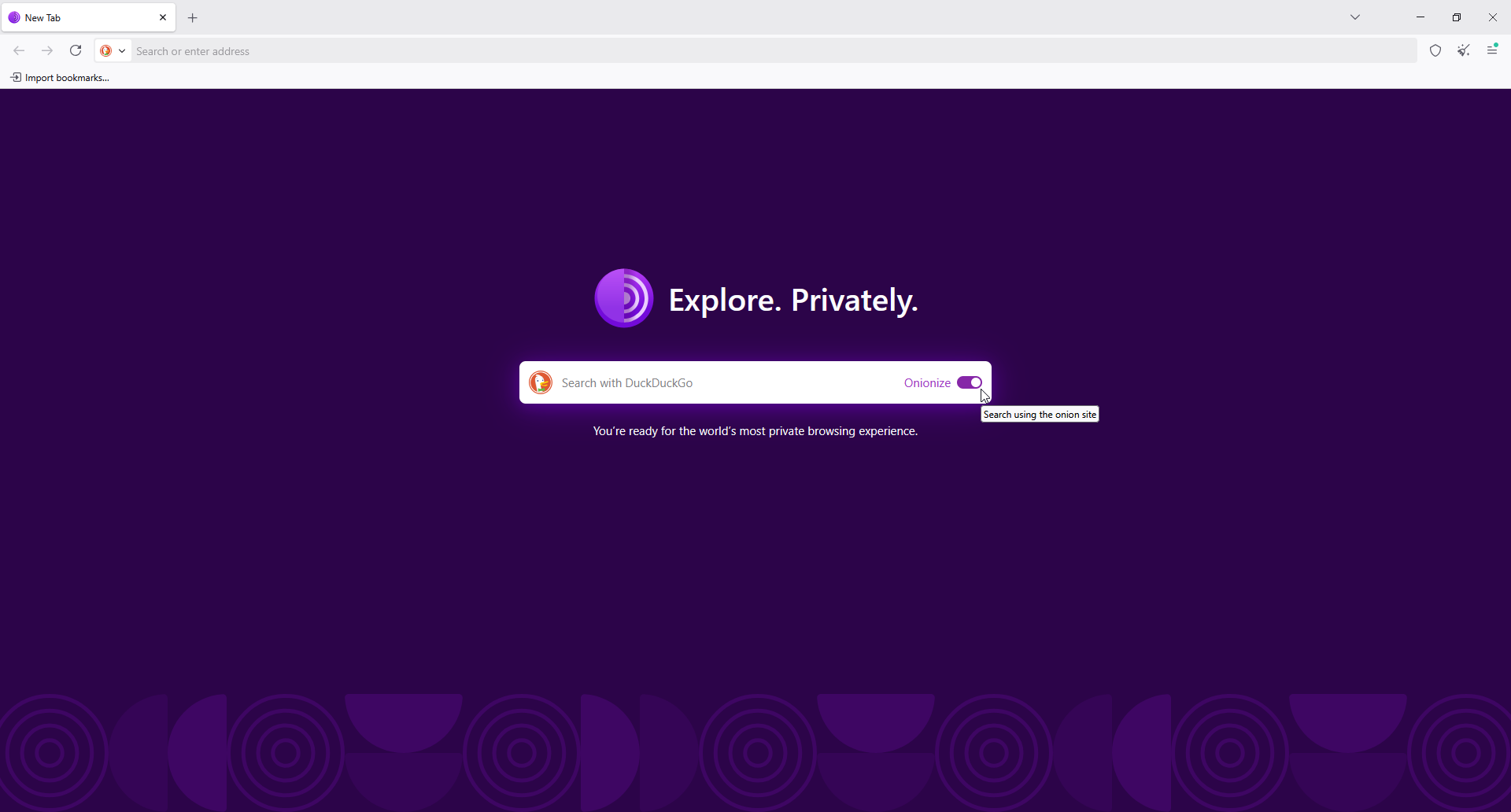
Flipping Onionize sends the search to DuckDuckGo's onion site. Hovering it shows the tooltip, and results took noticeably longer to arrive.
Day to day it behaves like Firefox, and the differences show up in what it refuses to keep. Cookies and browsing history are deleted when you close the browser, every site is isolated from the others, and New circuit for this site gives you a fresh path when a page misbehaves.
Security Levels, NoScript, and Add Ons
Tor Browser ships with NoScript and HTTPS-Only mode, and its security level setting is the one thing worth understanding before you browse anything sensitive.
| Level | What It Does | Trade-Off |
|---|---|---|
| Standard | All browser and website features enabled | Largest attack surface, best compatibility |
| Safer | Disables JavaScript on non-HTTPS sites, turns off some fonts and math symbols, makes media click to play | Some sites lose functionality |
| Safest | Disables JavaScript on every site, plus some fonts, icons, and images | Breaks a large share of the web |
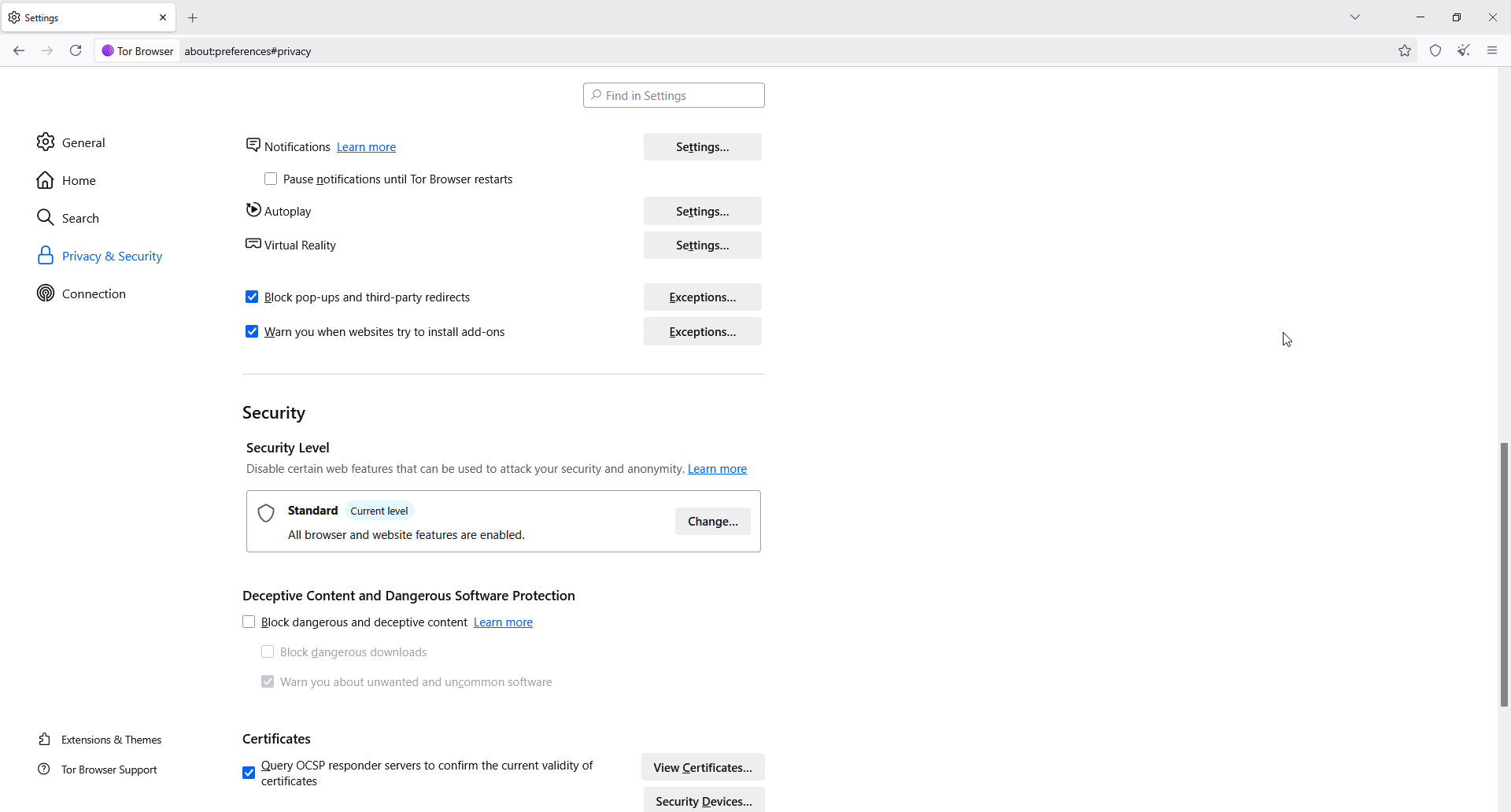
The Security Level panel sits in Privacy and Security settings. Standard is the default and enables every web feature, and note that the deceptive content and malware protection box is unchecked out of the box. Changing level prompts a restart.
That last box is deliberate: the check normally sends site addresses to a Google service, so Tor leaves it off. The higher levels also make you look more like everyone else, which is the main defense against tracking scripts. Tor Browser standardizes the characteristics that fingerprinting scripts read, so users blend into one crowd, and the Safest setting strips out the most identifying features.
This is also why the Tor Project advises against installing add ons. Extensions change your fingerprint, and a browser carrying an unusual combination of add ons is easier to single out. Even privacy extensions work against you here, so uBlock Origin belongs in your everyday browser, not this one. The same guidance covers plugins, which the browser blocks because they can be manipulated into revealing your IP address, and torrenting over Tor, which the Tor Project asks people not to do.
Speed, Captchas, and Real Limitations
Anonymity has a price and the price is speed. Every request takes three hops through volunteer hardware, so pages load slowly, large downloads crawl, and streaming video is not worth attempting. Tor's own G2 reviews show the same pattern: praise for the encryption, with slow browsing named as the common limitation.
The other friction is being treated as suspicious. Many sites block known exit nodes, so captcha prompts, blocked logins, and flat refusals are routine. On one r/TOR thread, an experienced user put it plainly: ordinary sites make life hard for Tor users, and video is slow or broken, which is why they suggested a hardened everyday browser instead for that use case.
Tor is also not magic, and it does not guarantee complete anonymity, because operational security errors undo it. For example, log into a personal account and you have identified yourself to that service, however hard the network is to trace. The exit node sees your traffic as it leaves the network, so anything not encrypted with HTTPS is readable there. And using Tor is visible to your provider, which in some places attracts scrutiny. That is the context Tor exists in: Freedom House recorded a 15th straight year of declining internet freedom in 2025, with people in at least 57 of 72 countries arrested for what they posted online.
Tor Browser vs a VPN
| Feature | Tor Browser | Typical VPN |
|---|---|---|
| Hops | Three volunteer relays | One company server |
| Trust model | Distributed across operators | One provider you must trust |
| Speed | Slow, unsuitable for video | Fast enough for everyday use |
| Logging risk | No account, nothing to log | Provider can log IP and usage |
| Cost | Free | Usually a subscription |
The honest summary is that they solve different problems, and the advantages run in opposite directions. One thing the Tor Project is firm about: do not run a separate VPN alongside Tor unless you know exactly what you are changing, because it can make your traffic easier to distinguish rather than harder. A VPN moves your trust from your internet provider to a VPN company, which can still log your IP and activity. Tor removes the single trusted party, at a heavy cost in speed. Several Reddit users in a daily driver thread make the same point: for anonymity it is the best browser available, for features and speed it is not.
What Users Say About Tor Browser
Business reviewers score it well on value and privacy, lower on ease of use and support. On Trustpilot, a reviewer who lived in Turkey credits Tor as their way around state censorship and untrustworthy providers, while others warn about scam marketplaces reachable through it.
Reddit is the most useful source here. In a Tor safety thread, a long-time commenter argues Tor Browser is more secure than an ordinary browser, hardened against attacks and careful about fingerprinting, and that its reputation for being constantly compromised is a misunderstanding. Others in the thread push people toward raising the security level, avoiding add ons, and never logging into anything personal.
How We Tested Tor Browser as a Private Browser: Our Verdict
We tested Tor Browser on Windows from a clean download, using the default settings first. Along the way, we:
-
Downloaded it from the Tor Project and installed it without an account
-
Timed the first connection to the Tor network and reconnected several times
-
Searched with DuckDuckGo, then with Onionize enabled to stay inside the network
-
Moved between Standard, Safer, and Safest to see what each one breaks
-
Opened .onion services and ordinary websites, including sites that challenge Tor users
Our conclusions, scored:
-
Privacy protections (5.0/5). Nothing else on a normal desktop comes close: three hops, no account, a standardized fingerprint, history wiped on exit.
-
Ease of use (3.8/5). The interface is Firefox and easy enough, but the connection step and the security slider need explaining to anyone new.
-
Speed and performance (2.5/5). Slow to connect, slow to load, and unusable for video. This is the design working as intended.
-
Features and value (4.2/5). Free, open source, .onion access, bridges, and a mobile app, with no paid tier at all.
-
Site compatibility (2.8/5). Captchas, blocked logins, and broken pages are routine, and they get worse at higher security levels.
Our bottom line: Tor Browser is the right tool when anonymity is the point and the wrong tool for everyday use. Install it beside your normal browser, raise the security level before anything sensitive, and never sign into personal accounts inside it. If you only want to hide browsing from your internet provider, a VPN or a hardened Firefox fork is far less painful.
Tor Browser Pros and Cons
Pros
-
The strongest anonymity available in a free desktop browser
-
Distributed trust across thousands of independent relay operators
-
Free, open source, and funded by donations rather than ads
-
Access to .onion services and censorship circumvention with bridges
-
Cookies and history cleared automatically at the end of a session
Cons
-
Slow to connect and slow to browse, with video effectively out
-
Constant captchas and blocked logins on sites that reject exit nodes
-
Higher security levels break a large share of the web
-
Easy to undermine through your own operational security mistakes
-
No add ons, so you give up the extensions you rely on elsewhere
Pair Tor Browser With Halocard for Private Payments
Tor hides your identity from the websites you open. The moment you pay for something, that protection ends, because the merchant still receives your real card number, name, and billing address.
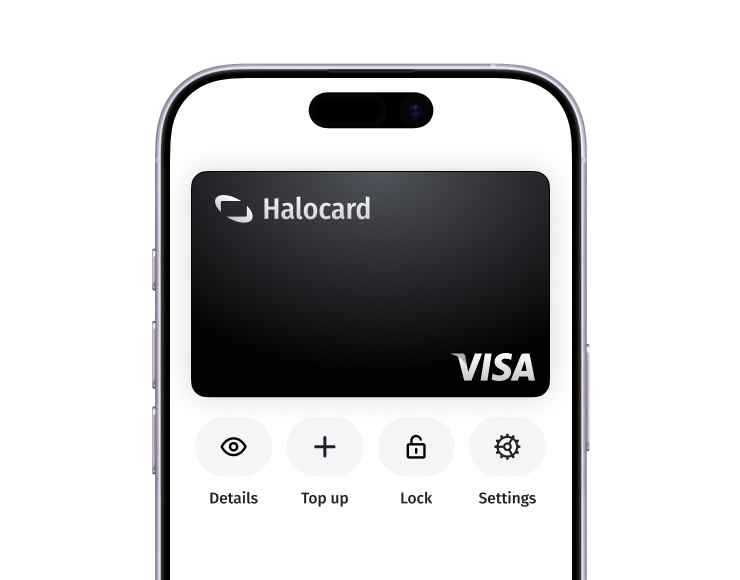
Halocard covers that side. Its US-issued virtual Visa cards are created in seconds, each with its own spending limit, an instant freeze button, and a billing address you choose rather than your own. Funding comes through several routes including cryptocurrency, and single-use disposable cards suit one-off purchases where you would rather leave nothing behind. See how it works for private purchases, across 120+ countries with no credit check, from $12 monthly.
Frequently Asked Questions
Is Tor Browser Safe to Use?
Yes, for ordinary browsing. It is open source, independently audited, and hardened well beyond a normal browser, and its security updates follow Firefox ESR closely. Keeping it updated is the single most important habit. Reddit threads about hackers on the dark web overstate the danger; the risks that remain come from user behavior, such as signing into personal accounts, installing add ons, or trusting unencrypted pages at the exit node.
Is Tor Browser Legal?
Tor Browser is legal in the United States and most countries, and its users include journalists, researchers, and law enforcement. Some governments restrict it: China's firewall blocks Tor relays and detects bridges, and researchers who studied the effectiveness of that blocking found new bridges shut down within minutes. Using Tor is visible to your internet provider even when your activity is not.
Does Tor Browser Take You to the Dark Web?
Not by itself. It opens ordinary websites like any browser, and it can also reach .onion services that only exist inside the Tor network. Finding those requires knowing the address, so you navigate to a .onion site you already have rather than stumbling onto one. Nothing about installing Tor exposes you to illegal activities unless you go looking for them.
Why Is Tor Browser So Slow?
Because your traffic passes through three relays run by volunteers on donated hardware before it reaches the destination server, and the return trip repeats that. Slowness is a structural cost of the anonymity, not a bug. Expect ordinary pages to be tolerable and anything media-heavy to be frustrating, and never guess at how long a first connection will take.
Should I Install uBlock Origin or Other Add Ons?
No. The Tor Project recommends against extra add ons because they change your fingerprint and can bypass Tor entirely. The browser already includes NoScript and HTTPS-Only mode, and the security level setting covers what an ad blocker would do for you.
Is Tor Better Than a VPN?
For anonymity, yes. Tor removes the single company that could log your IP and usage, and spreads trust across independent relays. For speed, a VPN wins easily, and it covers every app rather than one browser. If you prefer one tool, most people run a VPN daily and keep Tor for the sessions where anonymity matters.
Does Tor Browser Work on Phones?
Yes. The Tor Project ships Tor Browser for Android, and iOS users are pointed to Onion Browser. There is also Tor VPN Beta for Android, which routes each app through its own Tor circuit, though the Tor Project labels it beta and warns against relying on it for anything sensitive.
Sources
-
Tor Project. Tor Browser for Desktop
-
Tor Project. Security Levels
-
Tor Project. Tor VPN Beta
-
Tor Project. Tor VPN Support
-
Tor Project. Future of Tor Alpha
-
Wikipedia. Tor Network
-
Open Tech Fund. Tor Browser ESR Audit
-
OSINT Combine. Tor Network Explained
-
CyberInsider. Tor VPN Beta
-
Karlstad University. How China Blocks Tor
-
G2. Tor Reviews
-
GetApp. Tor Browser Reviews
-
Trustpilot. Tor Project Reviews
-
Reddit. Tor as Normal Browser
-
Reddit. Is Tor Browser Safe
-
Reddit. Is Tor The Best
-
Pew Research Center. How Americans View Privacy
-
Freedom House. Freedom on the Net 2025
Sourced on September 28, 2026
*Please see Halocard's Terms of Service or Pricing for the most up to date pricing and fee information. This publication is provided for general information purposes and does not constitute legal, tax or other professional advice from Halocard LLC or its subsidiaries and its affiliates, and it is not intended as a substitute for obtaining advice from a financial advisor or any other professional. We make no representations, warranties or guarantees, whether expressed or implied, that the content in the publication is accurate, complete or up to date.
Halocard Virtual Cards
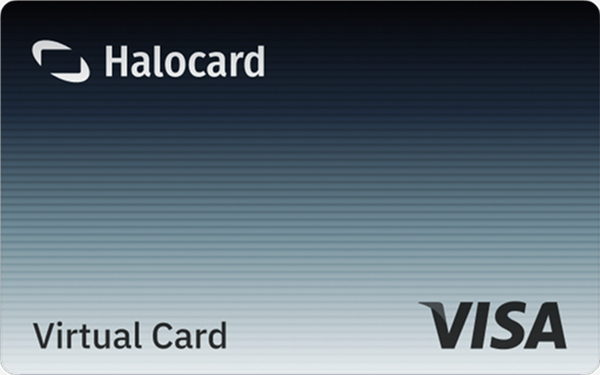

Instant approval
Create your first card in under 5 minutes.

Private purchases
Purchases never appear on your bank account.

Powered by Visa
Accepted at 175M+ merchants globally.
3 steps to create your virtual credit card
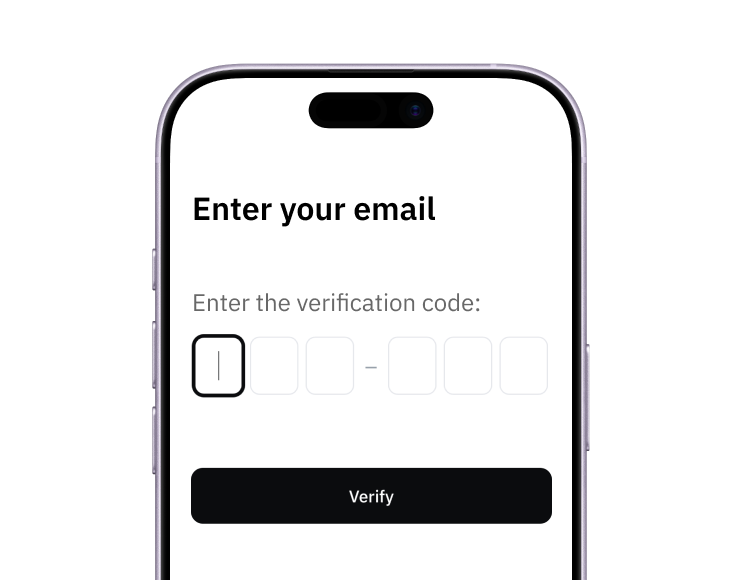
1. Sign up
Create your account from a web browser. No need to download an app.
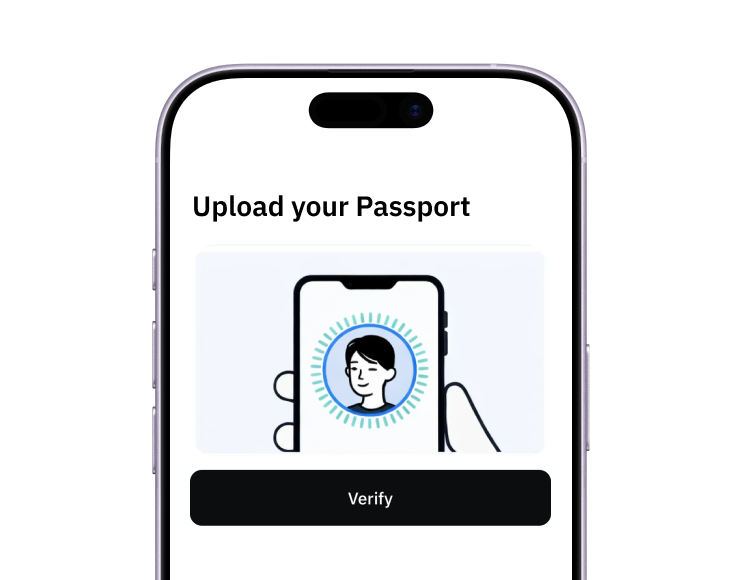
2. Verify
Verify you're a real person in 3 minutes, from the US or any of 120+ countries.
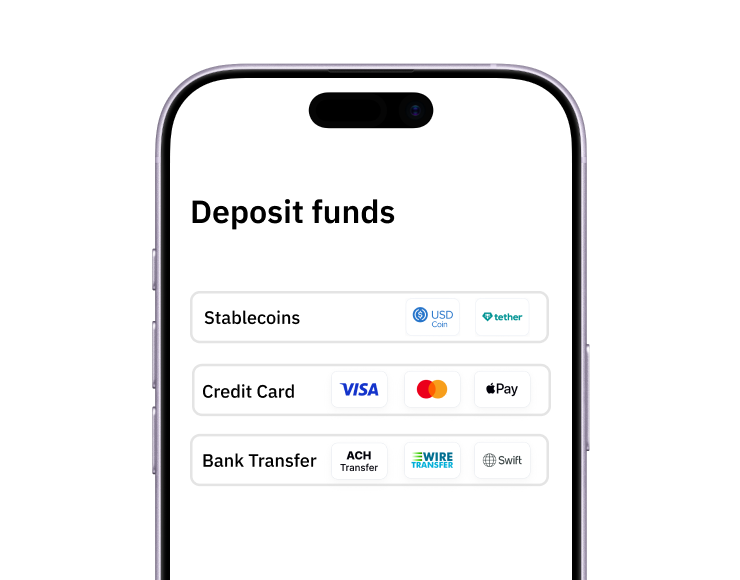
3. Fund
Add funds by debit/credit card, Apple Pay, Google Pay, bank transfer, stablecoins, or crypto.
Pay with Halocard
Pay online and in-person wherever Visa is accepted. You can also order a physical Halocard if you prefer.