uBlock Origin Review (2026): Is It Still the Best Blocker?

Edward Taylor

Quick Answer: uBlock Origin is the best ad blocker available, with one condition in 2026: you need the right browser. The full version blocks ads and trackers at almost no CPU cost, hands you tools no rival matches, and takes nothing from advertisers. Google ended Manifest V2 support, so Chrome users get uBlock Origin Lite, which blocks most ads but lacks dynamic filtering and the deeper repair tools.
The best ad blocker argument used to be a matter of taste. Across web browsers it is now a matter of browser choice. Chrome, Edge and Opera moved to Manifest V3, uBlock Origin was pulled from the Chrome Web Store, and the full version survives on Firefox and a few Chromium browsers that kept the old extension platform alive.
To review uBlock Origin properly, we installed it in Firefox from the official listing and used it as our only content blocker across news sites, shopping pages, cookie walls and YouTube. We went through every dashboard tab, built a filter with the element picker, and looked at what happens when something breaks. Here is what worked, what needs explaining, and who should use uBlock Origin Lite instead.
Key Takeaways
-
uBlock Origin is free and open source, takes no donations, and runs no acceptable ads program, so nothing about it is negotiable with advertisers.
-
Our install loaded 180,575 network filters and 43,868 cosmetic filters from five default lists before we changed a single setting.
-
The full version only runs where Manifest V2 survives, which in practice means Firefox, Firefox for Android and a handful of Chromium browsers.
-
Advanced tools like dynamic filtering, the logger and the element picker are the real difference between uBlock Origin and every other blocker.
-
There is no customer support team, since help comes from GitHub, community forums and documentation written by volunteers.
uBlock Origin at a Glance
| Feature | Details |
|---|---|
| Developer | Raymond Hill, known as gorhill |
| Price | Free, GPLv3 open source, no paid tier |
| Full version browsers | Firefox, Firefox for Android, Manifest V2 Chromium browsers |
| Lite version browsers | Chrome, Edge, Safari, other Manifest V3 browsers |
| Default filter lists | uBlock filters, EasyList, EasyPrivacy, Online Malicious URL Blocklist, Peter Lowe's list |
| Standout tools | Element picker, element zapper, logger, dynamic filtering |
| Customer support | Community only, through GitHub and forums |
| Best for | Anyone on Firefox who wants the strongest blocking available |
Our Rating
| Category | Score |
|---|---|
| Blocking effectiveness | 4.9 / 5 |
| Ease of use | 4.3 / 5 |
| Speed and performance | 4.9 / 5 |
| Features and value | 5.0 / 5 |
| Support and documentation | 3.5 / 5 |
| Overall | 4.7 / 5 |
What Is uBlock Origin, the Open Source Content Blocker?
uBlock Origin is a free and open source ad blocker, or more precisely a content blocker, built by developer Raymond Hill. Its own listing is blunt about the label people give it: it is not an ad blocker but a wide-spectrum content blocker with CPU and memory efficiency as a primary feature. Out of the box it blocks ads, trackers, coin miners and pop ups through filter lists enabled by default.
The project takes no money. There is no premium plan, no acceptable ads deal of the kind other ad blockers sell to advertisers, and the developer declines donations, pointing people toward the volunteers who maintain the filter lists. That funding model is why nothing here bends toward whoever pays for banner ads and sponsored content.
Installing it is the same as any add on. Open your current browser's extension store, search for uBlock Origin, check the publisher, and click add. Installation takes about a minute. Copycat extensions with similar names exist, so the publisher is the thing to check first.
Installing the Browser Extension
We installed from Mozilla's listing, where the extension carries Mozilla's Recommended badge. When we ran the numbers, it showed 4.8 stars from 22,153 reviews and 11,148,991 users, and it is also available on Firefox for Android.
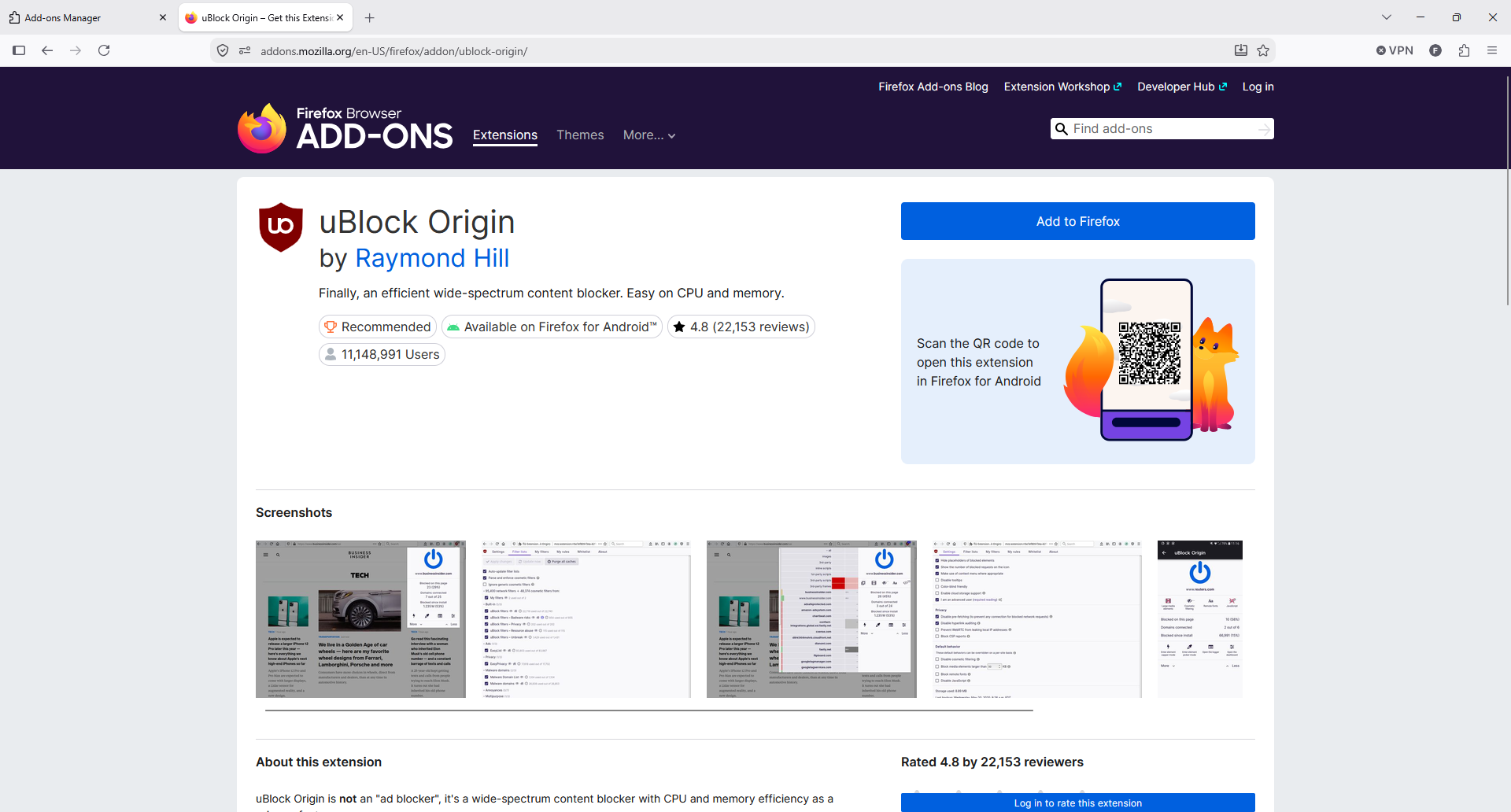
The official listing. The Recommended badge means Mozilla reviews the code for each release.
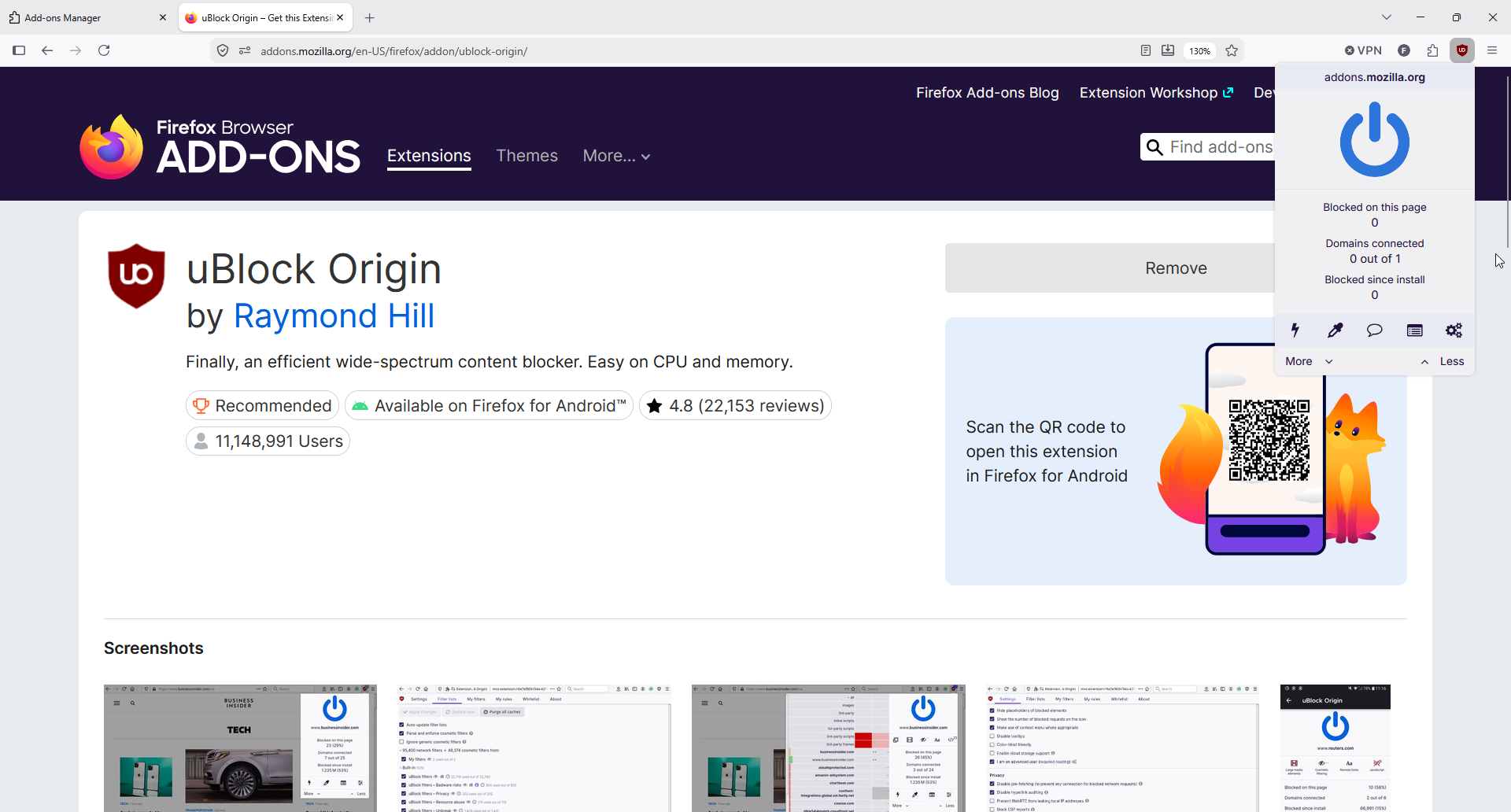
Straight after install, on the add-ons page itself, the counters sit at zero. Nothing to block on Mozilla's own site.
There is nothing to configure. No account, no onboarding, no plan selection, which is rare among popular browsers' most-installed extensions. The toolbar icon shows a badge with the number of blocked requests on the current page, and clicking it opens the popup with three counters: blocked on this page, domains connected, and blocked since install.
Those counters became our quickest measure of what a site is doing. On a running shoe guide, the popup reported 8 requests blocked, 8% of the page, and 3 of 6 domains connected.
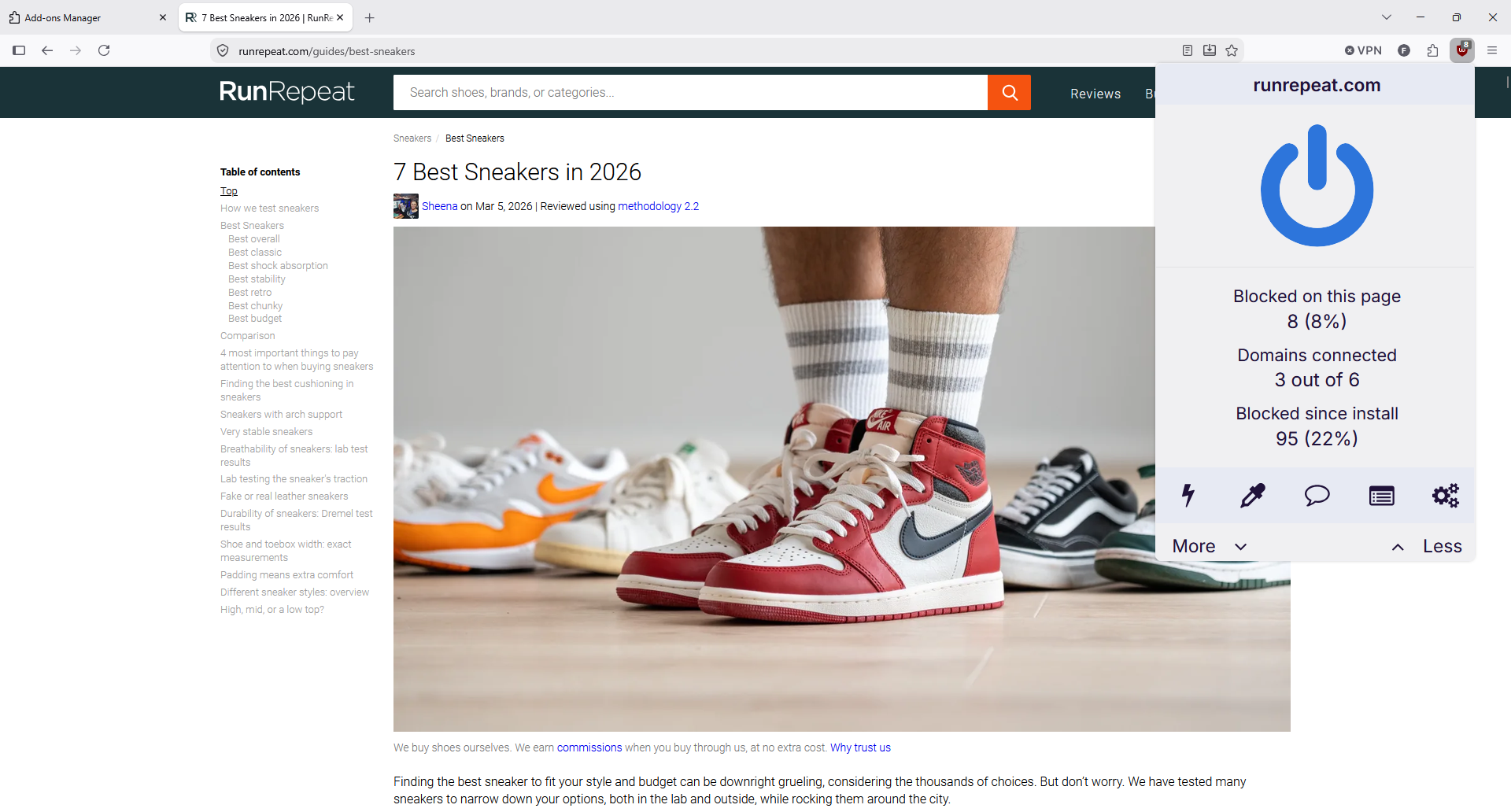
Eight blocked requests on a single product guide, with half the third party domains cut off.
On a juice shop article, the panel showed 10 blocked requests, 11% of the page, and 275 blocked since install, 19% of everything the browser had requested. Almost a fifth of all requests were never made.
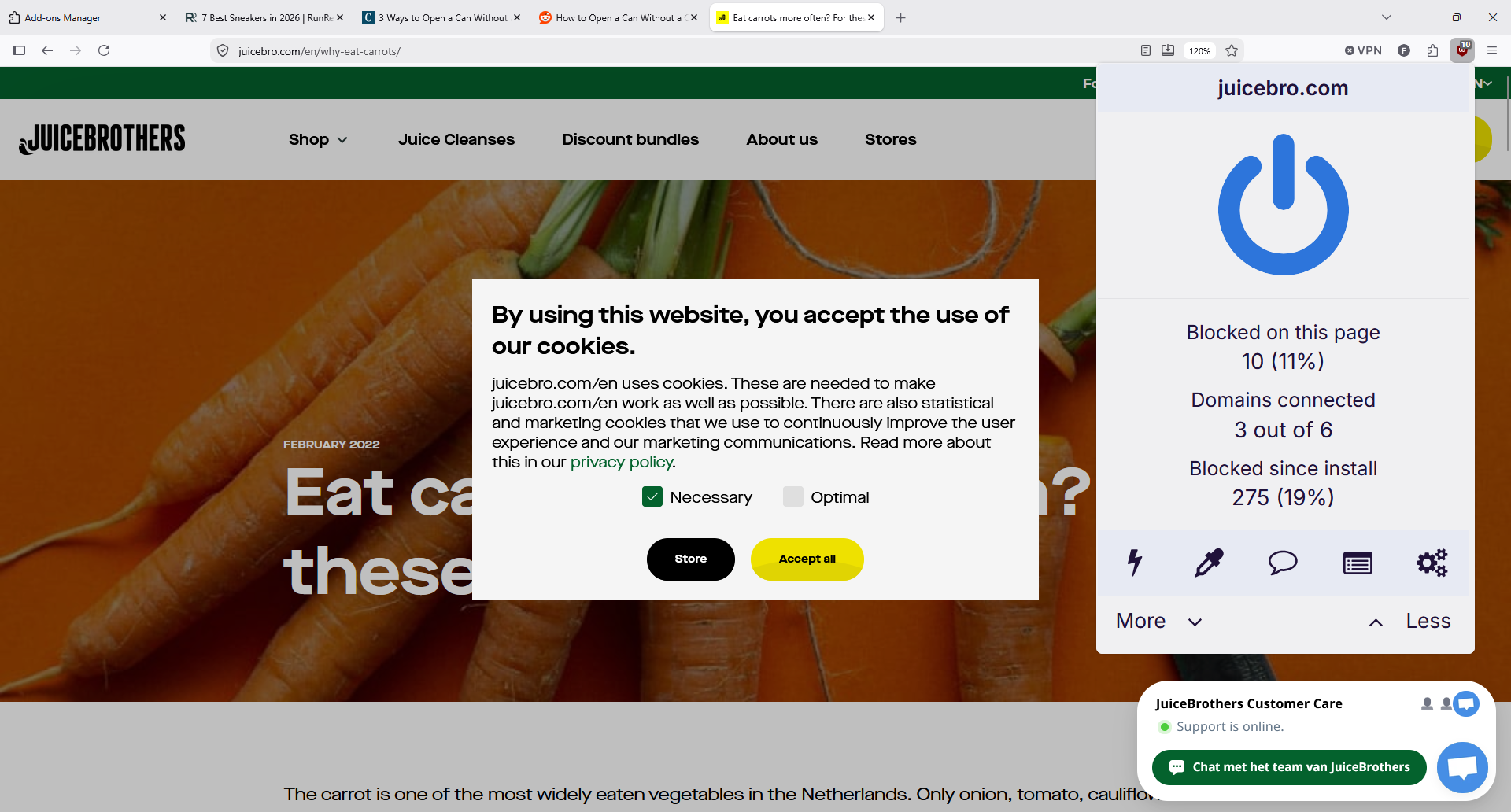
A cookie wall the blocker does not touch by default, and a running total of 275 blocked requests.
uBlock Origin vs uBlock Origin Lite on Chromium Browsers
This is the part that confuses people, so it is worth being precise. Chrome's extension framework moved to Manifest V3, and Manifest V2 support ended with Chrome 139. Google then removed it from Chrome in August 2026. Microsoft Edge and Opera followed Chrome's platform change, which is why Firefox is the last major browser running the full extension.
Raymond Hill's answer was uBlock Origin Lite, a separate Manifest V3 extension. The original uBlock Origin is not abandoned, but Lite is a smaller tool working within rules the browser sets, and Manifest V3 does not support advanced cosmetic filtering the way the full engine does.
| Feature | uBlock Origin | uBlock Origin Lite |
|---|---|---|
| Platform | Manifest V2, full filtering engine | Manifest V3, browser declarative rules |
| Browsers | Firefox, Firefox for Android, MV2 Chromium | Chrome, Edge, Safari, Firefox |
| Dynamic filtering | Yes | No |
| Logger and DOM inspector | Yes | No |
| Element picker | Full | Reduced |
| Filtering control | Per site switches, custom rules | Basic, Optimal, Complete modes |
| Permissions | Broad site access | Basic mode needs no broad access |
The Lite version has three filtering modes. Basic uses network filtering only, Optimal is the intended default and adds cosmetic and scriptlet filtering, and Complete adds generic cosmetic filtering that hides more leftover elements. Raymond Hill's own troubleshooting notes add a detail most guides miss: the mode falls back to basic if you do not grant permission to read and change data on all sites.
Lite has a genuine upside that gets lost in the anger about Manifest V3. As PrivacyTools.io points out, it works declaratively with no persistent background process, and in Basic mode it blocks ads and trackers without access to every site you visit. The catch is that Manifest V3 caps rule counts and removes dynamic filtering, so Lite cannot match the full version's depth against sites that fight blockers.
Our guidance is simple. On Firefox, install the full version. On Chrome or Safari, install Lite, set it to Optimal, and raise individual sites to Complete when ads leak through. If you rely on dynamic filtering or the logger, switch browsers rather than switch tools.
How uBlock Origin Works to Block Ads Every Day
In everyday browsing, the web browsing experience is that nothing happens. Pages load without banner ads, video ads, pop ups or the interstitials that cover an article until you dismiss them. The counter ticks up and you forget the extension exists, which is what makes uBlock Origin good for people who never open a settings page.
Under the hood it blocks the network request rather than hiding the result. The documentation is explicit: it blocks the connection, not just the data transfer, which removes the overhead of resources you were never going to see, and is why heavy pages feel quicker.
Compared with other ad blockers, the difference shows in what it does not do by default: cookie consent banners, newsletter overlays and chat widgets stay. On the juice shop page above, the cookie wall was still there, because the lists that handle those annoyances are off until you enable them. That choice is deliberate, since annoyance lists break more sites than ad lists do.
Filter Lists and Ad Blocking Coverage
The Filter lists tab is where the scale becomes visible. Our install was running 180,575 network filters and 43,868 cosmetic filters from a handful of lists, all enabled without any input from us.
Five default lists, 180,575 network filters, and whole categories left switched off until you want them.
| Default list | Filters in use | What it covers |
|---|---|---|
| uBlock filters | 72,390 | The project's own rules, including badware and privacy sets |
| EasyList | 84,395 | The community ad list most blockers build on |
| EasyPrivacy | 56,668 | Tracking scripts and analytics |
| Online Malicious URL Blocklist | 47,524 | Known malware and phishing hosts |
| Peter Lowe's list | 2,500 | Ad and tracking servers |
Four categories sit unused unless you turn them on: cookie notices, social widgets, annoyances, and regional lists for 38 languages. Add the cookie notices lists first, since they remove consent walls, then stop. Every extra list costs memory and raises the odds of a broken page, and the defaults already cover most ads.
Filter lists update themselves, and the dashboard shows how stale each one is, which matters because ad networks change faster than any static list.
The Element Picker, Element Zapper, and Custom Filtering
This is where uBlock Origin stops being an ad blocker and becomes a tool. The popup's icon row holds two features nothing else does this well.
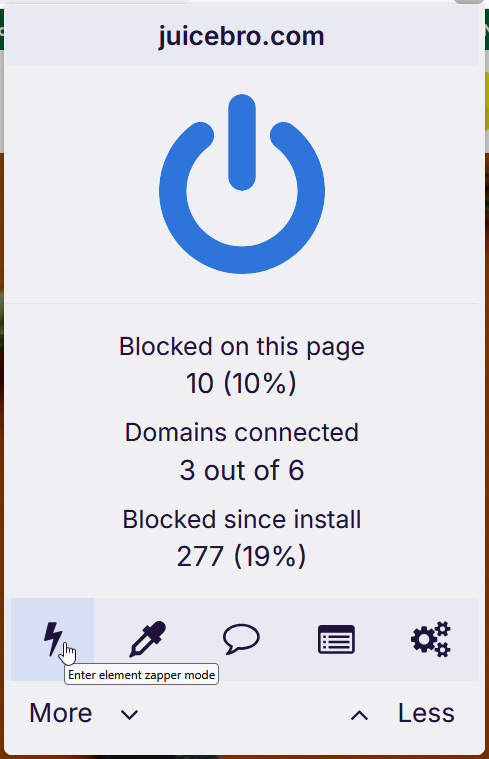
The lightning bolt is the element zapper: click anything on a page and it disappears for that visit.
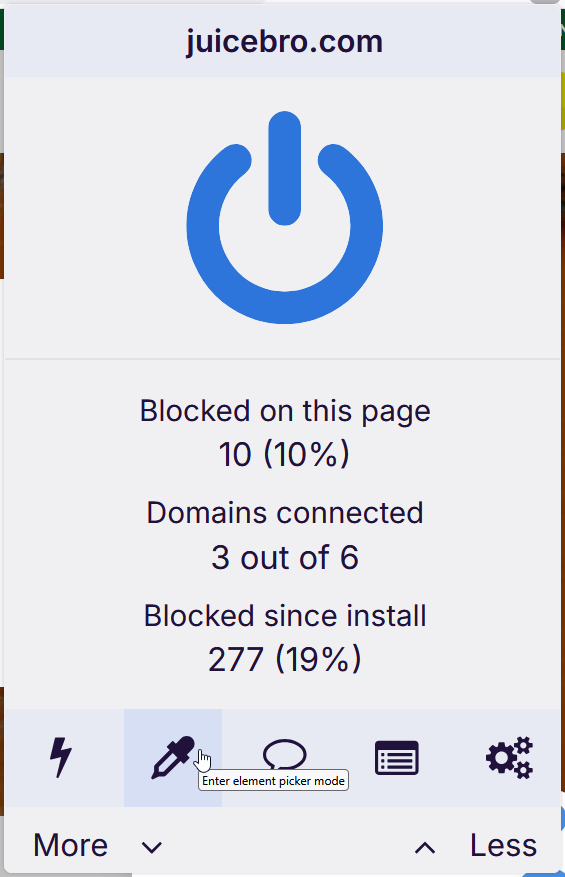
The eyedropper is the element picker, which creates a permanent filter instead of a one-time removal.
We used the picker on a decorative header image. It highlighted the element, generated a network filter for the image path, suggested two cosmetic filters for the container, and offered Pick, Preview and Create.
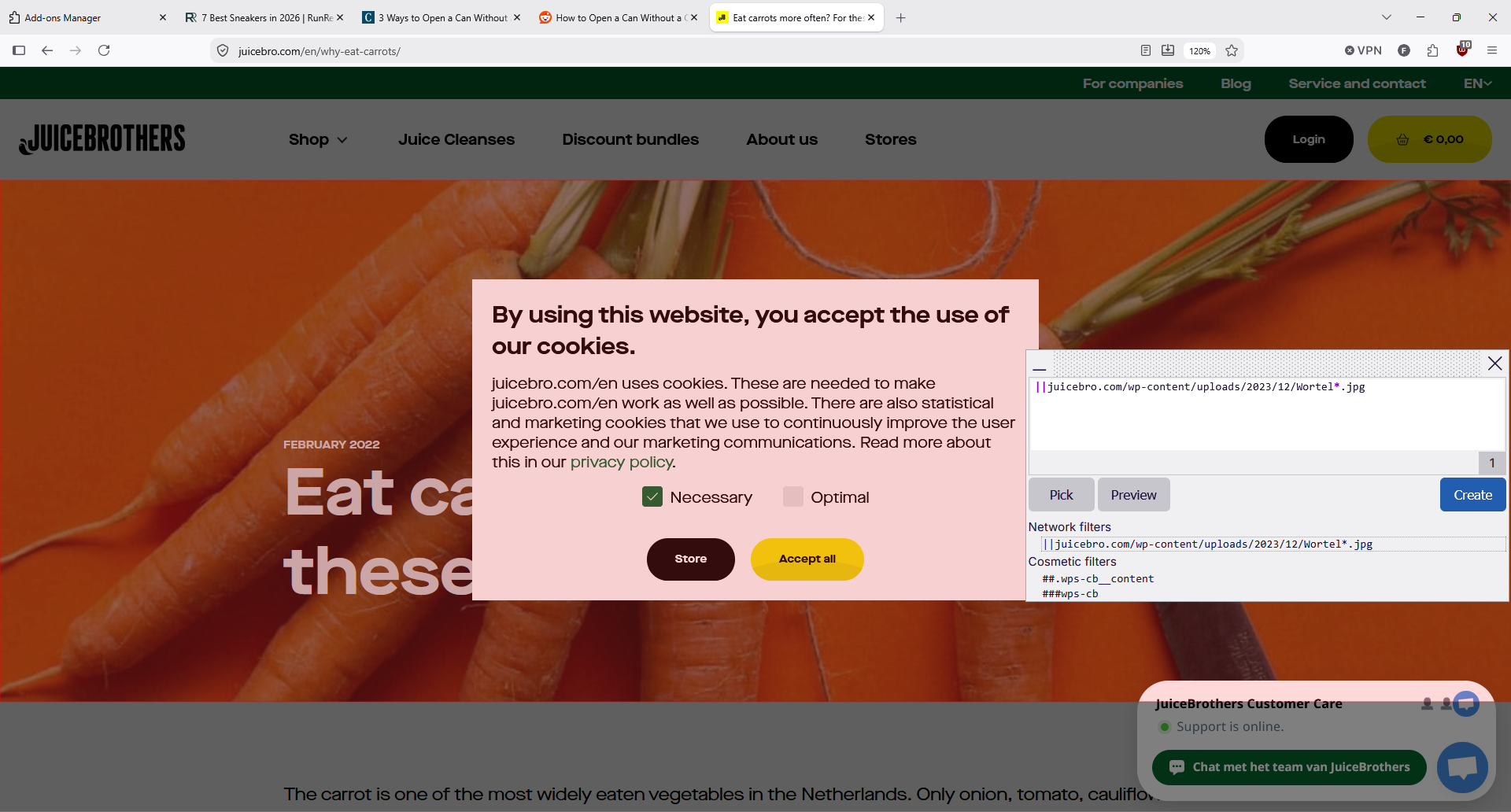
The picker writes the filter for you. Preview shows the result before you commit it.
The practical uses go past removing ads. Sticky headers, floating share bars, chat bubbles, autoplaying video ads and newsletter prompts all go the same way, which is real advanced customization rather than a settings toggle. Preview first, since removing a container can take the content with it.
Anything you create lands in My filters, which is a plain text editor with import and export. The warning at the top is worth repeating: do not add filters from untrusted sources, because a filter list is code that runs against every page you load.
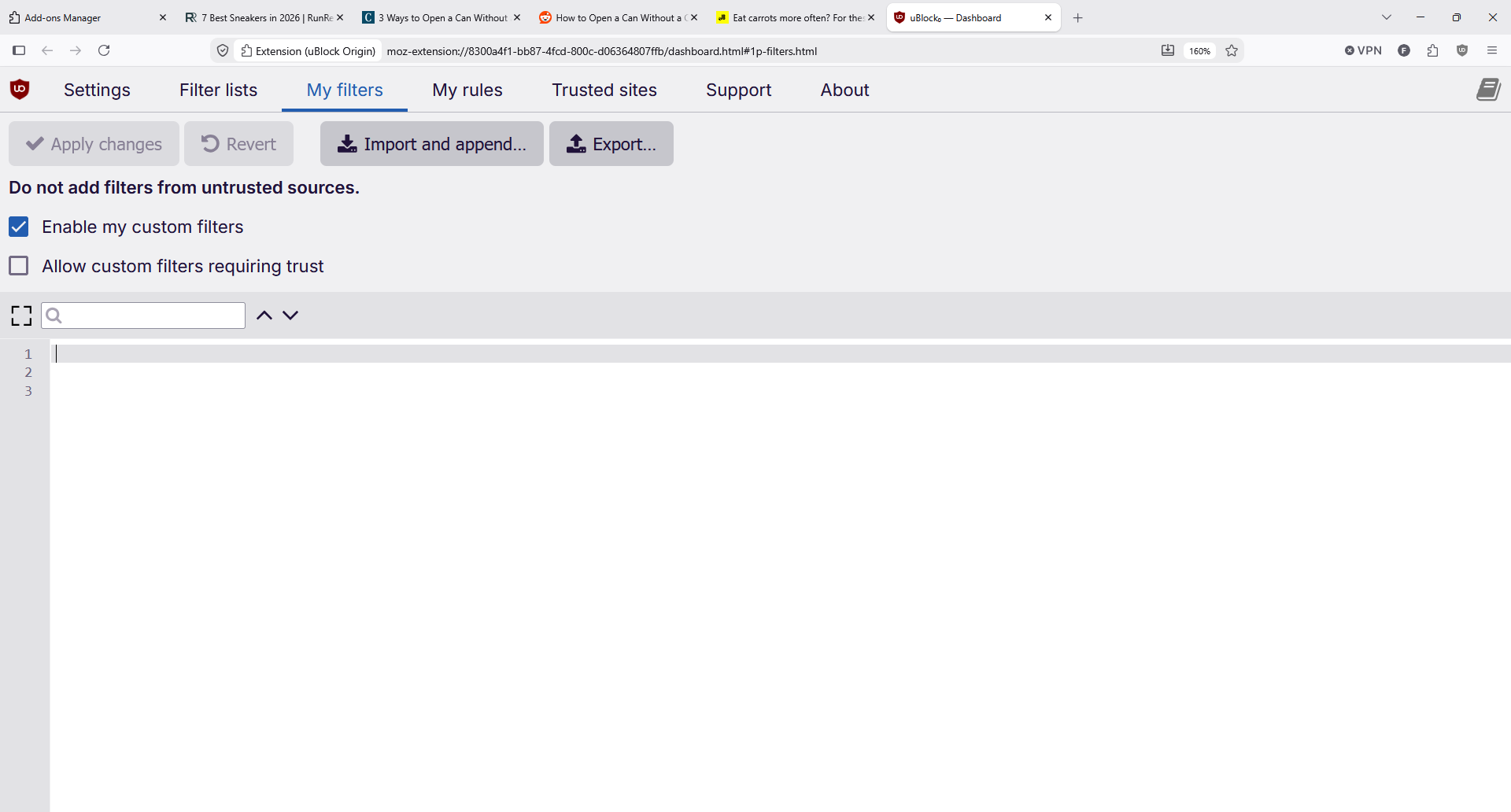
Custom filters live here. Export them before you reinstall, because they do not sync anywhere by default.
Dynamic Filtering and Advanced Features
Turn on advanced user mode in Settings and the popup grows a second panel of cells for blocking scripts, frames and third party requests per site or globally. The project documents four blocking modes: very easy, easy as the default, medium for advanced users, and hard, which blocks all third parties and guarantees you will be repairing sites.
| Blocking mode | What it blocks | Who it suits |
|---|---|---|
| Very easy | Fewer lists, minimal blocking | People who want almost nothing filtered |
| Easy (default) | Default filter lists | Most users, no setup |
| Medium | Third party scripts and frames by default | Privacy-minded users willing to fix a site |
| Hard | All third party requests | Advanced users only |
The documentation is refreshingly honest about the risk. Enabling advanced features without understanding them, the wiki warns, can leave you less protected than the defaults. We would leave medium mode alone unless you enjoy this sort of thing.
Dynamic rules live in the My rules tab, split between temporary rules you are testing and permanent rules you commit. It is the clearest interface of its kind we have used, and the feature Manifest V3 removes entirely.
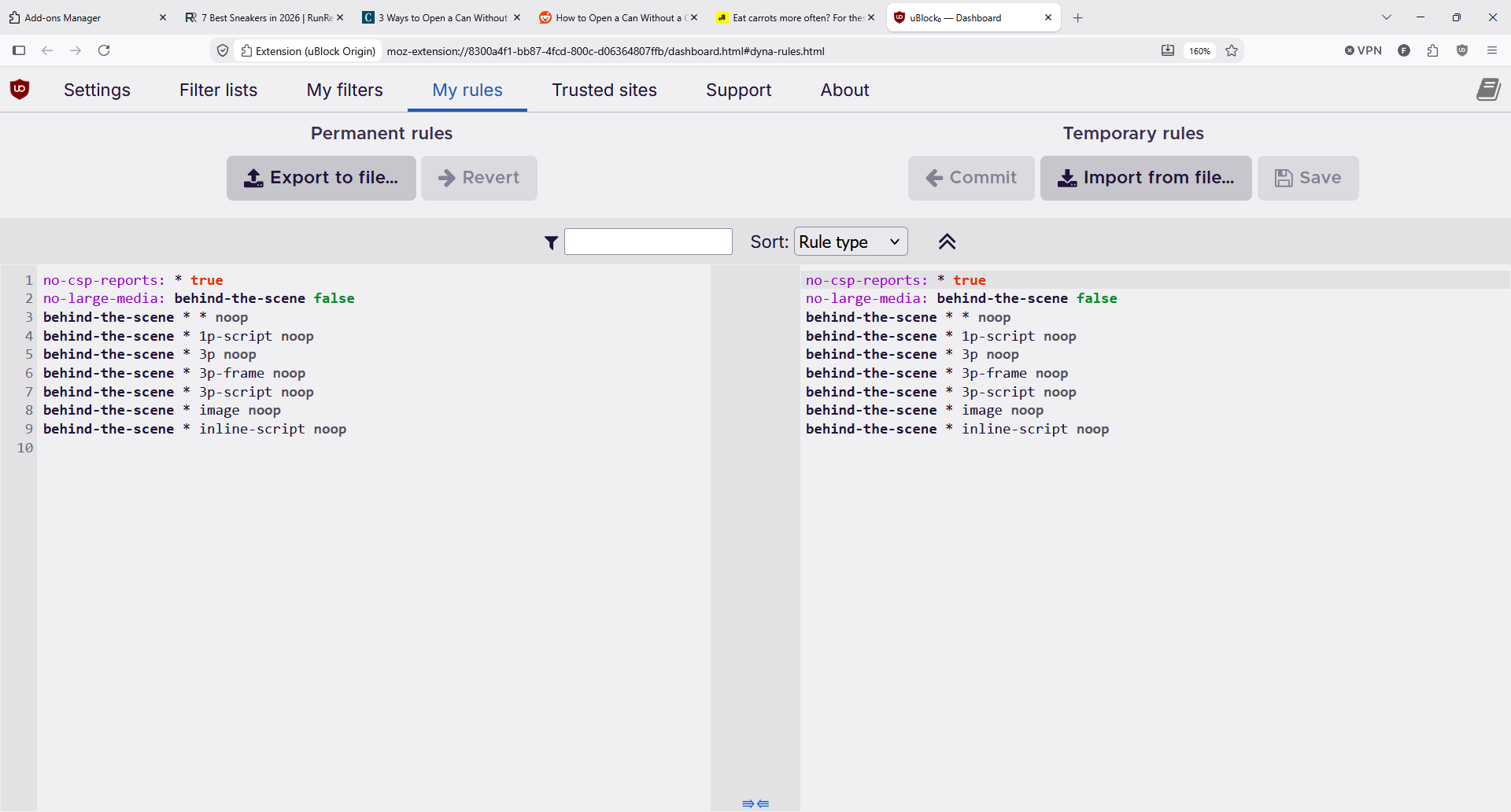
Temporary rules on the right, permanent on the left. Nothing is saved until you commit it.
The Trusted sites tab is the counterpart: a list of sites where uBlock Origin stands down completely. Ours held only the two extension schemes it ships with.
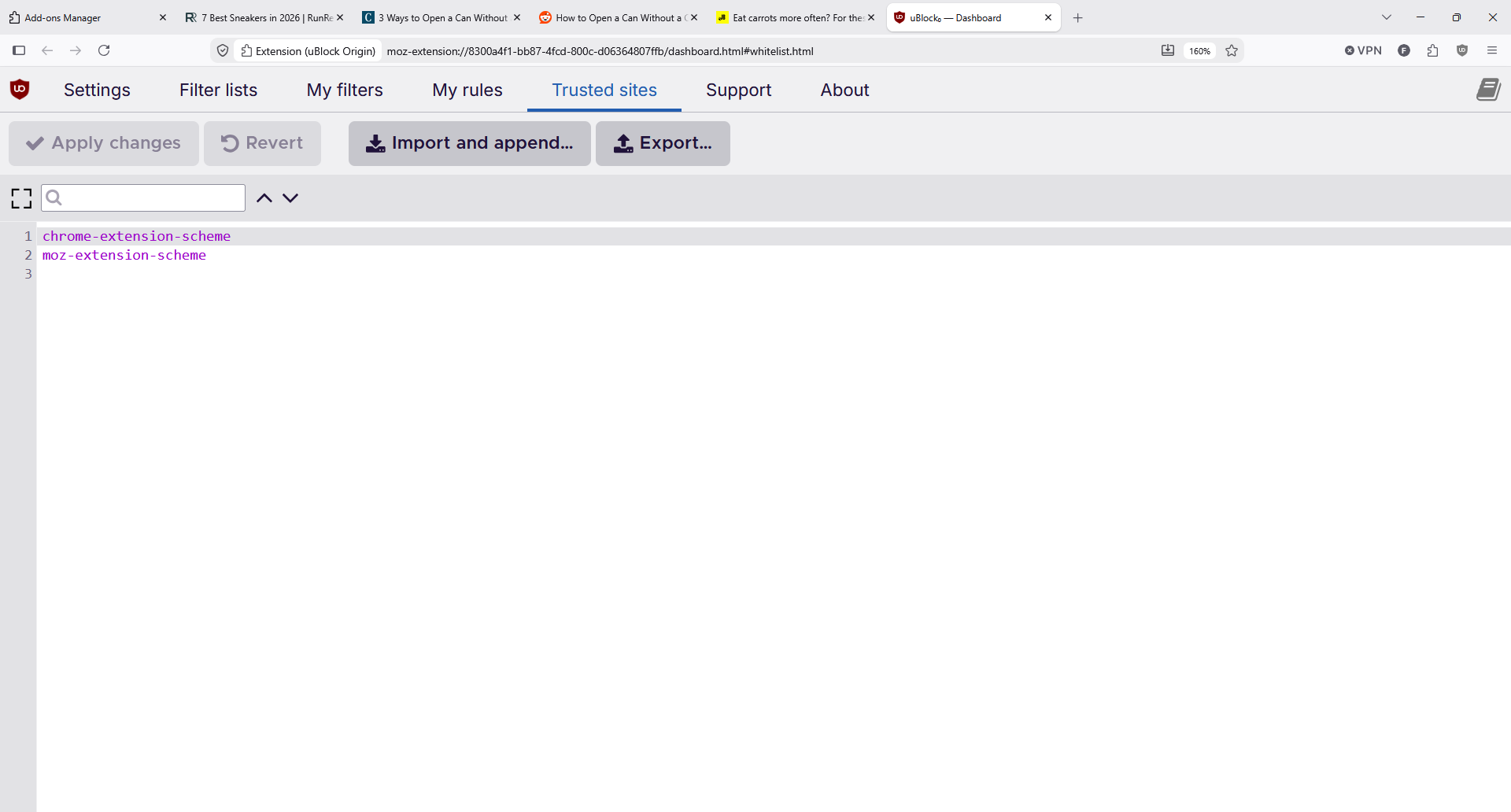
Add a site here and blocking stops entirely for it, which is the blunt fix when something breaks.
Settings holds the quieter privacy options. Disable pre-fetching stops the browser opening connections for blocked requests, disable hyperlink auditing kills the tracking pings sites fire when you click a link, and uncloak canonical names defeats trackers hiding behind a subdomain of the site you are visiting.
Can uBlock Origin Block YouTube Ads?
Mostly, and on Firefox more reliably than anywhere else. In Adlock's April 2026 testing, uBlock Origin on Firefox blocked YouTube pre-rolls, mid-rolls and Shorts ads consistently. Our own experience matched that, with the occasional ad slipping through for a day until filters caught up.
It is a moving target, not a solved problem. YouTube changes ad delivery, filters adapt, the cycle repeats. Lite struggles more here, because some YouTube filters cannot be translated into Manifest V3 rules.
Two habits help. Never run two ad blockers at once, since clashing extensions make blockers easier to detect, and keep the extension updated instead of pinning an old version. If YouTube starts misbehaving, the community tracks it in one place rather than scattering fixes across threads.
Adblock Tester Results and Real World Performance
uBlock Origin scored a perfect 100 on Adblock Tester, and Adlock recorded the same score on Firefox alongside 20% to 40% lower memory use than AdBlock Plus.
Real world performance is the more interesting half. Because blocked requests are never made, ad-heavy pages stop downloading dozens of scripts, and the CPU does not run them. The project's own benchmarks show uBlock Origin holding low single-digit CPU usage where other blockers reach double digits.
Testing uBlock Origin on news and shopping pages, we saw them settle faster and scroll more smoothly, while clean sites felt identical, which is the correct result for a lightweight ad blocker. It uses fewer resources than the page it is cleaning up: storage for our whole install was 55.8 MB, most of it filter lists. Neither uBlock Origin nor its Lite version phones any of that home.
Features uBlock Origin Has That Rivals Lack
Stack it against mainstream alternatives and the gap is not about how many annoying ads get blocked. It is about what you can do when the defaults are not enough, and it is why efficient blockers with deep customization still matter on the modern web.
-
The logger. A live view of every request the extension sees, allowed or blocked, with the matching filter. It is how you diagnose a broken page in under a minute instead of guessing.
-
Dynamic filtering. Per site rules that override filter lists, which no Manifest V3 blocker can offer.
-
The element picker and zapper. Point and click removal, permanent or temporary.
-
No acceptable ads. Nothing is allowlisted in exchange for payment.
-
No telemetry. The extension has no home server and collects nothing, which is how it protects privacy in a category where free tools often monetize browsing habits.
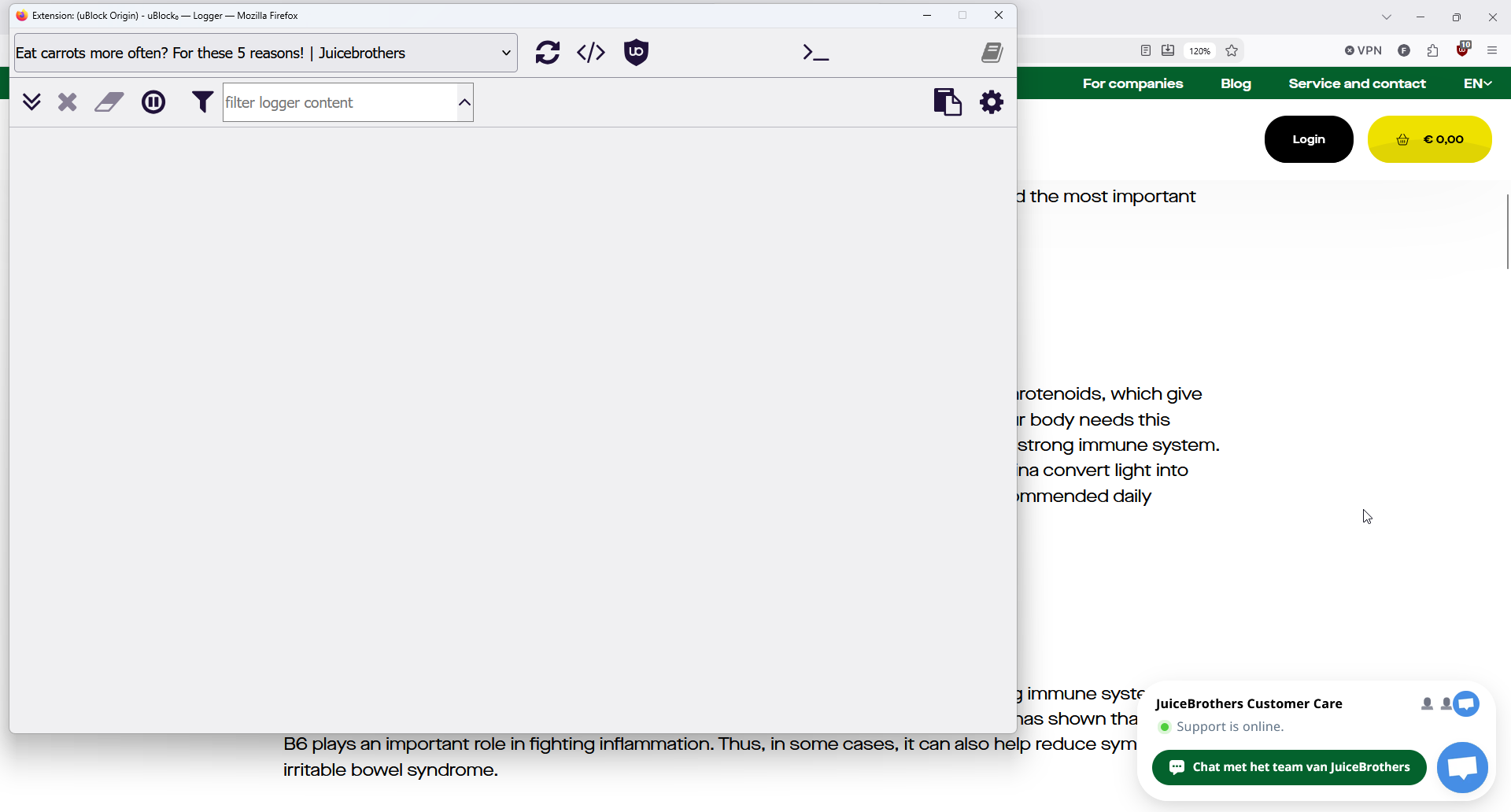
The logger, opened from the popup. On a page with nothing blocked it stays empty, which is its own answer.
Customer Support and Community Help
There is no support desk. No live chat, no email address, no ticket queue. What exists instead is a documented reporting path, and it is better organized than most paid products.
The Support tab in the dashboard opens a form that collects the page address and your troubleshooting information, then files it against the uBlockOrigin issue tracker on GitHub. It needs a GitHub account, and it asks you to check for duplicate reports first.
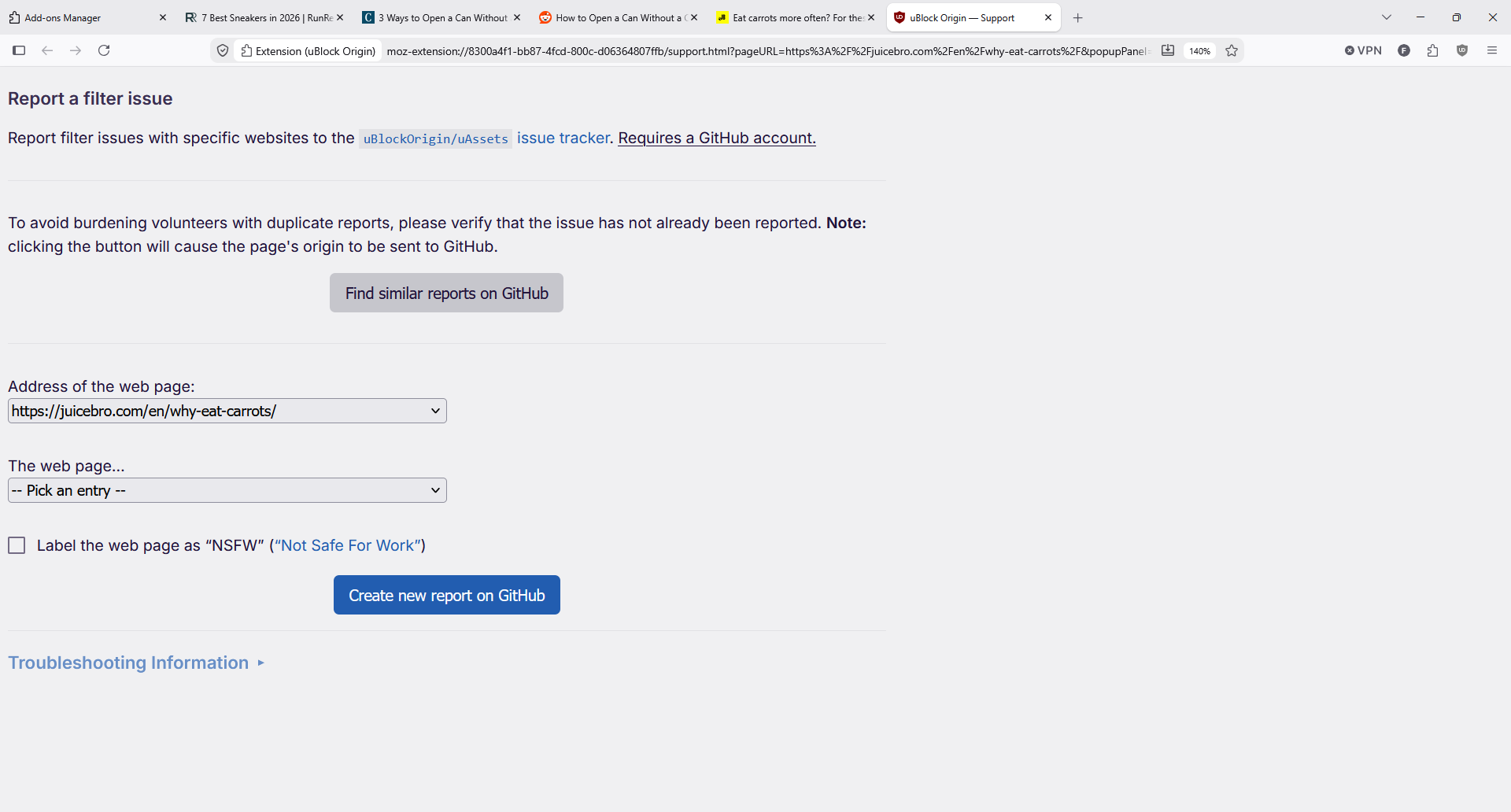
Reporting a broken site is a structured process. The form gathers the technical details maintainers need.
Beyond that, help comes from the uBlock Origin subreddit, active daily with pinned announcement threads, YouTube megathreads and posting guidelines, and from the wiki, which documents everything from filter syntax to blocking modes. Expect to figure things out with documentation rather than be walked through it.
For most people this never matters. For anyone who wants a phone number when something breaks, it is the clearest trade-off in the product.
What Users Say About uBlock Origin
| Platform | Rating | Reviews |
|---|---|---|
| Firefox Add-ons | 4.8 / 5 | 22,153 reviews |
Reddit is where the reputation is visible. In an r/YouShouldKnow post with thousands of upvotes, the author argues uBlock Origin blocks more than AdBlock Plus and is the one cybersecurity people recommend, with acceptable ads the reason for the gap. Commenters add points we agree with: never run two blockers at once, and extensions work in Firefox for Android but not mobile Chrome.
When Chrome cut off support, r/Adblock asked what next. The answers split three ways: switch to Firefox and keep the full version, use Brave, or accept uBlock Origin Lite. One commenter summed up the mood by saying nothing else blocked pop ups and ads nearly as effectively.
On Trustpilot, the picture is mixed in a useful way. One reviewer lists blocking YouTube ads, Gmail ads and random site ads as the wins, then complains that Chrome keeps working around the extension. Another writes that the experience is not always smooth on YouTube but fine everywhere else, and one is annoyed at being blocked from a horoscope page, which is what over-aggressive filter lists feel like from the outside.
Worth noting for anyone searching: that Trustpilot profile covers ublockorigin.com, which describes itself as an unofficial website, and there is a separate profile for ublock.org, which is a different project entirely. The developer's own home is the GitHub project.
How We Tested uBlock Origin as an Ad Blocker: Our Verdict
We tested uBlock Origin in Firefox on Windows, installed from Mozilla's listing and left on default settings before we changed anything. Along the way, we:
-
Installed the extension and checked the publisher, then watched the counters on real pages
-
Browsed news, shopping, recipe and video sites, tracking blocked requests as a share of the page
-
Opened every dashboard tab: settings, filter lists, my filters, my rules, trusted sites and support
-
Built a filter with the element picker and tried the zapper on page furniture
-
Turned on advanced user mode to see the dynamic filtering panel, then turned it off again
-
Compared what the Lite version can and cannot do under Manifest V3
Our conclusions, scored:
-
Blocking effectiveness (4.9/5). Nearly a fifth of all requests blocked in normal browsing, with independent testers scoring it 100 out of 100. The missing tenth is YouTube's cat and mouse game.
-
Ease of use (4.3/5). Install and forget works perfectly. The dashboard is dense, and the advanced features will overwhelm anyone who opens them by accident.
-
Speed and performance (4.9/5). Pages felt lighter, the extension stayed invisible in resource terms, and its own benchmarks back that up.
-
Features and value (5.0/5). Free, open source, no acceptable ads, and tools no competitor offers. There is nothing to pay for and nothing withheld.
-
Support and documentation (3.5/5). Excellent documentation, zero customer support. Fine for most, frustrating for some.
The final verdict uBlock Origin earns is straightforward: on Firefox it is the clear winner, and we would install it before anything else. On Chrome, Lite on Optimal mode is a good blocker rather than a great one, and the honest recommendation is to move your everyday browsing to Firefox if ad blocking matters to you. Casual users should install it and change nothing. Advanced users should read the wiki before touching medium mode.
uBlock Origin Pros and Cons
Pros
-
Free and open source with no premium tier and no acceptable ads program
-
Blocks ads, trackers, coin miners and malicious domains out of the box
-
Very low CPU and memory cost, with faster loads on ad-heavy pages
-
Element picker, zapper, logger and dynamic filtering for granular control
-
No telemetry, no data collection, and code anyone can audit
-
Active community and fast filter updates when sites change tactics
Cons
-
The full version no longer runs on Chrome, Edge or Opera
-
uBlock Origin Lite lacks dynamic filtering and the logger
-
Advanced features are genuinely confusing for beginners
-
Occasional site breakage that you have to diagnose yourself
-
No official customer support, live chat or email
-
Cookie notice and annoyance lists are off until you find them
Pair uBlock Origin With Halocard for Private Payments
An ad blocker stops sites watching you browse. It does nothing about the details you hand over when you buy something, which is where tracking becomes permanent: your name, billing address and real card number, stored by every merchant you have ordered from.
That gap is worth taking seriously: Pew Research found that 73% of Americans feel they have little or no control over what companies do with their data.
Halocard is the fix for the payment half. You create a US-issued virtual Visa in seconds, set its spending limit, freeze it in one tap, and give it a billing address of your choosing. Disposable cards handle one-time orders, and funding routes include cryptocurrency. Spend online or in shops via Apple Pay and Google Pay, with private purchases kept off your statement, across 120+ countries and no credit check, starting at $12 a month.
Frequently Asked Questions
Is uBlock Origin Safe to Use?
Yes. It is open source under GPLv3, the code is public, and Mozilla reviews each release because it carries the Recommended badge on Firefox Add-ons. It collects no data and runs no home server, so it can only protect privacy rather than trade in it. The real risk is installing the wrong thing: check that the developer is Raymond Hill, and ignore similarly named extensions.
Is uBlock Origin Free, and How Does It Make Money?
It is completely free and it does not make money. There is no paid tier, no acceptable ads deal and no data collection, and the developer declines donations, suggesting people support filter list maintainers instead. That is unusual enough to be worth saying plainly.
Does uBlock Origin Still Work on Chrome?
Not the full version. Chrome ended Manifest V2 support and removed the extension from the Chrome Web Store in August 2026. Chrome users can install uBlock Origin Lite, the Manifest V3 version from the same developer, which blocks most ads but has no dynamic filtering and a reduced element picker.
uBlock Origin or uBlock Origin Lite: Which Should I Use?
Use the full version if your browser supports it, which in practice means Firefox. Use Lite if you are staying on Chrome, Edge or Safari, and set the default filtering mode to Optimal rather than Basic. Lite in Basic mode is the lightest on permissions, since it needs no access to the sites you visit.
Does uBlock Origin Block YouTube Ads?
Usually, and best on Firefox, where testers have recorded it blocking pre-rolls, mid-rolls and Shorts ads. It is not permanent: YouTube changes its delivery, filters catch up, and occasionally an ad appears in between. Running a second blocker alongside it makes detection more likely, not less.
Will uBlock Origin Slow Down My Browsing?
The opposite, in our experience. Blocked requests are never downloaded and their scripts never run, so ad-heavy pages load faster and use less memory. Reviewers measuring it against older blockers report the same.
What Do I Do When uBlock Origin Breaks a Website?
Open the popup, click the large power button to disable it for that site, and reload. To get the site fixed properly, use the Support tab to file a GitHub report with your troubleshooting information. First check whether you recently added an annoyance or cookie list, since those cause most breakage.
Does uBlock Origin Work on Phones?
On Android, yes, through Firefox for Android, which supports extensions. Chrome on Android does not support them at all. On iPhone and iPad, the full version is not available, and uBlock Origin Lite is the option through Safari.
Sources
-
Firefox Add-ons. uBlock Origin Listing
-
uBlock Origin Wiki. Blocking Modes
-
uBlock Origin Wiki. Advanced User Features
-
uBlock Origin Wiki. Permissions
-
uBlock Origin Wiki. Memory Benchmarks
-
uBOL Wiki. Lite Troubleshooting
-
uBlockOrigin.com. uBlock Origin Lite Guide
-
uBlockOrigin.com. Chrome Status Guide
-
PrivacyTools.io. uBlock Origin Lite
-
Adblock Tester. uBlock Origin Score
-
Adlock. uBlock Origin Review
-
PCWorld. Firefox Keeps uBlock Origin
-
CyberInsider. Chrome Web Store Removal
-
Reddit. uBlock Origin Subreddit
-
Reddit. YSK uBlock Origin
-
Reddit. Chrome Blocked uBlock
-
Trustpilot. uBlock Origin Reviews
-
Pew Research Center. How Americans View Privacy
*Please see Halocard's Terms of Service or Pricing for the most up to date pricing and fee information. This publication is provided for general information purposes and does not constitute legal, tax or other professional advice from Halocard LLC or its subsidiaries and its affiliates, and it is not intended as a substitute for obtaining advice from a financial advisor or any other professional. We make no representations, warranties or guarantees, whether expressed or implied, that the content in the publication is accurate, complete or up to date.
Halocard Virtual Cards

Instant approval
Create your first card in under 5 minutes.

Private purchases
Purchases never appear on your bank account.

Powered by Visa
Accepted at 175M+ merchants globally.
3 steps to create your virtual credit card
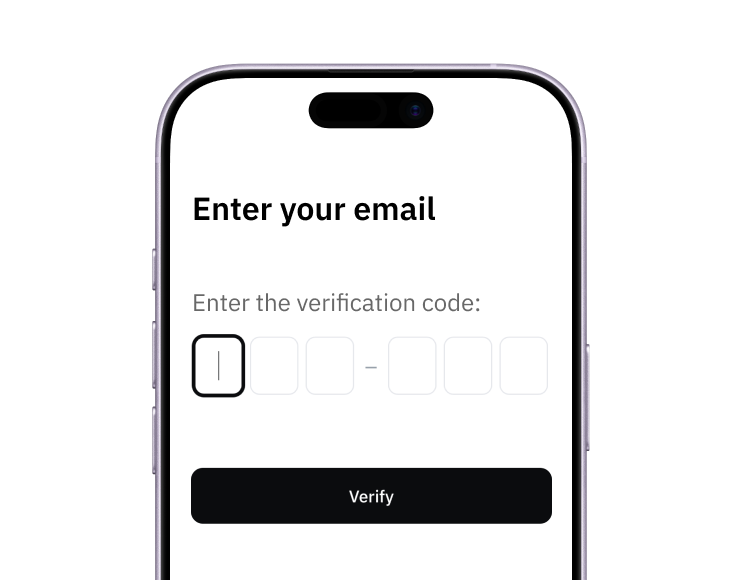
1. Sign up
Create your account from a web browser. No need to download an app.
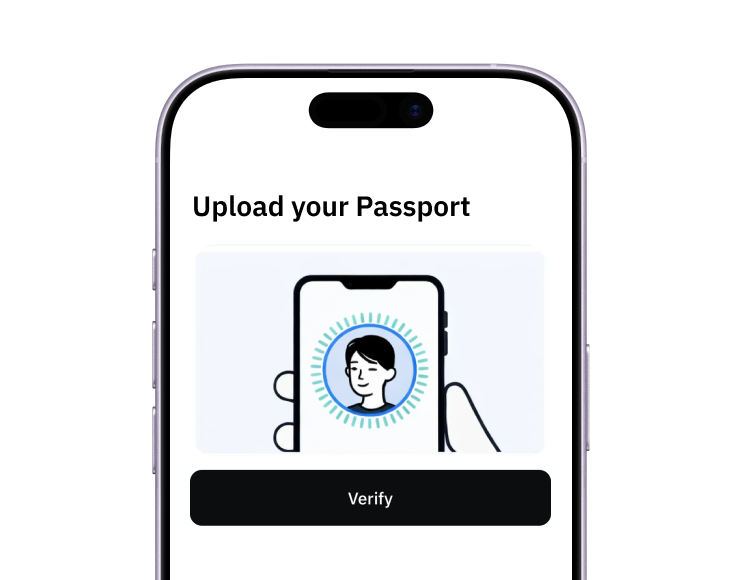
2. Verify
Verify you're a real person in 3 minutes, from the US or any of 120+ countries.
3. Fund
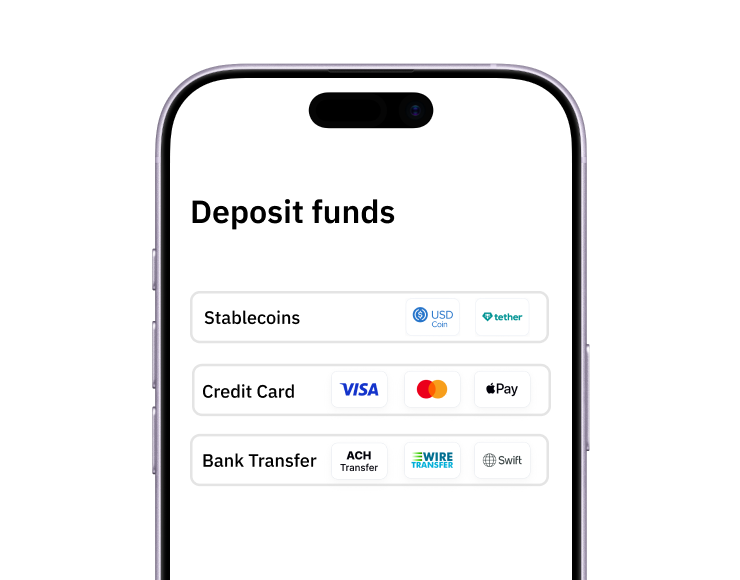
Add funds by debit/credit card, Apple Pay, Google Pay, bank transfer, stablecoins, or crypto.
Pay with Halocard
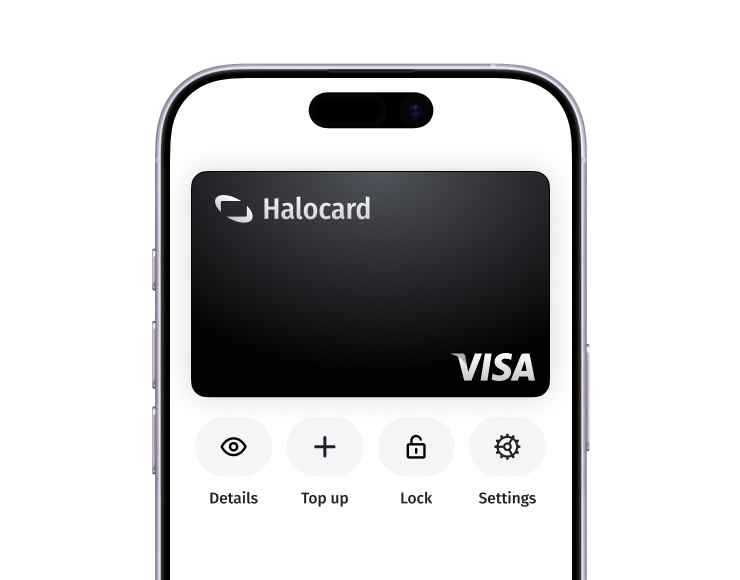
Pay online and in-person wherever Visa is accepted. You can also order a physical Halocard if you prefer.