

Quick Answer: uBlock Origin Lite is the version of uBlock Origin that runs on browsers Google's Manifest V3 left behind, and it is better than its reputation suggests. It blocks ads, trackers and miners from the second you install it, costs nothing, and uses no CPU while it works because the browser does the filtering. The trade-off is depth: no dynamic filtering, no logger, and filter updates that arrive with extension updates rather than on their own schedule.
Most people meet uBO Lite because something was taken away from them. Chrome, Edge and Opera dropped the old extension platform, the original uBlock Origin stopped working, and millions were forced onto the lightweight replacement the same developer shipped.
We installed it in Microsoft Edge from the official listing, granted the permission it asks for, and used it over weeks across news, video and shopping pages. We moved sites between filtering modes, removed an element by hand, built a custom filter, and looked at what happens when you need help. Here is how it performs and where it falls short of the full version.
Key Takeaways
-
uBO Lite uses declarative network rules that the browser engine applies itself, so the extension consumes no CPU or memory while blocking.
-
Three filtering modes control how much it does per site: basic, optimal as the default, and complete for stubborn pages.
-
Since June 2026 it supports custom filters and external filter list subscriptions, which older reviews still say it lacks.
-
It has no dynamic filtering and no logger, and those are the features advanced users will miss most.
-
The Edge listing we installed from shows 4.5 stars from 164 ratings and more than 2,600,000 users.
uBlock Origin Lite at a Glance
| Feature | Details |
|---|---|
| Developer | Raymond Hill, also known as gorhill |
| Price | Free, open source, no paid plan |
| Browsers | Chrome, Edge, Opera, Firefox, Safari on Mac and iPhone |
| Platform | Manifest V3, entirely declarative |
| Default filters | uBlock Origin's built-in lists, EasyList, EasyPrivacy, Peter Lowe's list |
| Filtering modes | Basic, optimal, complete, or no filtering per site |
| Missing versus uBlock Origin | Dynamic filtering, logger, per-site switches |
| Best for | Chrome, Edge and Safari users who want set and forget blocking |
Our Rating
| Category | Score |
|---|---|
| Blocking effectiveness | 4.3 / 5 |
| Ease of use | 4.8 / 5 |
| Speed and performance | 5.0 / 5 |
| Features and control | 3.6 / 5 |
| Support and documentation | 3.5 / 5 |
| Overall | 4.3 / 5 |
What Is uBO Lite?
uBO Lite is an efficient content blocker built for Manifest V3, the platform current Chromium browsers use. The developer is careful about what it is meant to be: not an MV3 clone of uBlock Origin, but a reliable lite version for people who used uBlock Origin in an install-and-forget way.
One architectural detail explains everything else. uBOL hands the browser a set of rules and the browser does the work. As the project readme puts it, it operates entirely declaratively, the browser handles CSS and JavaScript injection, and uBOL does not consume CPU or memory resources while blocking. Its service worker only wakes when you open the popup or options page.
That design is also why it cannot do dynamic filtering: watching requests in real time would mean waking the service worker on every page load, which defeats the point of the whole function.
Installing uBlock Origin Lite on Chromium Browsers
We installed from the Microsoft Edge Add-ons store, where the extension carries a Featured badge and lists Raymond Hill as the developer. Chrome users take the same steps at the Chrome Web Store entry. Copycats with similar names exist across every store, so the publisher line is the detail to check.
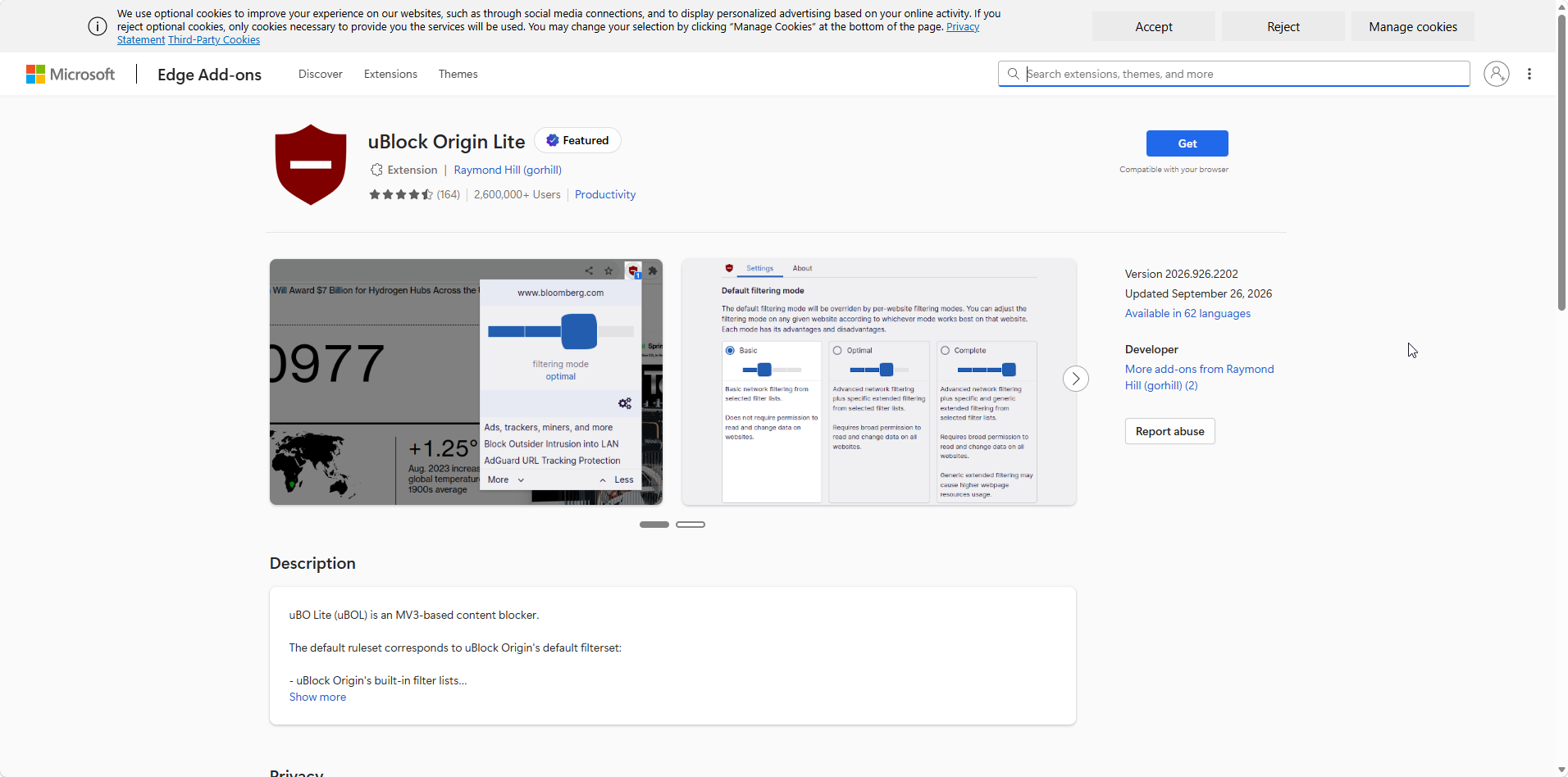
The Edge listing at the time we installed: 4.5 stars from 164 ratings, 2,600,000+ users, version 2026.926.2202 updated September 26, 2026, in 62 languages.
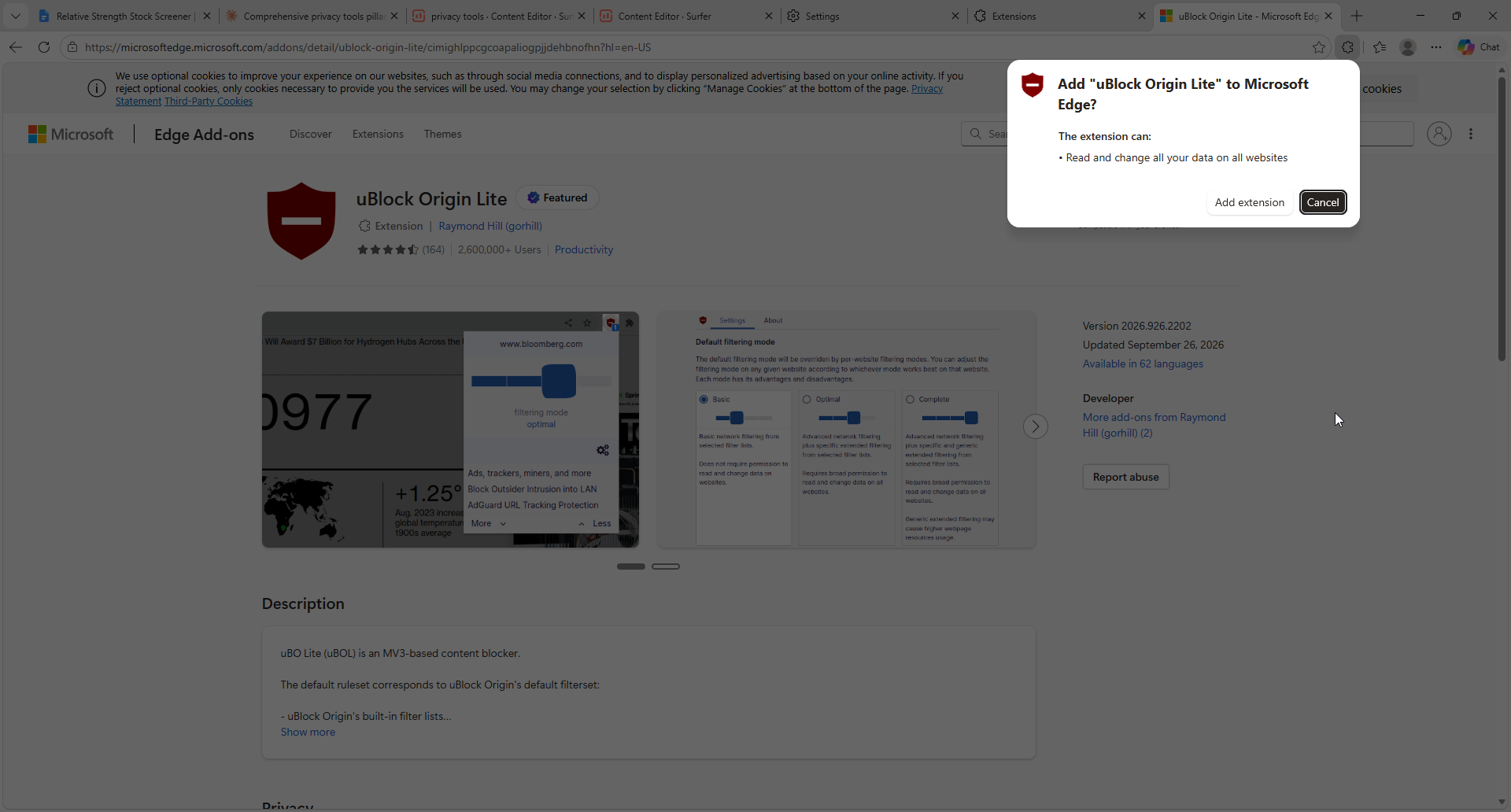
The install prompt asks for one permission: read and change all your data on all websites. Grant it, or the extension falls back to basic mode.
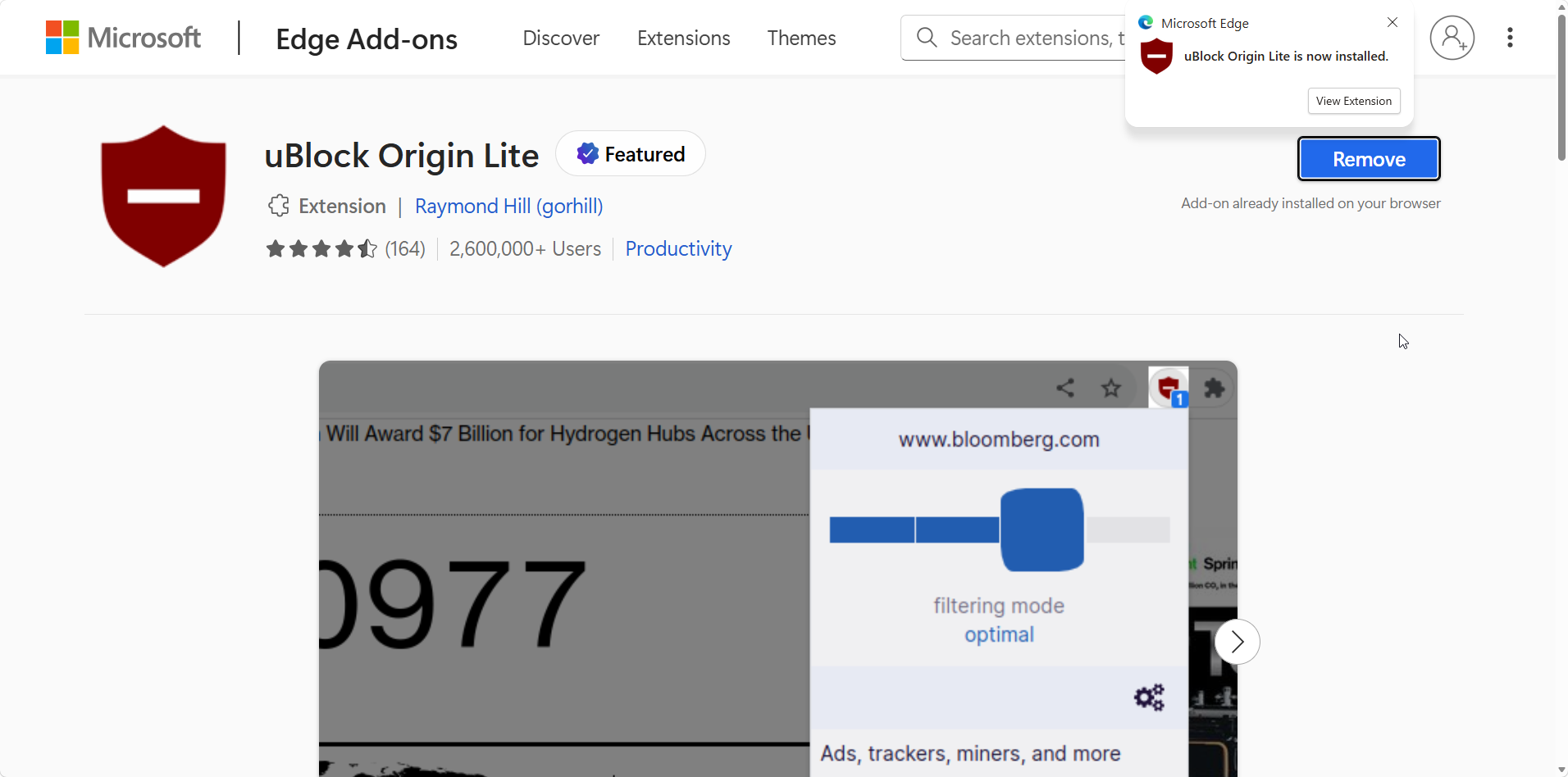
Installed and running in seconds, with no setup screen, no account and no options to work through.
Store page to working ad blocker took under a minute, with no onboarding at all, which is the entire idea.
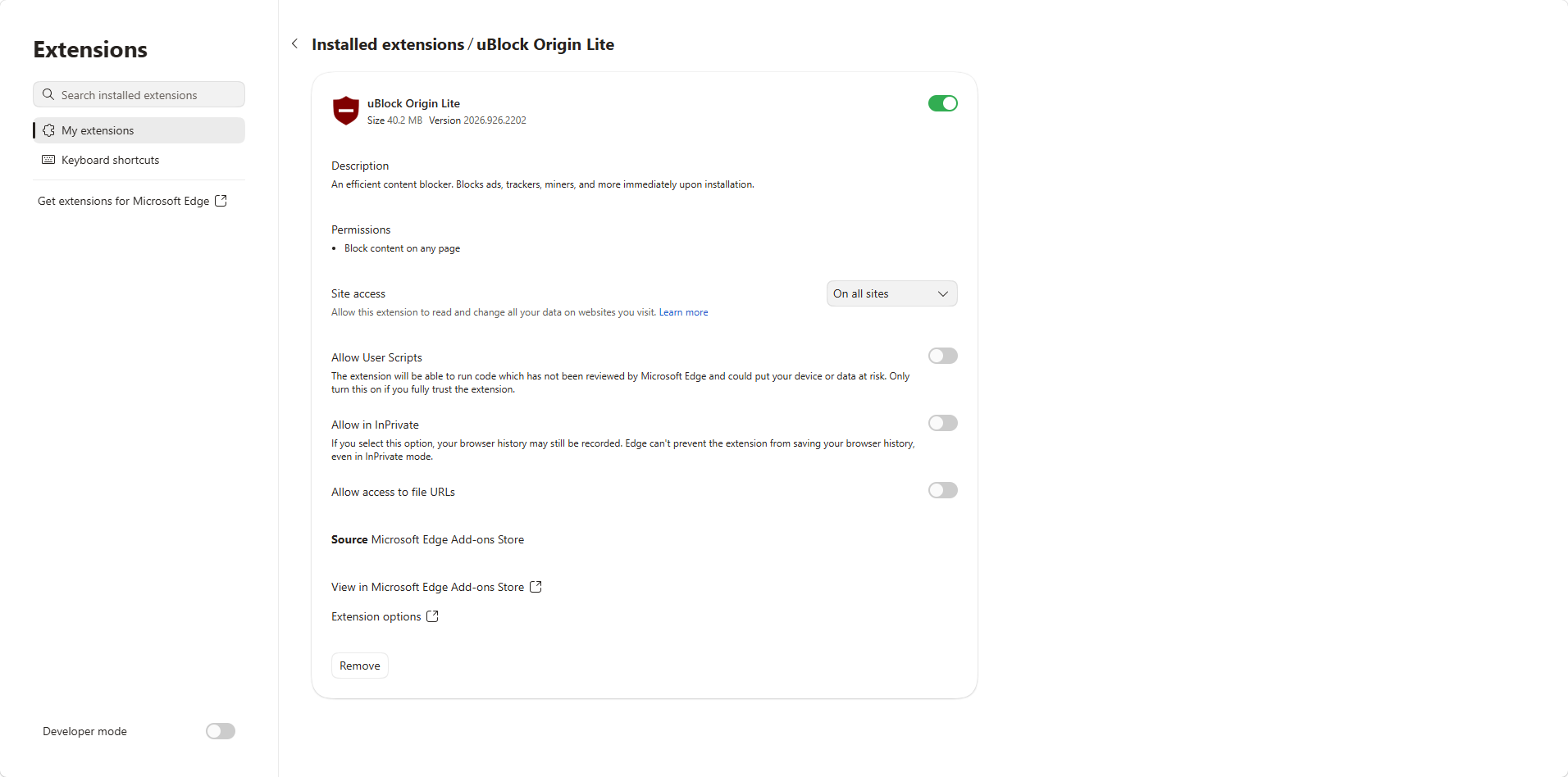
The details page shows the extension at 40.2 MB with site access set to on all sites. We left user scripts and InPrivate off.
Keep in mind what the permission means. The prompt sounds heavy, but the browser's own description is narrow: the extension can block content on any page, which is a security improvement over blockers that watch every request. Refuse broad access and uBOL still filters network requests, though the mode quietly falls back to basic on every site.
Filtering Modes: Basic, Optimal, and Complete
The popup is a slider with four positions and that is the whole control surface. No filtering turns it off for that site, basic does network filtering only, optimal adds specific cosmetic and scriptlet filtering, and complete adds generic cosmetic filtering.
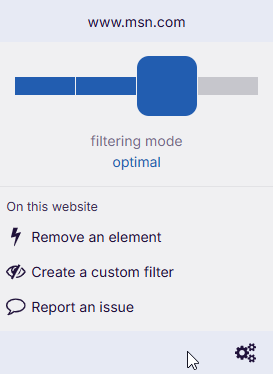
Optimal is the default. Below the slider sit the three per-site actions: remove an element, create a custom filter, report an issue.
Optimal handled almost everything we visited. When leftovers appear, for example an empty grey rectangle where an ad used to be, dragging the slider one position right fixes it for that site alone.
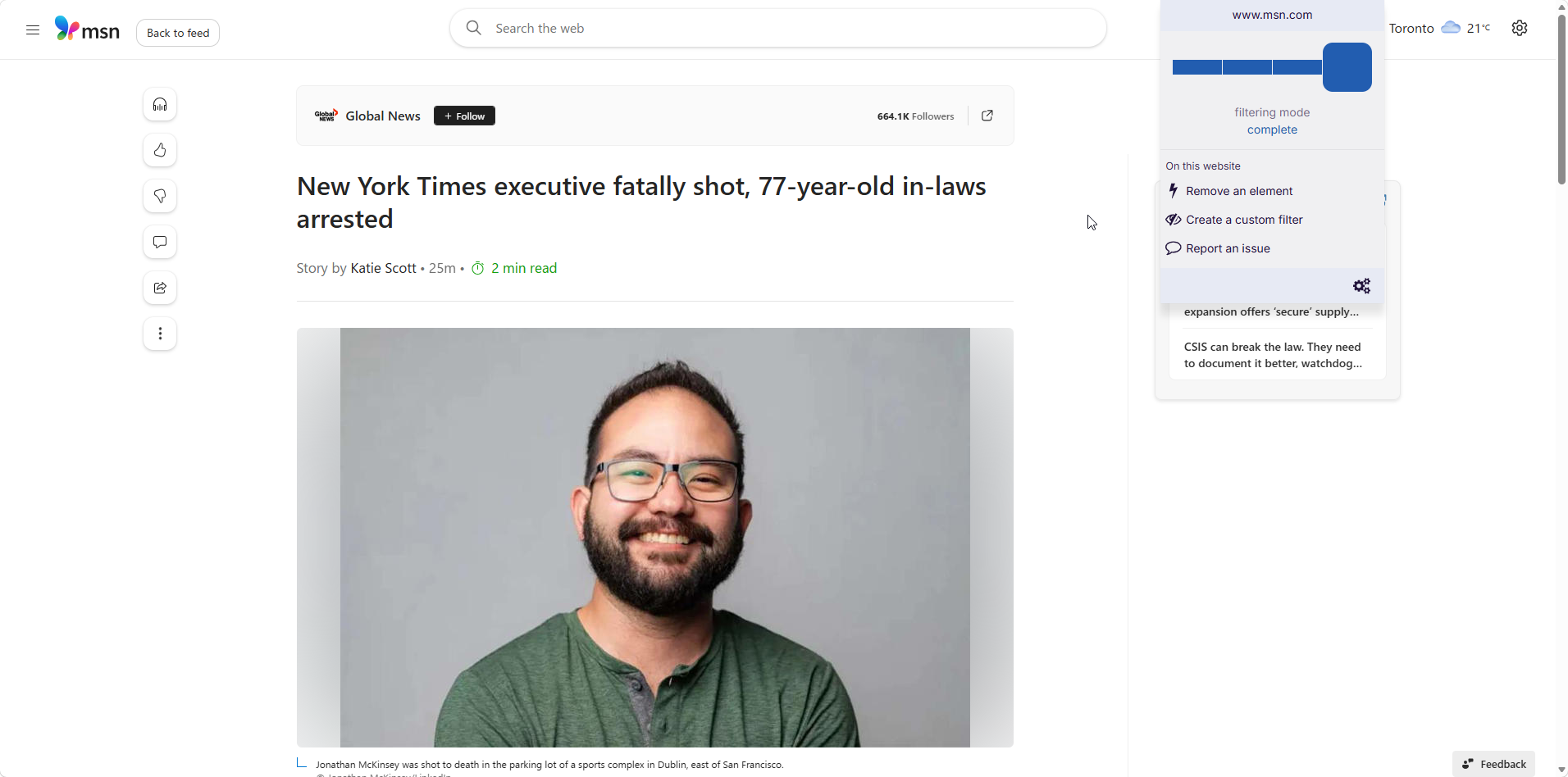
Complete mode on a news site. The page keeps its content and loses the placeholders optimal leaves behind.
The important habit is simple: leave the default at optimal, move individual sites to complete when something looks wrong, and reserve basic for pages that break. Complete does more work in the browser, so applying it everywhere is a waste on a laptop.
Removing Elements and Creating Custom Filters
This is the part most reviews get wrong, because it changed recently: uBO Lite used to have no way to write your own filters. Since June 2026, custom filters and subscriptions are available, and the popup offers two hands-on tools.
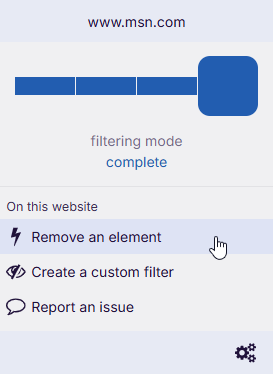
Remove an element is the quick fix: one click, one page, nothing saved.
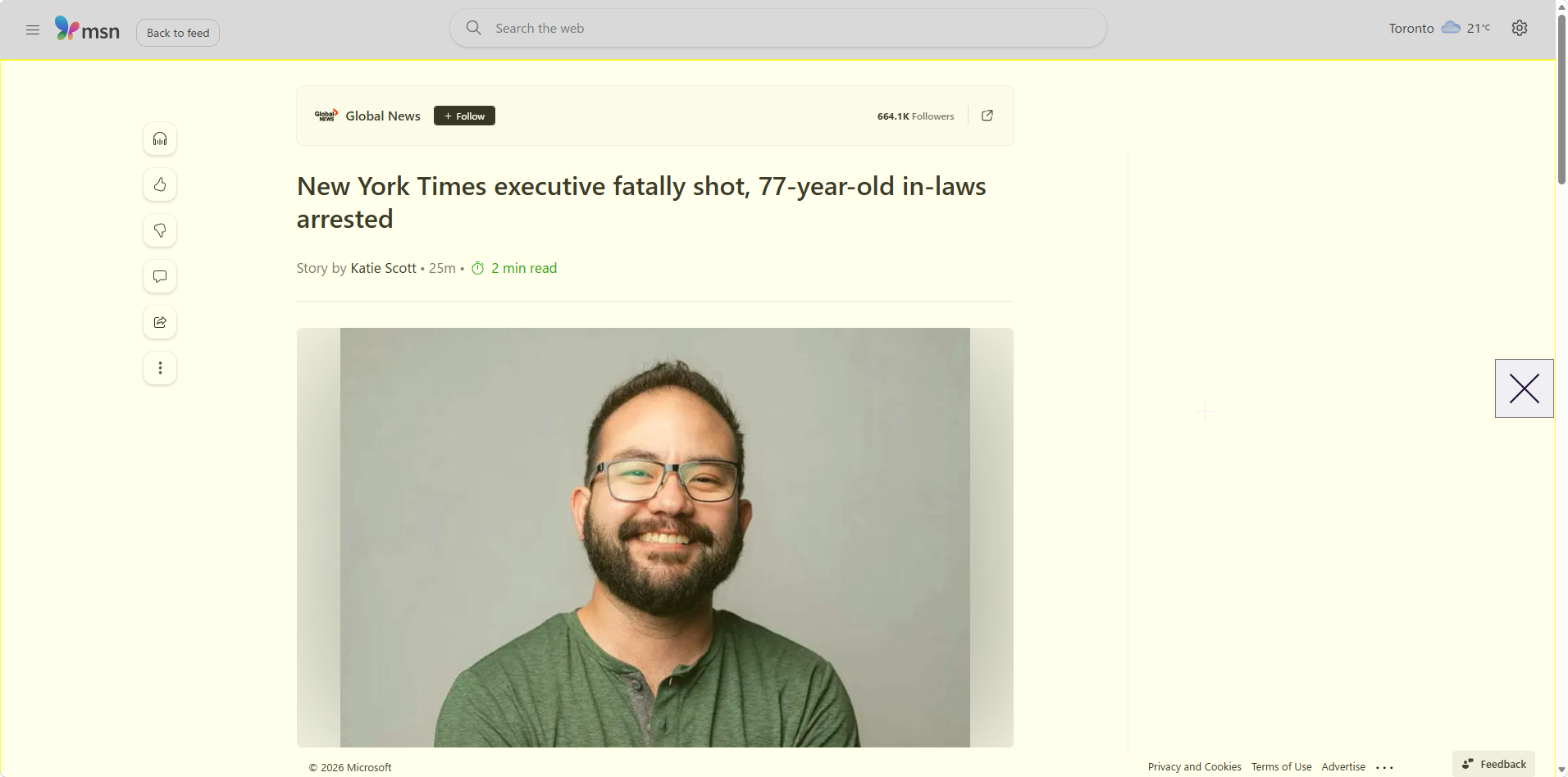
In removal mode the page takes on a highlight and the cursor becomes a target. We removed a floating panel that covered the article.
The second tool sticks. Create a custom filter opens the picker, where a slider widens or narrows the match and Preview shows the result before you commit.
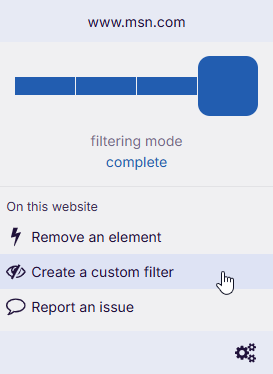
Create a custom filter writes a permanent rule rather than removing something once.
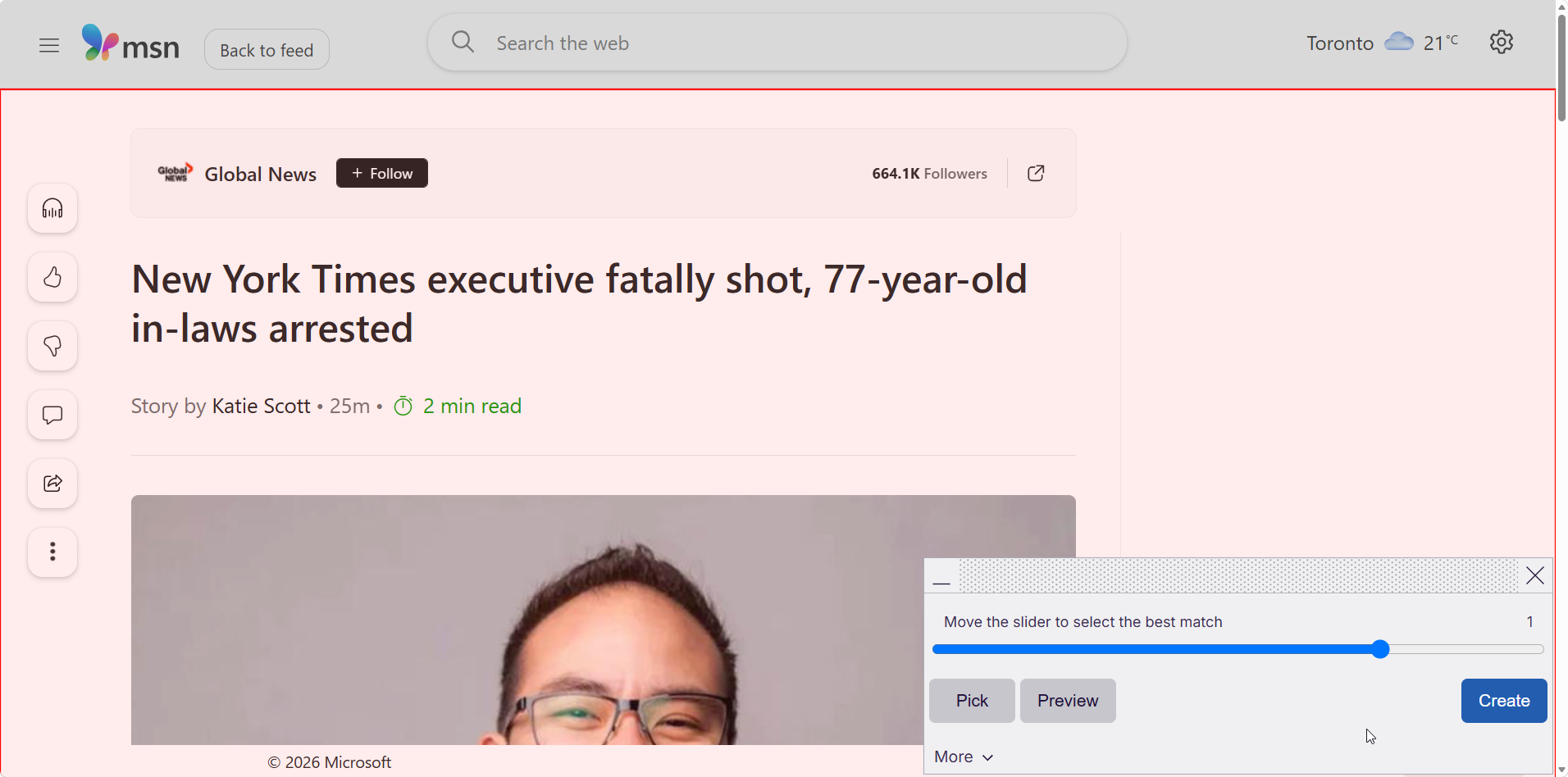
Move the slider to select the best match, preview it, then create. The filter survives reloads and restarts.
It is worth being precise about what this is not. There is no dynamic filtering panel, no per-site switches for scripts and frames, and no logger showing what the browser blocked. You can write rules, but you will find no way to watch traffic and work out which rule you need.
Blocking YouTube Ads and Other Video Ads
YouTube is the test everyone cares about, so here is the summary. In our testing, uBO Lite blocked pre-roll and mid-roll ads in the great majority of sessions, with the occasional ad appearing for a day or two before filters caught up.
The structural reason for those gaps is worth understanding. Because filtering is declarative, new filters reach you when the extension updates rather than the moment a maintainer has added them. On a site that actively counters blocking, that delay matters, and the uBlock Origin moderators say as much: uBOL can be mostly useless on sites that counter blocking attempts constantly, because a new version has to ship to deliver new filters.
Two things help in practice. Set YouTube to complete mode, and never run a second ad blocker alongside it, which makes detection more likely rather than less. On Safari, the Lite version is now the only uBlock Origin available, and a gHacks test found it working on YouTube there too.
Filter Lists and What Gets Updated
The default ruleset is not a cut-down version of the real thing. It matches uBlock Origin's own default filterset: the built-in uBlock lists, EasyList, EasyPrivacy and Peter Lowe's ad and tracking server list. More rulesets can be enabled from the options page, reached with the cogs icon in the popup.
| Ruleset | Status | What it covers |
|---|---|---|
| uBlock Origin built-in lists | On by default | Ads, privacy, badware, quick fixes |
| EasyList | On by default | The main community ad list |
| EasyPrivacy | On by default | Tracking and analytics scripts |
| Peter Lowe's list | On by default | Ad and tracking servers |
| Regional and annoyance lists | Off until enabled | Cookie notices, social widgets, language-specific ads |
The update model is the real difference from the classic version. Filters travel with the extension, so a store update is what refreshes them, and that is why release notes matter more here than they do with uBlock Origin. Custom filters and subscriptions now sit alongside that, which closes the gap for anyone who was maintaining a personal list.
Performance: Why It Does Not Slow Pages
Performance is where uBO Lite is not a compromise at all. Nothing runs while you browse, so it protects page speed instead of slowing it, and cleaned-up pages load faster because the requests were never made. Blocking ads and trackers removes scripts, images and connections, which is also why it helps battery life on a laptop or phone.
The App Store description makes the same point: the browser performs filtering, not the extension, and the service worker is needed only when you open the popup or options. On Safari the download is a few megabytes against 40.2 MB in Edge.
One Firefox reviewer summarized it in a way that matches our experience: performance equivalent to a browser with no extensions at all. That is a strange thing to say about an ad blocker, and here it is accurate.
uBlock Origin Lite vs uBlock Origin
| Feature | uBlock Origin Lite | uBlock Origin |
|---|---|---|
| Platform | Manifest V3, declarative | Manifest V2, own filtering engine |
| Browsers | Chrome, Edge, Opera, Firefox, Safari | Firefox and MV2 Chromium browsers |
| Resource use while blocking | None, browser does the work | Small but constant |
| Filter updates | With extension updates | On their own schedule |
| Custom filters | Yes, since June 2026 | Yes |
| Element picker | Yes, simplified | Yes, full |
| Dynamic filtering | No | Yes |
| Logger | No | Yes |
| Per-site switches | Filtering modes only | Full set |
The gap is smaller than the headlines suggested and larger than enthusiasts admit. If you installed uBlock Origin years ago, never opened its dashboard and simply wanted fewer ads, Lite does that job. If you used the logger to diagnose a page or dynamic rules to shut down a third party, there is no substitute, and the answer is Firefox with the full version.
Read our full uBlock Origin review here.
Support and Reporting Issues
Support works as it does for the original: community only, through GitHub. The popup's report option opens a form that collects the page address and your troubleshooting details, then files it against the uAssets issue tracker.
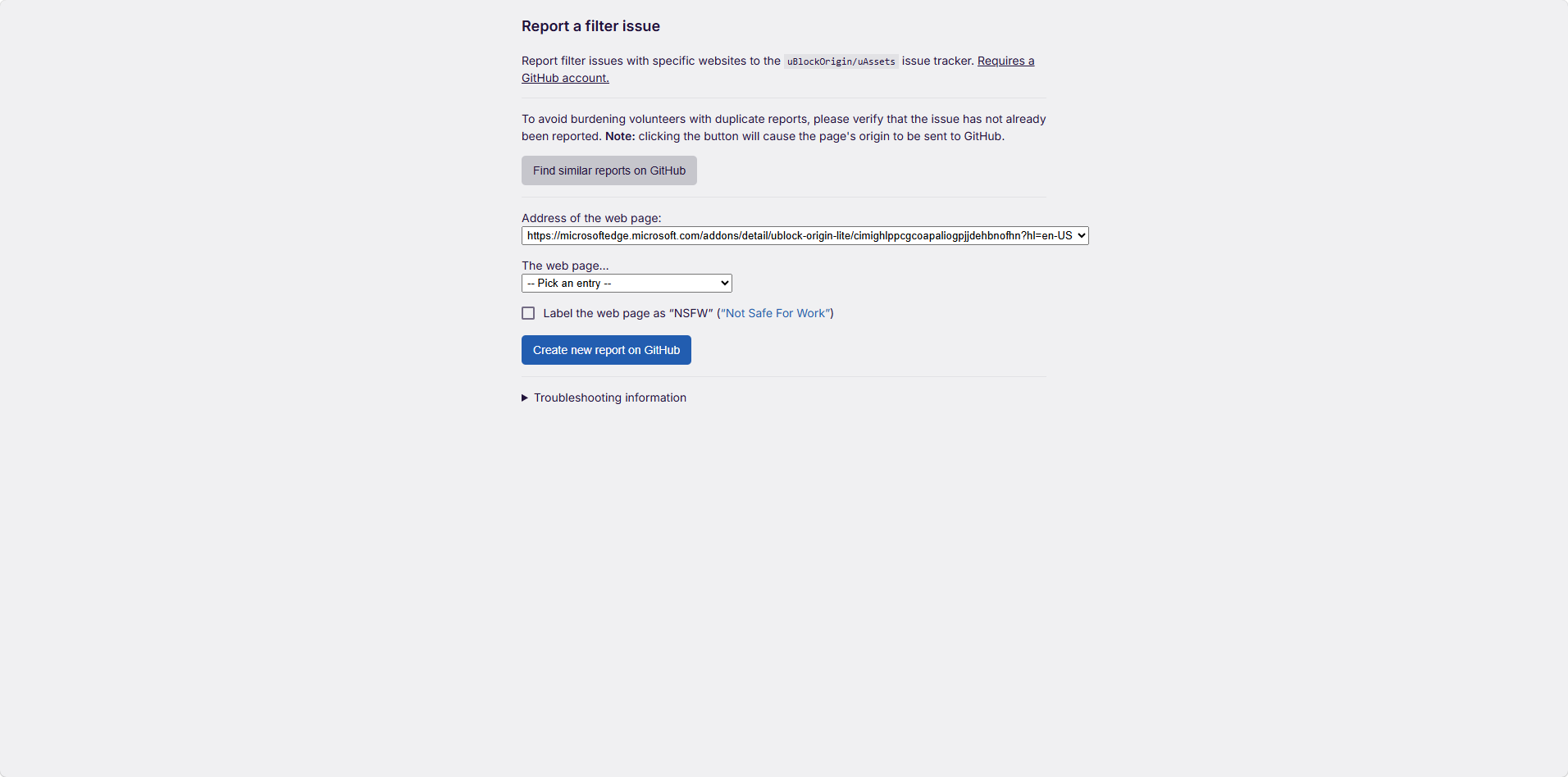
Reporting needs a GitHub account, and the form asks you to check for duplicates first out of respect for volunteers.
There is no phone number, no email and no chat with a person. The wiki covers troubleshooting in detail and the developer answers issues directly, which beats most free tools, but it is a poor fit for anyone expecting support in the usual sense.
What Users Say About uBO Lite
| Platform | Rating | Ratings |
|---|---|---|
| Microsoft Edge Add-ons | 4.5 / 5 | 164 ratings |
| App Store | 4.7 / 5 | 660 ratings |
The most useful assessment came from a long-term user in r/uBlockOrigin, who has run Lite since its experimental phase and calls it about 95% as good as the original, with leakage once in a blue moon. A moderator pushed back with the caveat mentioned above about sites that actively counter blocking, and another commenter put the number at 80% rather than 95%. Both camps agree it works.
In r/chrome, a user who tried Lite instead of switching browsers concluded 99% of their experience stayed the same. The replies are the other half: one notes Lite lacked filter list updates outside extension updates, custom filters and dynamic filtering, another that Google's revenue comes from ads, so goodwill is not guaranteed. Both threads predate the June 2026 custom filter work.
How We Tested uBlock Origin Lite as an Ad Blocker: Our Verdict
We tested uBlock Origin Lite in Microsoft Edge on Windows, installed from the official store and left on its defaults before changing anything. Along the way, we:
-
Installed it, granted site access, and checked what the browser says the extension can do
-
Browsed news, video and shopping pages with the filtering mode on optimal
-
Switched individual sites to complete to clear leftover ad placeholders
-
Removed a page element by hand, then built a custom filter with the picker and preview
-
Opened the report form to see what happens when a site needs fixing
Our conclusions, scored:
-
Blocking effectiveness (4.3/5). Ads, trackers and miners disappear on ordinary sites. Sites that fight blockers are where the declarative model shows its limits.
-
Ease of use (4.8/5). One permission, one slider, three actions. It is the easiest ad blocker we have set up.
-
Speed and performance (5.0/5). No background process and no measurable overhead, with faster pages as a side effect.
-
Features and control (3.6/5). Custom filters and element removal are real additions. The absence of a logger and dynamic filtering is still felt.
-
Support and documentation (3.5/5). Thorough documentation, GitHub-only support, no human to contact.
The final verdict: uBO Lite is the right ad blocker when your browser leaves no alternative, and a good one if you were never going to open a dashboard anyway. Install it, grant the permission, leave it on optimal, move problem sites to complete. For the logger, dynamic filtering and instant filter updates, use Firefox with the full uBlock Origin.
uBlock Origin Lite Pros and Cons
Pros
-
Free, open source, and from the developer of uBlock Origin
-
Blocks ads, trackers and miners immediately after install
-
No CPU or memory use while blocking, since the browser does the filtering
-
Works on Chrome, Edge, Opera, Firefox and Safari, including iPhone
-
Custom filters and external list subscriptions since June 2026
-
Simple three-mode control that needs no explanation
Cons
-
No dynamic filtering and no logger
-
Filter updates arrive with extension updates, not on their own
-
Weaker on sites that actively detect and counter blockers
-
Reverts to basic mode if you withhold broad site permissions
-
Support is GitHub only, with no direct contact option
Pair uBlock Origin Lite With Halocard for Private Payments
An ad blocker keeps trackers off the pages you read. It has no say in what happens at checkout, where a merchant records your name, your address and your real card number, and keeps them long after the purchase.
Halocard handles that half. Its US-issued virtual cards are created in seconds, and the key features of virtual cards are all here: spending limits per card, instant freezing, disposable numbers for one-off orders, and a billing address you choose.
Privacy-focused virtual cards keep transaction anonymity from the merchant's side, and funds load through several methods including cryptocurrency and mobile payments. Spend online or in shops with Apple Pay and Google Pay, and keep private purchases off your bank statement. Coverage reaches 120+ countries, there is no credit check, and plans open at $12 a month.
Frequently Asked Questions
Is uBlock Origin Lite as Good as uBlock Origin?
Close for everyday browsing, not equal. Long-term users put it between 80% and 95% of the original, and our testing matches the upper half of that range on ordinary sites. The difference shows on pages that fight ad blockers, where the full version's faster filter updates and dynamic rules win.
Is uBlock Origin Lite Safe to Use?
Yes. It is open source, published by Raymond Hill, and it asks for one permission so it can block content on any page. The safety risk is installing an imitation, so check the developer name in the store before you click add, and install only from the official store entry.
Does uBO Lite Block YouTube Ads?
In our testing, yes, most of the time. Setting YouTube to complete mode helps, and running a second blocker hurts. Expect the occasional ad when YouTube changes something, since new filters reach Lite when the extension updates rather than instantly.
Which Filtering Mode Should I Use?
Leave the default on optimal, which covers nearly everything. Switch a site to complete when you see empty boxes where ads used to be, and drop it to basic or no filtering when a page misbehaves. The mode is remembered per site.
Does uBlock Origin Lite Slow Down My Browser?
No. Filtering happens inside the browser engine, so the extension itself uses no CPU or memory while you browse, and pages load faster because blocked requests are never downloaded. That also means less work for the processor and better battery life.
Can I Add My Own Filters in uBlock Origin Lite?
Yes, as of June 2026. You can create custom filters with the picker and subscribe to external filter lists. Older reviews and forum posts that say otherwise were written before that change.
Do I Have to Use uBO Lite, or Can I Get the Full Version?
It depends on your browser. Chrome, Edge, Opera and Safari only run the Lite version, because they no longer support the extension platform the original needs. Firefox runs full uBlock Origin on desktop and on Android, so switching browsers is the only way to get the full feature set.
Sources
-
uBlock Origin Lite. Project Readme
-
uBlock Origin Lite. Frequently Asked Questions
-
uBlock Origin Lite. Troubleshooting Wiki
-
Chrome Web Store. uBlock Origin Lite
-
Microsoft Edge Add-ons. uBlock Origin Lite
-
App Store. uBlock Origin Lite
-
ITC. Lite Arrives on Safari
-
Reddit. Lite Is 95% As Good
-
Reddit. I Tried uBlock Lite
Sourced on September 29, 2026
*Please see Halocard's Terms of Service or Pricing for the most up to date pricing and fee information. This publication is provided for general information purposes and does not constitute legal, tax or other professional advice from Halocard LLC or its subsidiaries and its affiliates, and it is not intended as a substitute for obtaining advice from a financial advisor or any other professional. We make no representations, warranties or guarantees, whether expressed or implied, that the content in the publication is accurate, complete or up to date.
Halocard Virtual Cards

Instant approval
Create your first card in under 5 minutes.

Private purchases
Purchases never appear on your bank account.

Powered by Visa
Accepted at 175M+ merchants globally.
3 steps to create your virtual credit card
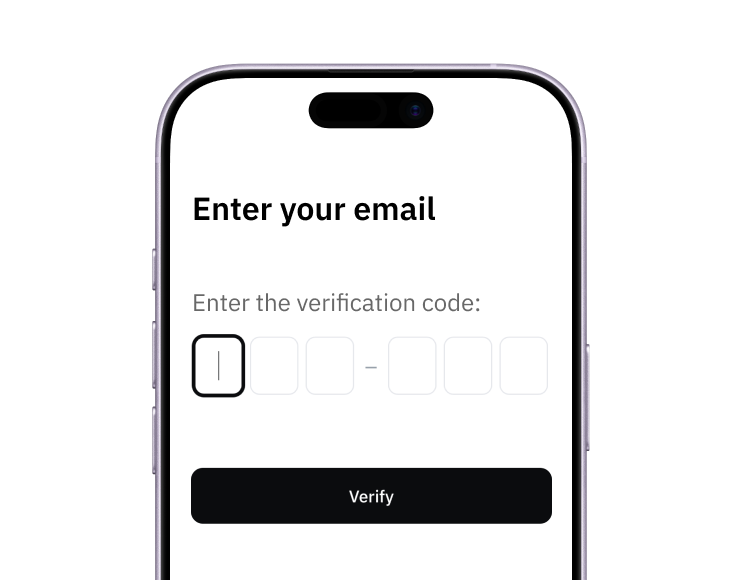
1. Sign up
Create your account from a web browser. No need to download an app.
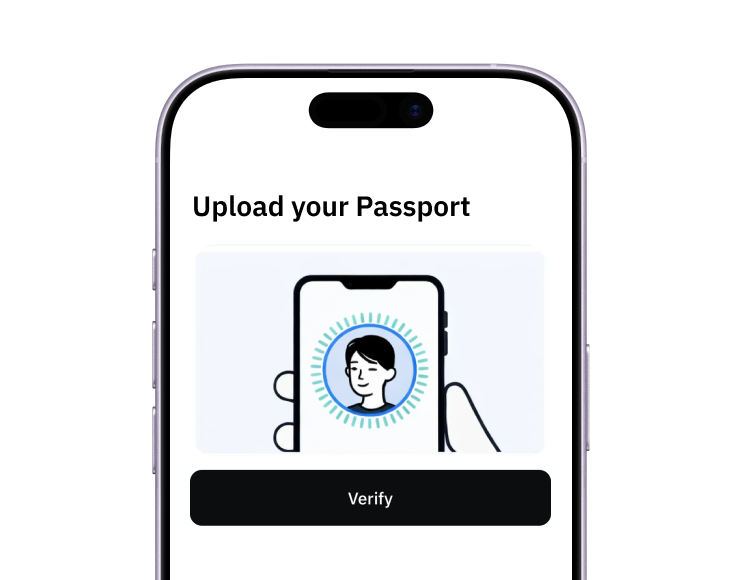
2. Verify
Verify you're a real person in 3 minutes, from the US or any of 120+ countries.
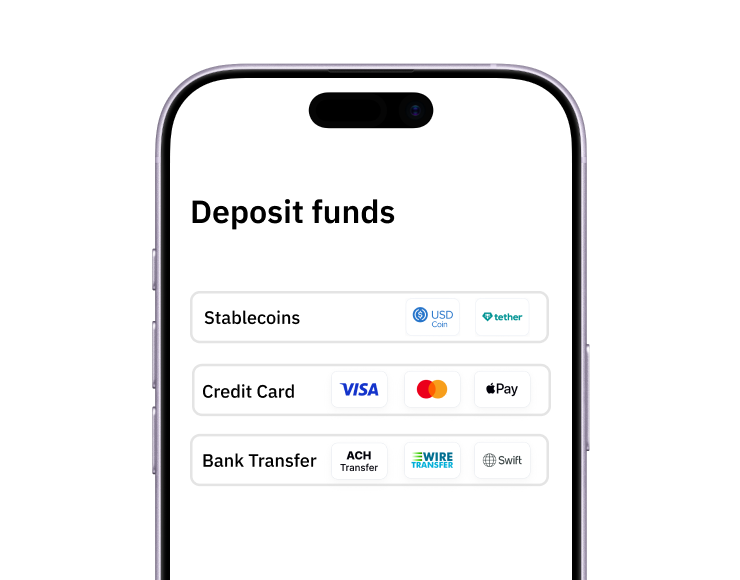
3. Fund
Add funds by debit/credit card, Apple Pay, Google Pay, bank transfer, stablecoins, or crypto.
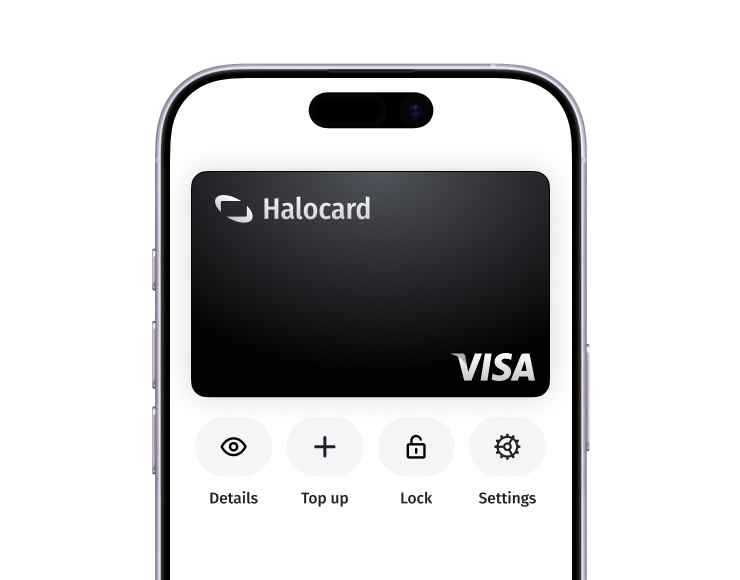
Pay with Halocard
Pay online and in-person wherever Visa is accepted. You can also order a physical Halocard if you prefer.