Virtual Cards for OpenAI and ChatGPT
Create virtual credit cards instantly to pay for ChatGPT from anywhere in the world. The most reliable way to subscribe to ChatGPT Plus, Pro, Team, and fund your OpenAI API account is Halocard.
 USD Virtual CardsFrom $12/month


 Rated 4.9/5 by our clients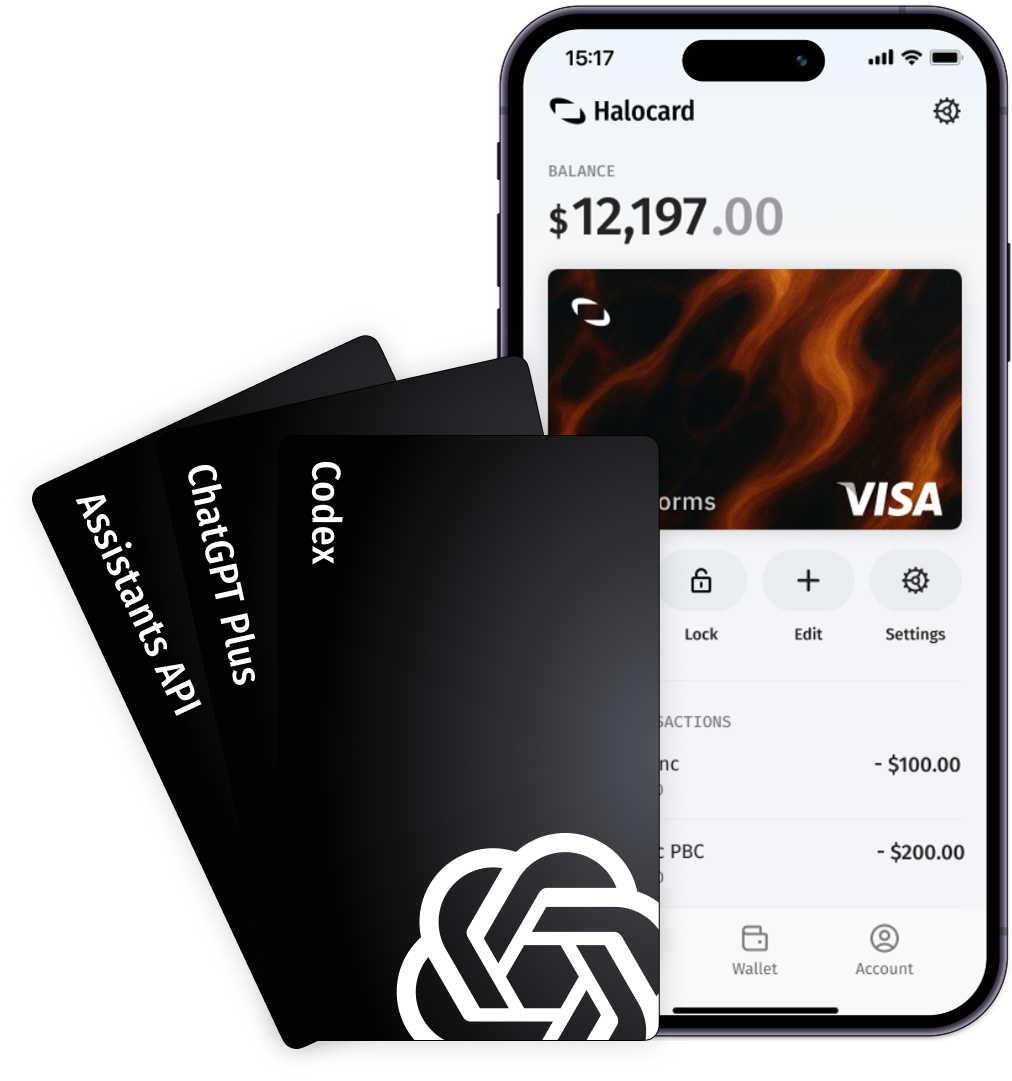
“My card kept getting declined by OpenAI so I asked ChatGPT (ironically) for the best virtual card and it said Halocard. I signed up, set my address to the US and had my ChatGPT Pro subscription active in a few minutes. I don't really need to think about it anymore.”

Sophie V.
Freelance Developer, Netherlands
Why developers choose Halocard to pay for OpenAI and ChatGPT

Visa Credit Cards, not Prepaid
OpenAI rejects prepaid and debit BINs regularly. Halocard issues virtual credit cards directly on the Visa network which have the highest acceptance at ChatGPT, OpenAI, and other leading AI services.

One card for each platform
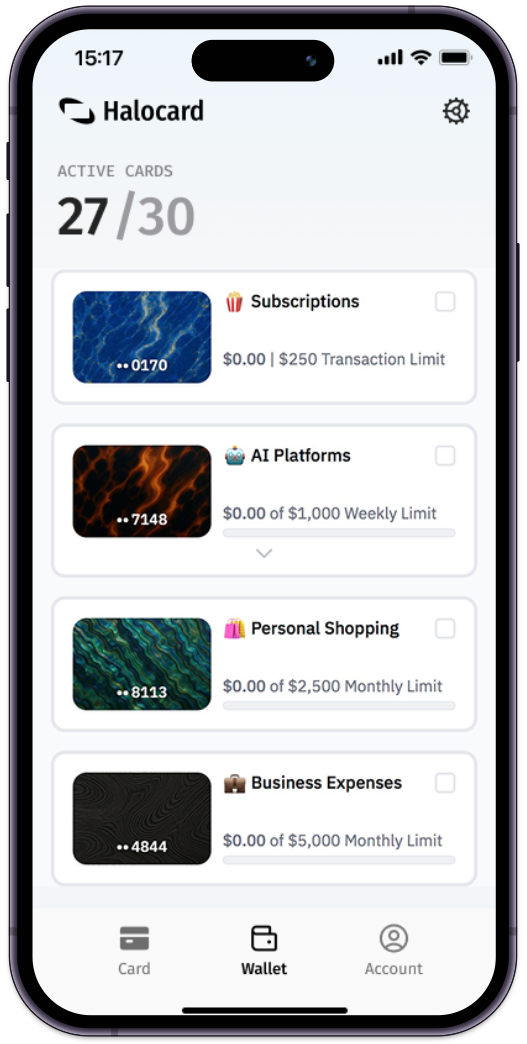
Create dedicated cards for each AI and Cloud platform including ChatGPT, Anthropic's Claude, AWS, Google Cloud and more. Isolate costs and prevent billing surprises.

API-friendly spending controls
Set per-transaction, daily, and monthly limits on each of your cards. Get real-time alerts when charges hit and instantly lock or cancel any cards to prevent any unwanted charges.

Keep your AI usage private
Your AI usage patterns are nobody's business. Halocard keeps your ChatGPT subscription and API usage separate from your main bank accounts so there's no personal data shared.
Why do other payment cards decline at OpenAI?

Prepaid & Gift Cards don't work
OpenAI rejects certain types of prepaid cards and gift cards. Halocard issues virtual credit cards which have the highest acceptance at ChatGPT, OpenAI, and other leading AI services.

No US address provided (AVS fail)
Address verification (AVS) checks can fail when your billing address doesn't match a US ZIP code. With Halocard you can nominate a US billing address on any card, and you don't need to be a US resident to register.

No one-time code (3D-Secure fail)
OpenAI requires a one-time code for card payments. If your card doesn't support 3D-Secure or you can't access the code, your payment will decline.

PayPal & Venmo not accepted
OpenAI only accepts valid cards. No PayPal, no Venmo, no crypto and no bank transfers. If you don't have a traditional credit card, create one with Halocard in under 5 minutes.
How to get a virtual card for OpenAI in 3 simple steps
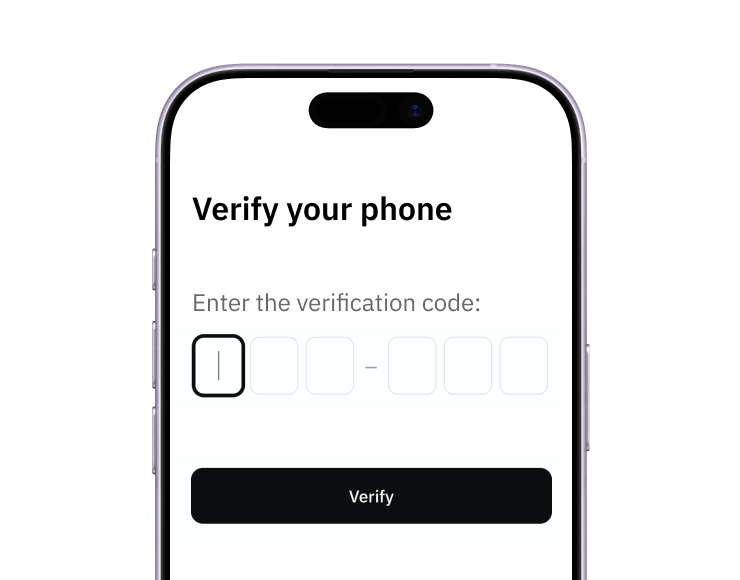
1. Sign-up with a phone
Sign up from your browser. No app download needed.
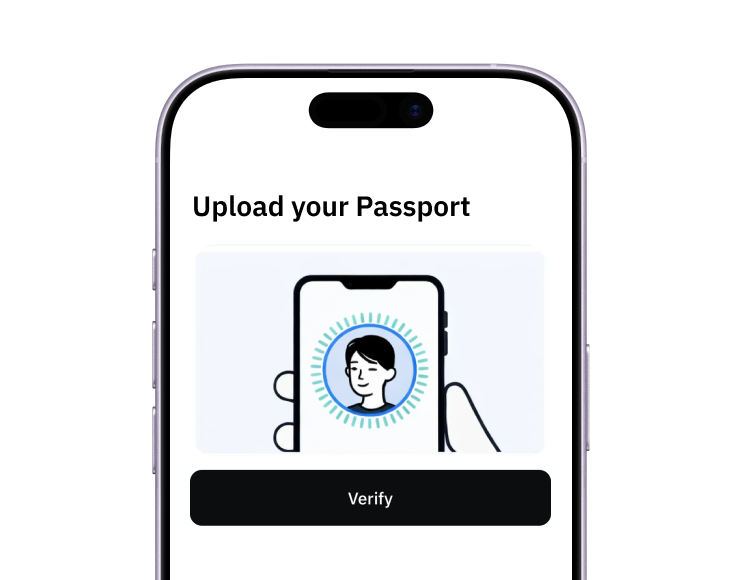
2. Quick identity check
Verify you're a real person in less than 3 minutes. No US residency required.
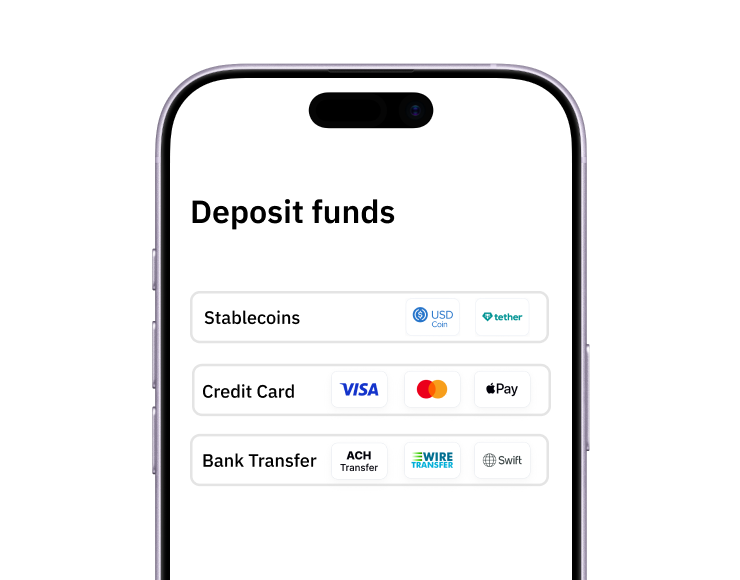
3. Add funds to your account
Use stablecoins, debit/credit card or ACH/SWIFT bank transfer (coming soon).
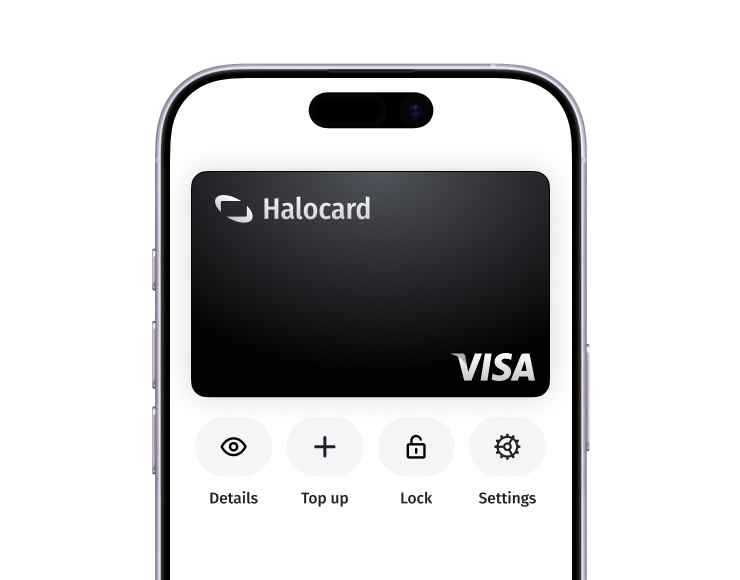
Your virtual card is ready.
That's it! Add your Halocard to chatgpt.com and start using ChatGPT Plus, Pro, Team, or the API immediately.
How to pay for ChatGPT with a virtual card

Create your Halocard account
Sign up to Halocard with just a phone number and quick identity check.

Create a virtual card for OpenAI
Create a new virtual card labelled "ChatGPT." Set a spending limit that matches your plan ($20 for Plus, $200 for Pro).

Add the card to ChatGPT
Go to chatgpt.com → Settings → Subscription → Add Payment Method. Enter your Halocard number, expiry, CVV, and US billing address shown on your dashboard.

All done!
Your Halocard is now ready to make payments to OpenAI & ChatGPT!
Why people choose Halocard to pay for OpenAI and ChatGPT

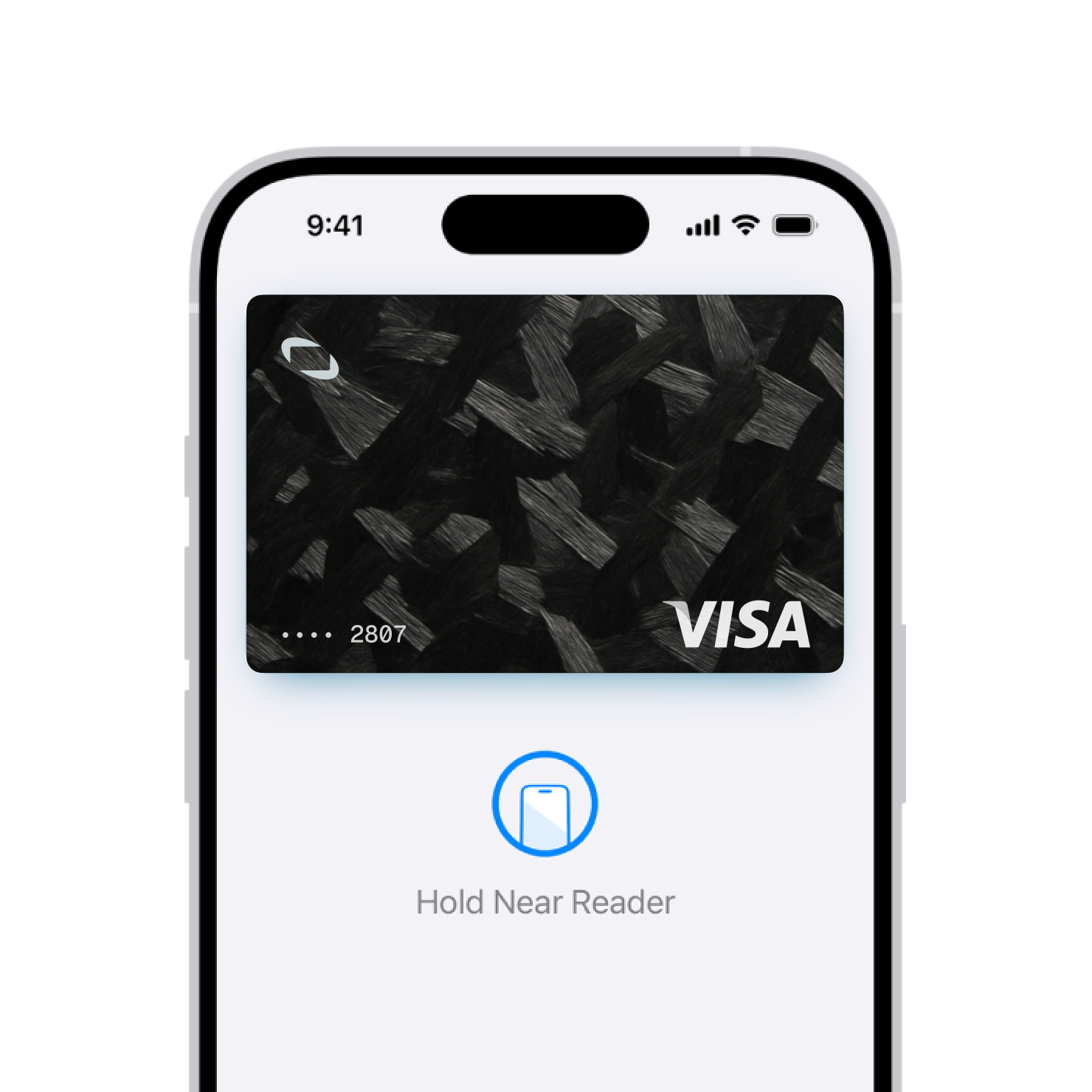
Virtual cards ready for Apple Pay & Google Pay
Add your Halocard to Apple Pay or Google Pay for instant checkout everywhere, including topping up your OpenAI API balance on the go.

Unlimited spending power
We don't give you any limits and what you deposit is what you can spend. Add $500, spend $500. Add $10,000, spend $10,000. Your money, your control.

Virtual USD account included (coming soon)
A virtual USD account for ACH transfers and direct deposits, powered by SSB, Member FDIC. Send funds to your account and they're ready to spend via your virtual cards once settled.
Custom card controls
Your AI subscriptions are nobody's business. Halocard keeps your ChatGPT usage separate from your main bank accounts.

Privacy-first, always
Shield your real account details and personal information when paying for ChatGPT and OpenAI services. We will never sell your usage data to advertisers, data brokers, or any third party.
Made with ❤️ to provide the virtual card experience you deserve

Instant funding
Top-up with stablecoins, card payments and US/Global bank transfers (coming soon).

Instant card creation
Virtual cards ready to spend in seconds for your ChatGPT subscription and API usage.
Freeze on demand
Lock any card instantly or cancel it permanently if something feels wrong.

Custom billing address
Nominate a custom billing address in the US or anywhere in the world, for every Halocard.

3D-Secure Authentication
Visa 3D-Secure is supported whenever a merchant requests it to prevent fraud.

No apps to download
Your Halocards are accessible from your phone or desktop with no app download required.
Halocard works with all your favourite AI and Cloud providers








Choose a plan and create your first card in under 5 minutes
Essential
$12/mo
or $120 per year (Save $24)
Unlimited spend
Custom card controls
Apple Pay & Google Pay
Virtual USD account (coming soon)
0% fee on USD purchases
1.5% FX fee on non-USD purchases
Chat, Email & Phone Support
Elite
$59/mo
or $590 per year (Save $118)
Everything in Pro
Priority support (2 hour SLA)
Frequently Asked Questions about paying for OpenAI & ChatGPT
Still have questions?
Learn more about Virtual Cards
Are Virtual Business Credit Cards Better for Corporate Travel?
Virtual cards give finance teams more control over travel spend, but physical cards still matter for hotels and ATMs. When does each one make sense, and is a hybrid setup the real answer?
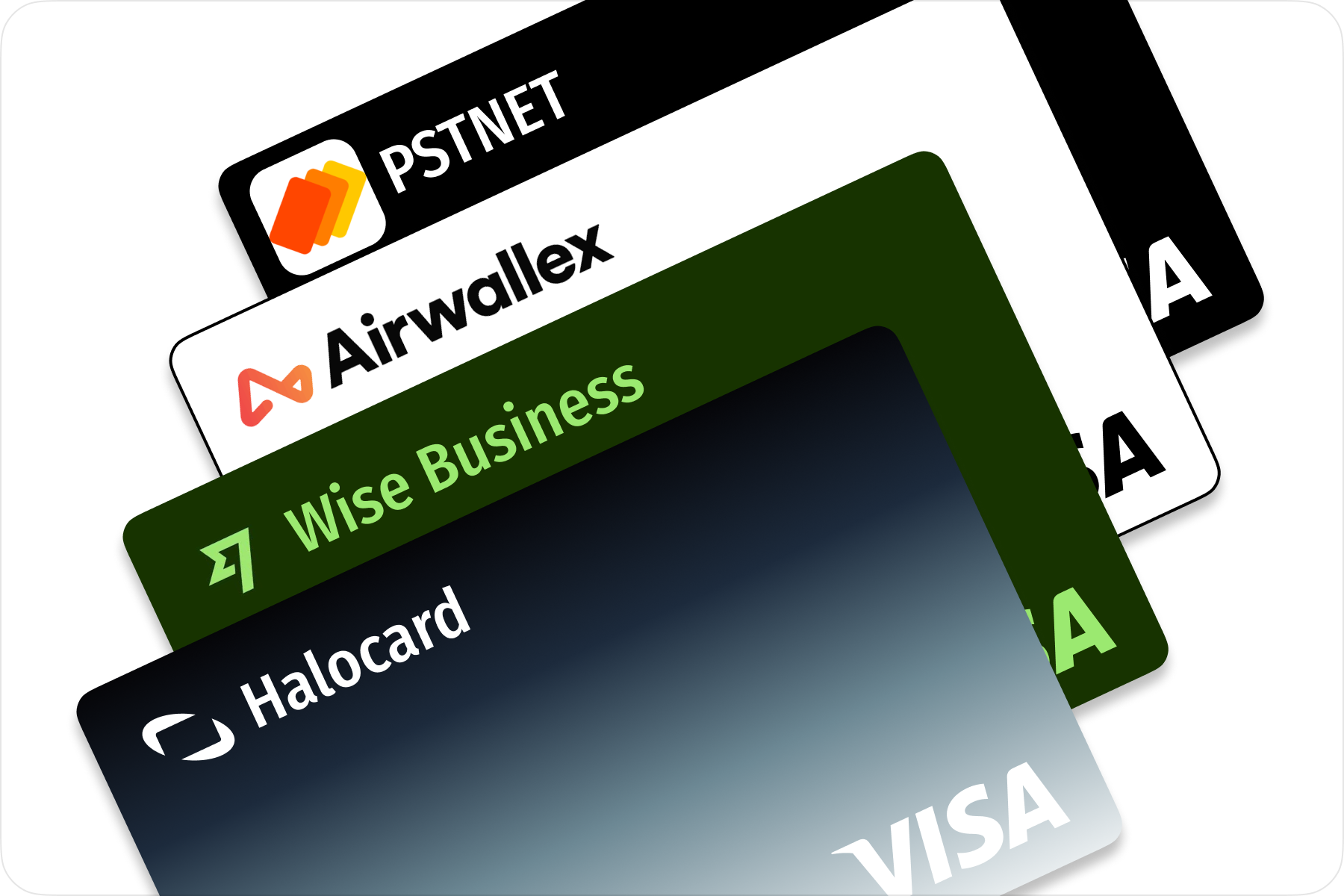
How to Choose the Best Virtual Card Provider for Your Business
Not all virtual card providers work the same way. Card type, FX fees, integrations, and support quality all vary wildly. Here's a framework for evaluating providers based on your actual business needs.

Benefits of Virtual Cards Over Physical Cards for Company Expenses
Physical corporate cards were built for a single-office world. With remote teams, stacking SaaS subscriptions, and daily cross-platform spending, do virtual cards actually work better for managing company expenses?
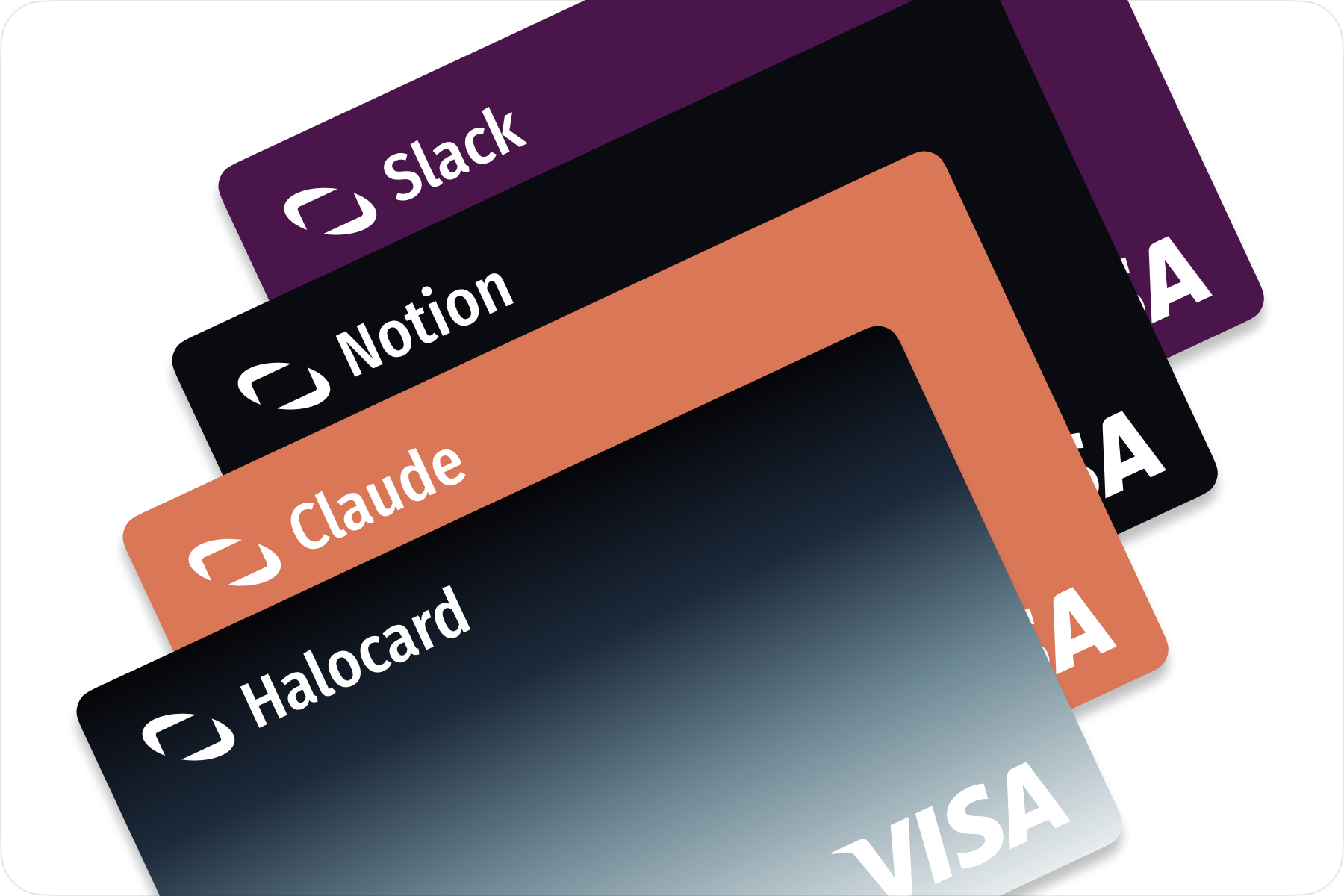
How Much Can Businesses Save With Virtual Cards for SaaS?
Most companies waste between 7% and 40% of their SaaS spend on forgotten renewals, duplicate tools, and unused licenses. How do virtual cards help recover that money, and how much can you actually save?