Best Prepaid Visa Cards (2026): 9 Compared on Fees & Privacy

Edward Taylor

Quick Answer: Halocard is the top pick for private, secure online payments, a US-issued Visa credit card that spends only the money you load. The best prepaid Visa cards in the USA depend on how you plan to use them. Walmart MoneyCard suits Walmart shoppers, Netspend and Green Dot have the biggest cash reload networks, and Regions Now Card has the easiest fee waiver. Vanilla and Bitrefill sell one-time cards. Most skip credit checks, but none will build credit.
A prepaid Visa card lets you spend money without a credit line, a credit check or, in many cases, a bank account. You load money onto the card, spend it anywhere Visa is accepted, and stop when the balance runs out.
The catch is cost. Many prepaid cards charge for things a free checking account never would: a monthly fee, a fee per purchase, a fee to add cash at the register and a fee for leaving the card unused. Two cards that look identical on a store rack can cost $0 or several hundred dollars over a year, depending on how you use them.
This guide compares nine of the best prepaid cards available in the US, from bank-issued reloadable cards to one-time gift cards and crypto-funded options. Every fee, limit and feature below comes from each provider's own website, fee disclosure or help pages, checked on November 12, 2026. Where a provider's pages disagree with each other, we point it out.
Key Takeaways
-
A prepaid card limits your spending to the money you load, so there is no debt and no interest.
-
Prepaid cards don't require a credit check, and they don't report to credit bureaus, so they can't help you build credit.
-
Monthly fees on the bank-issued reloadable cards here run from $0 to $9.95, and most are waived if you set up direct deposit or make enough purchases.
-
Reload fees, ATM fees, inactivity fees and foreign transaction fees often cost more than the monthly fee itself.
-
Funds on a reloadable card can be FDIC insured, but usually only after you register the card and verify your identity.
-
Halocard is the best fit for private online payments, while Walmart MoneyCard, Netspend and Green Dot suit people who reload with cash.
What Is a Prepaid Card?
A prepaid card is a payment card that spends money you put on it in advance. It carries a Visa or Mastercard logo, a 16-digit card number and a security code, so it can be used wherever Visa or Mastercard is accepted, both in stores and for online shopping.
Prepaid debit cards offer most of the everyday features of a bank card. You can pay at checkout, set up bills, withdraw cash at ATMs on most reloadable cards and, on many, receive your paycheck by direct deposit. What you can't do is spend more than the balance. When a purchase costs more than the money on the card, it is declined unless the card offers optional overdraft protection.
According to the FDIC's 2023 household survey, about 5.6 million US households had no bank or credit union account, and a third of those relied on prepaid cards or nonbank payment apps for at least some transactions. The same survey found that banked households tend to use prepaid cards alongside an account rather than instead of one.
Prepaid cards come in a few forms, and the differences decide what you can do with them.
Prepaid Card vs Debit Card vs Gift Cards
The three look alike at checkout, but they work very differently behind the scenes.
| Reloadable Prepaid Card | Bank Debit Card | Prepaid Gift Cards | |
|---|---|---|---|
| Linked to | A prepaid card account | A checking account | A fixed one-time balance |
| Reloadable | Yes | Yes, through the account | Usually no |
| Direct deposit | Usually | Yes | No |
| ATM withdrawals | Usually | Yes | Usually no |
| Typical fees | Monthly, reload, ATM, inactivity | Often none with a basic account | Purchase fee at checkout |
| Credit check | No | No for the card, sometimes a screening for the account | No |
Bank debit cards are linked to checking accounts, so the money you spend comes straight out of your bank balance. Regular debit cards often carry fewer fees, because the bank earns money from the account relationship. A prepaid card has no account behind it at a bank in your name, so the card issuer has to make the card pay its way through fees. That is why prepaid cards often have higher fees than bank debit cards.
Visa gift cards sit at the other end. You buy them once, spend the balance and throw them away. They usually can't take direct deposits, can't withdraw cash and can't be reloaded.
Do You Need a Bank Account or Checking Account?
No. A prepaid card is designed for people who don't have a bank account, don't want one, or want a separate card for certain kinds of spending. You can buy one at a store, order a prepaid card online, or sign up through an app.
That said, a few cards in this guide come from banks. The Regions Now Card is sold by Regions Bank, and having a nearby branch makes it easier to add cash for free. You still don't need a Regions checking account to use it.
How Prepaid Visa Cards Work
Every prepaid Visa card follows the same basic cycle: you buy or open the card, load money, spend it, and reload or discard it.
How to Load Money and Add Cash
Most prepaid cards accept several ways to load money, and the method you pick often decides how much you pay.
-
Direct deposit. Most reloadable cards allow direct deposits for reloading. You give your employer or benefits agency the card's routing and account numbers, and many cards release paychecks up to 2 days early.
-
Cash at retail locations. You can add cash at retail stores such as Walmart, or at partner locations in a card's reload network. Netspend says its cards can be reloaded at more than 130,000 locations across the US. Expect a fee here, often up to $3.95 to $5.95 per load.
-
Bank transfers. Moving money from a bank account by ACH is usually free.
-
Mobile check deposit. Several cards let you photograph a check in the app. Mobile check uploads can add money, though some cards charge a share of the check, such as Regions' 1% to 4%.
-
Debit card, Apple Pay or Google Pay. Some newer cards can be loaded via bank transfers and mobile payments, among other methods, which is quicker but sometimes more expensive.
-
Crypto. A handful of providers accept Bitcoin or stablecoins.
You can reload at retail stores or online, and reloading fees vary by issuer and card type. The same card might charge nothing for a direct deposit and several dollars for a cash load at the register.
Where You Can Use Your Card Account
A prepaid Visa card works wherever Visa debit cards are accepted, which covers most of the US, from grocery stores and gas stations to subscriptions and buy online checkouts. Prepaid cards are usable for online purchases and ATM withdrawals, though gift card versions usually block ATM access.
There are a few common sticking points:
-
Holds. Gas stations, hotels and car rental companies often place a temporary hold for more than the final bill. On a prepaid card, that hold freezes part of your balance until it drops off.
-
Recurring billing. Some gift cards can't be used for subscriptions at all.
-
Geography. Several cards in this guide work only at US merchants, and many charge foreign transaction fees abroad.
-
Merchant rules. Some merchants decline prepaid cards for deposits or memberships.
Using Apple Pay and Google Pay
Most reloadable cards in this guide can be added to Apple Pay or Google Pay, which lets you pay with your phone at contactless terminals. Some gift and crypto-funded cards also work, but only if you enter the card details manually in your wallet. If tap-to-pay is important to you, check before you buy.
How We Picked the Best Prepaid Cards
We looked at prepaid cards that are widely sold in the US, plus the providers that show up repeatedly in searches for prepaid Visa cards. To make the list, a card had to be available to US residents, publish its own fees, and be usable for everyday or online purchases.
We then compared each card on:
-
Total cost. Monthly fee, per-purchase fees, reload fees, ATM fees and inactivity fees.
-
Ways to load money. Direct deposit, cash, bank transfer, check and crypto.
-
Protection. FDIC insurance, registration rules and lost card policies.
-
Privacy. Whether your real name and primary account details reach the merchant.
-
Reviews. Ratings on Trustpilot, read alongside the number of reviews.
One card on the list, FamZoo, runs on Mastercard rather than Visa. We kept it because it is the most complete prepaid option for families, and for that use the network makes little practical difference.
Quick Comparison Table
The table uses figures published by each provider. Fees change often, so treat it as a starting point, and see each provider review below for more detail before you sign up.
| Card | Best For | Issuer | Monthly Fee (Own Site) | Reloadable | Other Key Fees (Own Site) |
|---|---|---|---|---|---|
| Halocard | Private, secure online payments | Third National (Visa) | $15, $20 or $75 | Yes | 0% on USD purchases, 1.5% non-USD, free ACH deposits |
| Walmart MoneyCard | Walmart shoppers | Green Dot Bank | $5.94, waived with $500 direct deposit | Yes | Retail service fee up to $4.95; $15 overdraft fee if opted in |
| Netspend Visa Prepaid | Cash reloads nationwide | Pathward or Republic Bank & Trust | $0 with $2 per purchase, or $9.95 | Yes | Cash reload up to $3.95, ATM $2, 4% foreign transaction, $5.95 inactivity |
| Regions Now Card | Low cost near a branch | Regions Bank | $5, waived with 7 purchases | Yes | Non-Regions ATM $2.50, 3% international, mobile deposit 1% to 4% |
| Green Dot | Choice of fee plans | Green Dot Bank | $7.95 or $9.95 (waivable), or $0 with $1.50 per purchase | Yes | Out-of-network ATM $3, retail deposit up to $4.95 |
| FamZoo | Teaching kids about money | Not named on homepage (Mastercard) | $5.99 per family, or $59.90 a year | Yes | No other fees listed on homepage |
| Vanilla Visa Gift Card | One-time gifts | TBBK Card Services with partner banks | None | No | Purchase fee shown at checkout |
| Bitrefill Virtual Prepaid Visa | Paying with crypto | Sutton Bank | None | No | 2.5% above face value |
| Cake Pay | Paying with privacy coins | Varies by card supplier | None | Not stated | Face value plus a conversion fee |
9 Best Prepaid Visa Cards USA in 2026
Each card below is reviewed with the same four headings: how it works, its fees and limits, what users say, and what to watch for.
1. Halocard: Best for Private, Secure Online Payments
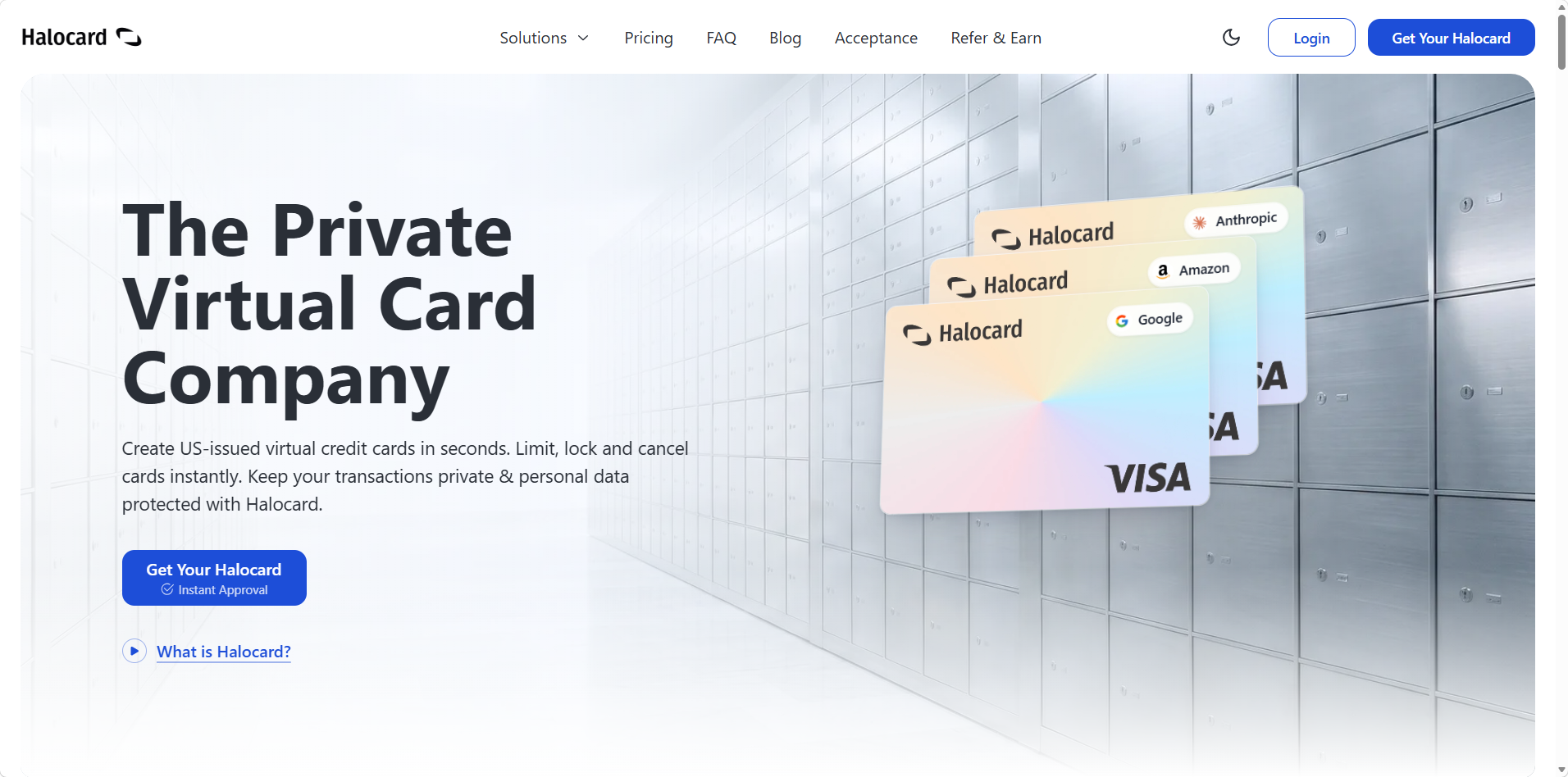
Halocard is a US card platform that lets you create multiple virtual Visa cards from one balance, each with its own name, billing address and spending limit.
How Halocard Works
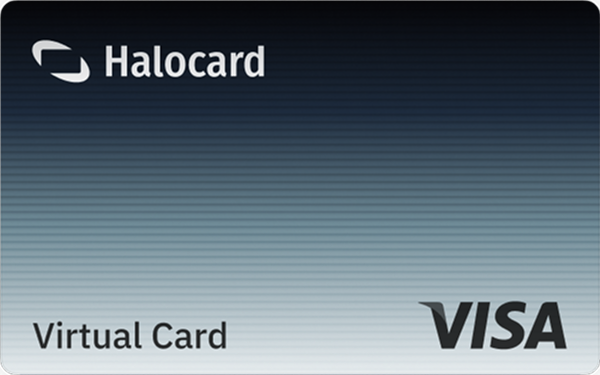
Halocard is not a traditional store-rack prepaid card, and it is worth being clear about that. Every card is a US-issued Visa credit card issued by Third National, but there is no credit line. You load your Halocard balance first, and every card spends from that balance. In practice, that means you can only spend money you have already added, and there is no interest, no bill and no late fees.
You sign up in a browser, verify your identity with an ID and a selfie (handled by Sumsub, usually in under 3 minutes), and then create virtual cards instantly. Halocard runs no credit check. It also lets you set a custom name and address on each card, so a merchant sees the details you chose rather than your legal name. Its privacy approach is the main reason it tops this list.
You can fund your balance by debit/credit card, Apple Pay, Google Pay, bank transfer, stablecoins, or crypto. Cards can be added to Apple Pay and Google Pay for tap-to-pay in stores, and a physical card is free with any annual plan or $100 on a monthly plan. Halocard is available to customers in the US and 120+ countries.
Halocard Fees and Limits
According to Halocard's pricing, there are three plans:
| Plan | Monthly | Yearly | Min. First Deposit | Virtual Cards | Single-Use Cards a Month (Annual Plans) | Physical Cards a Year (Annual Plans) |
|---|---|---|---|---|---|---|
| Essential+ | $15 | $180 | $30 | 3 (+1 extra a month on annual plans) | 2 | 1 |
| Pro+ | $20 | $240 | $100 | 15 (+5 extra a month on annual plans) | 10 | 1 |
| Elite+ | $75 | $900 | $300 | 50 (+10 extra a month on annual plans) | 25 | 3 |
Purchases in US dollars cost nothing extra, while purchases in other currencies carry a 1.5% fee. ACH deposits into your US bank account are free.
The first dispute in any 12 months is free. You can set limits on each card, and the account can spend up to $1M a day.
What Halocard Users Say
Halocard holds a 4.2/5 (11 reviews) rating on Trustpilot. That is too small a sample to tell you much, and we would rather say so than lean on it.
Halocard: Watch Out For
The plan fee is higher than most bank-issued prepaid cards. You can't add cash at a register or deposit a check, there's no cash back, and Halocard never reports to credit bureaus, so it won't help you build credit.
2. Walmart MoneyCard: Best for Walmart Shoppers
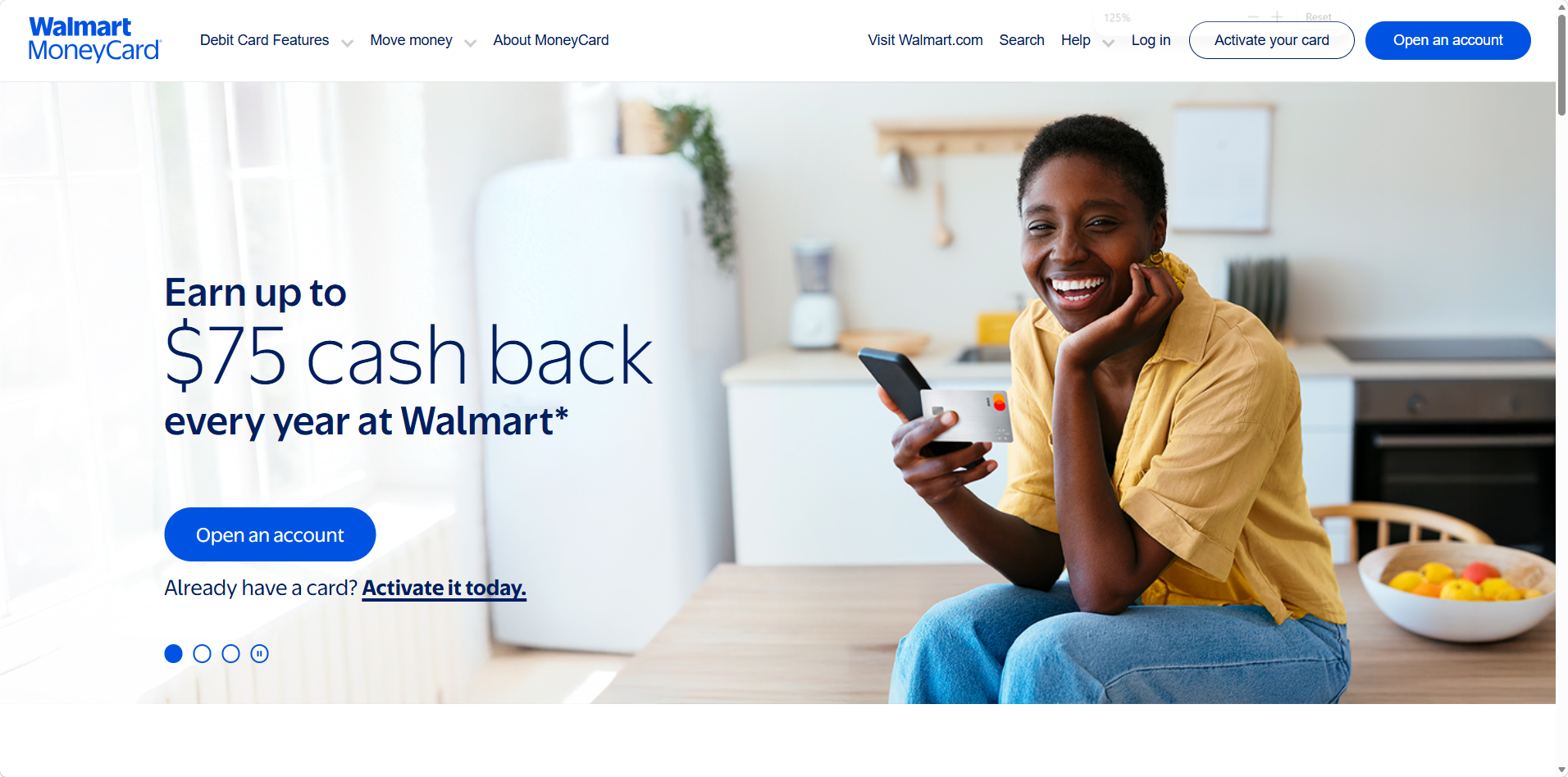
The Walmart MoneyCard is a reloadable prepaid debit card issued by Green Dot Bank and sold at Walmart stores and online.
How Walmart MoneyCard Works
You can sign up online or pick up a card at Walmart. Once it's active, you can add cash for free at Walmart registers through the app, transfer money from another US bank, receive direct deposit, and use mobile check deposit in the app. The card works with Walmart Pay and Google Pay.
Its big draw is cash back for Walmart shoppers. Walmart MoneyCard offers 3% cash back at Walmart.com and in the Walmart app, 2% at Walmart fuel stations and 1% at Walmart stores, including grocery pickup and delivery. Cash back is capped at $75 per reward year and credited at the end of that year. Direct deposits can arrive up to 2 days early for paychecks and up to 4 days early for government benefits.
There is also a savings feature paying 2.00% APY (as of January 2026) on balances up to $1,000, and a referral program paying $50 per friend, up to $750 a year. Funds are FDIC insured up to $250,000 through Green Dot Bank, Member FDIC.
Walmart MoneyCard Fees and Limits
The monthly fee is $5.94, waived in any month after you receive $500 or more in direct deposits during the previous monthly period. Overdraft protection of up to $300 is available if you opt in and receive eligible direct deposits. It costs $15 per eligible purchase, unless you bring the balance back to at least $0 within 24 hours. The site footnotes a retail service fee of up to $4.95, and the full fee list sits in the legal documents rather than on the homepage.
What Walmart MoneyCard Users Say
Walmart MoneyCard has a 2.7 rating on Trustpilot from 57 reviews, with 58% at one star. Recent complaints center on duplicate charges that took weeks to fix, funds held after a dispute, and referral bonuses that were never paid.
Walmart MoneyCard: Watch Out For
Without $500 a month in direct deposits, you pay about $71 a year in monthly fees. The 3% rate applies only to Walmart's own channels, and the $75 cap limits what heavy spenders can earn.
3. Netspend Visa Prepaid Card: Best for Cash Reloads Nationwide
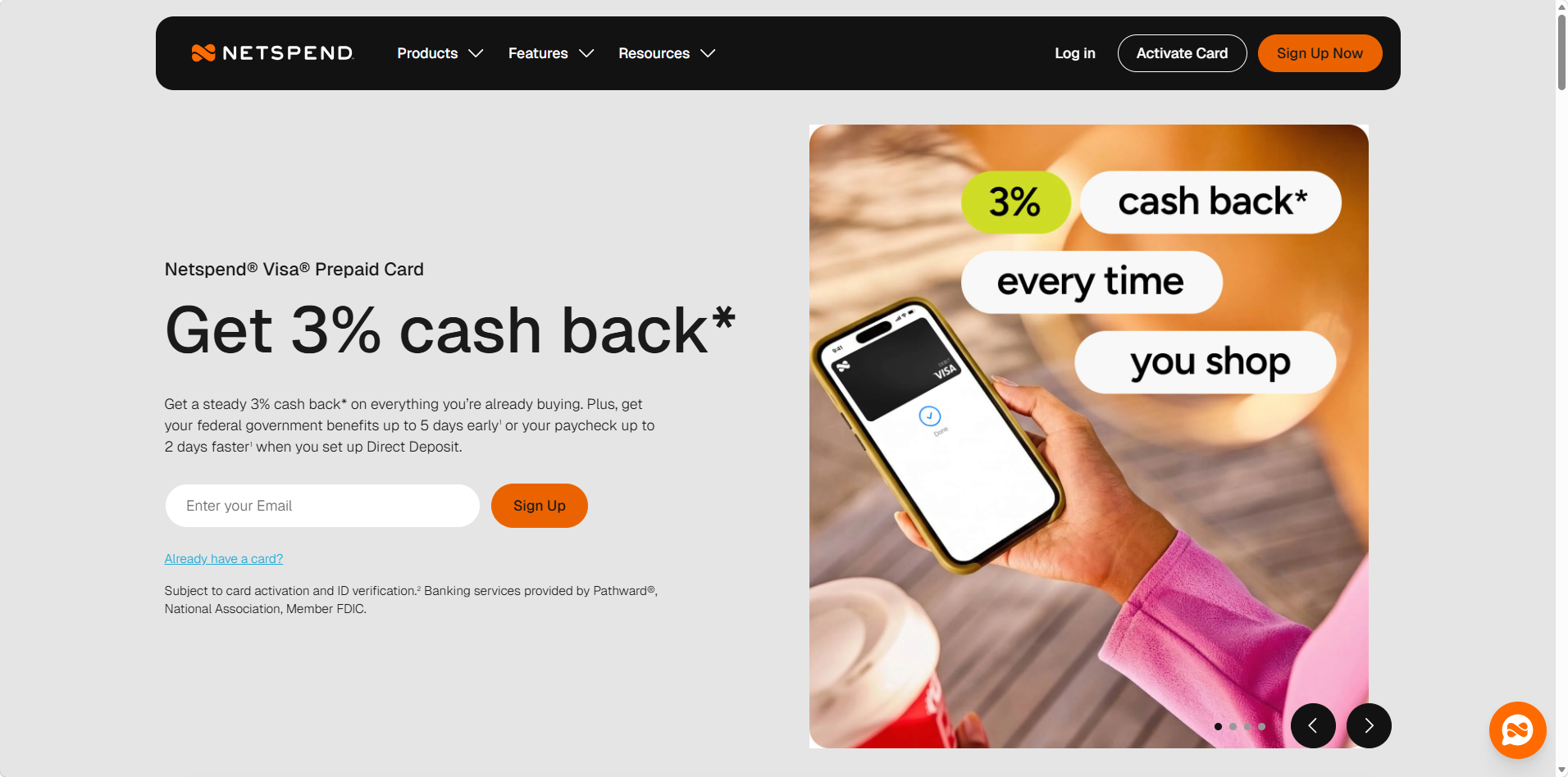
Netspend is a long-running prepaid card brand whose cards are issued by Pathward, N.A. and Republic Bank & Trust Company.
How Netspend Works
Netspend cards can be bought in stores or ordered online, and reloaded at what Netspend describes as 130,000+ locations. Reloads at H-E-B carry no reload fee. Netspend says federal benefits and tax refunds can arrive up to 5 days early by direct deposit, and paychecks up to 2 days early.
Netspend also offers cash back of 3%, rising to 6% in months with $300 or more in direct deposits, capped at $150 a year. Optional overdraft protection is available, though Netspend's own page states plainly that "this service is expensive": it charges $20 for each transaction that overdraws your account by more than $10, up to five fees a month, with a 24-hour grace period. Funds are FDIC insured only after you verify your identity and register the card. Vermont residents are not eligible.
Netspend Fees and Limits
Netspend has three plans. Pay-As-You-Go is the default, the Monthly Plan costs $9.95, and the Reduced Monthly Plan costs $5 if you enroll and receive $500 in direct deposits. Its fee disclosure for the Pathward-issued card lists:
-
$0 monthly fee and $2.00 per purchase on Pay-As-You-Go
-
$2.00 per ATM withdrawal and $1.00 per ATM balance inquiry
-
Cash reloads of up to $3.95
-
A 4.0% foreign transaction fee
-
$5.95 a month in inactivity fees after 60 days with no activity
-
$3 for a replacement card, plus $25 for expedited delivery
What Netspend Users Say
Netspend has a 3.9 rating on Trustpilot from more than 35,500 reviews, though only 89 came in the last 12 months. Recent reviews describe frozen funds, restricted accounts, slow refund checks and long phone holds. Netspend replies to every negative review, usually within a day.
Netspend: Watch Out For
The $2 per purchase fee adds up fast. Twenty purchases a month cost $40, which is four times the Monthly Plan. Pick your plan based on how often you swipe.
4. Regions Now Card: Best Low-Cost Option Near a Branch
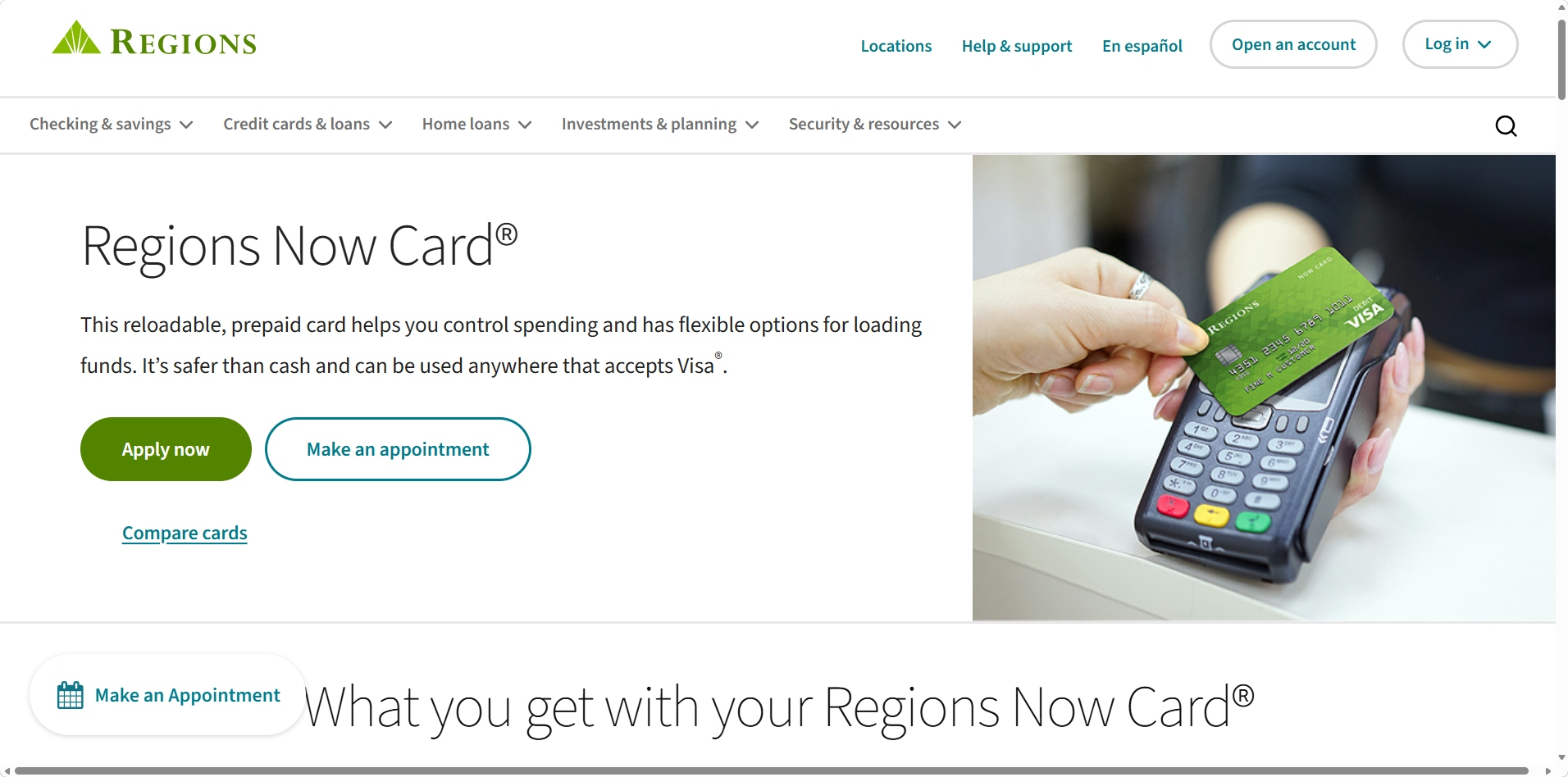
The Regions Now Card is a reloadable prepaid Visa card from Regions Bank, available at Regions branches.
How the Regions Now Card Works
The card itself is free, and the minimum first load is $10. You can load cash for free at any Regions branch, set up direct deposit with Early Pay (up to 2 days early), or receive free transfers. Outside a branch, you can add up to $500 in cash at stores through Visa ReadyLink or Regions DepositSmart. The card supports Apple Pay, Google Pay and Samsung Pay, and funds on the card are eligible for FDIC insurance.
Regions Now Card Fees and Limits
Per the Now Card quick guide, the monthly fee is $5, waived in any statement period where 7 purchases post to the card. ATM withdrawals give you free access at Regions ATMs, cost $2.50 at non-Regions ATMs and $5 at international ATMs. International transactions carry a 3% fee. Mobile Deposit costs 1% to 4% of the check amount, with a $5 minimum.
What Regions Now Card Users Say
Regions Bank has a 1.4 rating on Trustpilot from 506 reviews. None of the recent reviews mention the Now Card; most are about overdraft fees and account holds on regular Regions accounts.
Regions Now Card: Watch Out For
Free cash loads require a branch, so this card is far less useful if you don't live near one. The $5 minimum on mobile check deposits makes small checks expensive.
5. Green Dot: Best for Choosing Your Own Fee Plan
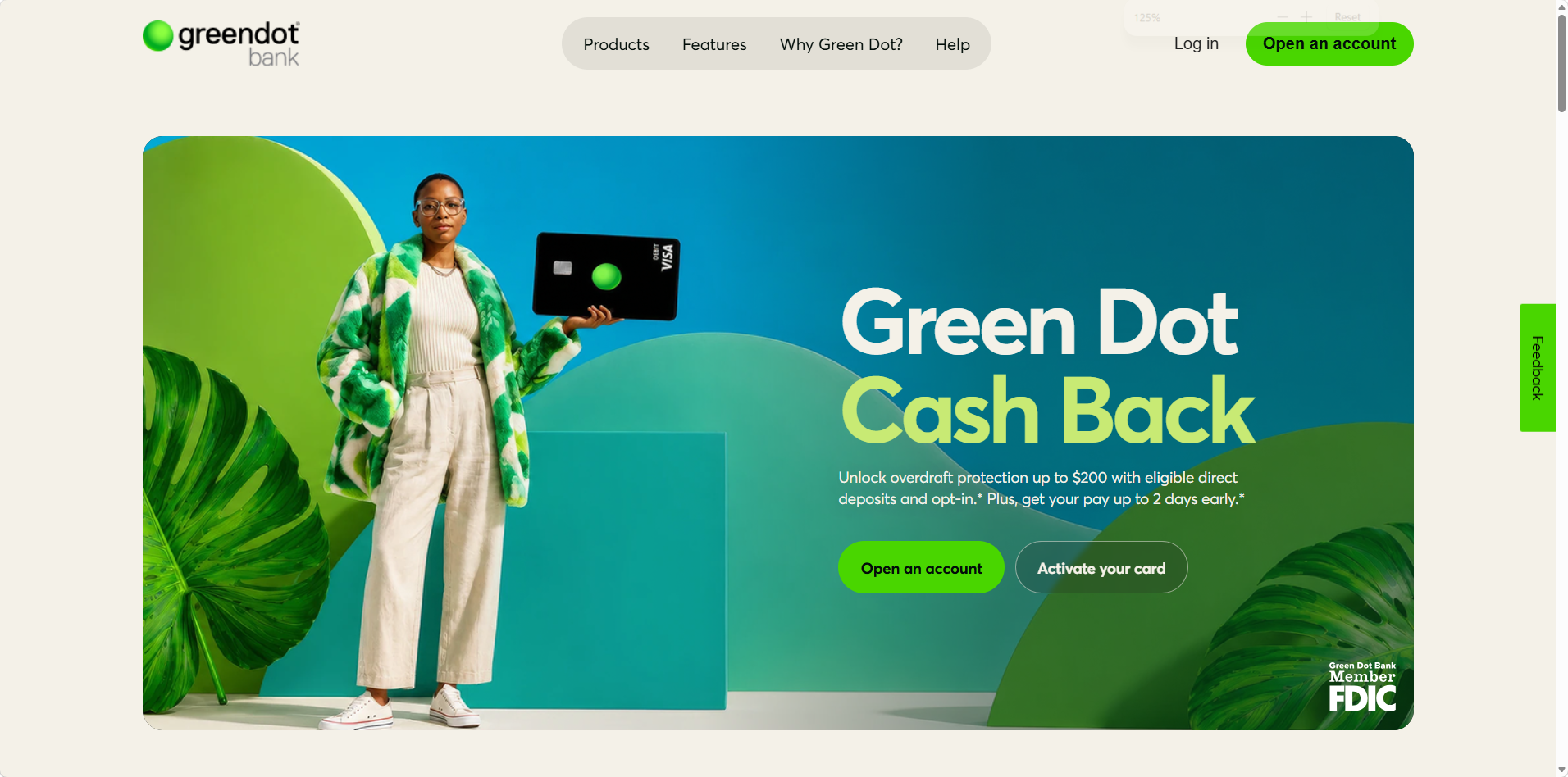
Green Dot sells several prepaid Visa debit cards through Green Dot Bank, Member FDIC, available in stores and online.
How Green Dot Works
Green Dot's product comparison lists three main cards:
-
Green Dot Visa Debit Card. $7.95 a month, waived when you receive $500 or more in direct deposits.
-
Cash Back Visa Debit Card. $9.95 a month, waived when you spend $1,000, with 2% cash back redeemable every 12 months.
-
Pay As You Go Visa Debit Card. No monthly fee and $1.50 per transaction.
All three support direct deposit with early paycheck access (up to 2 days for pay and 4 days for government benefits). You can add cash at 90,000+ retail locations, and overdraft protection is available for $15 if you opt in.
Green Dot Fees and Limits
Green Dot lists $3 for out-of-network ATM withdrawals and up to $4.95 for retail cash deposits, with some stores charging a flat $5.95 for loads up to $500. The Cash Back card includes four free ATM withdrawals a month, then $3 each, plus $0.50 per balance inquiry. Some footnotes on Green Dot's pages still show older fee amounts, so read the cardholder agreement for the card you choose.
What Green Dot Users Say
Green Dot has a 1.1 rating on Trustpilot from 929 reviews, with 96% at one star. Recent complaints describe accounts locked or closed without notice, new cards that wouldn't activate, and fraud disputes that were denied.
Green Dot: Watch Out For
The fee waivers are reasonable if you have a steady paycheck. If you don't, the Pay As You Go card's $1.50 per transaction gets expensive quickly.
6. FamZoo: Best for Teaching Kids Financial Responsibility
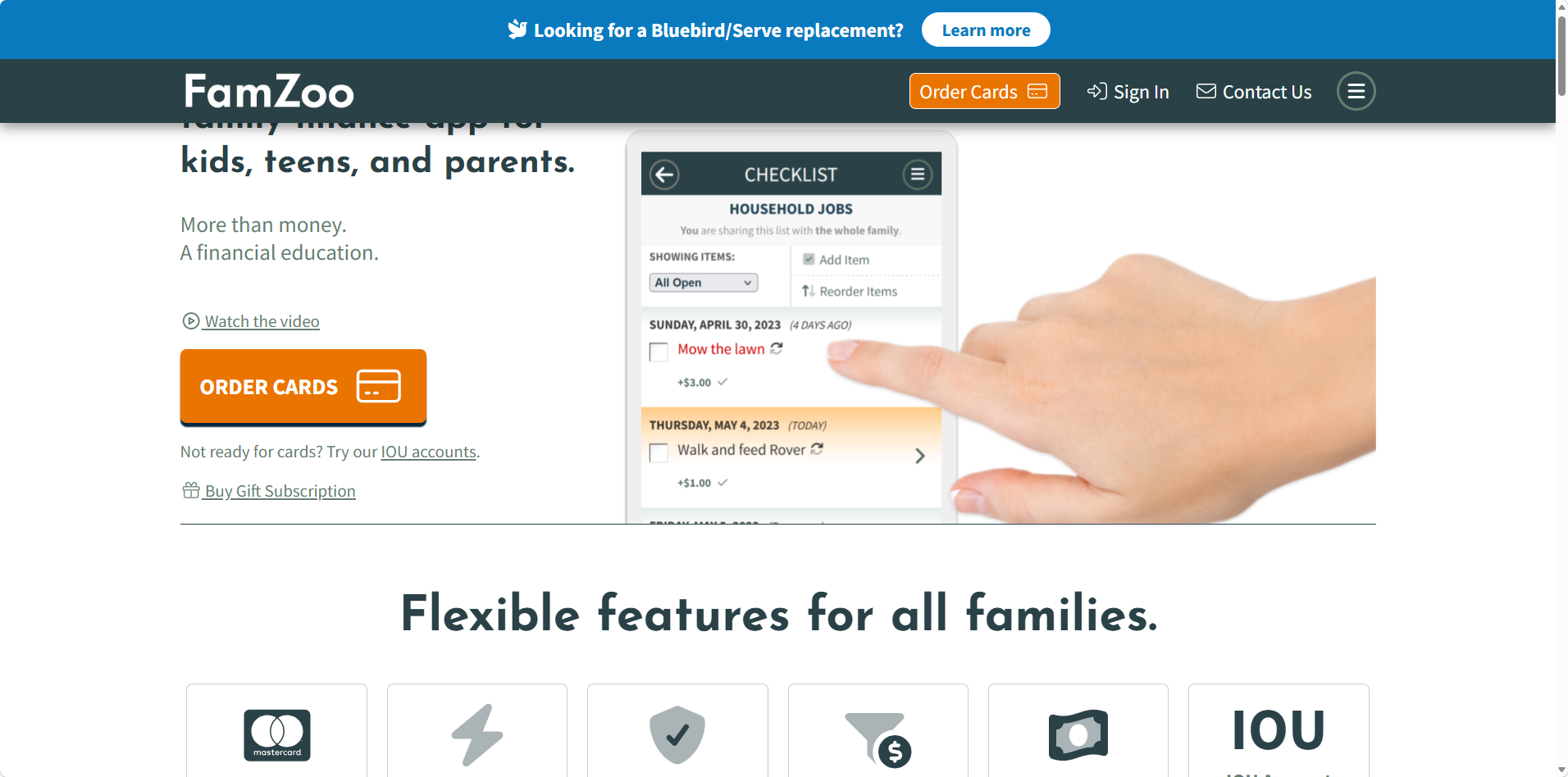
FamZoo is a family prepaid card service that runs on Mastercard rather than Visa, built for parents who want to teach financial responsibility to their kids.
How FamZoo Works
One FamZoo subscription covers unlimited family members and cards. Parents load money through their online banking or a digital wallet, and can instantly send money to a child's card with card-to-card transfers. FamZoo also accepts direct deposit, including for teens with jobs, and offers a cash reload option. No bank account is required.
The FamZoo card helps teach kids financial responsibility through automated allowances, chore charts, savings goals, parent-paid interest, family loans and separate sub-accounts for spending, saving and giving. Parents get alerts and can lock or unlock any card. FamZoo describes its cards as for all ages, so the same setup can follow a teen into college while they work toward a bachelor's degree. FamZoo states that funds held with it are FDIC insured.
FamZoo Fees and Limits
FamZoo costs $5.99 a month for the whole family after a one-month free trial, or $59.90 prepaid for 12 months, which works out to $4.99 a month. The homepage does not list ATM or other fees, so check the cardholder agreement before your child uses an ATM.
What FamZoo Users Say
FamZoo has no reviews on Trustpilot yet, so there is no independent rating to report.
FamZoo: Watch Out For
It is a Mastercard, not a Visa card, and the homepage doesn't name the issuing bank. For a single adult who doesn't need the family tools, a cheaper card makes more sense.
7. Vanilla Visa Gift Card: Best for One-Time Gifts
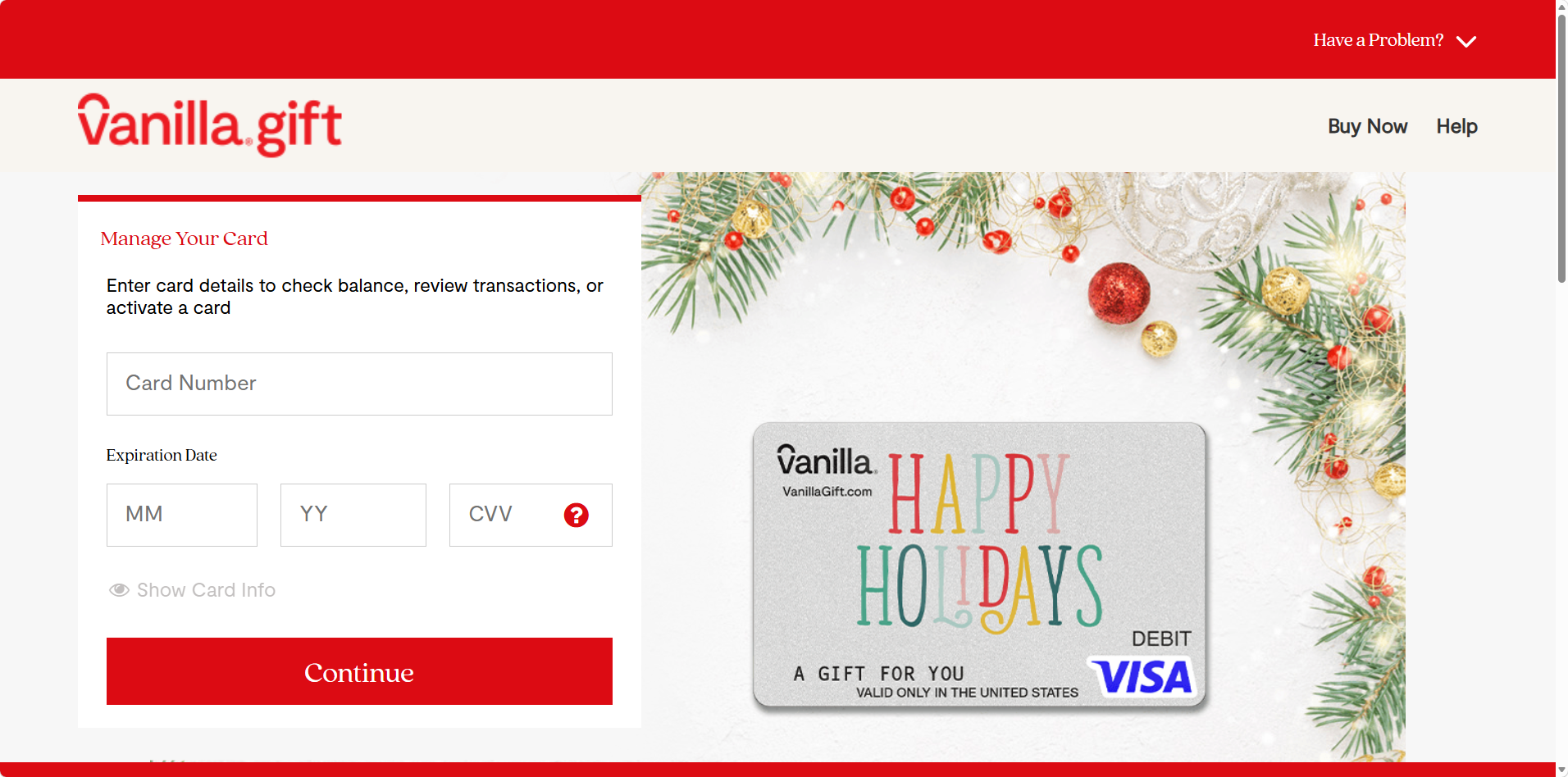
The Vanilla Visa Gift Card is a non-reloadable prepaid gift card sold in physical and eGift versions to US residents.
How the Vanilla Visa Gift Card Works
You choose a balance from $10 to $500 and buy the card online or in stores. No registration is required, and the card never expires. It can be used at merchants in the US and Washington, DC, both in stores and online, wherever Visa debit cards are accepted.
Cards are issued by TBBK Card Services together with Pathward, Sutton Bank or Sunrise Banks, depending on the card. Because you don't need to register, a gift card like this can provide transaction anonymity at checkout and help safeguard your primary account details, since your bank card never touches the merchant.
Vanilla Visa Gift Card Fees and Limits
According to Vanilla's help center, the purchase fee is the only fee, and it is shown when you buy. A gift box adds $2.95. The card can't be used at ATMs or for cash, can't be used for recurring billing, and can't be reloaded. A US billing address is required, cards aren't sold to Hawaii addresses, and New Mexico buyers are capped below $1,000 per 24 hours.
What Vanilla Gift Card Users Say
Vanilla Gift has a 2.9 rating on Trustpilot from 1,165 reviews, 74% of them one star. Recent complaints describe cards locked after a few purchases, declines at checkout and automated phone support.
Vanilla Visa Gift Card: Watch Out For
Lost prepaid cards may not be refundable, and Vanilla is a clear example: without the card number, a lost card can't be replaced. Photograph the back of the card as soon as you get it.
8. Bitrefill Virtual Prepaid Visa: Best for Paying With Crypto
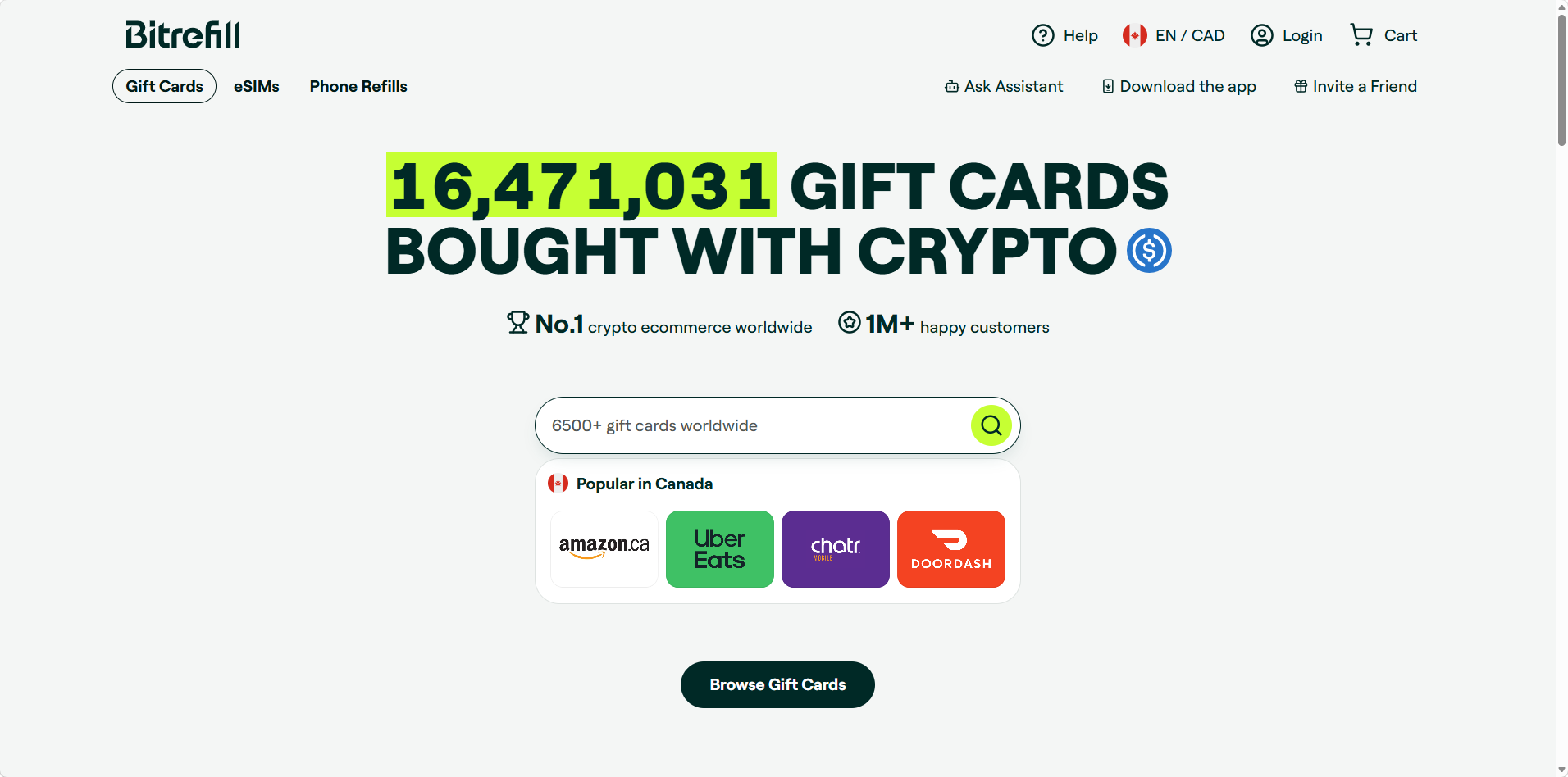
Bitrefill is a Stockholm-based gift card store that sells a US virtual prepaid Visa paid for with Bitcoin, stablecoins or regular cards.
How the Bitrefill Virtual Prepaid Visa Works
The Virtual Prepaid Visa USA is issued by Sutton Bank under a Visa U.S.A. license and fulfilled by Perfect Gift, LLC. You choose a balance from $20 to $1,000, pay with BTC, Lightning, ETH, SOL, USDC, USDT or a card, and receive the card details digitally. You enter the cardholder's first and last name, and the card can be added to Apple Pay or Google Pay by manual entry.
The card is for US merchants only. Bitrefill warns that using it internationally can get it suspended, and it can't be used at ATMs.
Bitrefill Fees and Limits
Bitrefill sells the card at 2.5% above face value, so a $500 card costs $512.50. There are no activation, monthly or inactivity fees, and a replacement card costs $5. Bitrefill's FAQ lists limits of $500 a day and $1,000 a month without verification, while its terms cap the card at $1,000 every 7 days. The card is not reloadable, and sales are final.
What Bitrefill Users Say
Bitrefill has a 4.5 rating on Trustpilot from nearly 3,000 reviews, but most are about gift cards and crypto checkout rather than the Visa card. The Bitcoin.com review rates Bitrefill's US prepaid cards 3.3 out of 5.
Bitrefill: Watch Out For
The Bitcoin.com review notes that Bitrefill's terms say the Visa is meant for verified accounts with a US address and US tax ID, even though the product page shows no account required. It also says the card funds aren't FDIC insured, leftover balances can't be refunded, and a March 2026 security breach exposed some purchase records.
9. Cake Pay: Best for Paying With Privacy Coins
Cake Pay is the gift card and prepaid card store built into Cake Wallet, a self-custody crypto wallet.
How Cake Pay Works
Cake Pay sells gift cards and prepaid cards for more than 150,000 merchants, paid with BTC and Lightning, Litecoin (including MWEB), Monero, Zcash, USDC or USDT. Accounts use an email address only, and purchases are limited to $5,000 a day.
There is a caveat for this guide. In a February 2025 update, Cake Wallet said its supplier lost access to some prepaid virtual Visa options in the US and Canada, with a virtual prepaid Mastercard and Visa Reward virtual accounts still available. Its homepage still lists Visa and Mastercard products, so check what is in stock before you count on a Visa.
Cake Pay Fees and Limits
Cake Pay sells cards at face value plus a small conversion fee, according to its documentation. It does not publish a separate monthly or reload fee.
What Cake Pay Users Say
Cake Pay's Trustpilot page has just three reviews, all one star and all from 2024, describing undelivered cards and slow support. That is far too few to judge the service either way.
Cake Pay: Watch Out For
Card availability changes with the supplier, cards can't be reloaded once bought, and like any crypto purchase, a payment sent to the wrong address can't be reversed.
Prepaid Card Fees Explained (Including Foreign Transaction Fees)
Prepaid cards often have high fees for usage, and the fees that hurt most rarely appear on the front of the package. The CFPB's guide to prepaid fees groups them into a handful of types.
The Fees to Check Before You Buy
-
Monthly maintenance fees. Some cards charge a monthly fee of around $5 to $10. Monthly maintenance fees may be waived with direct deposits or a set number of purchases.
-
Per-purchase fees. Pay-as-you-go plans swap the monthly fee for a charge on every swipe, often $1.50 to $2.
-
Reload fees. Reload fees can apply when adding money, especially cash at a store register, often $3.95 to $5.95.
-
ATM fees. Expect $2 to $3 for each out-of-network withdrawal, plus a fee charged by the ATM owner. Some cards also charge for balance checks.
-
Inactivity fees. Inactivity fees may be charged if the card is unused, such as Netspend's $5.95 a month after 60 days with no activity.
-
Foreign transaction fees. Foreign transaction fees can apply for international use, usually 3% to 4% on bank prepaid cards. Some cards add international fees at foreign ATMs too.
-
Overdraft fees. Optional overdraft protection lets a purchase go through on an empty card, but overdraft fees of $15 to $20 per transaction apply.
-
Replacement card and customer service fees. Some cards charge for a new card or for speaking to an agent.
Other fees can include paper statements, expedited delivery and closing the card account with a check.
What a Year of Fees Really Costs
To show how fee structures play out, here is the yearly cost of the main fee on each card for someone making 20 purchases a month, with no qualifying direct deposit and no ATM or reload fees counted.
| Card and Plan | How the Fee Works | Yearly Cost |
|---|---|---|
| Netspend Visa Prepaid, Pay-As-You-Go | $2 x 20 purchases x 12 months | $480.00 |
| Green Dot Pay As You Go | $1.50 x 20 purchases x 12 months | $360.00 |
| Halocard Essential+ (annual) | $180 a year, no fee on USD purchases | $180 |
| Netspend Monthly Plan | $9.95 x 12 | $119.40 |
| Green Dot Visa Debit | $7.95 x 12 | $95.40 |
| Walmart MoneyCard | $5.94 x 12 | $71.28 |
| Regions Now Card | $5 waived with 7+ purchases | $0.00 |
The same spending can cost anywhere from nothing to $480 a year. The Regions Now Card is the cheapest by far if you live near a branch. Halocard costs more than the bank-issued cards, but its plan includes 3 virtual cards (+1 extra a month on annual plans), no fees on USD purchases and privacy features none of the others offer. Add $3.95 to $4.95 for every cash reload at a store, and pay-as-you-go plans become even harder to justify.
How to Keep Fees Low
Low fees come down mostly to how you load and spend. A few habits go a long way:
-
Set up direct deposit if you have a regular paycheck, since it unlocks most fee waivers.
-
Pick a monthly plan if you make more than five or six purchases a month.
-
Load money by bank transfer or direct deposit instead of cash where you can.
-
Use in-network ATMs, or get cash back at a store checkout instead.
-
Close any card you stop using before inactivity fees start.
Can a Prepaid Card Build Credit?
No. Prepaid cards do not help build credit scores, as they do not report to credit bureaus. You are spending your own money, not borrowing, so there is no payment history for the bureaus to record. That means a prepaid card can't help build credit history, no matter how long or how responsibly you use it.
The upside is that they don't require a credit check. No credit check for approval means a prepaid card is available whether you have good credit, bad credit or no credit file at all. That makes them a practical prepaid option for people rebuilding after a rough patch, as long as you understand that the card won't improve your score.
Prepaid Cards vs Secured Credit Cards
If your goal is to build credit, a secured credit card is the usual next step.
| Prepaid Card | Secured Credit Card | Unsecured Credit Card | |
|---|---|---|---|
| Upfront money | You load your balance | Refundable deposit, often $200+ | None |
| Credit check | No | Some issuers check, many don't | Yes |
| Reports to credit bureaus | No | Usually yes | Yes |
| Interest and late fees | No | Yes, if you carry a balance | Yes |
| Spending limit | Your loaded balance | Usually equal to your deposit | Set by the issuer |
Secured cards work like regular credit cards. You put down a deposit, borrow against it and pay a bill each month. Because most secured cards report your payments to the bureaus, on-time payments help build credit over time. Some issuers still require credit checks for secured cards, so read the terms first.
Many people use both: a secured card for one small recurring bill they pay off every month, and a prepaid or debit card for day-to-day spending.
Pros and Cons of a Prepaid Card
In personal finance terms, a prepaid card is a budgeting tool, not a credit tool, and like other financial products it suits some people very well and others poorly. Here is the trade-off in brief.
Pros:
-
They limit spending to the loaded amount, which helps you monitor spending and avoid debt.
-
No credit check, so approval doesn't depend on your history.
-
No bank account needed, and many accept direct deposit and government benefits.
-
Prepaid cards are safer than carrying cash, especially once registered.
-
Many prepaid cards work with Apple Pay and Google Pay.
-
Some offer cash-back rewards on specific purchases, such as Walmart MoneyCard and Netspend.
-
Gift card versions keep your bank card details away from merchants.
Cons:
-
They often have higher fees than bank debit cards.
-
They can't help you build credit.
-
Cash reloads and ATM withdrawals usually cost extra.
-
Unregistered cards may get weaker protection if lost or stolen.
-
Many charge foreign transaction fees, and some don't work outside the US at all.
-
Customer service ratings for several big brands are poor.
Is Your Money Safe on a Prepaid Card?
It can be, but only if you take a couple of steps. Some prepaid cards offer federal deposit insurance coverage, which protects your balance up to $250,000 if the bank holding it fails. The CFPB points out that you usually need to register the card to be eligible for that insurance, and that providers aren't required to protect you against loss, theft or fraud until you do.
US rules on prepaid accounts, found in Regulation E section 1005.18, also let issuers skip error resolution and liability limits on accounts where the holder's identity hasn't been verified. In plain terms, an anonymous cash card is the weakest kind of prepaid card to lose.
Some practical rules follow from that:
-
Register reloadable cards right away. It unlocks FDIC insurance and theft protection.
-
Keep the card number somewhere safe. Lost prepaid cards may not be refundable without it.
-
Use a separate card for online spending. Security.org's 2026 fraud report estimates 61.3 million Americans faced card fraud in a year, and found that only 5% of cases involved a card that was physically stolen. Most fraud happens online, so a card you can freeze or replace without touching your main account limits the damage.
-
Check the issuer. Look for "Member FDIC" and the name of the bank on the card or its terms.
Fraud isn't slowing down. The Nilson Report puts global card fraud losses at $33.41 billion in 2024, with the US accounting for a disproportionate share. A prepaid or virtual card that keeps your primary account details out of checkout pages is one of the simplest defenses available.
Why Halocard Is the Best Alternative to a Prepaid Card for Private Payments
Most prepaid cards are built for people who need a cheap place to keep money. Halocard is built for people who want control over who sees their payment details. If your priority is paying online without exposing your real name, home address or bank card, it is the strongest choice on this list.
Your Real Name Stays Off the Receipt
With a store-bought prepaid card, the merchant sees whatever name you register, which is usually your own. With Halocard, you pick the cardholder name and billing address on each card. Your identity is verified once, privately, and Halocard doesn't store your ID documents, which are held by its verification provider as banking laws require. Merchants see only the card details you chose, and Halocard never sells your data to third parties. For more on how this works, read about masked card services and using a US billing address.
Multiple Cards From One Balance
Instead of buying a new gift card each time, you create as many cards as your plan allows from one balance. You might keep one for subscriptions, one for AI and cloud tools, one for private purchases, and single-use cards for one-off checkouts that close after a single charge. Each card gets its own limit, and you can freeze any one of them without affecting the rest. If a store gets breached, you cancel that one card and move on. Our guide on recovering a hacked card explains why that separation helps.
Built Like a Bank Card, Spent Like a Prepaid One
Every Halocard is a US-issued Visa credit card issued by Third National, so it shows up as a regular Visa card at checkout rather than a store-bought gift card, and Visa cards are widely accepted at home and abroad. You can check a merchant before you buy. Funds deposited at SSB are eligible for FDIC insurance up to $250,000 per depositor, per insured bank, subject to applicable limitations and FDIC rules. And because you only spend what you load, there are no interest charges or late fees to worry about.
Where Halocard Isn't the Best Fit
To be fair to the other cards here, Halocard is not the right pick for everyone:
-
If you get paid in cash and need to add cash at a register, Walmart MoneyCard, Netspend or Green Dot will serve you better.
-
If you want the lowest possible cost, the Regions Now Card can be free.
-
If you want cash back, Halocard offers none beyond referral commissions.
-
If you want to build credit, a credit card that reports to the bureaus is the right tool.
-
If you won't verify your identity, Halocard isn't for you, since every account requires an ID check.
How to Get a Halocard
-
Open Halocard in your browser and create an account.
-
Verify your identity with a photo ID and a selfie.
-
Choose a plan and make your first deposit, by ACH, stablecoins or card.
-
Create a virtual card and choose its name, billing address and limit.
-
For in-store payments, load the card into Apple Pay or Google Pay.
New to virtual cards? Start with our guide to virtual cards, then learn how virtual cards work and whether virtual cards are safe. You can also compare Halocard with other virtual card providers, or read why no-KYC virtual cards are a risky way to stay private.
Frequently Asked Questions
These are the questions people ask most often when choosing a prepaid Visa card.
What Is the Best Prepaid Visa Card in the USA?
It depends on what you need. Halocard is the best for private, secure online payments. Walmart MoneyCard is the best for Walmart shoppers who want cash back. Netspend and Green Dot are best for loading cash in many places, and the Regions Now Card is the cheapest if you live near a Regions branch.
Which Prepaid Cards Have No Monthly Fee?
Netspend's Pay-As-You-Go plan and Green Dot's Pay As You Go card have no monthly fee, but charge $2 and $1.50 per purchase. The Regions Now Card waives its $5 fee when 7 purchases post in a statement period. One-time cards like Vanilla and Bitrefill have no monthly fee at all.
Can I Get a Prepaid Card Online?
Yes. Walmart MoneyCard, Netspend, Green Dot and FamZoo all let you apply online and mail you a physical card. Halocard, Bitrefill and Cake Pay deliver virtual cards you can use right away for online shopping.
Do Prepaid Cards Require a Credit Check?
No. Prepaid cards spend your own money, so issuers don't need to check your credit. Most reloadable cards still ask for your name, address, date of birth and ID to verify who you are.
Can a Prepaid Card Help Me Build Credit?
No. Prepaid cards don't report to the credit bureaus, so they have no effect on your credit history or score. A secured credit card is a better tool for building credit.
Can I Use a Prepaid Visa Card Outside the US?
Some reloadable cards work abroad, but expect foreign transaction fees of 3% to 4% and higher ATM fees. Vanilla and Bitrefill cards are restricted to US merchants. Halocard charges 1.5% on purchases in a foreign currency and nothing on USD purchases.
Can I Withdraw Cash From a Prepaid Card?
Most reloadable cards allow ATM withdrawals for a fee, usually $2 to $3 out of network plus any ATM owner fee. Regions offers free withdrawals at its own ATMs. Gift cards like Vanilla and Bitrefill can't be used for cash withdrawals.
Are Prepaid Cards FDIC Insured?
Many reloadable cards are FDIC insured up to $250,000, but usually only after you register the card and verify your identity. Look for "Member FDIC" in the card's terms. Bitcoin.com reports that Bitrefill's card funds are not FDIC insured.
What Happens If I Lose My Prepaid Card?
If the card is registered, call the issuer to freeze it and order a replacement card, which typically costs a few dollars. If it is an unregistered gift card and you don't have the card number, the balance may be lost for good.
Can I Add a Prepaid Card to Apple Pay?
Yes, in most cases. The Regions Now Card and Halocard support Apple Pay directly, while Walmart MoneyCard lists Walmart Pay and Google Pay. Bitrefill's card can be added to Apple Pay or Google Pay by entering the details manually.
Sources
-
FDIC. 2023 Household Survey Results
-
Consumer Financial Protection Bureau. Understand Prepaid Card Fees
-
Consumer Financial Protection Bureau. Regulation E, Section 1005.18
-
Security.org. 2026 Credit Card Fraud Report
-
GlobeNewswire. Nilson Report Card Fraud Losses
-
Walmart MoneyCard. Homepage
-
Walmart MoneyCard. Legal Information
-
Trustpilot. Walmart MoneyCard Reviews
-
Netspend. Homepage
-
Netspend. Prepaid Card Fee Disclosure
-
Trustpilot. Netspend Reviews
-
Regions. Regions Now Card
-
Trustpilot. Regions Reviews
-
Green Dot. Homepage
-
Green Dot. Compare Our Products
-
Trustpilot. Green Dot Reviews
-
FamZoo. Homepage
-
Trustpilot. FamZoo Reviews
-
Vanilla Gift. Homepage
-
Vanilla Gift. Help Center
-
Trustpilot. Vanilla Gift Reviews
-
Bitrefill. Homepage
-
Bitrefill. Virtual Prepaid Visa USA
-
Trustpilot. Bitrefill Reviews
-
Bitcoin.com. Bitrefill Card Review
-
Cake Wallet. Cake Pay Documentation
-
Cake Wallet. Cake Pay Debit Card Update
-
Trustpilot. Cake Pay Reviews
-
Trustpilot. Halocard Reviews
All sources checked and current as of November 12, 2026.
*Please see Halocard's Terms of Service or Pricing for the most up to date pricing and fee information. This publication is provided for general information purposes and does not constitute legal, tax or other professional advice from Halocard LLC or its subsidiaries and its affiliates, and it is not intended as a substitute for obtaining advice from a financial advisor or any other professional. We make no representations, warranties or guarantees, whether expressed or implied, that the content in the publication is accurate, complete or up to date.
Halocard Virtual Cards

Instant approval
Create your first card in under 5 minutes.

Private purchases
Purchases never appear on your bank account.

Powered by Visa
Accepted at 175M+ merchants globally.
3 steps to create your virtual credit card
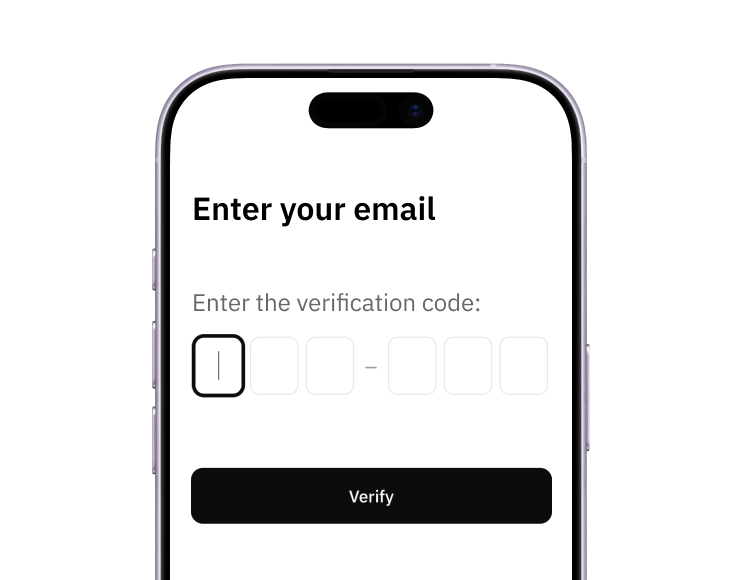
1. Sign up
Create your account from a web browser. No need to download an app.
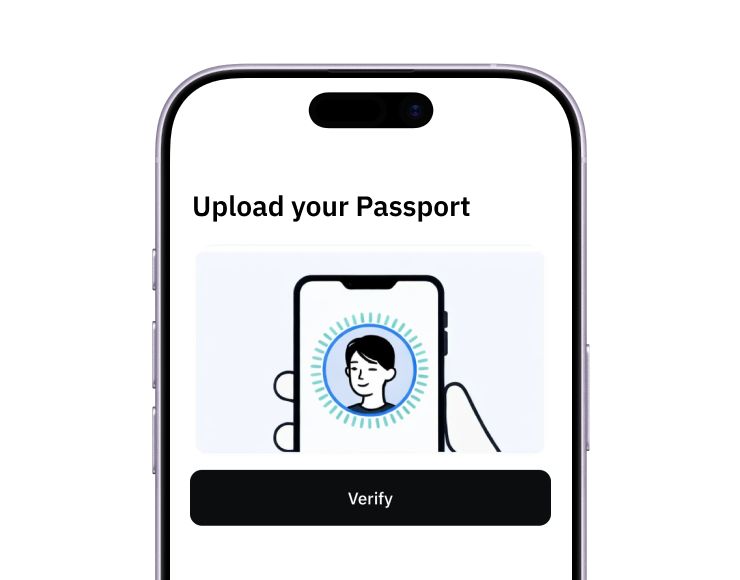
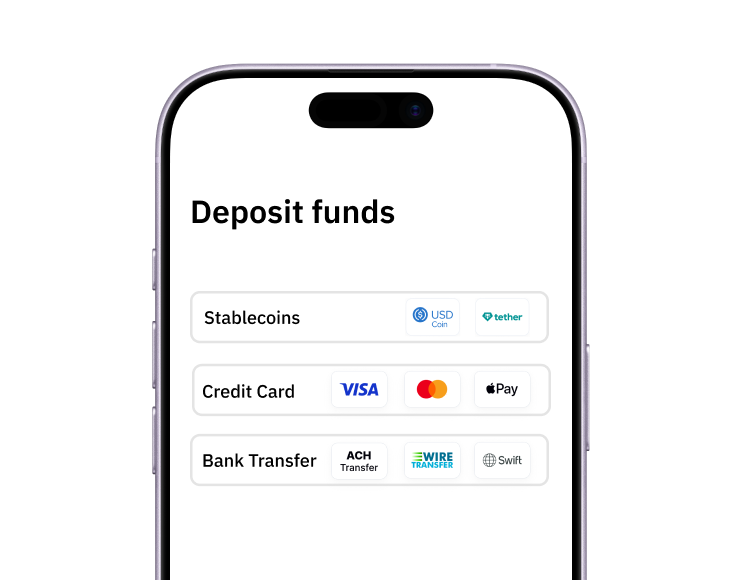
3. Fund
Add funds by debit/credit card, Apple Pay, Google Pay, bank transfer, stablecoins, or crypto.
Pay with Halocard
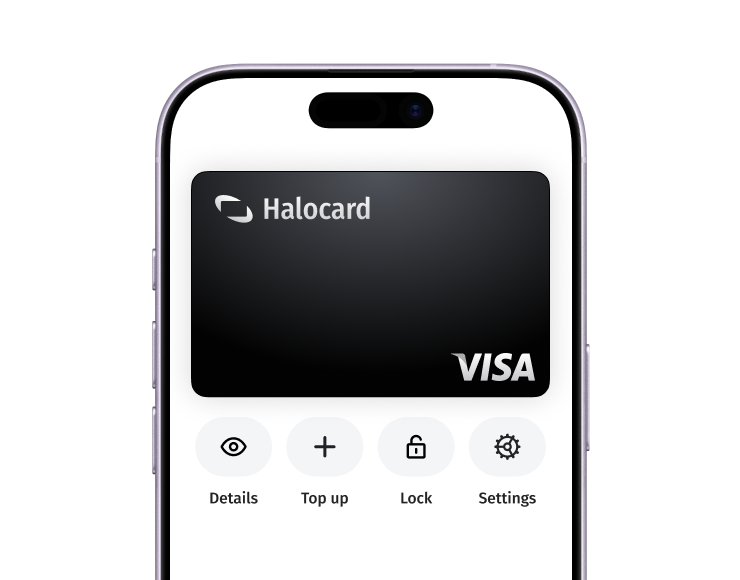
Pay online and in-person wherever Visa is accepted. You can also order a physical Halocard if you prefer.