Finally paying for Claude and OpenAI from outside the US
Each one on its own card with a sensible monthly cap so if anything dodgy happens I'll catch it. That's the whole reason I started using virtual cards in the first place.

Samantha, Australia
Steam requires a credit card to unlock mature-rated games in the UK and Australia. With Halocard you can create virtual Visa credit cards in under five minutes that immediately pass age verification checks.



 Trusted by Privacy-first consumers from 120+ countries
Each one on its own card with a sensible monthly cap so if anything dodgy happens I'll catch it. That's the whole reason I started using virtual cards in the first place.
Samantha, Australia

Steam's age check requires a legitimate credit card and declines debit and prepaid cards. Halocards are classified as Visa credit cards, which is exactly what's required to pass Steam's age verification checks.

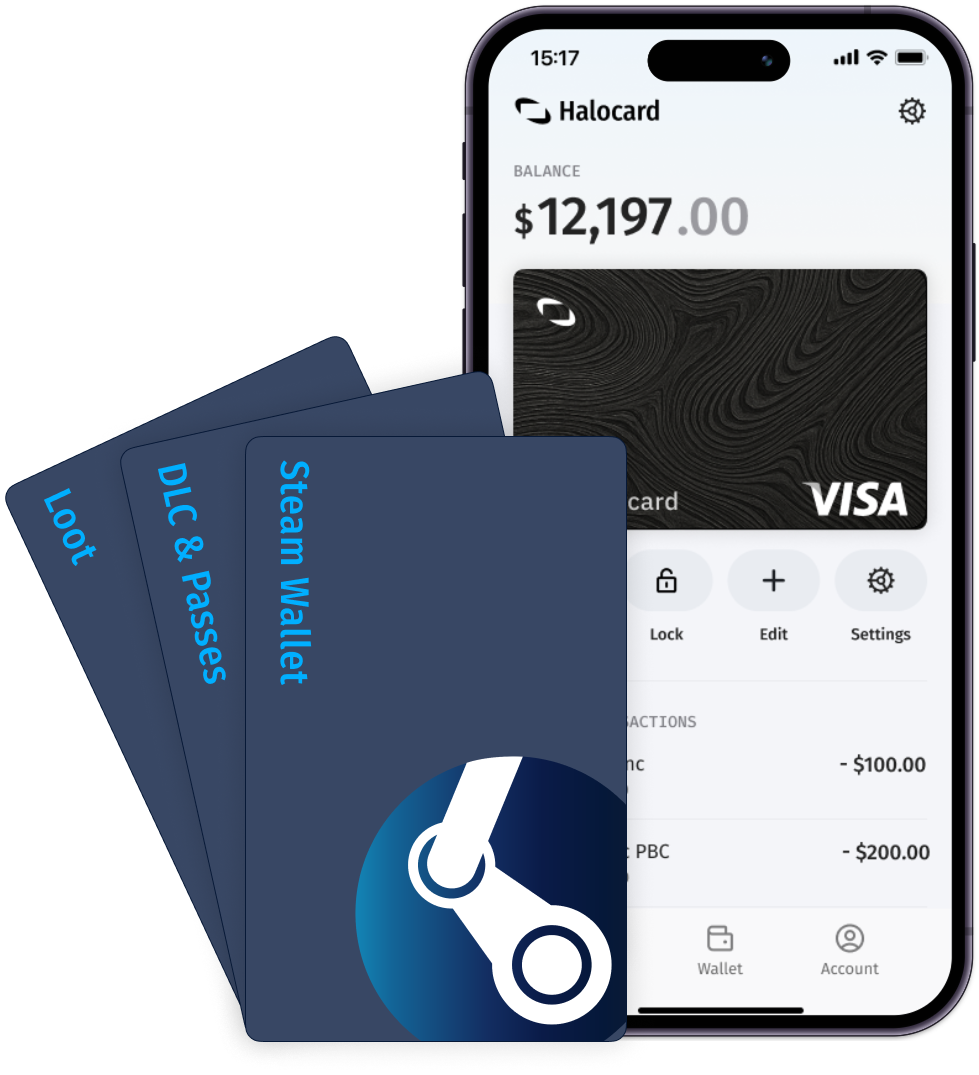
Create a dedicated card labelled Steam for your gaming purchases and set a limit that matches what you actually spend on games and wallet top-ups. Your Steam purchases stay separate from your main bank account, and the PlayStation Store, Nintendo eShop and Microsoft Store can each get a card of their own.

Set per-transaction, daily, and monthly limits on your Steam card. Get a real-time alert when a charge hits, and lock or cancel the card the moment something looks wrong.

Valve chose to verify age using cards rather than ID uploads and facial scans for privacy reasons. Halocard verifies your identity once at signup, so your details stay safe and Steam only ever sees a virtual credit card.

Steam only accepts a credit card for age verification. Debit cards are turned away at this step even though they work fine for buying games.

Prepaid cards, gift cards, and Steam Wallet codes are not credit cards, so none of them complete the check. A Steam Wallet balance can still pay for games, but it does nothing for age verification.

Steam accepts PayPal at checkout, but it is not accepted as proof of age. The check needs a credit card saved to the account, and PayPal doesn't meet this requirement.

The card has to stay linked to your Steam account. Remove it and the account drops back to under-18 status until a credit card is added again. A dedicated Halocard can stay on the account without exposing your main card.
Every Halocard starts as a virtual card: a full Visa number, expiry and CVC, issued in seconds and ready to use online straight away.
They are reloadable and run on a credit BIN rather than a prepaid one, which is why they are accepted at merchants that routinely decline prepaid cards.
A single-use card works like any virtual card until its first successful charge, then cancels itself. The number is spent. It cannot be billed twice.
Use one for a trial you don't intend to keep, or for any merchant you'd rather not leave a live number with.
A real Visa card for spending in person, drawing on the same shared balance as your virtual cards.
It answers to the same controls. Lock it, limit it or cancel it from the dashboard like any other card.
Physical card, free with any annual plan or $100 on a monthly plan.
Top up with a debit or credit card, or through Apple Pay and Google Pay.
Funds land on your shared balance and are spendable by any of your cards immediately.
Read the full guideFund your balance with stablecoins (USDC, USDT) or with BTC, ETH and SOL, converted to your USD balance on arrival.
For a lot of members this is the point of Halocard: it turns crypto holdings into something spendable at ordinary Visa merchants.
Read the full guideSend CAD, EUR, GBP straight from your bank and it converts to USD when it lands on your balance, or send USD directly.
Read the full guideThe ceiling is $1M a day. Below that your limit is simply your balance: deposit more, spend more.
Prepaid cards typically cap you somewhere around $10,000 a month regardless of what you have loaded.
You fund the account, not the card. Every Halocard draws on one balance, so there is no moving money between cards to cover a charge.
A new card costs nothing to create and needs no top-up of its own.
Halocards are held in US Dollars. Pay in another currency and Visa converts at its rate on the day, with Halocard's conversion fee on top.
Being USD-denominated is part of why a Halocard behaves like a US card at checkout, which matters at merchants that restrict signups by card country.
Give a card a daily, weekly or monthly limit and it declines anything above it.
A $20 monthly cap on the card you use for one subscription means a surprise price rise gets declined rather than charged. Limits apply per card and are editable at any time.
Both act immediately from the dashboard. Locking is reversible. The card authorises nothing until you unlock it, and then the same number carries on working. Cancelling retires the number for good, whatever the merchant has stored.
Lock the card you have misplaced or the subscription you are deciding about; cancel when you are done with a merchant entirely. Cancelling never strands money you are owed: refunds are credited to your account balance, not to the card, so they reach you either way.
Single-use cards cancel themselves the moment one transaction is successfully charged. No reminder to come back and switch it off.
It is the strongest defence against a merchant that quietly re-bills: the number simply is not there the second time.
Add a Halocard to Apple Wallet or Google Wallet and tap to pay in person, including at ATMs that accept phone wallets.
Both wallets work in the other direction too, as ways to top up your balance.
When a merchant asks for 3D Secure verification, Halocard issues a one-time code, so the extra step at checkout completes rather than dead-ends.
Refunds are credited back to your Halocard account balance and can take up to 14 business days to arrive. A wrong, fraudulent or contested charge can be disputed with Visa directly. The first dispute in any 12 months is free.
Halocards decline at gambling, dating, cryptocurrency and other merchant categories classed as high-risk. That is deliberate, not a gap.
Those categories attract the chargebacks that get an issuer's card ranges restricted, so blocking them is part of what keeps acceptance high everywhere else.
Read the full guide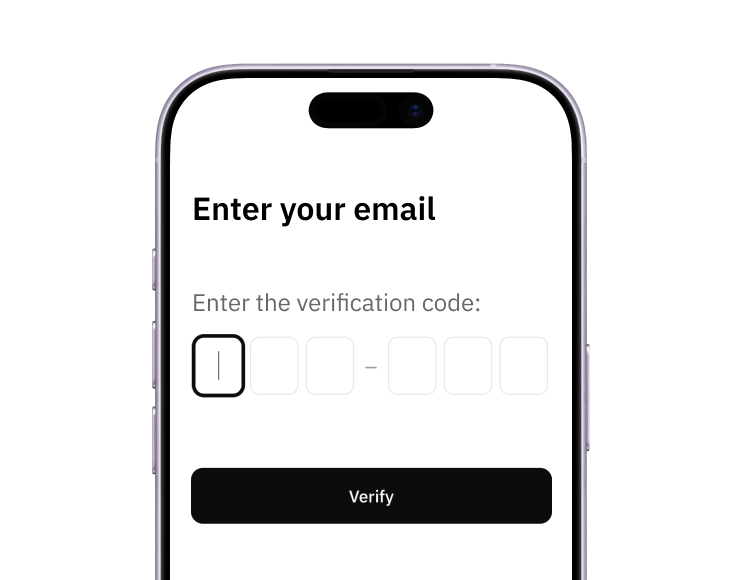
Create your account from a web browser. No need to download an app.
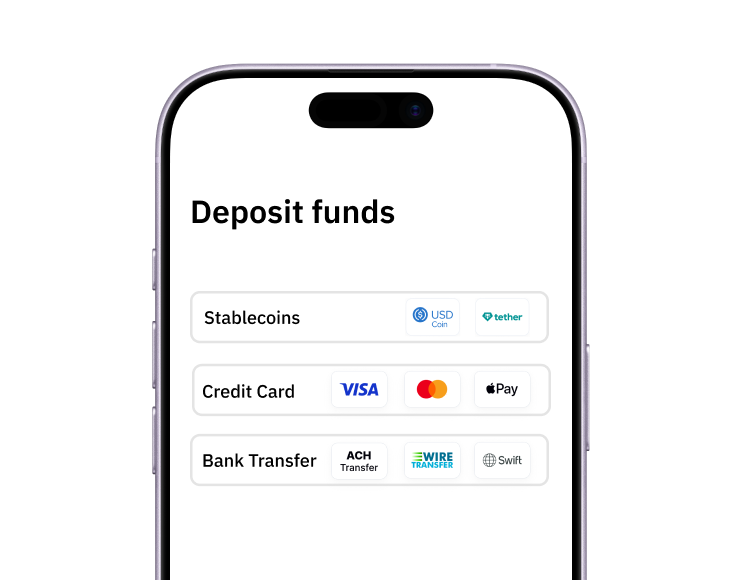
Add funds by debit/credit card, Apple Pay, Google Pay, bank transfer, stablecoins, or crypto.
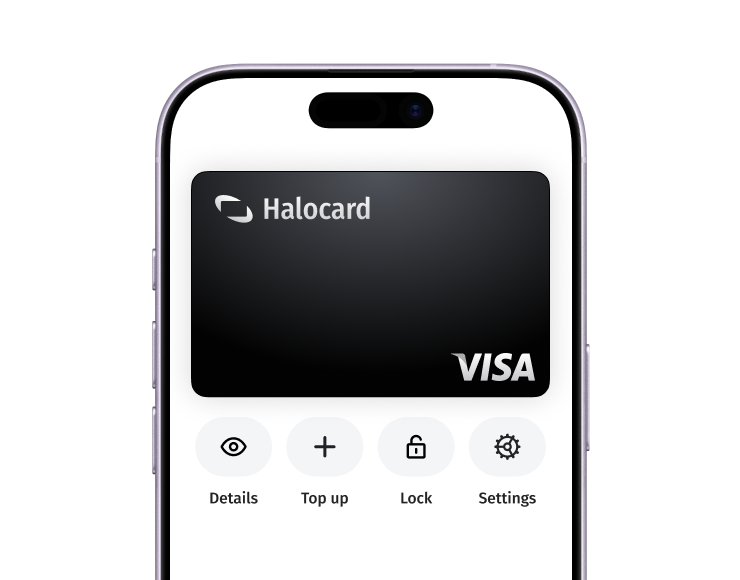
That's it! Add your Halocard to your Steam account, complete the age check, and start buying games straight away.

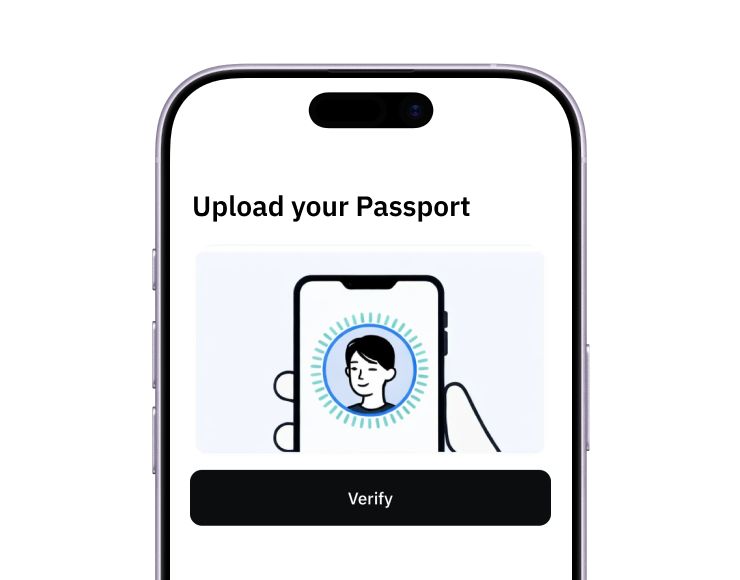
Sign up to Halocard with just a phone number and quick identity check.

Create a new virtual card labelled "Steam." Set a spending limit that matches what you spend on games and wallet top-ups.
Open any age-gated store page and follow the "add a credit card" prompt, or go to Account Details, then Manage payment methods, and add your Halocard number, expiry, and CVV.

Verification is complete and stays complete while the card remains on your account. The same card is ready for game purchases and Steam Wallet top-ups. If you refund a game, Steam sends the money back to the payment method you used or to your Steam Wallet.
$15/mo
$180 billed yearly
Get Your HalocardMinimum $30 deposit to start
Spend up to $1M per day
Apple Pay & Google Pay
Limit, lock or cancel cards
Customizable billing address
0% fee on USD purchases
1.5% FX fee on non-USD purchases
US bank account with free ACH deposits
Send ACH & Wire transfers (SOON)
Send Stablecoin transfers (SOON)
Chat, Email & Phone Support
Every person who joins via your referral link earns you a commission of $5 - $25 every month. Refer as few as 3 people and the Essential+ plan pays for itself. Refer beyond that and Halocard starts becoming serious income.

Everything you need to know about virtual cards: types, benefits, how they work, use cases, features, pricing, and the top providers compared.
What actually happens when you pay with a virtual card? This guide covers how virtual card numbers are generated, how the authorization flow works, the three main types of virtual cards, and where they do and don't get accepted.

Yes, virtual credit cards are safe, and Halocard is the safest choice for most people: a US-issued Visa credit card with a separate card for each merchant and no bank account to link. Here's what virtual cards protect against, what they don't, and how to evaluate a provider.

Halocard is the best virtual credit card in Australia for paying US and international websites. Compare it with Volopay, CommBank, Wise, and Airwallex.