Kiro logo

Kiro payment methods

AcceptedHalocard is accepted*

Halocard is accepted at Kiro. Kiro accepts all major credit cards for its Pro, Pro+, Pro Max and Power plans, and saves credit or debit cards as payment methods. You upgrade in the Kiro IDE and pay in a browser checkout, with plans charged in USD on the 1st of each month. Team subscriptions are billed to an AWS account.

What payment methods does Kiro accept?

Accepted

  • AcceptedHalocard*
  • AcceptedCredit Cards
  • AcceptedDebit Cards

Not accepted

  • Not acceptedPrepaid Cards
  • Not acceptedApple Pay
  • Not acceptedGoogle Pay
  • Not acceptedPayPal
  • Not acceptedBank Transfer (ACH)
  • Not acceptedCryptocurrency
  • Not acceptedStablecoins

How does Kiro appear on my statement?

  • KIRO PRO
  • KIRO PRO+
  • KIRO PRO MAX
  • KIRO POWER
  • KIRO AI

What merchant category (MCC) is Kiro?

5734Computer software stores

*Halocard is unable to guarantee acceptance for your individual situation

While Halocard has successfully processed transactions at Kiro, merchant acceptance can change at any time. Merchants can apply fraud and risk-based rules that prevent customers from using US-issued cards at checkout which is outside of Halocard's control. We recommend using Halocard to first make a test payment with Kiro to confirm acceptance for your individual situation. Halocard does not provide refunds in the event your card is declined.

How to pay for Kiro with Halocard

01

Create a card for Kiro in Halocard

In your Halocard dashboard, create a new card, name it Kiro and set a limit that covers what you are about to pay.

02

Choose Upgrade Plan in Kiro

On Kiro Free, select the profile icon in Kiro and choose Upgrade Plan. Pick Pro, Pro+, Pro Max or Power and choose Open to continue in your browser.

03

Subscribe in the browser checkout

Confirm the plan and enter your email. Select your payment method, enter the card details and billing address, and choose Subscribe, then Get started to return to Kiro.

04

Check your plan in Manage Plan

Select the profile icon in Kiro and choose Manage Plan. Current Subscription shows your plan, its credit limit and the credits you have left.

05

Optional: buy add-on credits

On a paid plan, open the Kiro portal at app.kiro.dev/account/usage and select Buy add-on credits. Enter the number of credits, choose Next and pay in the Stripe portal.

Official payment guidance from Kiro

Tips for successful payments at Kiro

  • AcceptedAdd or change your card from Kiro: select the profile icon, choose Manage Plan, then Add Payment Method or Edit in the billing dashboard.
  • AcceptedKiro charges paid plans on the 1st of each month, so keep enough on the card at the start of every month.
  • AcceptedEach add-on credit pack is charged to your card the moment you buy it, as its own line on that month's bill.
  • AcceptedEnter the billing name and address exactly as they appear on your Halocard.

Why do Kiro payments decline?

customer_tax_location_invalid

Kiro uses your billing address to work out tax and shows this error when the address is invalid. Re-enter the full billing address exactly as it appears on your card, then try again.

Subscription past due after a failed payment

Kiro emails you, pauses paid features and retries the payment over several days. To restore access sooner, open Manage Plan, update your card and pay the outstanding balance.

Your bank blocked the charge

Check that the card has not expired and has enough funds, update the payment details if needed, and ask your bank whether it blocked the charge.

Your billing country is not supported for paid plans

With social login or AWS Builder ID, Kiro sells paid plans to billing addresses in the countries listed on its pricing page. Team plans follow the AWS Regions where your company set up Kiro instead.

Kiro payment FAQ

What should I do if Kiro declines or doesn't support my card?

Pay with a Halocard instead. Kiro accepts it, and as a US-issued Visa credit card held in US dollars it is accepted at checkouts that are strict about card type or country. Halocard is available for customers in the US and 120+ countries, so check that your country is supported, then make a card for Kiro in minutes. See the countries Halocard supports.

Can I use a virtual card for Kiro?

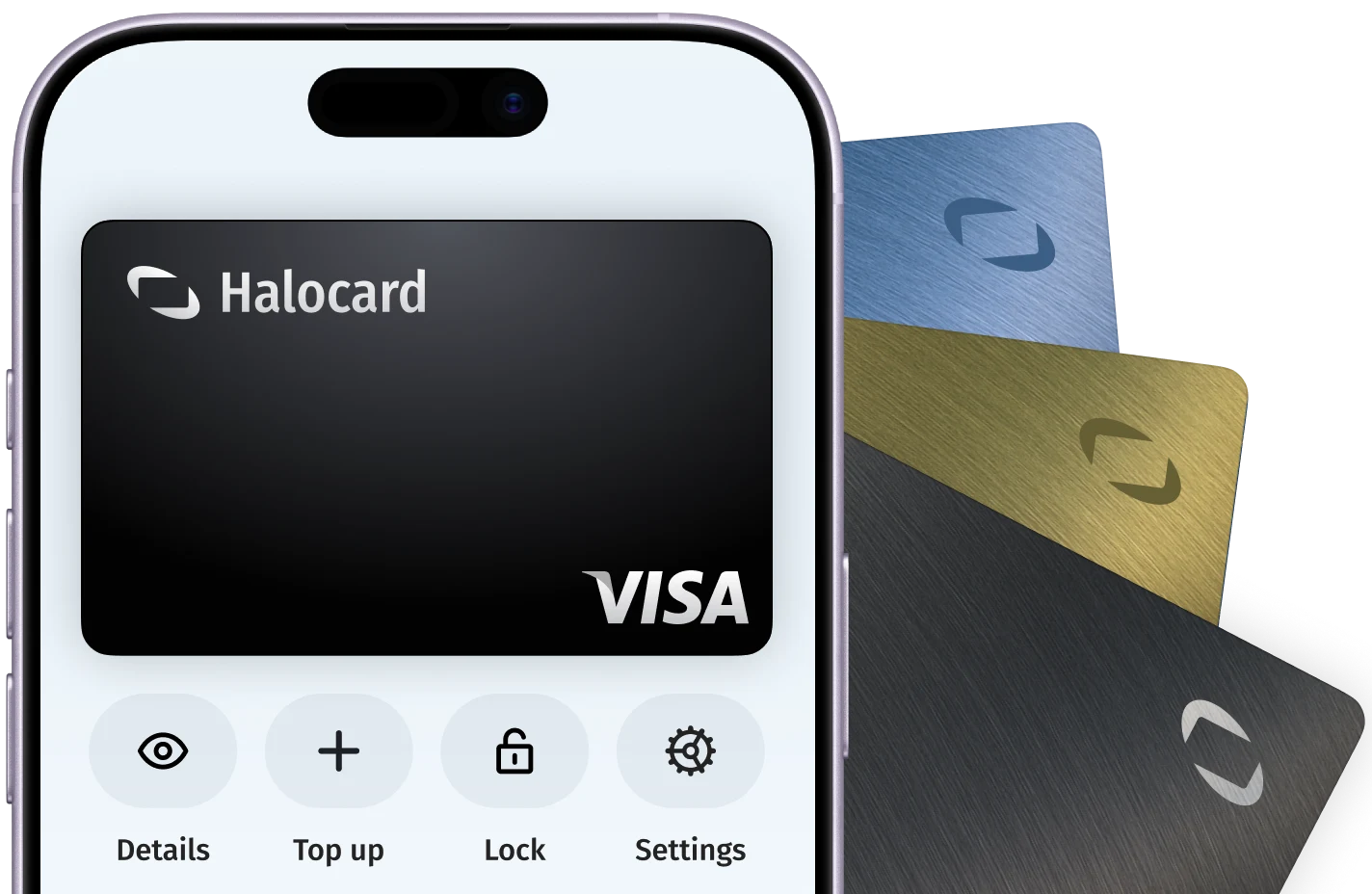
Yes. Kiro accepts Halocard, a US-issued Visa credit card that works like a debit card. Make a card just for Kiro and you are in full control: set a limit, lock it or cancel it whenever you like, without ever handing Kiro your bank card.

How do I stop Kiro charging me after I cancel?

The fastest way is to lock the Halocard you use for Kiro. Halocard is a US-issued Visa credit card that gives you a separate card for each merchant, and locking one takes a couple of clicks in your Halocard dashboard. Kiro can't charge that card again until you unlock it, so you stay in full control even when cancelling is slow or hard to find. To cancel with Kiro as well: In Kiro, select the profile icon and choose Manage Plan. In the browser, choose Update subscription, select Kiro Free, choose Continue and then Confirm. You keep your paid plan until the end of the month and move to Kiro Free from the next billing cycle. Unused add-on credits stay available until they expire.

How do I try Kiro without being charged when the trial ends?

Sign up with a Halocard. Halocard is a US-issued Visa credit card that gives you a separate card for each merchant, so make one just for the Kiro trial and lock it once you have signed up. It takes a couple of clicks, and when the trial ends Kiro can't charge you, so forgetting to cancel never costs you anything. If you decide to stay, unlock the card before the trial ends. About the Kiro trial: Your first upgrade from Kiro Free comes with a free trial: the rest of that month on Pro is free, and you get 500 trial credits that last 12 months. A first upgrade to Pro+, Pro Max or Power costs only the difference over Pro for that month. Upgrading needs a valid credit card, and your first full bill arrives on the 1st of the next month.

What plans does Kiro offer?

Kiro has five tiers. Kiro Free includes 50 credits a month. Pro includes 1,000 credits, Pro+ 2,000, Pro Max 5,000 and Power 10,000, each billed monthly per user, and every paid plan can buy add-on credits. Kiro's pricing page lists the current prices, which exclude taxes. Paid plans are charged on the 1st of each calendar month.

What happens when I run out of Kiro credits?

Kiro uses your plan credits first, then any trial or add-on credits. When none are left, requests pause until your plan credits reset at the start of the next month or you buy add-on credits. Add-on packs are charged as soon as you buy them and expire 12 months after purchase. Kiro Free has fixed monthly limits and no add-on credits.

How are Kiro team subscriptions billed?

Team subscriptions are set up through AWS IAM Identity Center and billed monthly per user to your company's AWS account, where they appear under Kiro in AWS Billing and Cost Management. A user subscribed twice under the same Kiro profile is charged only for the higher tier. Subscribing a user mid-month is prorated, and unsubscribing takes effect at the start of the next month.

About Kiro

Kiro is an agentic AI development tool from Amazon Web Services, used through the Kiro IDE, Kiro CLI and Kiro Web. It turns prompts into specs, code and tests, and sells Free, Pro, Pro+, Pro Max and Power plans with monthly credits to developers, plus team subscriptions managed through AWS IAM Identity Center.

Website
kiro.dev
Billed by
Amazon Web Services, Inc.
Billing region
United States ($USD)

Get a Halocard to use at Kiro in less than 5 minutes