

ChatGPT Plus gets you GPT-4o, faster responses, and priority access when things get busy. Subscribing should be simple, but if you're outside the US, the payment step is usually where it falls apart.
- ChatGPT Plus is $20/month, billed through Stripe
- Non-US cards are frequently declined at the processor level, before OpenAI even sees the transaction
- Your card country, billing address, and IP address are the three things that determine whether the payment goes through
- A US-issued Visa credit card is the most reliable way to pay from outside the US
This guide covers first-time setup and troubleshooting if you've already been declined. It focuses on ChatGPT Plus, but the same payment process and troubleshooting applies to ChatGPT Pro ($200/month) and ChatGPT Team plans too. If you're paying for Claude instead, we've got a separate guide for that.
Accepted Payment Methods for ChatGPT Plus
OpenAI accepts Visa, Mastercard, American Express, and Discover (credit or debit). They don't accept PayPal for individual subscriptions. In some regions, OpenAI has added local payment methods like Pix (Brazil), UPI (India), and Kakao Pay/Naver Pay (South Korea), but for most countries outside those, it's card only.
The thing worth understanding is that Stripe sits between you and OpenAI. Every fraud rule, every decline decision, that all runs through Stripe before OpenAI sees anything. Once you know that, troubleshooting makes a lot more sense.
Troubleshooting Checklist: Why ChatGPT Plus Payments Fail
Most declines have a fixable cause.
Check 1: Card Country of Issuance (BIN)
The BIN (Bank Identification Number) is the first six to eight digits of your card number. It tells Stripe which country issued your card. This is the number one reason international users get declined. Stripe flags non-US cards when the site's fraud rules are configured for US traffic, and there's no workaround for a non-US BIN. You need a card issued by a US bank.
A US-issued virtual card solves this at the source. The BIN is US-based. If your card is already US-issued, your BIN is fine. Move to Check 2.
Check 2: Billing Address at Checkout
Stripe runs an Address Verification System (AVS) check on card transactions, comparing the street number and ZIP code you enter at checkout against what the card issuer has on file. If there's a mismatch, the transaction can be declined or flagged depending on how the merchant has configured their fraud rules.
The part that catches people off guard is that the billing address on your card might not be what you think it is. Some card issuers, including Halocard, let you set a custom billing address per card. You can use whatever address you feel most comfortable sharing with the merchant, which is useful if you'd rather keep your personal home address private.
By default though, your card will use the address from your identity verification when you first signed up (your home address). If you want to switch to a different billing address, you'll need to update that in your card settings before you go to checkout. The key point is consistency: whatever address is currently set on your card is the one you need to enter at checkout. If you've switched to a US billing address but type in your home address at the payment screen, that's a mismatch. And if you've left the default but enter a US address at checkout, that's also a mismatch. Both will be declined.
Fix: Check which billing address is currently set on your card, and enter that exact address at checkout. If you'd like to use a different one, update it in your card settings first, then come back to the checkout page. Copy it across character for character rather than typing from memory, and watch out for browser autocomplete overriding what you've entered.
Check 3: IP Address
This one trips people up because there are actually two failure modes, and most guides only mention the first.
Your IP country doesn't match your card country. Stripe looks at the IP of the session making the payment. If your card is US-issued but your IP resolves to a different country, Stripe treats that as a mismatch. Textbook fraud pattern.
Your IP is in the right country but has a bad reputation. Even if your IP looks like it's in the US, Stripe uses third-party services to score IP reputation. Shared datacenter IPs, cheap VPN exit nodes, and IPs tied to high fraud volumes get flagged even when they geolocate correctly. A US IP with a poor reputation will still trigger a decline.
Your IP needs to match the card's country and carry a decent reputation. If you've checked everything else and payment still fails, the IP itself might be the problem, not the card.
Check 4: Multiple Failed Attempts
If you've already tried your card two or more times in the same session, stop. Repeated failures on the same card and account look like automated fraud to Stripe, and it can temporarily block a card from retrying.
Wait at least 24 hours before trying again. Use that time to figure out the actual root cause using this checklist, otherwise you'll just hit the same decline.
Check 5: Browser Session and Cookies
Old sessions, cached cookies, and browser extensions can mess with payment flows. Stripe's fraud detection also looks at browser signals alongside IP and card data.
Open an incognito or private window, turn off extensions, and do the payment from a clean session. Takes 30 seconds and rules out a whole category of soft failures.
Check 6: 3D Secure Not Completing
Stripe may trigger a 3D Secure (3DS) challenge for extra authentication. This opens a popup or redirects you to a verification page from your card issuer. If that popup gets blocked, the transaction times out and Stripe logs a failure.
Before starting checkout, allow popups for chat.openai.com in your browser settings. If you're on mobile, use a proper browser rather than an in-app browser, those handle redirects much more cleanly.
Check 7: Insufficient Balance
If you're using a secured or balance-backed card, your spending limit is tied to what you've loaded. ChatGPT Plus is $20/month (or $200/month for Pro), but Stripe sometimes runs a slightly higher authorization hold at signup to verify the card is active.
Make sure your card has enough balance to cover the subscription amount plus a small buffer for the authorization hold. If the balance is too low, the charge will fail at the card level before it even reaches Stripe's fraud checks.
Check 8: OpenAI Account Region Restrictions
OpenAI restricts ChatGPT Plus in certain countries and regions. If your account was created with a phone number or billing address from a restricted country, you might be blocked at the account level regardless of your payment method.
Check OpenAI's supported countries list. If it's an account region issue, the fix is at the account level. A different card alone won't solve it.
How to Pay for ChatGPT Plus
Once you've been through the checklist above, here's the actual process.
Log into your card issuer's dashboard and make sure your card has enough balance to cover the subscription plus a buffer for authorization holds. Then check which billing address is active on your card and note it down exactly: street, city, state, ZIP.
Open an incognito browser window (not an in-app browser), go to chat.openai.com, and log into your OpenAI account. Click your profile icon in the top-right, then select "Upgrade plan" or go to the ChatGPT Plus subscription page directly. Click "Upgrade to Plus" and you'll land on a Stripe-hosted checkout page.
Enter your 16-digit card number, expiry, and CVV exactly as they appear on your card. For the billing address, use the exact address from your card issuer's dashboard, not your home address, unless that's what your card is set to.
If a 3DS verification popup appears, allow it and follow the prompts. Don't close the window until it's done. Once Stripe approves the transaction, OpenAI redirects you to a confirmation page and sends a receipt to your email. You're subscribed.
What To Do If Your Renewal Fails
If you're already subscribed and your card fails at renewal, OpenAI will retry the charge a few times before suspending your plan. The most common reasons:
Your card balance is too low. If your balance dips below the renewal amount, the charge fails. Keep a buffer on the card or set a reminder to top up a few days before your billing date.
Your card expired or got paused. If you generated a new card and forgot to update your payment method in OpenAI's settings, the old card details will fail. Same if you paused the card in your card issuer's dashboard.
Your spend limits changed. If you lowered your per-transaction or monthly limit since you first subscribed, the renewal charge might now exceed those limits.
The fix for all of these: sort out the issue in your card issuer's dashboard, then go to your OpenAI account settings and either update your card or retry the payment. OpenAI gives you a grace period before fully cancelling, so you usually don't lose access immediately.
Frequently Asked Questions
Why does Stripe keep declining my card even though it works elsewhere?
Every site configures its own risk thresholds with Stripe. A card can pass on one site and fail on another because OpenAI's Stripe setup tends to be strict about card country, billing address consistency, and IP reputation. So a card that works fine for another subscription can still fail here if those signals don't line up. Annoying, but consistent once you understand the rules.
Can I pay for ChatGPT Plus without a credit card?
Not really. OpenAI doesn't accept PayPal for individual ChatGPT Plus subscriptions. In some regions they've added local options like Pix (Brazil) and UPI (India), but for most countries it's Visa, Mastercard, Amex, or Discover. You can also subscribe through the iOS or Android app and pay via Apple/Google, but that comes with the app store markup. Halocard is a secured Visa credit card, not a prepaid card, so it meets OpenAI's requirements directly.
What's the difference between ChatGPT Plus and ChatGPT Pro?
Plus is $20/month and gets you GPT-4o, faster responses, and priority access. Pro is $200/month and gives you unlimited access to all models including o1 pro mode, with no usage caps. The payment process is identical for both, you just need a higher card balance and spend limit for Pro.
What about ChatGPT Team or Enterprise?
Team billing is per seat ($25/user/month, billed annually, or $30/month if billed monthly) and goes through the same Stripe checkout. An admin adds the card and manages billing for the whole workspace. The same card country, billing address, and IP rules apply. Enterprise is custom pricing through OpenAI's sales team.
What's the difference between a prepaid card and a secured credit card for this?
Prepaid cards can sometimes fail on subscription billing because some merchants configure Stripe to decline prepaid BINs. Halocard is a secured Visa credit card, backed by a deposit you control, but issued as a real credit card through a US bank. It has a US BIN and works with Stripe-based sites that reject prepaid cards. That distinction matters more than you'd think.
My payment keeps failing and I've checked everything. What else can I try?
If all eight checks above are good and payment still fails, the most likely culprit is IP reputation (Check 3, the second failure mode). Your IP resolves to the US but carries a poor score in Stripe's fraud system. Try completing the payment from a different network, mobile data instead of home broadband, for example. If that works, the previous network's IP was the problem.
Does ChatGPT Plus renew automatically?
Yes. OpenAI charges the card on file each month on your billing cycle date. Make sure your card has enough balance before each renewal to avoid a lapse.
Can I cancel anytime?
Yes. Cancel from your OpenAI account settings whenever you want. You keep access until the end of the current billing period.
Sources
- OpenAI ChatGPT supported countries: https://help.openai.com/en/articles/7947663-chatgpt-supported-countries (accessed March 2026)
- OpenAI multi-currency billing: https://help.openai.com/en/articles/10421635-multicurrency-billing (accessed March 2026)
- Stripe Radar documentation, fraud detection and risk signals: https://stripe.com/docs/radar (accessed March 2026)
- Stripe, Address Verification System (AVS): https://stripe.com/docs/disputes/prevention/card-testing (accessed March 2026)
- OpenAI API supported countries: https://platform.openai.com/docs/supported-countries (accessed March 2026)
*Please see Halocard's Terms of Service or Pricing for the most up to date pricing and fee information. This publication is provided for general information purposes and does not constitute legal, tax or other professional advice from Halocard LLC or its subsidiaries and its affiliates, and it is not intended as a substitute for obtaining advice from a financial advisor or any other professional. We make no representations, warranties or guarantees, whether expressed or implied, that the content in the publication is accurate, complete or up to date.
Halocard Virtual Cards

Instant approval
Create your first card in under 5 minutes.

Private purchases
Purchases never appear on your bank account.

Powered by Visa
Accepted at 175M+ merchants globally.
3 steps to create your virtual credit card
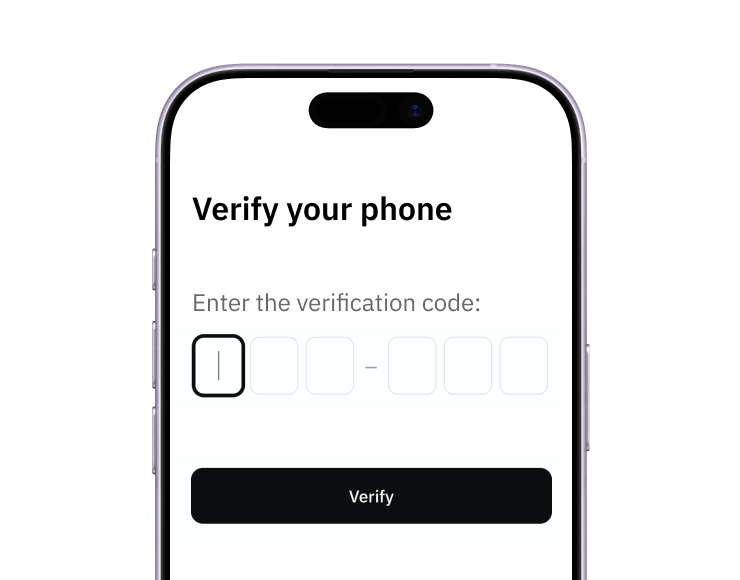
1. Sign up
Create your account from a web browser. No need to download an app.
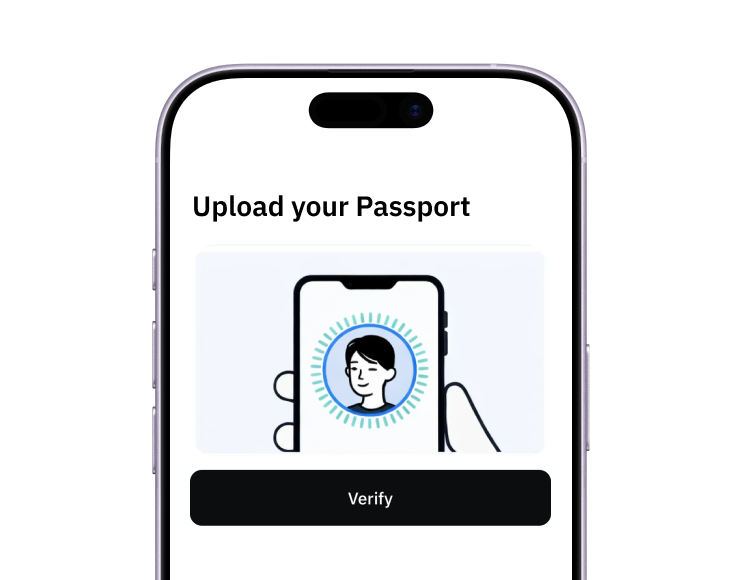
2. Verify
Verify you're a real person in 3 minutes. No US residency required.
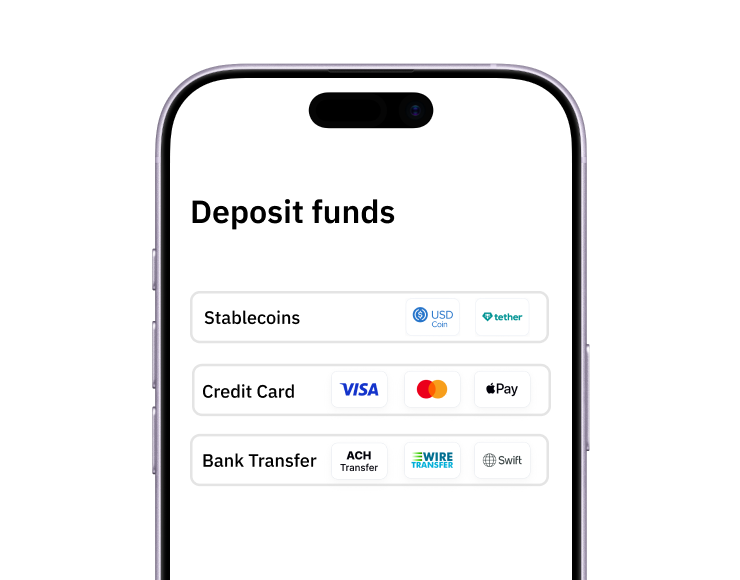
3. Fund
Add funds with a debit/credit card, bank transfer, stablecoins, or crypto.
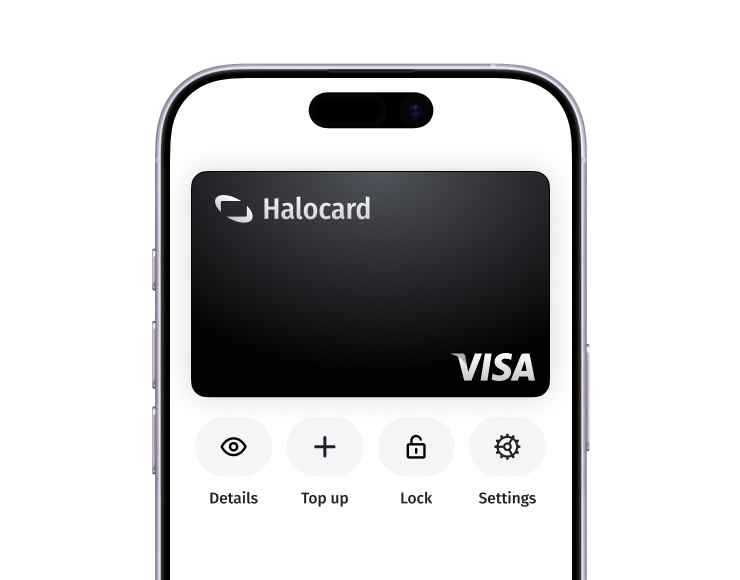
Pay with Virtual Cards
Pay online and in-person wherever Visa is accepted. You can also order a physical Halocard if you prefer.