
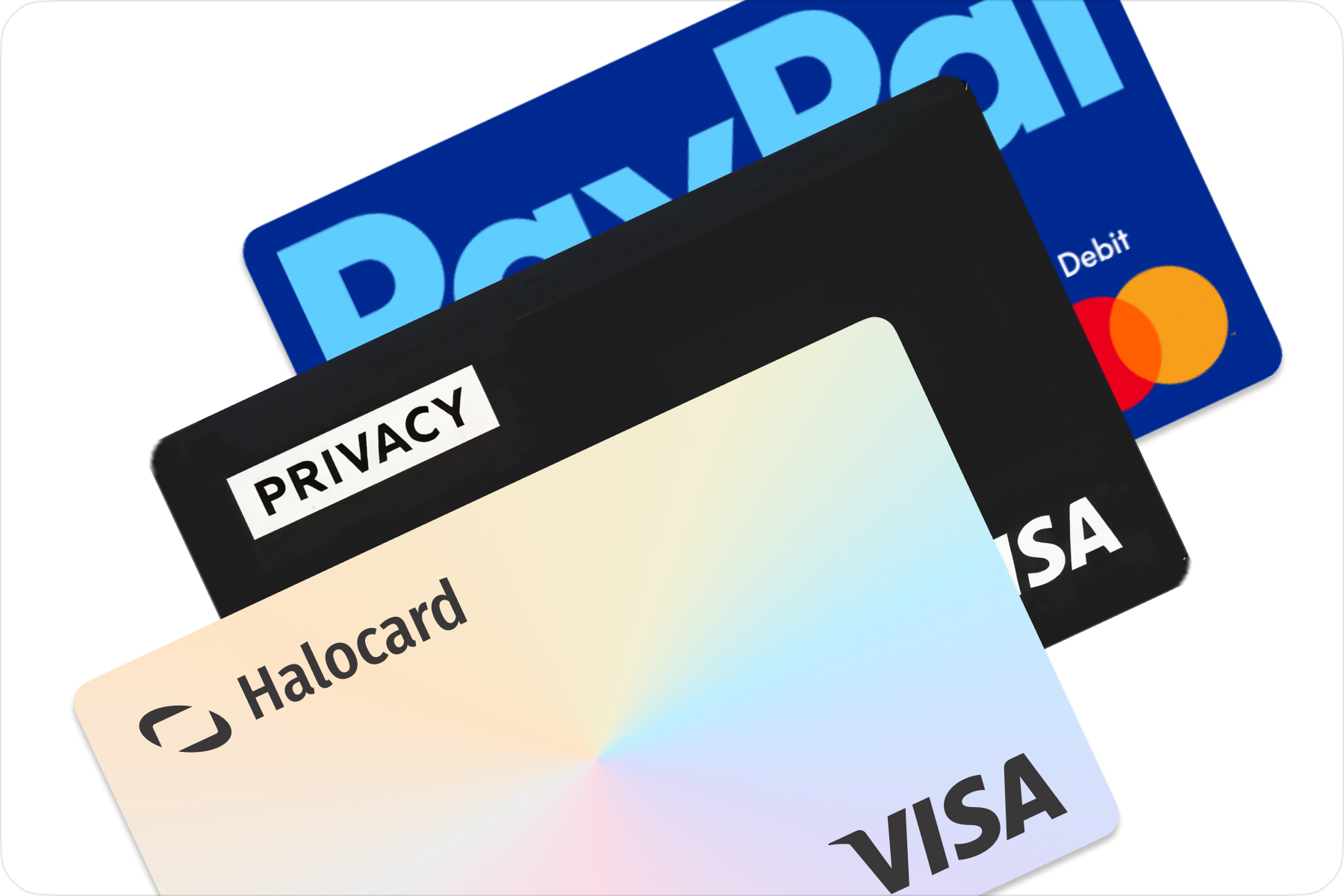
Between Privacy.com, PayPal, and Halocard, Halocard is the better choice for most people. It's a US-issued Visa credit card, for customers in the US and 120+ countries, built for issuing multiple virtual cards with per-card controls, and you fund it by debit/credit card, Apple Pay, Google Pay, bank transfer, stablecoins, or crypto with no bank account to link. Halocard works like a debit card: you spend the balance you load, with no credit line and no credit check, and it's accepted where virtual debit cards are often declined. Privacy.com is better for US users who only need subscription controls: it has a free plan, but it's US-only and requires a US bank account. PayPal is better for convenience, wallet-style payments, and money transfers, but it isn't a dedicated virtual card service.
Outside the US? You don't need an SSN, a US address or a US bank account.This comparison is for those who need to shop online safely while reducing exposure when making online purchases, especially if you've had a data breach scare or you want more control over your payment setup.
People often compare Privacy.com vs PayPal because both can reduce how often you share raw card details with merchants, but they solve different problems. However, the biggest confusion is that PayPal is mainly a digital wallet and checkout method, whereas Privacy.com is a virtual card service that creates virtual credit cards tied to your funding source.
Privacy.com also focuses on payment level controls and spending limits, whereas PayPal focuses on wide checkout acceptance and money transfers. As well, restrictions matter, as Privacy.com is US-only and requires a US bank account, whereas PayPal availability varies by country.
Privacy.com vs PayPal vs Halocard Virtual Credit Card Comparison
| Category | Privacy.com | PayPal | Halocard |
|---|---|---|---|
| Features | Purpose-built virtual cards platform with single use cards, merchant-locked cards, and the ability to set spending limits per card. Cards can be created in a few clicks for online shopping and subscriptions. | Primarily a digital wallet for checkout and money transfers. In the US, offers a PayPal debit card linked to a PayPal Balance account, but not designed for issuing multiple virtual credit cards with granular controls. | Dedicated virtual card service focused on issuing and managing multiple virtual credit cards, with per-card controls and visibility into transactions across merchants. |
| Privacy | Uses masked card numbers so merchants never see your real card details, helping limit exposure after a data breach. Requires linking a US bank account and completing standard identity checks. | Keeps payment info inside your PayPal account, reducing how often merchants see raw credit card or debit details. Uses internal security measures including two factor authentication. | Balance-based cards designed to keep financial information separate from a primary bank or checking account, giving users more control over shared payment data. |
| Acceptance | Strong acceptance for US online purchases, though success depends on merchant rules and routing. Not intended to solve international acceptance issues. | Very widely accepted where PayPal checkout is offered. The PayPal debit card works anywhere Mastercard is accepted, but some merchants require a credit card rather than debit. | Built for consistent acceptance across US and international merchants, particularly where virtual debit cards or prepaid card products are declined. |
| Availability | US residents only and requires a US bank account. No access for non-US users. | PayPal operates in about 200 markets, but the PayPal Debit Card is for US residents only. | Customers in the US and 120+ countries. |
| Funding | US bank account only. No card funding. | Add money to your PayPal balance from a linked bank account or debit card at no charge, by direct deposit, or with cash at stores, for a fee of up to $3.95 per reload. | Card, Apple Pay, Google Pay, Bank Transfer, Stablecoins & Crypto |
| Fees | Monthly fee: $0 (Free), $5 (Plus), $10 (Pro), $25 (Premium). Foreign transaction fee: 3% (minimum $0.50) on Free & Plus; 0% on Pro & Premium. Purchase fees (USD): $0. Interest: None (not a traditional credit card). | Monthly fee (Debit Card): $0. Foreign transaction fee: 2.5% on card purchases at non-US merchants, even in US dollars, with any currency conversion done by Mastercard. Purchase fees: USD $0. ATM withdrawal: $0 (MoneyPass), $2.50 non-MoneyPass (plus ATM operator fees). Adding money from a linked debit card or bank account: $0. Sending money to another person with a card: 2.90% + fixed fee. Currency conversion in PayPal checkout or Send Money: 4% spread, which does not apply to debit card purchases. | Monthly fee: Starting from $12/month. Foreign transaction fee: 1.5% + $0.30 on non-USD transactions. Purchase fees (USD): $0. Interest: None (you spend the balance you load). |
| Limitations | US-only access, mandatory bank account linking, and no separation from traditional banking rails. | Not a dedicated virtual card providers platform. Account holds or access limits can occur due to automated risk reviews. | Subscription required and balance-funded only. Not a full digital wallet or banking replacement. |
| Best For | US users who want virtual credit cards with customizable spending limits for subscriptions and online purchases. | Users who prioritise convenience, broad PayPal acceptance, money transfers, and everyday checkout. | Users who need reliable virtual cards for online transactions, broader international access, and predictable fees. |
Key Differences Explained
PayPal is not a dedicated virtual card provider platform like Privacy.com. PayPal is a digital wallet and checkout method where your account holds your funding sources, and you can pay through PayPal, plus it can offer a PayPal Debit Card linked to PayPal Balance in the US. This is a debit card, not a physical credit card. Unfortunately, it is not designed around issuing many separate virtual credit cards with granular controls.
Privacy.com is the exact opposite. Its main focus is to offer virtual credit cards that protect your real bank and credit card information when making online purchases. It also allows you to create a new card in a few clicks, apply spending limits, and reduce the risk of fraud after a data breach.
The main tradeoff is access, as Privacy.com requires a US checking account at a US bank, which means most international users simply won't be able to use it. Halocard, on the other hand, is a US-issued Visa credit card, for customers in the US and 120+ countries, and it never asks you to link a bank account. It has also proven to be one of the more reliable options for transaction acceptance worldwide.
Thoughts From Existing Users
Privacy.com feedback is generally positive around control, with reviewers mentioning that they feel safer sharing card details online, using masked card numbers, and using spending limits to manage subscriptions and prevent surprise charges. Recent reviews highlight the ability to create virtual cards for specific merchants and control recurring payment activity.
The main criticism here comes down to expectations. Many users turn to privacy-focused virtual cards hoping to separate their bank account and financial details from the merchants they buy from. However, because Privacy.com connects directly to a user's bank account through Plaid, it doesn't fully create that layer of separation between banking information and purchases. While the service still protects card details from merchants, the direct bank connection can frustrate users looking for a stronger divide between their financial accounts and online transactions.
In terms of PayPal, the positive sentiment is all about convenience and scale, with many relying on it for checkout, money transfers, and broad merchant acceptance, and it can simplify online payments by keeping your underlying credit card and debit funding methods inside one account.
The most common complaints about PayPal tend to center on customer support, fees, and account limitations rather than security itself. PayPal is widely trusted as a convenient and secure digital wallet with strong buyer protection and multi-currency support, but user feedback is often polarized.
Reviews frequently mention sudden account limitations or reviews triggered by security controls, which can temporarily restrict access to funds while verification is completed. While these safeguards are designed to prevent fraud, they remain a consistent source of frustration reflected in the platform's relatively low ratings on review sites such as Trustpilot.
Privacy.com vs PayPal vs Halocard: Why Halocard is the Winning Option
Choosing between Privacy.com, PayPal, and Halocard largely comes down to access, control, and how the payment method is intended to be used.
Privacy.com is designed primarily for people in the United States who want detailed control over online spending, including single-use cards, merchant-specific limits, and tighter subscription management. Because it depends on a connected US bank account and domestic verification, it is generally not available to users outside the country.
PayPal serves a different role. It functions mainly as a digital wallet and checkout layer that simplifies online purchases and money transfers across many merchants. While this broad acceptance is convenient, it is not focused on issuing multiple configurable virtual credit cards, and debit-style payment handling may not work in every situation where a true credit card is expected.
Halocard sits between these two approaches by focusing directly on virtual card usability. It is a US-issued Visa credit card open to customers in the US and 120+ countries, built to provide consistent acceptance on US and international merchants, and give clearer visibility and control over card-level spending without relying on a traditional credit line.
For shoppers who only need US-based subscription controls, Privacy.com may be enough. For those prioritising convenience and wallet-style payments, PayPal can be suitable. For dependable virtual cards with predictable behaviour at checkout, in the US and internationally, Halocard is the better choice for most people.
How To Get A Halocard
- Sign up and complete identity checks as required for your account.
- Create a virtual card in the dashboard.
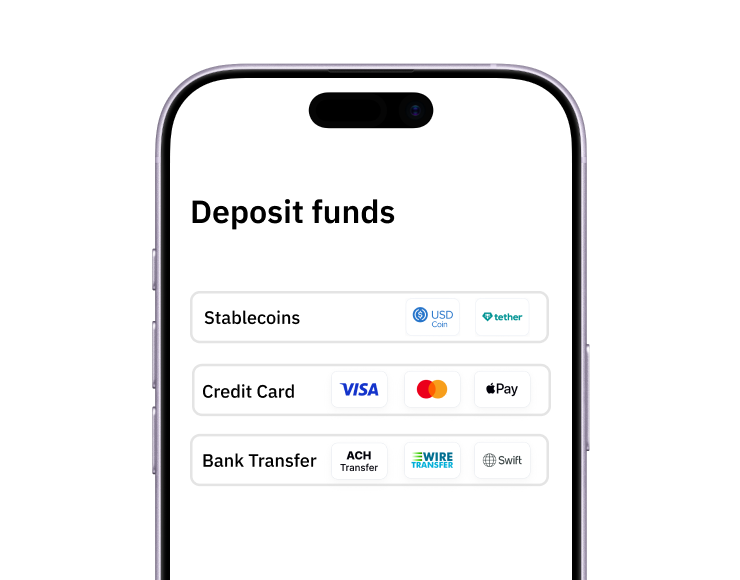
- Fund your account by debit/credit card, Apple Pay, Google Pay, bank transfer, stablecoins, or crypto.
- Use it for online payments and online purchases, including US merchants.
If you are looking for a virtual card that offers real payment control with no bank account to link, Halocard is the most practical option.
Frequently Asked Questions
Is Privacy.com Free?
Yes, Privacy.com has a free plan, but it comes with limits. The Free plan costs $0 a month and charges a 3% foreign transaction fee (minimum $0.50), and paid plans cost $5 (Plus), $10 (Pro), or $25 (Premium) a month. Every plan is US-only and requires linking a US bank account. Halocard starts from $12/month and needs no bank account at all. It has no free plan, but Essential is free with 3 referrals: you earn $5 to $25 a month for every friend you refer, for up to 12 months.
What Sites Are Like Privacy.com?
The best site like Privacy.com is Halocard. It offers the same per-merchant virtual cards and spending controls, but it's a US-issued Visa credit card, for customers in the US and 120+ countries, with no bank account to link. See Halocard vs Privacy.com side by side. Other sites like Privacy.com include IronVest, MySudo, Klutch, and Revolut, and our guide to the best Privacy.com alternatives compares them all.
Are Virtual Cards More Secure Than Physical Cards?
In many cases, virtual cards can reduce exposure because you share temporary details that are not linked to your main bank account or credit card. If a merchant has a data breach, your main info is not exposed.
Is PayPal A Virtual Card Service?
PayPal is primarily a virtual wallet and digital checkout service. It does provide a virtual version of its PayPal Debit Card, linked to your PayPal balance, but that is one card per account, for US residents only. Its general-purpose virtual card number, PayPal Key, ended in April 2022. See Halocard vs PayPal side by side.
Does Privacy.com Work Outside The US?
No, Privacy.com is only available to US citizens or legal residents with a US checking account.
Why Do Some Merchants Decline Virtual Debit Cards?
Declines often happen when a merchant requires a credit card product, blocks certain debit classifications, or applies automated risk filters.
What Are Foreign Transaction Fees On These Services?
Privacy.com charges 3% foreign transaction fees on its Personal and Plus plans (minimum $0.50), while its Pro and Premium plans have no foreign transaction fees. For the PayPal Debit Card, PayPal lists a 2.5% international transaction fee on purchases at non-US merchants, even when they are in US dollars, and Mastercard converts the currency. PayPal's 4% currency conversion spread is a separate charge: it applies only when PayPal converts currency in PayPal checkout or Send Money, so the two do not stack on a debit card purchase. Halocard charges 1.5% + $0.30 on non-USD purchases and nothing on US-dollar ones.
Can I Use Apple Pay With These Options?
Some users can add eligible cards to Apple Pay, but this depends on the product and plan. Halocard cards can be added to Apple Pay and Google Pay, and you can fund your Halocard account with them too.
How To Compare Virtual Card Providers
Here's how to evaluate virtual card providers based on your needs:
- Features & ease of use
- Security & privacy model
- Merchant acceptance (US and international)
- Geographic availability
- Funding options
- Pricing, fees, and transaction fees
- Hidden limitations like residency, required bank account verification, or card type restrictions
These are the criteria used to compare Privacy.com, PayPal, and Halocard above.
Sources
- Trustpilot. Paypal Reviews | Read Customer Service Reviews of www.paypal.com Sourced January 21, 2026.
- Reddit. Paypal is Awesome and I Don't Care What Anyone Thinks : r/paypal Sourced January 21, 2026.
- Consumer Affairs. PayPal Reviews Sourced January 21, 2026.
- Trustpilot. Privacy reviewed by Matt on 2025-11-20 Sourced January 21, 2026.
- Trustpilot. Privacy reviewed by B W on 2025-09-27 Sourced January 21, 2026.
- Trustpilot. Privacy reviewed by Jeremy S on 2025-12-27 Sourced January 21, 2026.
- Trustpilot. Privacy reviewed by BravoXray on 2026-01-13 Sourced January 21, 2026.
- Privacy.com. Privacy.com Virtual Cards – Secure, Temporary Cards Sourced January 21, 2026.
- PayPal. Pay, Send & Save Money | PayPal Digital Wallet | PayPal CA Sourced January 21, 2026.
- PayPal. PayPal Debit Card Sourced October 10, 2026.
- PayPal. Debit Mastercard Cardholder Agreement Sourced October 10, 2026.
- PayPal. Consumer fees (US) Sourced October 10, 2026.
*Please see Halocard's Terms of Service or Pricing for the most up to date pricing and fee information. This publication is provided for general information purposes and does not constitute legal, tax or other professional advice from Halocard LLC or its subsidiaries and its affiliates, and it is not intended as a substitute for obtaining advice from a financial advisor or any other professional. We make no representations, warranties or guarantees, whether expressed or implied, that the content in the publication is accurate, complete or up to date.
Halocard Virtual Cards

Instant approval
Create your first card in under 5 minutes.

Private purchases
Purchases never appear on your bank account.

Powered by Visa
Accepted at 175M+ merchants globally.
3 steps to create your virtual credit card
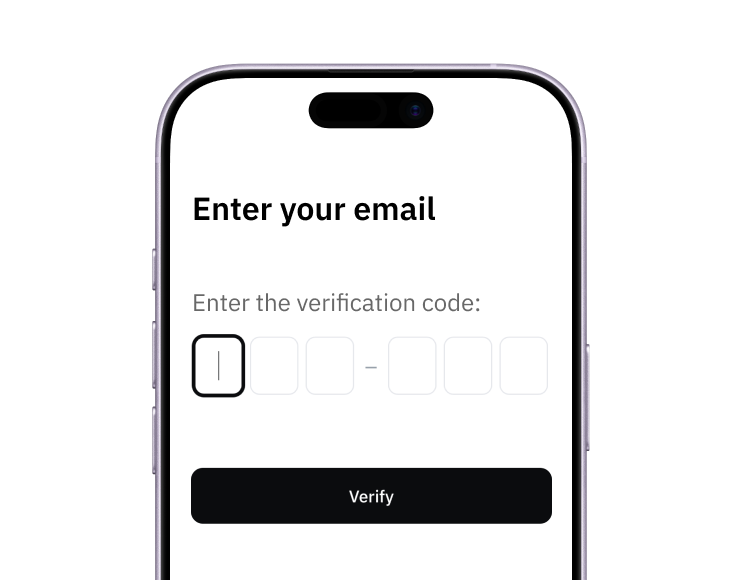
1. Sign up
Create your account from a web browser. No need to download an app.
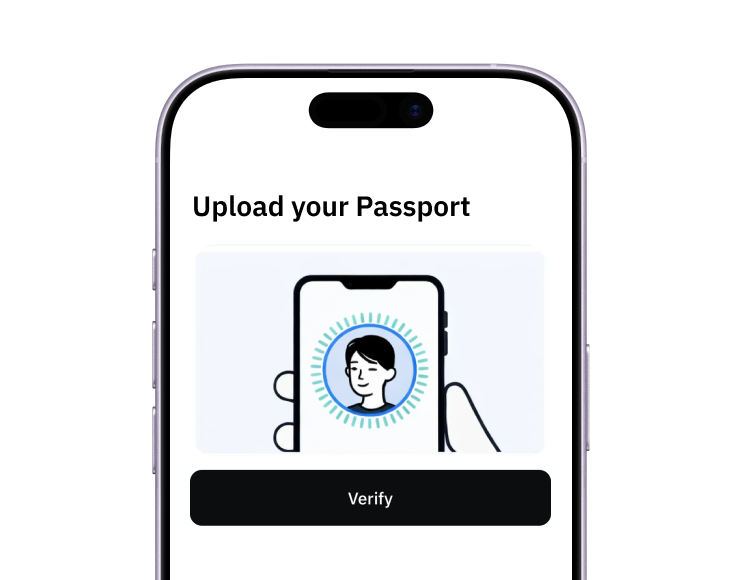
2. Verify
Verify you're a real person in 3 minutes, from the US or any of 120+ countries.
3. Fund
Add funds by debit/credit card, Apple Pay, Google Pay, bank transfer, stablecoins, or crypto.
Pay with Halocard
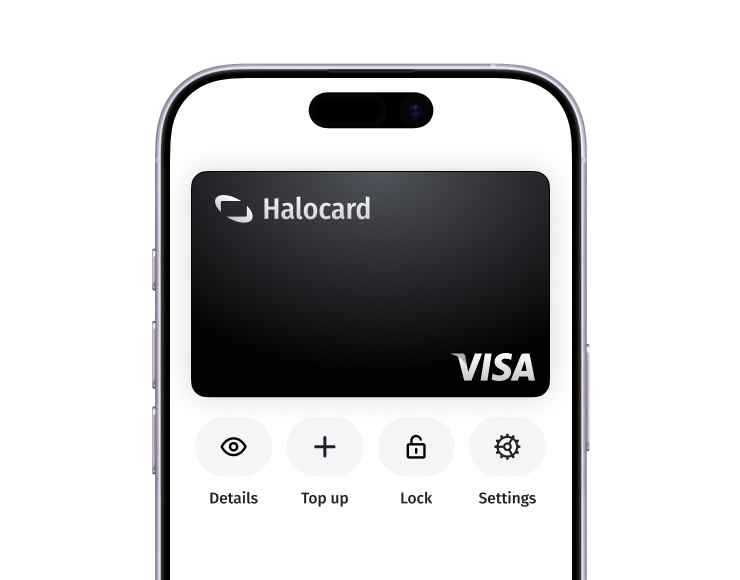
Pay online and in-person wherever Visa is accepted. You can also order a physical Halocard if you prefer.