Best Privacy.com Alternatives: 15+ Options Compared (2026)

Edward Taylor

Halocard is the best Privacy.com alternative for most people. It's a US-issued Visa credit card, for customers in the US and 120+ countries, with the same per-merchant cards and spending controls as Privacy.com but no bank account to link: you fund it by debit/credit card, Apple Pay, Google Pay, bank transfer, stablecoins, or crypto. Privacy.com issues debit cards that draw from a US bank account linked through Plaid, and it's only open to US residents.
Which Privacy.com Alternative Is Best for You?
| If you want… | Best Privacy.com alternative |
|---|---|
| A Visa credit card with no bank account to link | Halocard |
| Private virtual cards outside the US | Halocard |
| Masked email and phone numbers as well as cards | Cloaked or MySudo |
| Travel and multi-currency spending | Wise or Revolut |
| Business spend management | Ramp, Brex, or Mercury |
| Virtual numbers on a credit card you already have | Capital One |
Quick Comparison Table
| Provider | Card Type | Privacy Model | Availability | Funding | Pricing / Fees | Best For |
|---|---|---|---|---|---|---|
| Halocard | Credit | Masked payments + spend controls | US and 120+ countries | Card, Apple Pay, Google Pay, Bank Transfer, Stablecoins & Crypto | $12 to $75/month, 1.5% + $0.30 non-USD FX | Credit card with no bank linking, subscriptions, US and global users |
| IronVest | Debit | Masked | Primarily US | Linked bank account, linked credit card | $39/year or $99/year, some card creation fees | Fraud prevention, subscriptions, risky merchants |
| Cloaked | Charge | Masked identity + masked payments | US citizens only, invite-only | Linked US card or bank account | From $9.99/month billed yearly, no card or foreign transaction fees | Full identity privacy, spam reduction, private checkout |
| MySudo | Debit | Masked | US only | Linked debit card or credit card | From free to $14.99/month, transaction fees | Privacy app users needing calls, email, payments |
| Klutch | Credit | Hybrid masked + spend controls | US residents only | Linked US bank account | Free to $25/month | Smart budgeting, rewards, custom controls |
| Revolut | Debit | Account-based prepaid / balance model | Broad international availability | Bank transfer, cards, salary deposits | Free to premium monthly tiers | Travel, FX, global banking |
| Skrill | Prepaid | Wallet-funded prepaid | Multi-country, varies by market | Bank transfer, cards, wallet funding | $10 a year for the physical card; $2.50 ATM fee | Wallet users, prepaid spending, transfers |
| Wise | Debit | Balance-funded multi-currency | Broad international availability | Bank transfer, cards, local transfers | Low conversion fees, $9 physical card in US | Travel, freelancers, cross-border spending |
| US Unlocked | Pre-funded virtual card | Pre-funded US billing model | Non-US residents only | Cards, crypto, transfers | $4.95/month or $39.95/year, load fees | Shopping US sites from abroad |
| Ramp | Credit / charge | Business account-linked | US plus select international markets | Business underwriting, company finances | Free tier, paid enterprise options | Corporate spend management |
| Mercury | Debit / charge | Business bank account linked | US businesses, some global founders | Mercury balances | Free core tier, paid upgrades | Startups, ecommerce, agencies |
| Brex | Credit / charge | Business account-linked | US + global business support | Company cash, underwriting | Free tier, paid plans from $12/user/month | Scaling companies, enterprise controls |
| Capital One | Credit | Masked issuer-linked | US cardholders | Existing Capital One card line | No extra fee | Existing customers wanting easy virtual numbers |
| Citi | Credit | Masked issuer-linked | US + global enterprise programs | Existing Citi account | Usually no added fee | Existing Citi users, corporate procurement |
| American Express | Credit | Masked issuer-linked | US + global business programs | Existing Amex account | No added fee in many programs; card fees may apply | Premium users, business spend, travel |
Best Privacy.com Alternatives for Online Payments
Here are the top privacy.com alternatives for those looking for a flexible and secure payment solution.
1. Halocard
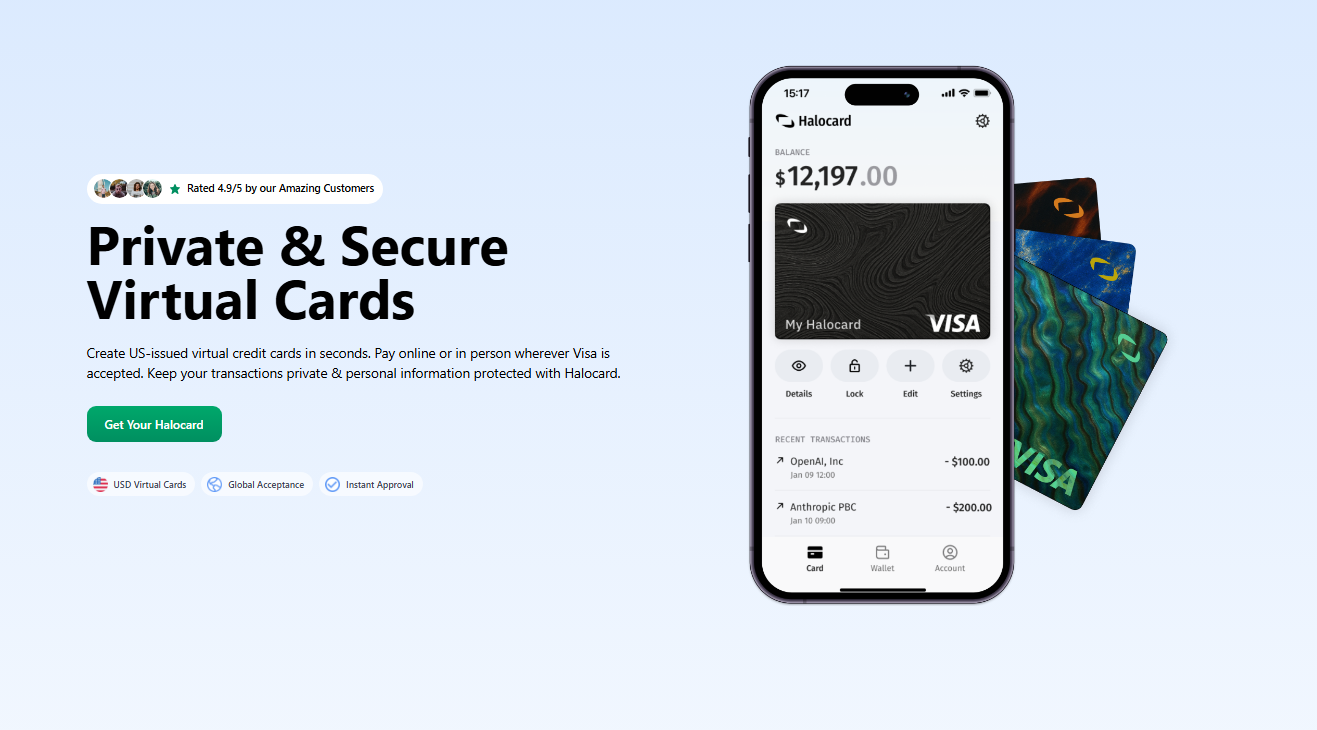
Halocard is the best Privacy.com alternative. It's a US-issued Visa credit card, for customers in the US and 120+ countries, focused on private spending, subscription control, and reliable acceptance at US merchants. Unlike Privacy.com, it never asks you to link a bank account, and it works like a debit card: you spend only the balance you load. See Halocard vs Privacy.com side by side.
How Halocard Works
Users just have to sign up online, complete identity verification, add funds, and generate their virtual credit card number within minutes. These cards can be used for recurring billing, online purchases, and in person payments where mobile wallets are accepted. Users are able to create virtual cards, assign custom billing details, and manage multiple virtual cards from a single dashboard. You can fund your account with Apple Pay or Google Pay, and add every card to Apple Pay and Google Pay to pay in store.
Halocard Costs & Fees
-
Essential plan: $12/month
-
Pro plan: $15/month
-
Elite plan: $75/month
-
USD purchases: 0% FX fee
-
Non-USD purchases: 1.5% + $0.30 foreign transaction fees
-
Funding methods: debit/credit card, Apple Pay, Google Pay, bank transfer, stablecoins, or crypto
Halocard Spending Limits and Funding
Halocard features a load and spend model rather than revolving credit. This means that there is no preset cap beyond the available balance, making it useful for larger credit card payments and controlled budgets. Users are able to set spending limits by transaction, daily, or on the monthly level, along with strong card freezing controls.
Halocard Advantages
-
US-issued virtual credit card with strong merchant acceptance
-
Open to US residents and customers in 120+ countries
-
No bank account to link
-
Apple Pay and Google Pay for funding and for paying in store
-
Strong privacy layer between merchants and your primary bank account information
-
Useful for subscriptions and online transactions
-
Fast creation and flexible controls
Halocard Drawbacks
-
Monthly subscription instead of a permanent free plan, though Essential is free with 3 referrals
-
FX charges apply outside USD
-
Not designed as a full retail bank account replacement
-
Requires identity checks, so not built for complete anonymity
Who Halocard Is Best For
Halocard is best for anyone who wants Privacy.com's control without linking a bank account: privacy-focused buyers in the US, remote workers, freelancers, and anyone paying for SaaS tools, ads, subscriptions, and online shopping, in the US or abroad.
Why Someone Would Choose Halocard Over Privacy.com
Privacy.com issues charge cards paid from a bank account you link through Plaid. Halocard is a Visa credit card with no bank linking, funded by debit/credit card, Apple Pay, Google Pay, bank transfer, stablecoins, or crypto, with a custom billing address on every card. Halocard doesn't store your ID documents, which are held by its verification provider as banking laws require, and Halocard never sells your data to third parties. It also works outside the US, where Privacy.com isn't available.
2. IronVest
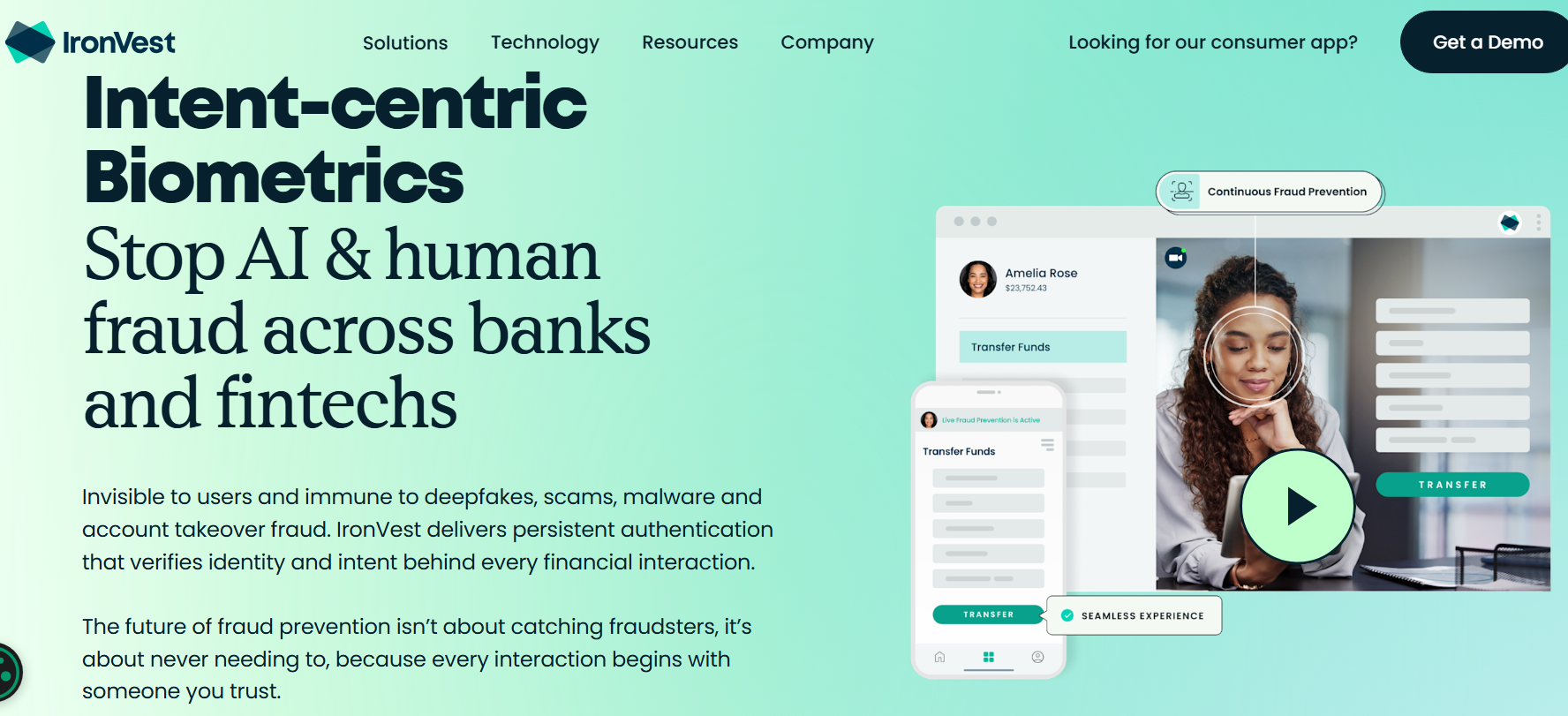
IronVest is a privacy and cybersecurity platform that combines identity tools, virtual card services, and password protection. It's one of the better known privacy.com alternatives for those who need great fraud protection and identity security rather than simple banking features.
How IronVest Works
Users are able to fund IronVest through a credit card or bank account, and then generate merchant locked or single use cards. IronVest can also issue reusable or disposable virtual cards, which helps reduce risk of fraud after a data breach. Cards are managed through browser tools or the app, including a browser extension. User security can also include two factor authentication and biometric controls.
IronVest Costs & Fees
-
Plus plan: $39/year
-
Ultimate plan: $99/year
-
Up to 35 cards on Plus
-
Unlimited virtual cards on Ultimate
-
Credit card funding: $2/card in some cases
-
Additional 1.5% fee on larger funded cards (reported structure)
IronVest Spending Limits and Funding
Users are able to set expiry date, merchant locks, and set spending limits. Funding flexibility is decent, but fee structures can have an impact. Moreover, initial usage restrictions may apply to new accounts.
IronVest Advantages
-
Strong anti-fraud controls
-
Merchant-locked masked card functionality
-
Good for risky websites and trial signups
-
Combines privacy payments with a password manager
-
Can help prevent unauthorized transactions
IronVest Drawbacks
-
Subscription required for best value
-
Card funding fees can add up
-
US availability focus
-
Some users report support delays or changing feature access
Who IronVest Is Best For
IronVest is best for US users who need a security-first payment solution, especially for frequent trial signups, subscriptions, or shoppers that are worried about exposing payment details.
Why Someone Would Choose IronVest Over Privacy.com
Someone might choose IronVest if they want cards plus identity protection, password tools, and great fraud controls in one platform, rather than just payments. If its masked cards are what you need, see our IronVest alternatives.
3. Cloaked
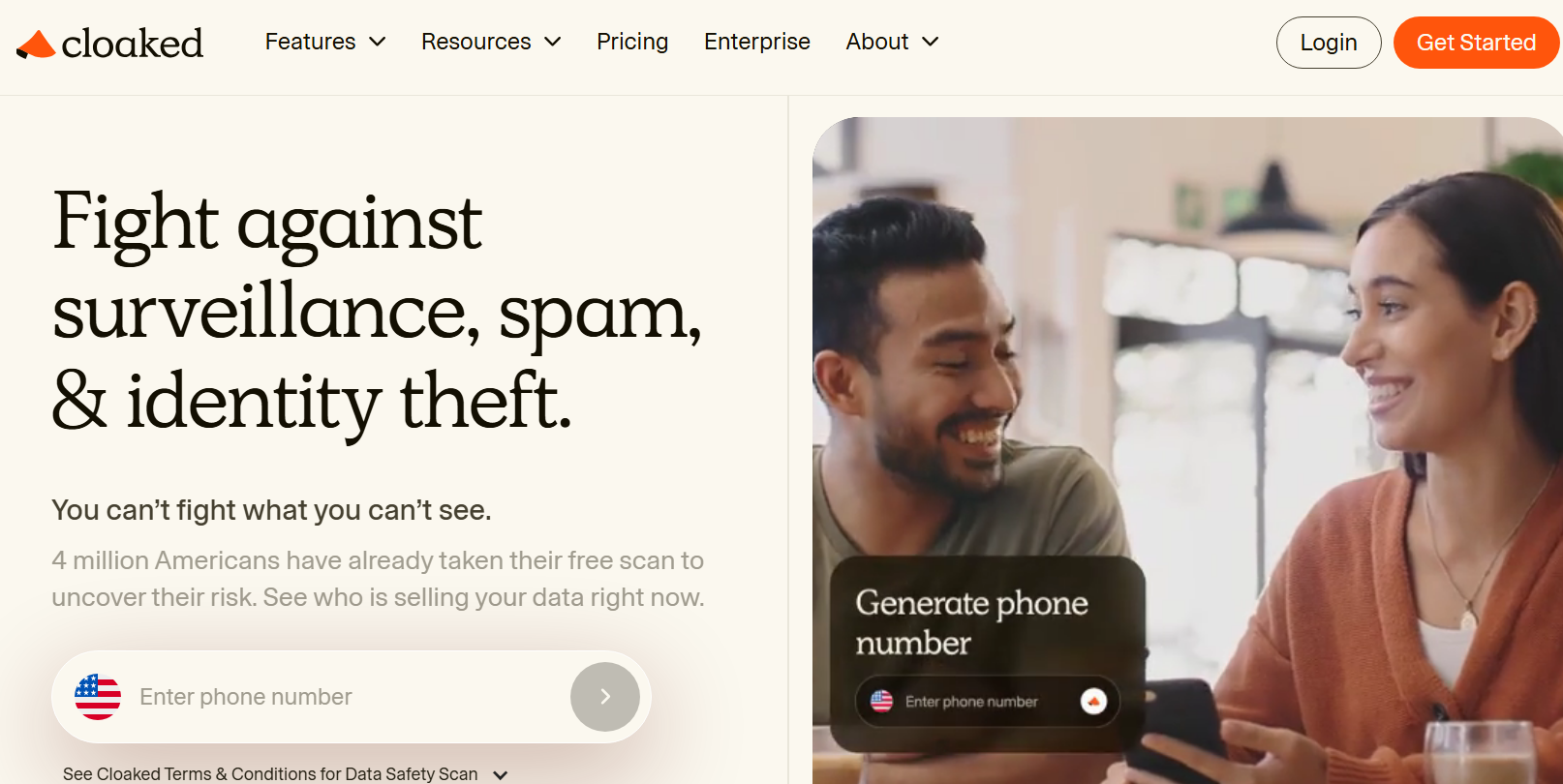
Cloaked is a popular personal privacy platform that combines virtual phone numbers, masked identities, payment tools, and aliases, with data removal from 1,000+ sites. Its card feature, Cloaked Pay, is still invite-only, but it's becoming one of the more interesting privacy.com alternatives for those who need identity privacy and card privacy.
How Cloaked Works
Cloaked Pay lets users generate a unique card for each merchant. So, instead of exposing your real identity details, you can create separate names, emails, and card credentials for various merchants. This makes it very useful for subscriptions, online accounts, and privacy focused online payments. Cards can also be configured for one time or recurring use.
Cloaked Pay cards are Mastercard charge cards issued by Community Federal Savings Bank. There is no line of credit: the full balance is repaid each cycle from a US card or bank account you link. Access is by invite. You need a paid Cloaked plan first, then you join a waitlist from the app.
Cloaked Costs & Fees
-
Individual plan: $9.99/month billed yearly, or $14.99 month to month
-
Couple plan: $14.99/month billed yearly, or $19.99 month to month
-
Family plan: $24.99/month billed yearly, or $29.99 month to month
-
No card creation fee and no foreign transaction fee on Cloaked Pay
-
Broader privacy suite included with plans, with up to $1 million in identity theft insurance
Cloaked Spending Limits and Funding
Cloaked Pay draws on a US-issued credit card, debit card, or bank account you link in the app, and a linked credit card keeps earning its own rewards. The wider Cloaked suite is available in the US and Canada, but Cloaked Pay is for US citizens only: you must live in the US, be 18 or over, and have an SSN or ITIN. Users are able to assign merchants specific cards and customizable spending limits. However, exact transaction ceilings may vary by account setup.
Cloaked Advantages
-
Strong transaction privacy model
-
Separate identity per merchant
-
Helpful after a merchant data breach
-
Includes aliases, virtual phone numbers, and privacy tools
-
No card fees and no foreign transaction fee
-
Can simplify cancelling forgotten free trial subscriptions
Cloaked Drawbacks
-
Cloaked Pay is not available to the public: it is invite-only, through a waitlist
-
Cloaked Pay is for US citizens only
-
No physical card
-
Subscription model may not suit casual users
-
More privacy-focused than banking-focused
-
Less established than some mainstream virtual card providers
Who Cloaked Is Best For
Cloaked is best for US citizens who are focused on privacy, can wait for a Cloaked Pay invite, and want to shop online without exposing their real name, e-mail, phone data, or primary card details. Users who need a card today, or who live outside the US, are likely a better fit for Halocard.
Why Someone Would Choose Cloaked Over Privacy.com
Someone might choose Cloaked over privacy.com if they want broader identity masking, not just payment masking. It's one of the more feature-rich privacy.com alternatives for those concerned with personal data exposure.
4. MySudo
MySudo is a privacy focused app that combines encrypted communications, virtual phone numbers, payment tools, and masked identities. It's a more niche privacy.com alternative for users who want communication privacy alongside their virtual cards.
How MySudo Works
Users create separate identities called Sudos, and then attach virtual cards to those profiles. Each card then has unique card details and is funded through a linked credit or debit card. Merchants never receive your real payment credentials, helping reduce exposure after a data breach.
MySudo Costs & Fees
-
SudoFree: free plan without cards
-
SudoGo: $1.99/month with 3 cards
-
SudoPro: $4.99/month with 3 cards
-
SudoMax: $14.99/month with 9 cards
-
Transaction fee: 2.99% + $0.31 per purchase
-
Minimum fee: $0.50 per purchase
MySudo Spending Limits and Funding
Cards have a $250 cap per purchase and a $350 daily cap before fees, and the daily cap is shared between all cards. Users can fund purchases through linked cards rather than stored balances. This structure is ideal for smaller online purchases, compartmentalized spending, and subscriptions.
MySudo Advantages
-
Combines privacy identities and payments in one app
-
Helps shield real financial information
-
Includes virtual phone numbers and private email tools
-
Easy to close a card instantly
-
Useful for managing separate online accounts
MySudo Drawbacks
-
Virtual cards available only to US users
-
Daily spending limits are relatively low
-
Per-transaction fees can add up
-
Less suitable for high-volume online payments
Who MySudo Is Best For
MySudo is best for privacy first US users who need one single app for masked communications, modest payment needs, and identity separation.
Why Someone Would Choose MySudo Over Privacy.com
Someone might choose MySudo if they want a broader identity privacy service, not one just focused on payments. It's one of the more complete privacy.com alternatives for those who want anonymous profiles and payment separation.
5. Klutch
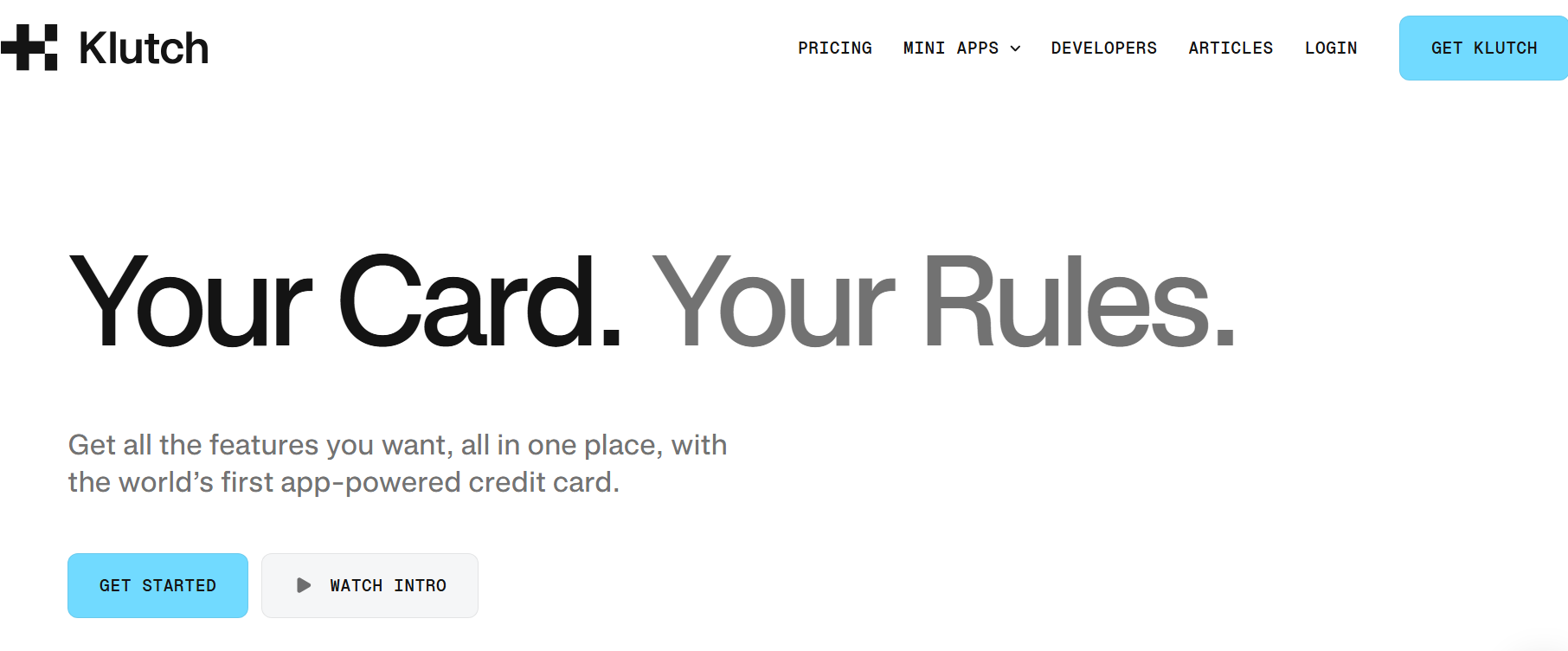
Klutch is a US fintech platform that offers both credit and spend products with heavy customization. It combines automation, rewards, and privacy focused card controls, making it a very innovative privacy.com alternative.
How Klutch Works
Users can apply for Klutch Spend, a load and spend card with no credit check, secured by funds moved from a linked US bank account, or Klutch Credit, an unsecured credit line with a credit check. Inside of the app, users are able to generate merchant cards, single use cards, and multiple virtual cards at once. Klutch also offers a variety of subscription controls, budgeting tools, and programmable rules for spending.
Klutch Costs & Fees
-
Essentials: free plan
-
Rewards: $12/month
-
Metal: $25/month
-
Up to 10 free cards/month on Essentials
-
30 cards/month on Rewards
-
Up to 50 cards/month on Metal
-
No foreign transaction fees on eligible paid tiers
Klutch Spending Limits and Funding
Klutch Credit uses approved credit lines whereas Klutch Spend allows users to load from a bank account and spend the available funds. Users are able to set spending limits, create urgent restrictions, and automate declines.
Klutch Advantages
-
Strong controls and smart budgeting tools
-
Credit and spend options in one platform
-
Single-use and merchant-locked virtual cards
-
Supports apple pay and Google Pay
-
Cashback rewards on some plans
-
Helpful for users who want to track spending
Klutch Drawbacks
-
Newer platform with limited long-term reputation data
-
Best features tied to paid plans
-
May be more feature-heavy than simple card users need
-
US residents only, funded from a linked US bank account
-
Customers reported accounts frozen in May 2024, before it reopened in mid-2025
Who Klutch Is Best For
Klutch is generally best for tech-savvy consumers, budgeters, and those who need customizable payment solutions with rewards and privacy controls.
Why Someone Would Choose Klutch Over Privacy.com
Someone might prefer Klutch over privacy.com due to its stronger automation, rewards, spend controls, and more flexible card types.
6. Revolut
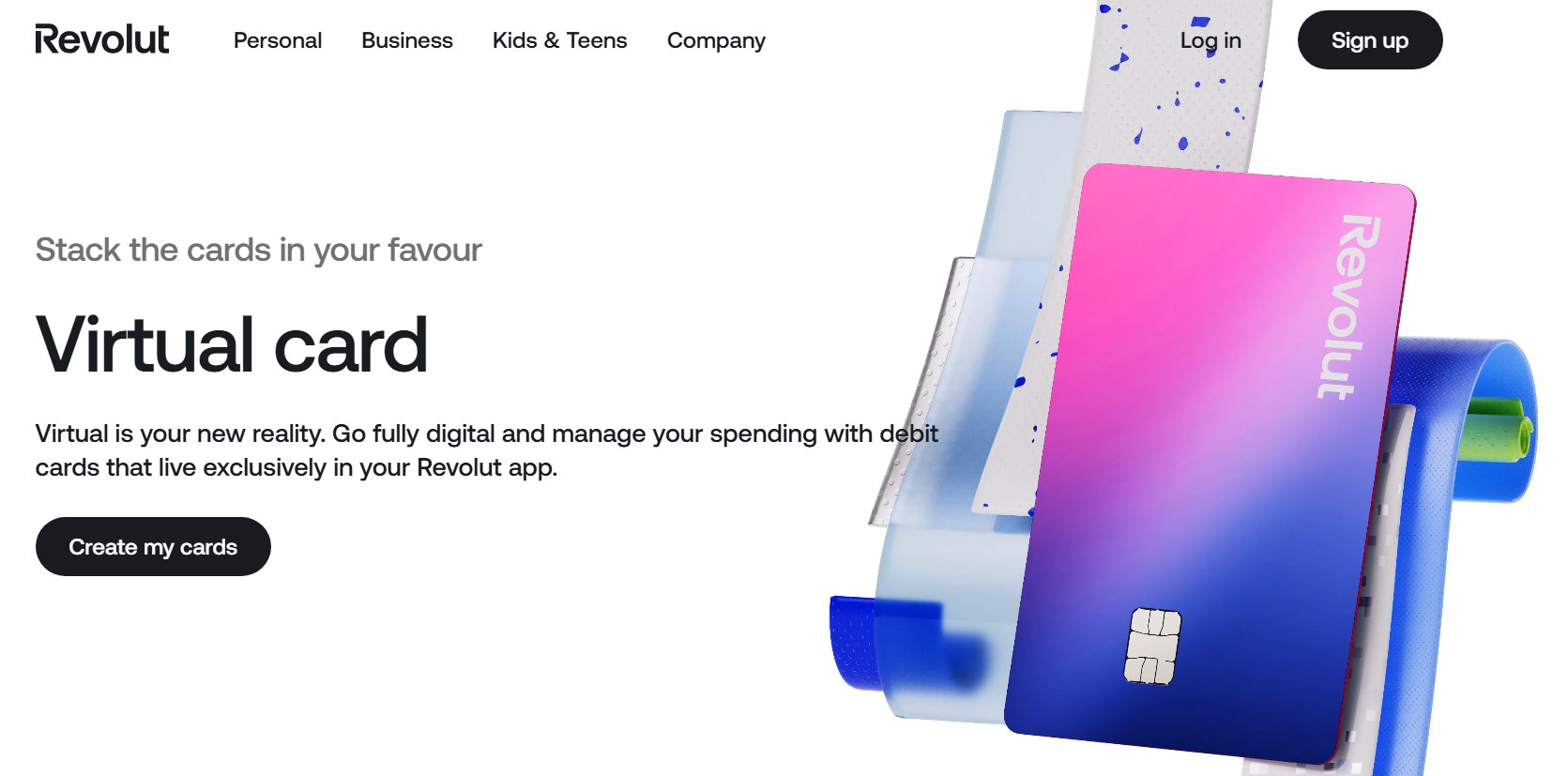
Revolut is a well-known fintech platform that offers banking tools, investing, transfers, and virtual debit cards. Thanks to this, it's one of the most recognized privacy.com alternatives, especially for users who prioritize multicurrency functionality and travel.
How Revolut Works
Users can open an account, add funds, and generate virtual cards inside of the app. Revolut offers both disposable virtual cards and reusable cards. Cards can be used for online shopping, in store wallet payments, and subscriptions. Revolut also includes money transfers and international transfer features.
Revolut Costs & Fees
-
Standard: free plan
-
Plus: £3.99/month
-
Premium: £7.99/month
-
Metal: £14.99/month
-
Ultra: £55/month
-
Some premium benefits reserved for higher subscription tiers
Revolut Spending Limits and Funding
Users are able to fund their account with bank transfers and other means. Spending depends on your account balance, because most Revolut cards operate as a debit card model, meaning that spending is limited to the account balance. Users are able to manage budgets, freeze cards, and hold multiple currencies.
Revolut Advantages
-
Strong global brand and broad availability
-
Excellent for travel and currency exchange
-
Disposable cards improve security
-
Supports Apple Pay and Google Pay
-
Good for international transactions and transfers
-
Includes many tools in an all-in-one app
Revolut Drawbacks
-
Usually not a US credit product for non-US users
-
Some features locked behind paid plans
-
FX perks vary by plan and usage
-
Merchant acceptance on some US platforms can be mixed compared with US-issued cards
Who Revolut Is Best For
Revolut is best for freelancers, expats, travelers, and users who need banking plus payments in a single place.
Why Someone Would Choose Revolut Over Privacy.com
Someone might choose Revolut if they need travel spending, transfers, and global account features rather than just a US focused masked card tool. It's one of the biggest mainstream privacy.com alternatives for international lifestyles.
7. Skrill
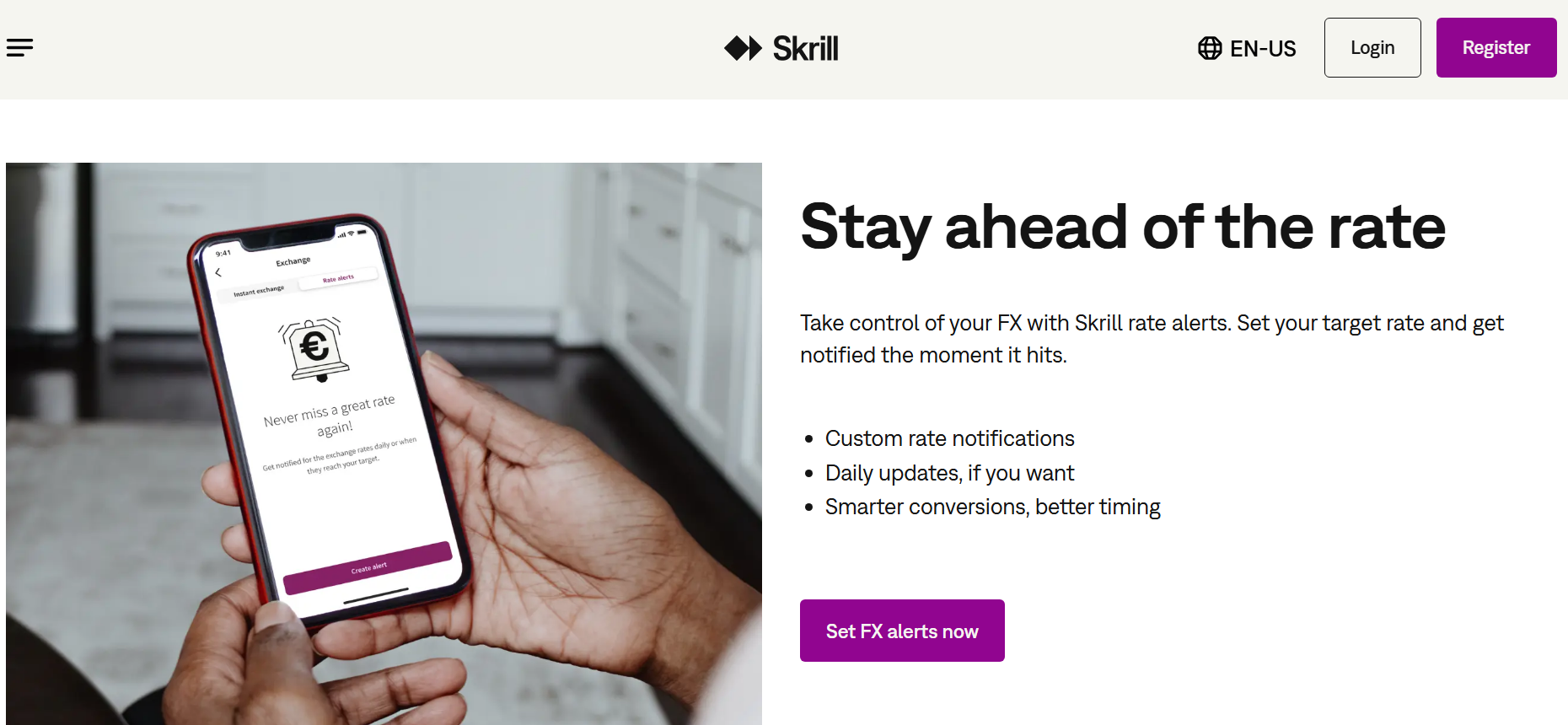
Skrill is one of the longest running payment platforms out there, which offers a prepaid Visa card product, transfers, and wallets. It's one of the more established privacy.com alternatives for those who need a wallet-based system rather than direct bank account linking.
How Skrill Works
Users open a Skrill wallet, add funds through cards or bank transfer, and then request a Skrill virtual Visa prepaid card where it is available. The card can be used for mobile wallet checkout and online purchases. Because it uses prepaid balances, spending is limited to available funds.
Skrill Costs & Fees
-
Skrill Visa Prepaid Card annual fee: $10 for the physical card
-
Per purchase fee: $0
-
ATM withdrawals: $2.50
-
Currency conversion charges may apply on the wallet balance
-
Third-party deposit fees may apply depending on method
Skrill Spending Limits and Funding
Users can load funds first and then spend from their wallet balance. This helps reduce the risk of overdraft and helps control budgets. Beware that it functions more like a prepaid card than a traditional credit card or debit card.
Skrill Advantages
-
Established global payments brand
-
Useful for wallet funding and transfers
-
Supports Apple Pay and other digital wallets in some regions
-
Good for users wanting prepaid spending controls
-
Can support some international payments
Skrill Drawbacks
-
Not a true credit product
-
Fees can stack depending on withdrawals and currency exchange
-
Availability varies by country
-
Merchant acceptance may be weaker than standard credit cards on some platforms
Who Skrill Is Best For
Skrill is generally best for those who already use digital wallets, prepaid balances, or transfer services and want a connected virtual spending tool.
Why Someone Would Choose Skrill Over Privacy.com
Someone might prefer Skrill over privacy.com if they want a full wallet ecosystem that contains prepaid controls and transfers rather than a U.S. bank-linked masked card model.
8. Wise
Wise is a major fintech platform known for its low-cost transfers and multi-currency accounts. It features one of the most useful global virtual debit cards for freelancers, travelers, and remote workers.
How Wise Works
Users open a Wise account, hold balances in 40+ currencies, and can generate a digital card inside of the app. The card can then be used for online transactions, in store payments, and travel spending. Users are also able to manage balances, freeze cards, and hold several digital cards at once.
Wise Costs & Fees
-
No subscription or recurring monthly fees
-
Physical card issuance from $9 in the US
-
Digital card: generally free
-
Low conversion charges using market-based pricing
-
ATM fees after free thresholds
-
Some e-wallet top-up fees may apply
Wise Spending Limits and Funding
Spending limits depend on account balances as Wise cards operate on a debit card model. Users can load through bank transfers and other standard means, convert funds, or spend directly with auto conversion.
Wise Advantages
-
Strong for international transactions
-
Transparent currency exchange pricing
-
Excellent for travel and remote work
-
Supports Apple Pay and other wallets
-
Lets users hold multiple currencies
-
Trusted brand with strong usability
Wise Drawbacks
-
Usually not ideal for US-only merchant optimization
-
Not a revolving credit card
-
Some ATM and conversion fees still apply
Limited compared with specialized privacy-first virtual card services
Who Wise Is Best For
Wise is best for travelers, freelancers, contractors, and anybody receiving or sending cross-border funds regularly.
Why Someone Would Choose Wise Over Privacy.com
Someone might choose Wise over privacy.com if they care more about global spending and transfers than merchant masking.
9. US Unlocked
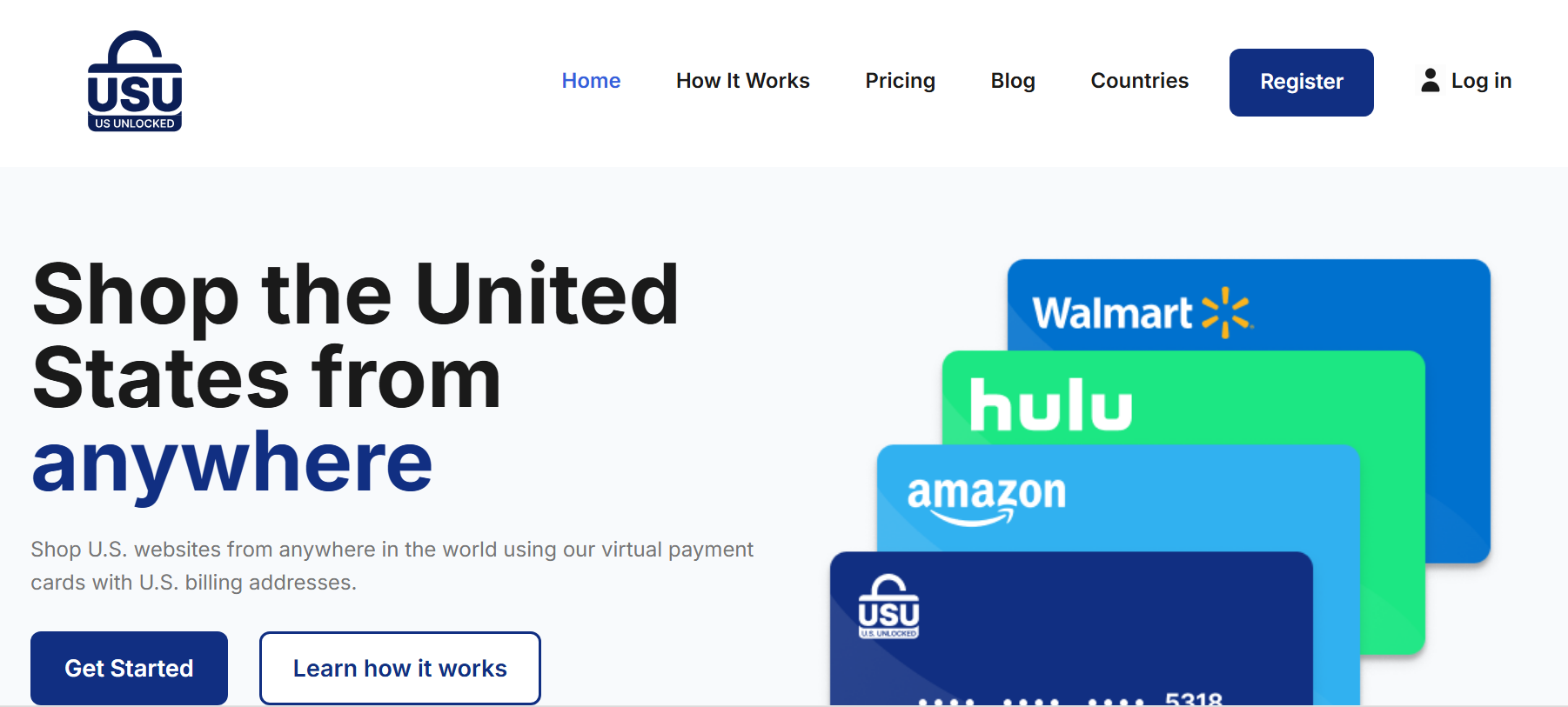
US Unlocked is a specialty niche platform designed to help people outside of the US shop in America using virtual cards that feature US billing details. It's one of the more specialized privacy.com alternatives for international users.
How US Unlocked Works
Users register, fund a wallet in USD, and then generate virtual payment cards with a US billing address. Options include both one time use cards and everyday spend cards. This can improve overall access to US subscriptions, merchants, and certain digital services.
US Unlocked Costs & Fees
-
Monthly plan: $4.95/month
-
Annual plan: $39.95/year
-
Additional cards: $1/month
-
One-time use cards: $2 each
-
Funding fees vary by method
-
Crypto/stablecoin loading from 2%
-
Card loading may reach 5% + $1 depending on method
US Unlocked Spending Limits and Funding
Users prefund their balances and then spend from available USD funds, up to a balance cap of $3,000. You can only spend what you load, so there is no revolving credit line, although its cardholder agreement describes the card as a credit card at 0% interest. It's useful for controlled budgets and one-off US purchases.
US Unlocked Advantages
-
US billing address support
-
Designed for international users
-
Helpful for US retailers and subscriptions
-
One-time use cards available
-
No credit check required
US Unlocked Drawbacks
-
Funding fees can be high
-
Subscription model plus extra card charges
-
Primarily focused on US shopping, not broad banking
-
Mixed reputation historically on reliability and support
-
Not available to US residents
Who US Unlocked Is Best For
US Unlocked is best for non-US shoppers who need access to US platforms, digital subscriptions, and merchants that often reject foreign cards not from the USA.
Why Someone Would Choose US Unlocked Over Privacy.com
Someone might choose US Unlocked if they live outside of the US and need a way to shop online at US merchants.
10. Ramp
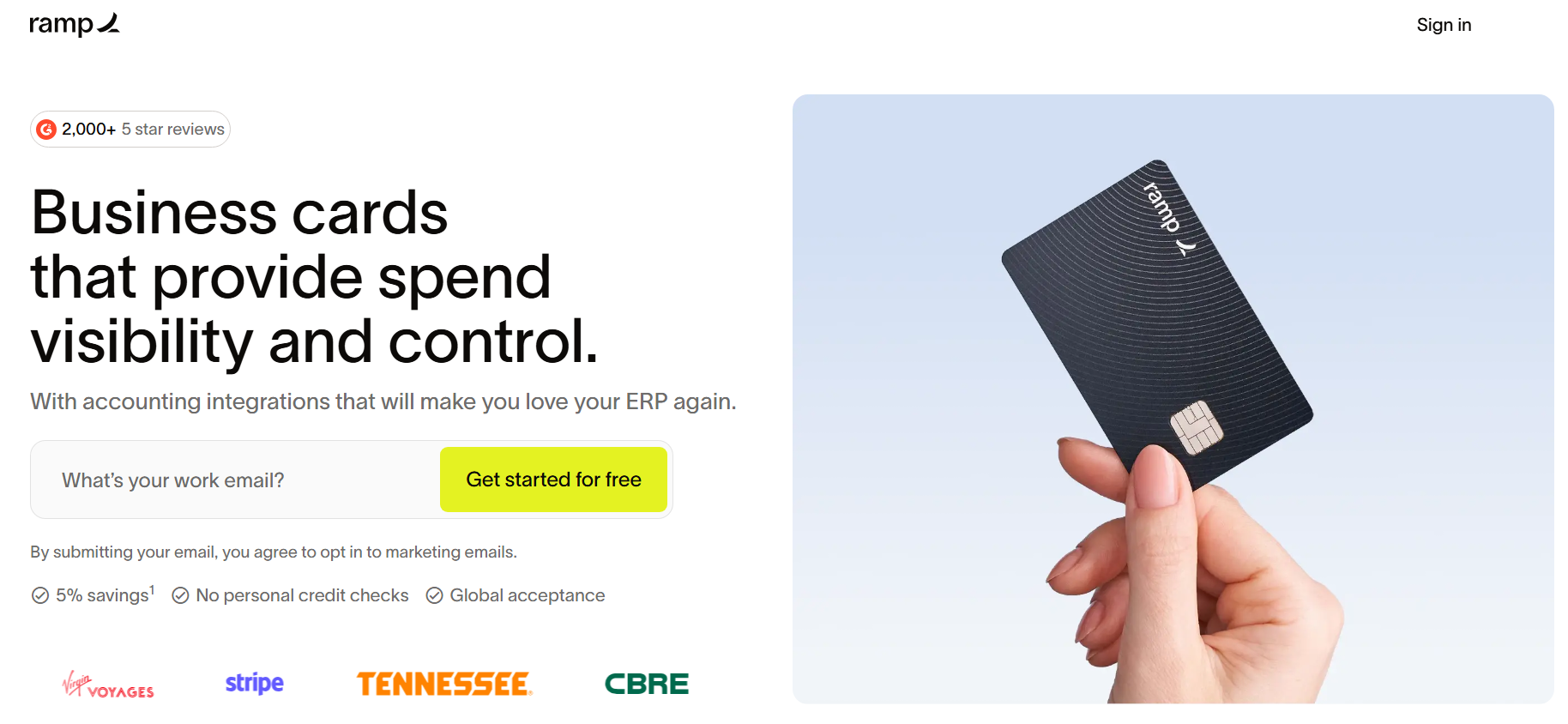
Ramp is a finance platform built for companies that need approvals, expense controls, and scalable virtual cards. It's one of the best privacy.com alternatives for businesses and teams, rather than individual consumers.
How Ramp Works
Businesses can apply using company financials, then issue physical and virtual credit card products to departments and staff. Administrators can create multiple virtual cards, apply merging controls, sync transactions with accounting software, and automate approvals. Ramp supports unlimited issuance on core plans.
Ramp Costs & Fees
-
Free plan: $0/user/month
-
Plus plan: $15/user/month plus platform fee
-
Enterprise: custom pricing
-
Core card tools included on free tier
-
Additional advanced controls on paid tiers
Ramp Spending Limits and Funding
Companies are able to set spending limits, department budgets, vendor controls, and approval workflows in real time. Ramp uses this business underwriting rather than a personal guarantee in many cases. This card requires a line of credit.
Ramp Advantages
-
Strong controls for business spend
-
Unlimited virtual cards on supported plans
-
Excellent ERP and accounting software integrations
-
Useful for subscription and vendor management
-
Detailed reporting and fraud monitoring
-
Supports growing small businesses
Ramp Drawbacks
-
Business use only, not ideal for consumers
-
Approval required based on company profile
-
Best tools often geared to US entities
Can be more complex than simple personal virtual card services
Who Ramp Is Best For
Ramp is generally best for finance teams, agencies, startups, and companies that need tight spending controls across vendors and employees.
Why Someone Would Choose Ramp Over Privacy.com
Someone might choose Ramp over privacy.com if they need approvals, company-wide controls, reimbursements, and finance automation rather than personal masked cards. At this time, it's one of the best B2B privacy.com alternatives.
11. Mercury
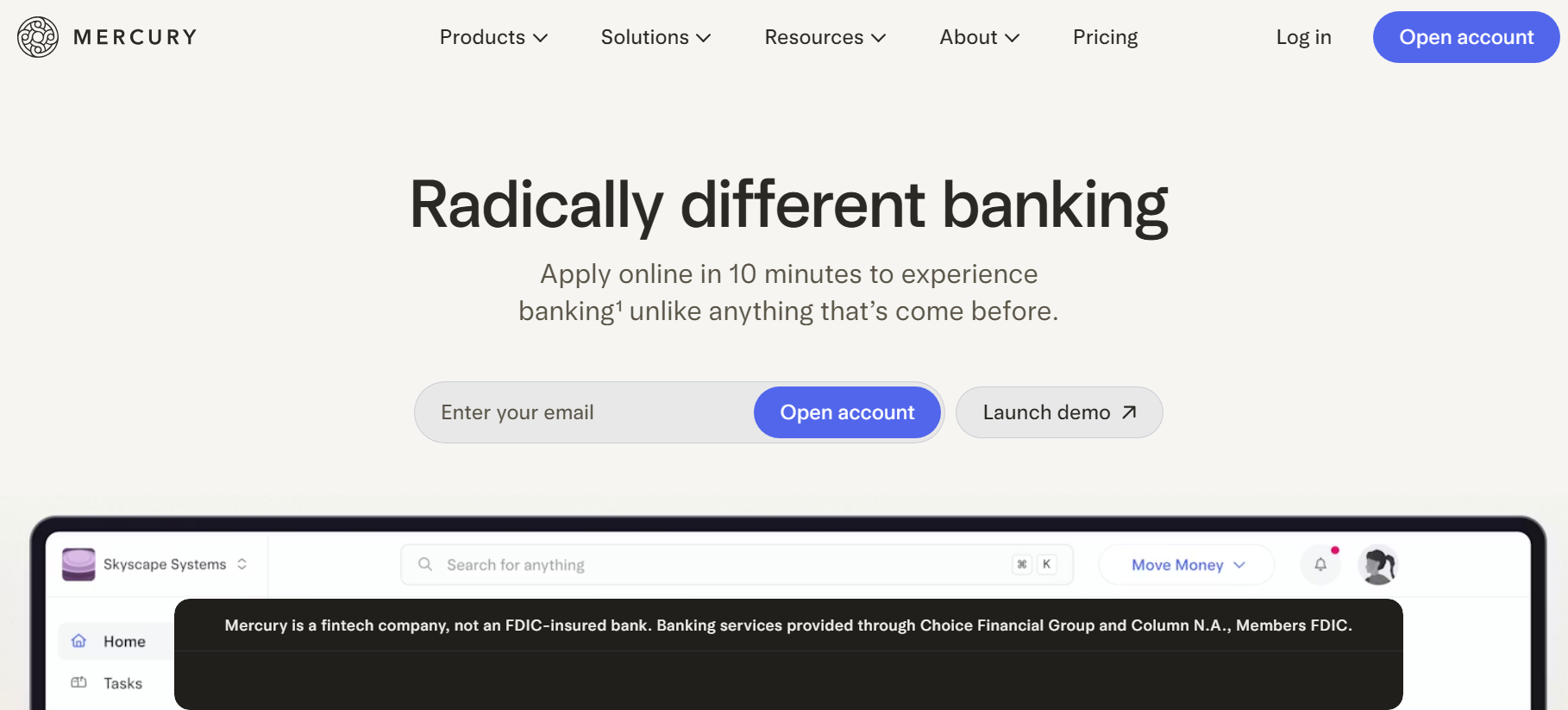
Mercury is a fintech banking platform that is popular among online businesses and startups, as it combines cards, business accounts, expense controls, and treasury tools. For founders and business owners, it's one of the most practical privacy.com alternatives.
How Mercury Works
Businesses have to open a Mercury account and then create a physical or virtual company card from the dashboard. Users are able to issue virtual cards instantly, nickname cards for vendors, and assign permissions for teams. Cards can also be frozen or replaced quickly. Mercury also supports bill pay, automation tools, and wire transfers.
Mercury Costs & Fees
-
Mercury account: $0/month core tier
-
Mercury Plus: $35/month
-
Mercury Pro: $350/month
-
Some premium services tied to paid tiers
-
No-fee USD payments promoted on core offering
Mercury Advantages
-
Strong startup-focused banking experience
-
Easy creation of multiple cards
-
Good controls and permissions
-
Useful treasury and payment tools
-
Fast onboarding compared with legacy banks
-
Integrates with finance workflows
Mercury Drawbacks
-
Primarily for businesses, not personal users
-
Eligibility can vary by company type or geography
-
Some advanced features require paid plans
Not focused on anonymous consumer online shopping
Who Mercury Is Best For
Mercury is best for ecommerce operators, agencies, founders, and US-linked startups who need modern banking plus virtual cards.
Why Someone Would Choose Mercury Over Privacy.com
Someone might choose Mercury if they need a real business bank account combined with payments stack, scalable card management, and other banking features, rather than a consumer privacy tool.
12. Brex
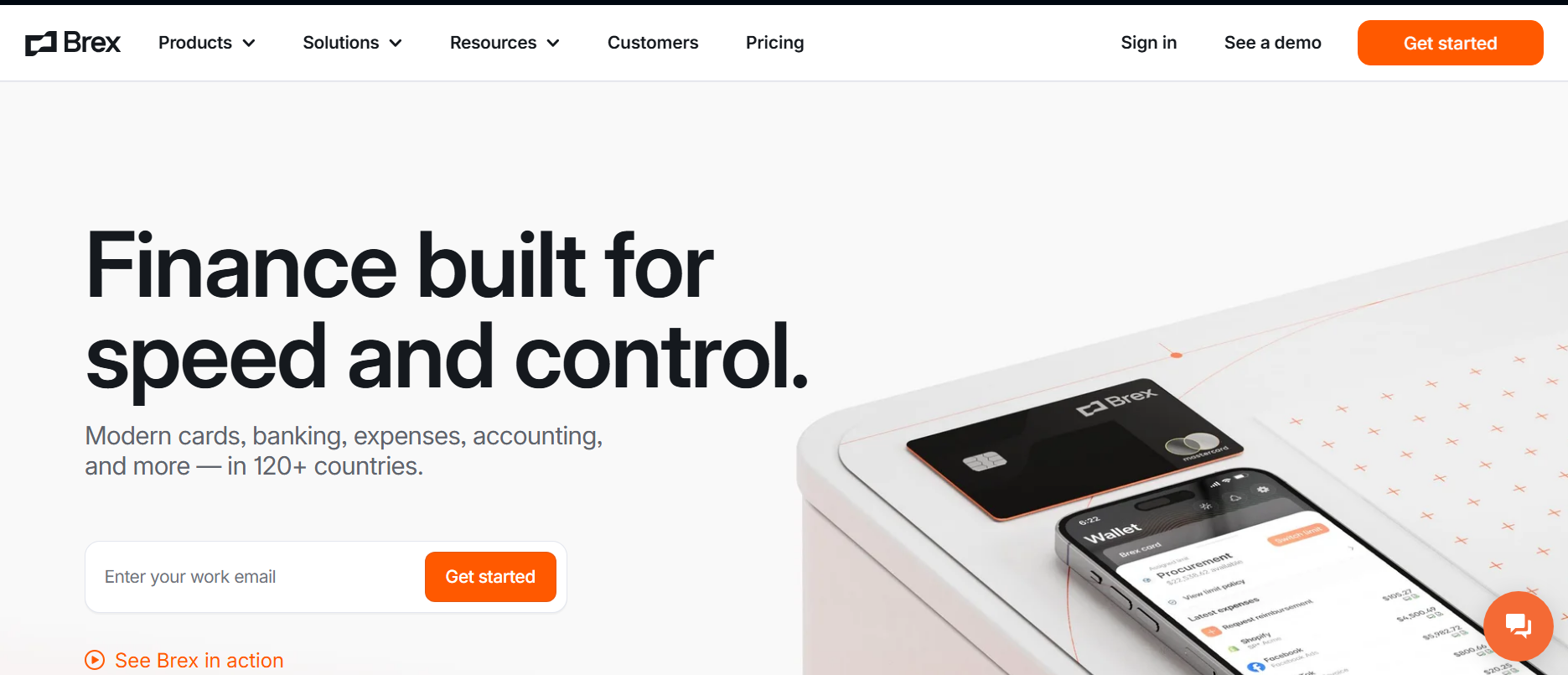
Brex is a specialized business finance platform that offers corporate cards, reimbursements, travel, and enterprise spend controls. It's one of the leading business-grade privacy.com alternatives for fast scaling and larger companies. For a detailed comparison of the two business platforms, see Ramp vs Brex vs Halocard.
How Brex Works
Companies apply and then issue employee cards and virtual credit card numbers instantly. Finance teams are able to create cards for vendors, ads, travel, and software subscriptions. Administrators can then apply merchant locks, approval chains, and policy rules, all while being able to track spending in real time.
Brex Costs & Fees
-
Essentials: $0/user/month
-
Premium: $12/user/month
-
Enterprise: custom pricing
-
Smart Card: custom pricing
-
Some premium modules and services may add cost
Brex Spending Limits and Funding
Brex uses business underwriting and company cash metrics rather than standard personal consumer scoring. Moreover, teams can create customizable spending limits, department rules, and instant approvals.
Brex Advantages
-
Strong enterprise-grade controls
-
Instant card issuance and multiple virtual cards
-
Rewards and travel ecosystem
-
Powerful reporting and compliance tools
-
Global card acceptance
-
Good for distributed teams
Brex Drawbacks
-
Primarily for businesses, not consumers
-
Qualification standards may be higher than simple fintech apps
-
Some advanced features reserved for paid tiers
-
Can be excessive for solo users needing only simple online payments
Who Brex Is Best For
Brex is best for funded startups, mixed market firms, and a variety of global companies who manage employee spend at scale.
Why Someone Would Choose Brex Over Privacy.com
Someone might choose Brex if they need finance operations software, enterprise card management, and team controls rather than personal use privacy cards.
13. Capital One
Capital One is a major US card issuer that offers virtual credit card numbers through its eligible accounts. This system is accessed through the Capital One app or website, or through Google Pay autofill in Chrome. The Eno browser extension that used to generate the numbers was discontinued on September 30, 2026. Capital One issues virtual cards to its existing account holders. See our Capital One alternatives roundup.
How Capital One Works
Eligible card holders can generate virtual credit card numbers linked to their existing Capital One account. Purchases still post to the same line of credit, but merchants don't receive the real credit card number. Capital One still receives the transaction details, and its Capital One Ad Solutions business uses shopping and cardholder-offer channels to help brands target audiences and measure campaigns. In practical terms, the virtual number protects your card details at checkout but does not separate the purchase from Capital One's transaction and shopping-data ecosystem. The users are able to create merchant specific cards, lock cards, and even set expiry dates.
Capital One Costs & Fees
-
No added fee for virtual card numbers
-
Standard APR or account charges still apply
-
Many Capital One cards have no foreign transaction fees
-
Rewards usually remain the same as the linked card
Capital One Spending Limits and Funding
Virtual cards from Capital One draw from the underlying credit card account, so limits depend on available credit. Some users may also not receive access immediately after approval.
Capital One Advantages
-
No separate subscription cost
-
Backed by a large US issuer
-
Merchant-specific cards can reduce fraud risk
-
Easy for existing customers
-
Good for secure online purchases
-
Supports rewards earning
Capital One Drawbacks
-
Requires eligible Capital One account
-
Mostly US-focused availability
-
Not all cards support the feature
-
Less flexible than dedicated virtual card providers
Who Capital One Is Best For
Capital One is best for existing customers whose eligible card already supports built-in virtual numbers and who value convenience and rewards. Because purchases remain tied to the primary Capital One account, users who want greater spending separation or do not have an eligible card are likely a better fit for Halocard.
Why Someone Would Choose Capital One Over Privacy.com
People generally choose Capital One if they already have a qualifying card and want a free issuer-backed virtual number tied to their rewards account. For a separate virtual-card balance and more separation from a primary account, Halocard is likely the better fit.
14. Citi
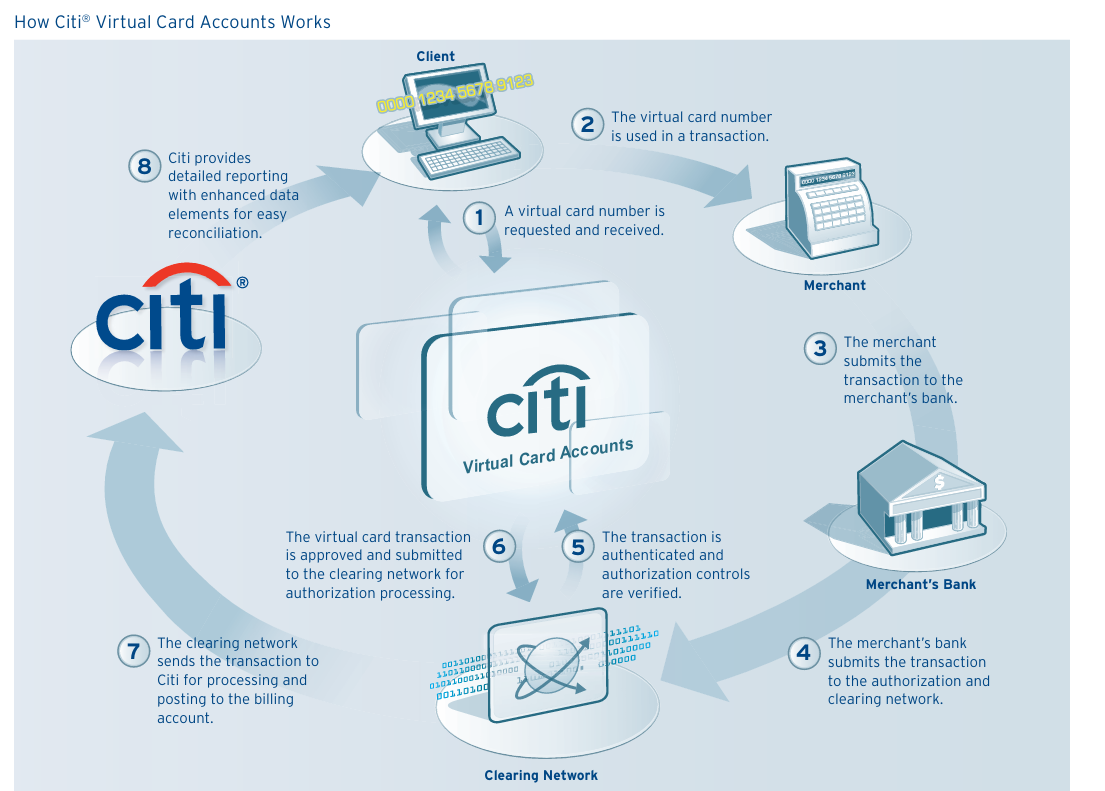
Citibank offers a variety of virtual card capabilities through select consumer and commercial products. It has long used controlled or temporary card numbers, and its enterprise tools include advanced spending controls. At this time, it's one of the more established bank issued privacy.com alternatives.
How Citi Works
Eligible users are able to generate temporary or controlled numbers linked to an existing Citi card account. It is a convenient option for business users, as they can access virtual card systems with geography, amount, merchant, and time based controls. This helps reduce overall exposure of primary card credentials during online transactions.
Citi Costs & Fees
-
Generally no separate fee for consumer virtual numbers
-
Standard card interest or annual costs still apply
-
Corporate pricing depends on program setup
-
FX charges depend on the linked Citi product
Citi Spending Limits and Funding
The card is linked to an existing Citi account, meaning that available credit determines the spend limit. Business programs can also set up spend limits, merchant restrictions, validity dates, and transaction controls.
Citi Advantages
-
Strong fraud and control tools
-
Large global banking brand
-
Useful for corporate procurement
-
Can help reduce unauthorized transactions
-
Flexible enterprise controls
Citi Drawbacks
-
Consumer availability can vary by card and market
-
Interfaces and access may feel less modern than fintech apps
-
Some best tools are business-focused
-
Requires existing Citi relationship
Who Citi Is Best For
Citi is generally best for existing Citi customers, business travel programs, and enterprises requiring controlled virtual-spend tools. As issuer-native cards remain connected to the Citi account, users who want a separate balance or do not have an eligible Citi product are likely a better fit for Halocard.
Why Someone Would Choose Citi Over Privacy.com
Someone might choose Citi if they already use eligible Citi cards and want an issuer-native virtual number or business-grade controls. If they need a standalone card that separates online spending from the primary account, Halocard is likely the better fit.
15. American Express
American Express offers virtual card options for both business and consumer users. It also features growing enterprise integrations. For those who need managed spend, premium service, and security, its commercial products are especially strong.
How American Express Works
Eligible users are able to use the American Express virtual card number for online checkout, while business customers are able to generate cards for travel, subscriptions, employees, or one-off purchases.
American Express Costs & Fees
-
No separate fee in many eligible programs
-
Underlying card annual charges or APR may still apply
-
Corporate pricing varies by contract
-
Rewards depend on the linked Amex product
American Express Spending Limits and Funding
Cards draw from the primary American Express account or approved corporate line. Administrators are able to apply customizable spending limits, usage windows, and even deactivate cards as needed.
American Express Advantages
-
Strong security reputation
-
Excellent business expense ecosystem
-
Good travel and rewards ecosystem
-
Free on an eligible Amex card, and purchases keep earning its rewards
-
Helpful for subscriptions and vendor spend
American Express Drawbacks
-
Some features limited to business or eligible cardmembers
-
Consumer virtual card numbers work only in Google Chrome and some Android apps, not in phone wallets
-
Merchant acceptance can still lag Visa/Mastercard in some markets
-
Premium cards carry an annual fee, up to $895 a year
-
Not designed for anonymous use
Who American Express Is Best For
American Express is best for business travelers, professionals, companies, and users who already have an eligible American Express account. Users who want separate virtual-card funding or do not have an eligible Amex account are likely a better fit for Halocard.
Why Someone Would Choose American Express Over Privacy.com
Someone would most likely choose an American Express virtual card if they already have an eligible account and want premium card benefits, rewards, business controls, and an issuer-backed virtual number. For standalone spending separation rather than activity tied to the primary account, Halocard is likely the better fit.
What Users Think About These Services
Let's find out what real life users have to say about each of these 15 privacy.com alternatives.
Halocard
Halocard is rated 4.2/5 (11 reviews) on Trustpilot. Reviewers point to its acceptance on US platforms and merchants, its flexible funding methods, and US billing support. The main drawback people note is the monthly subscription.
IronVest
IronVest is generally hailed for its broad feature set, including masked cards, emails, and phone numbers. Users who like the platform generally say that they like the concept and the range of tools its features. That said, public reviews are a bit mixed. Some of the most common complaints include e-mail forwarding delays, legacy feature changes, and system bugs. Some people also mention inconsistent customer support. Overall, the sentiment suggests that IronVest features a strong foundation, but uneven execution.
Cloaked
Cloaked is rated 3.7/5 on Trustpilot from 756 reviews. Some of the positive reviews mentioned spam reduction, alias tools, very helpful support once a live representative is involved. However, there are also some negative reviews that focus on setup issues, app glitches, billing and cancellation friction, and frustration with the chat bot side of support.
MySudo
MySudo has generally positive feedback from users who are privacy conscious, especially from those who like having e-mail aliases, private phone numbers, and payments, all in one app. Many users also like the convenience and broader privacy toolkit it provides. Yet, there is also some criticism, mainly focused on slower performance, high pricing tiers, limited regional availability outside of the supported markets, and occasional reliability concerns.
Klutch
Klutch has fairly polarized feedback. There are positive reviews which highlight its strong spend controls, rewards, budgeting tools, and virtual card features. However, there is also negative sentiment surrounding app usability, account issues, trust concerns after customers reported accounts frozen in May 2024 when a banking partner collapsed, and slower load times. It appeals most to users who like advanced controls and are comfortable trying newer products.
Revolut
In terms of review footprint, Revolut has one of the largest ones out there, with generally strong ratings. Users often praise the overall app experience, transfers, multicurrency features, travel benefits, and virtual card tools. Of course, there are also negative reviews, and these focus on account checks, dispute handling, frozen funds, and frustration surrounding customer support.
Skrill
Skrill generally has very heavy criticism. There are some positive comments that mention fast transfers, niche international payout options, and being useful in countries that don't have many alternatives. Yet, there is also a lot of negative sentiment, with many complaints about restricted accounts, verification problems, delayed withdrawals, access to funds issues, and support responsiveness.
Wise
Wise has strong feedback and is highly respected, particularly for its multi-currency balances, transparent fees, international transfers, and easy to use debit card and virtual card tools. Users generally like it for cross-border payments, travel, and online purchases. There is a bunch of criticism, and this focuses on occasional checks or freezes, slower support during complex cases, and the fact that it is a prepaid style rather than a traditional credit card.
US Unlocked
US Unlocked has very mixed sentiment overall, with many liking the promise of accessing US merchants from abroad. There is some positive feedback from users who have been able to successfully use it for subscriptions and retailers in the USA. However, there are also many negative reviews that commonly note acceptance issues, funding problems, monthly fees, issues with refunds, customer support for concerns, and verification delays. Whether or not people are happy with this service is heavily case dependent.
Ramp
Ramp has strong feedback from finance teams and startups, particularly from those who need strong virtual cards, spend controls, ERP integration, multiple user expense management features, and virtual cards. Many users describe it as a great upgrade from traditional banks, particularly for scaling companies. There is some criticism which centers on support quality, onboarding friction, account reviews, and in some cases, abrupt risk decisions or rejected applicants.
Mercury
Mercury is highly praised for its startup friendly banking tools, virtual cards, clean interface, easy setup, and various integrations with accounting software. It also has a strong reputation among founders who need a modern U.S. business banking stack. There is a bit of negative sentiment, although this focuses mainly on occasional payment disruptions, compliance reviews, international founder eligibility concerns, and reports of delayed support or sudden closures.
Brex
Brex has a fairly split reputation, with some praising its rewards, polished user interface, spend management tools, usefulness for venture-backed or fast-growing startups, and its travel perks. That said, its public sentiment is mixed, as many people have a lot of frustration around changing eligibility rules, onboarding delays, startup deprioritization, support complaints, and account freezes or closures.
Capital One
Capital One has a strong feedback as far as its virtual card system is concerned, especially for those who are concerned about privacy. Many users praise these merchant locked cards, strong fraud controls, easy locking and deleting, and general smooth everyday use. However, there are some criticisms as well, ones focused on verification problems, support frustrations, and app issues.
Citi
Long time Citi users generally praised the old setup for its expiry controls, subscription management, and custom limits. However, the virtual account number system has recently been updated, and there are some complaints about this, particularly about technical frustrations and customer service delays.
American Express
American Express has a strong premium brand image with many users praising its purchase protection, rewards, and dispute support. That said, reactions to its virtual tools are not great, with a lot of criticism surrounding browser extension dependence, less flexibility than competitors, and privacy concerns. Public review platforms also show complaints about disputes, customer support, and overall policy changes.
Frequently Asked Questions
Does Privacy.com Still Work?
Yes, privacy.com is still a popular option for US-based users who need masked payment cards for online purchases and subscriptions. However, it's generally only available to US users. Unfortunately, privacy.com is not available to those residing outside of the USA.
What Is the Best Free Privacy App?
The best free privacy app depends on your goals. For payment masking, platforms like Halocard are ideal, whereas apps like Cloaked are ideal for broader privacy. On the other hand, systems such as Wise and Revolut are ideal for international transfers.
What Is the Best Anonymous Virtual Card?
There are no mainstream providers that offers true anonymous virtual cards because financial regulations do require identity checks. However, there are virtual cards that hide your real credit card number and reduce merchant access to your personal data, such as Halocard.
What Is Similar to Privacy?
The closest alternative to Privacy.com is Halocard, which offers the same per-merchant cards and spending controls without a linked bank account. IronVest, Cloaked, MySudo, Revolut, Wise, and Capital One virtual cards are also similar.
What Is the Best Privacy.com Alternative?
Halocard is the best Privacy.com alternative for most people. It's a US-issued Visa credit card, for customers in the US and 120+ countries, with no bank account to link, a custom billing address on every card, and funding by debit/credit card, Apple Pay, Google Pay, bank transfer, stablecoins, or crypto.
Is There a Privacy.com Alternative That Doesn't Need a Bank Account?
Yes. Halocard never asks you to link a bank account. You fund it by debit/credit card, Apple Pay, Google Pay, bank transfer, stablecoins, or crypto, and what you buy stays private, separate from your bank account.
What Is the Best Payment Method to Not Get Scammed?
A credit card is generally the safest mainstream option to not get scammed because of strong chargeback rights and fraud protections. Some virtual credit card numbers can also add another layer of security for unfamiliar merchants.
Why Does Privacy.com Need My SSN?
Privacy.com requires your SSN to verify your identity, to comply with KYC rules, and to help prevent fraud. In fact, many regulated financial platforms have to collect this information.
Are Virtual Cards Safe?
Yes, in most cases, virtual cards are very safe. They help reduce exposure of your real card details and can usually be locked or deleted quickly.
Are Virtual Cards Legal?
Yes, virtual cards are totally legal, and are widely used by many banks, businesses, and fintechs. They are simply digital card credentials that are tied to a legitimate payment account.
Do Virtual Cards Work Internationally?
Some virtual cards work internationally and some do not. Providers like Halocard, Wise, Revolut, and certain issuer cards may work internationally, whereas others are more region specific.
Can I Use Virtual Cards for Subscriptions?
Yes, many people use virtual cards for free trials, subscriptions, and recurring billing. Options like Halocard are ideal for this, as it features broad acceptance and strong spend controls.
How to Get Halocard
If you need a Privacy.com alternative with no bank linking, in the US or abroad, Halocard is the best choice: it's a US-issued Visa credit card with a US billing address, accepted by US merchants and platforms.
It also masks primary card details and uses 3D Secure Authentication, both features that increase security while limiting risk and exposure. Not being linked to a traditional bank account creates a barrier between real banking information and online merchants.
For those who need reliable US and international acceptance, along with various funding options and a high level of privacy, Halocard is the number one privacy.com alternative. Being available in the US and 120+ countries, while being accepted as a domestic US card, is its biggest selling point.
Step-by-Step
-
Sign up for a Halocard account online.
-
Create your virtual card inside the dashboard.
-
Add funds by debit/credit card, Apple Pay, Google Pay, bank transfer, stablecoins, or crypto.
-
Start paying online with enhanced privacy and control.
Sources
-
Cloaked Pay
-
Pricing
-
Cloaked Pay agreements and rates and fees
-
How can I get started with Cloaked Pay? | Cloaked Help Center
-
Can I use Cloaked Pay internationally? | Cloaked Help Center
-
IronVest
-
Setting Up a MySudo Virtual Card – MySudo
-
MySudo Plans and Pricing - Anonyome Labs
-
Virtual card | Create and spend with a virtual debit card online
-
Klutch Card
-
Klutch Card
-
Overview of MySudo Virtual Cards – MySudo
-
Skrill Virtual Visa Prepaid Card | Skrill
-
Our Fees & Charges | Skrill
-
What are the fees and limits of my Skrill Visa® Prepaid Card?
-
Virtual Prepaid Mastercard® | Prepaid Card | Skrill
-
Prepaid card | Skrill
-
FeeDisclosureSkrillVIPrepaidCard-short.pdf
-
Wise Card Fees: Spend Anywhere in the World
-
Virtual Card | Create your virtual Wise Multi-Currency Card - Wise
-
US Unlocked - Shop USA Websites - Virtual Cards
-
Virtual Cards USA - Shop & Ship US Unlocked
-
Shop USA Pricing - US Unlocked Card Fees
-
Virtual Corporate Credit Cards For Business Spending
-
Brex pricing plans
-
Virtual Cards and Venmo Connections | Mercury
-
Creating a new debit card – Mercury
-
Online Business Banking For Startups, Small Businesses & Scaling Companies
Explore Pricing | Mercury -
Ramp - Unlimited Virtual + Physical Cards
-
Ramp Pricing and Plans
-
Amex Virtual Card Number with Google| American Express US
-
American Express Now Offers Virtual Cards in Concur Expense to Simplify Expense Management
-
Virtual Cards API Reference | Account Reporting
-
Citi® Card Benefits - Credit Card Benefits for Citi Customers
-
1135896_GTS25543_VirtualCardAcct_SS.indd
-
Virtual Credit Cards for Online Shopping | Capital One
-
What Is a Virtual Credit Card Number? | Capital One
-
Eno browser extension | Capital One
-
A review of Cloaked (don't bother yet) : r/msp
-
Cloaked Review: A Feature-Packed Temporary Email Service | PCMag
-
Cloaked Reviews | Read Customer Service Reviews of cloaked.com
-
IronVest Review | PCMag
-
IronVest Review 2026: Expert Rated 4.1/5 | Password Manager
-
ironvest.com Reviews | Read Customer Service Reviews of ironvest.com
-
Ironvest : r/privacy
-
IronVest App - App Store
-
Is Revolut worth just for virtual card? : r/Revolut
-
Revolut Reviews | Read Customer Service Reviews of www.revolut.com
-
Klutch Card - Ratings & Reviews - App Store
-
Klutch Credit Card Review - my thoughts so far : r/CreditCards
-
Klutch Reviews | Read Customer Service Reviews of klutchcard.com
-
MySudo - Identity Protection App - App Store
-
Virtual Credit Card Options - MySudo vs Privacy.com vs ?? : r/PrivacySecurityOSINT
-
MySudo reliability : r/privacy
-
Skrill - Wallet App - Ratings & Reviews - App Store
-
Is Skrill safe? : r/skrill
-
Skrill Reviews | Read Customer Service Reviews of skrill.com
-
Wise is an awful "travel card", why do people still recommend it. Did they fall for the marketing? : r/AusFinance
-
WISE virtual card- how are people using it in Canada for everyday purchases? : r/PersonalFinanceCanada
-
Wise Reviews | Read Customer Service Reviews of wise.com
-
US Unlocked Reviews | Read Customer Service Reviews of usunlocked.com
-
NEVER USE US UNLOCKED : r/internationalshopper
-
Skrill - Wallet App - Ratings & Reviews - App Store
-
I've never understood "startup credit cards" like Ramp and Brex (i will not promote) : r/startups
-
Ramp user reviews: The good, bad, and a better AP & P2P option
-
Ramp Reviews | Read Customer Service Reviews of ramp.com | 6 of 9
-
Any non-US business owners who have experience with Mercury Bank? : r/smallbusiness
-
Mercury Pros and Cons | User Likes & Dislikes
-
Brex Reviews | Read Customer Service Reviews of brex.com
-
Brex Pricing, Reviews & Features - Capterra Canada 2026
-
Brex Card: 2026 Review - NerdWallet
-
Capital One Canada Reviews | Read Customer Service Reviews of capitalone.ca
-
Experience with Capital One’s virtual card system? : r/CapitalOne_
-
Citi downgraded their Virtual Credit Cards. What are some good Virtual Credit Card options? : r/CreditCards
-
Recent CitiCard changes to their VAN (Virtual Account Number) program - Clark Howard Community
-
Citi Reviews | Read Customer Service Reviews of online.citi.com
-
Beware of Amex virtual credit cards : r/amex
-
American Express Global Reviews | Read Customer Service Reviews of www.americanexpress.com
-
Capital One Reviews: 86,673 User Ratings
Sourced on April 23, 2026.
*Please see Halocard's Terms of Service or Pricing for the most up to date pricing and fee information. This publication is provided for general information purposes and does not constitute legal, tax or other professional advice from Halocard LLC or its subsidiaries and its affiliates, and it is not intended as a substitute for obtaining advice from a financial advisor or any other professional. We make no representations, warranties or guarantees, whether expressed or implied, that the content in the publication is accurate, complete or up to date.
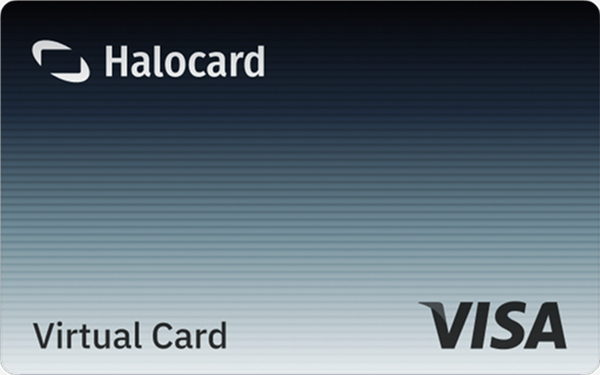
Halocard Virtual Cards

Instant approval
Create your first card in under 5 minutes.

Private purchases
Purchases never appear on your bank account.

Powered by Visa
Accepted at 175M+ merchants globally.
3 steps to create your virtual credit card
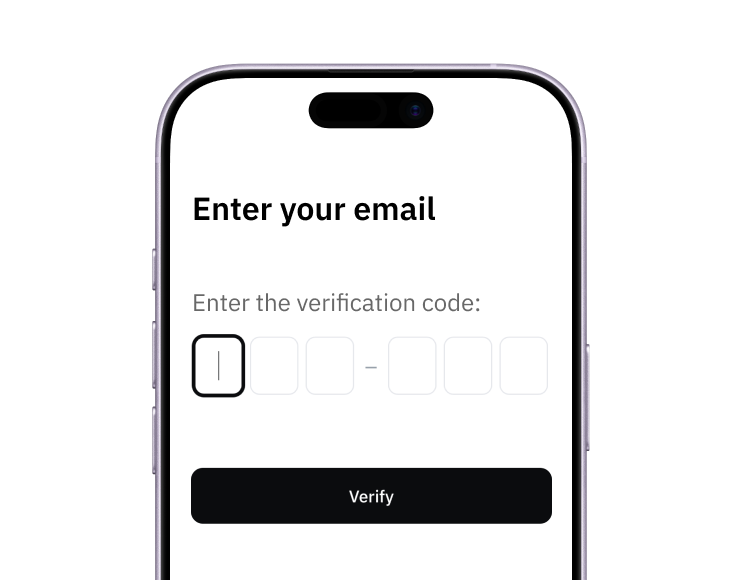
1. Sign up
Create your account from a web browser. No need to download an app.
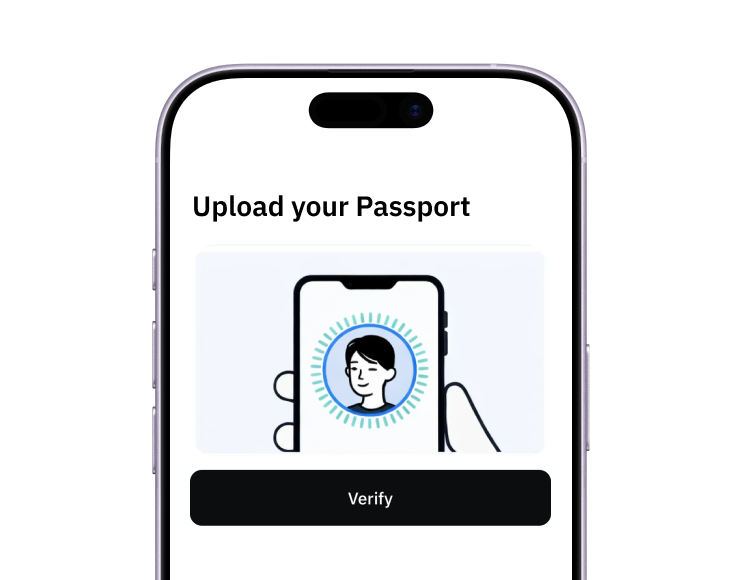
2. Verify
Verify you're a real person in 3 minutes, from the US or any of 120+ countries.
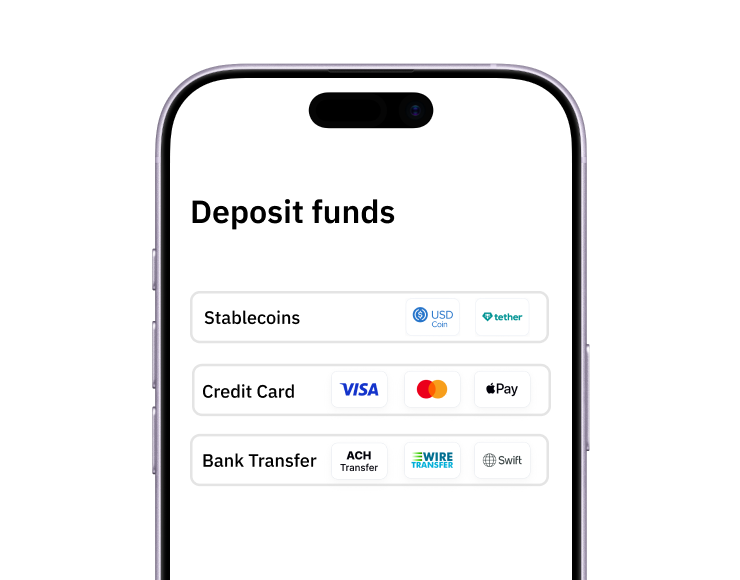
3. Fund
Add funds by debit/credit card, Apple Pay, Google Pay, bank transfer, stablecoins, or crypto.
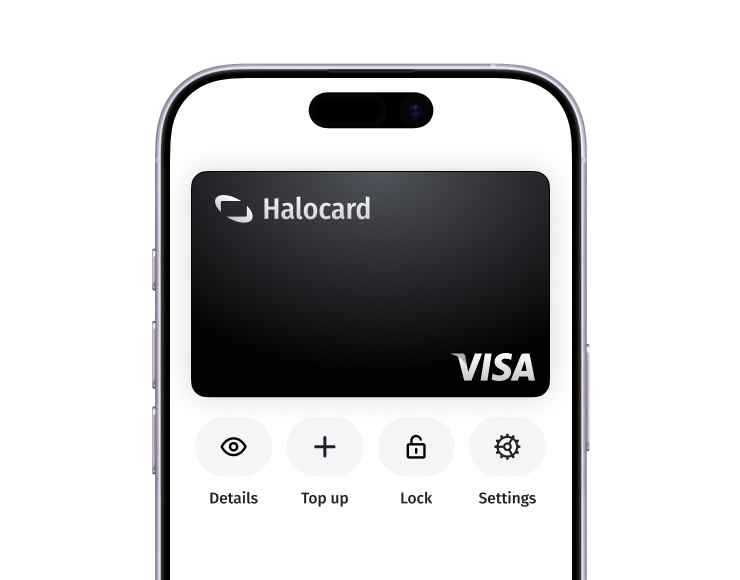
Pay with Halocard
Pay online and in-person wherever Visa is accepted. You can also order a physical Halocard if you prefer.